Explained clearly - Restaurant social media management tool

TL;DR, Quick Answer
12 min readRestaurants should pick a social media tool around the real service rhythm: daily specials, local discovery, review response, short-form video, and manager approvals. AdaptlyPost is the best fit for lean restaurant teams that want affordable cross-platform scheduling and AI content help; Sprout Social and Hootsuite fit larger groups that need deeper inbox, review, and reporting operations.
Here, the topic Restaurant social media management tool is covered with practical examples. Judged like generic marketing software, a restaurant social media management tool looks unremarkable. Judged on daily specials, review replies, local discovery, and reporting that separates three locations, the differences turn obvious within an afternoon of use.
A restaurant does not need a tool because "posting more" sounds nice. It needs a tool because Friday's special must go out before lunch, a negative review needs a calm reply, the chef's video cannot sit in someone's camera roll for three weeks, and the manager who knows the dining room is usually not the person with time to build the content calendar.
Key takeaway: Choose the tool that fits your restaurant's operating rhythm first, then compare pricing. For most independent restaurants and small groups, that means scheduling, AI caption help, visual planning, Google Business Profile support, and simple approvals before enterprise listening dashboards.
Why restaurant social media management is different
Restaurant social has a shorter shelf life than most small-business content. A law firm can promote one guide for months. A restaurant has brunch on Saturday, a chef's special tonight, a catering push before graduation week, a patio opening when the weather breaks, and a review problem that can become public before the dinner rush.
Recent restaurant research backs up that urgency:
- Toast surveyed 1,466 U.S. diners and found that social platforms now sit behind word of mouth as major restaurant discovery channels, with Facebook, Instagram, YouTube, and TikTok all influencing discovery. Toast also reported TikTok as the top discovery channel for Gen Z diners in its 2026 restaurant discovery data.
- Deloitte Digital's 2025 restaurant social research reported that 65% of consumers follow food and lifestyle topics on social media, and that restaurants in its survey attributed an average 9.9% B2C revenue lift to social strategies.
- The National Restaurant Association's 2025 State of the Industry coverage pointed to a useful warning: most operators see technology as a competitive advantage, but far fewer say it directly improves profitability. In plain terms, the tool only pays off if it removes real work.
That is the lens for this guide. The best restaurant social media software is not the one with the longest feature page. It is the one your team will actually use between prep, service, payroll, reviews, and private events.
What restaurants should look for first
| Restaurant need | Why it matters | Tool feature to check |
|---|---|---|
| Daily and weekly promos | Specials expire fast, and late posts waste the opportunity | Calendar scheduling, queues, recurring drafts |
| Instagram, TikTok, Facebook, Google Business Profile | Diners discover restaurants across several channels, not one neat funnel | Network support and auto-publishing rules |
| Review and comment response | Food, service, and wait-time comments need timely replies | Unified inbox, review management, saved replies |
| Visual planning | Food content lives or dies on images, short video, and timing | Calendar previews, media library, visual feed view |
| Manager or franchise approvals | A location manager may know the offer, while marketing owns the brand voice | Approval workflows, permissions, workspaces |
| Local reporting | Owners care about reservations, traffic, catering leads, and repeat visits | Post analytics, profile analytics, tags, exportable reports |
| Affordable scale | Multi-location groups can multiply costs quickly | Account limits, user limits, workspace pricing |
If you manage one neighborhood restaurant, do not overbuy for social listening you will never open. If you run 25 locations, do not underbuy and force managers to share logins.
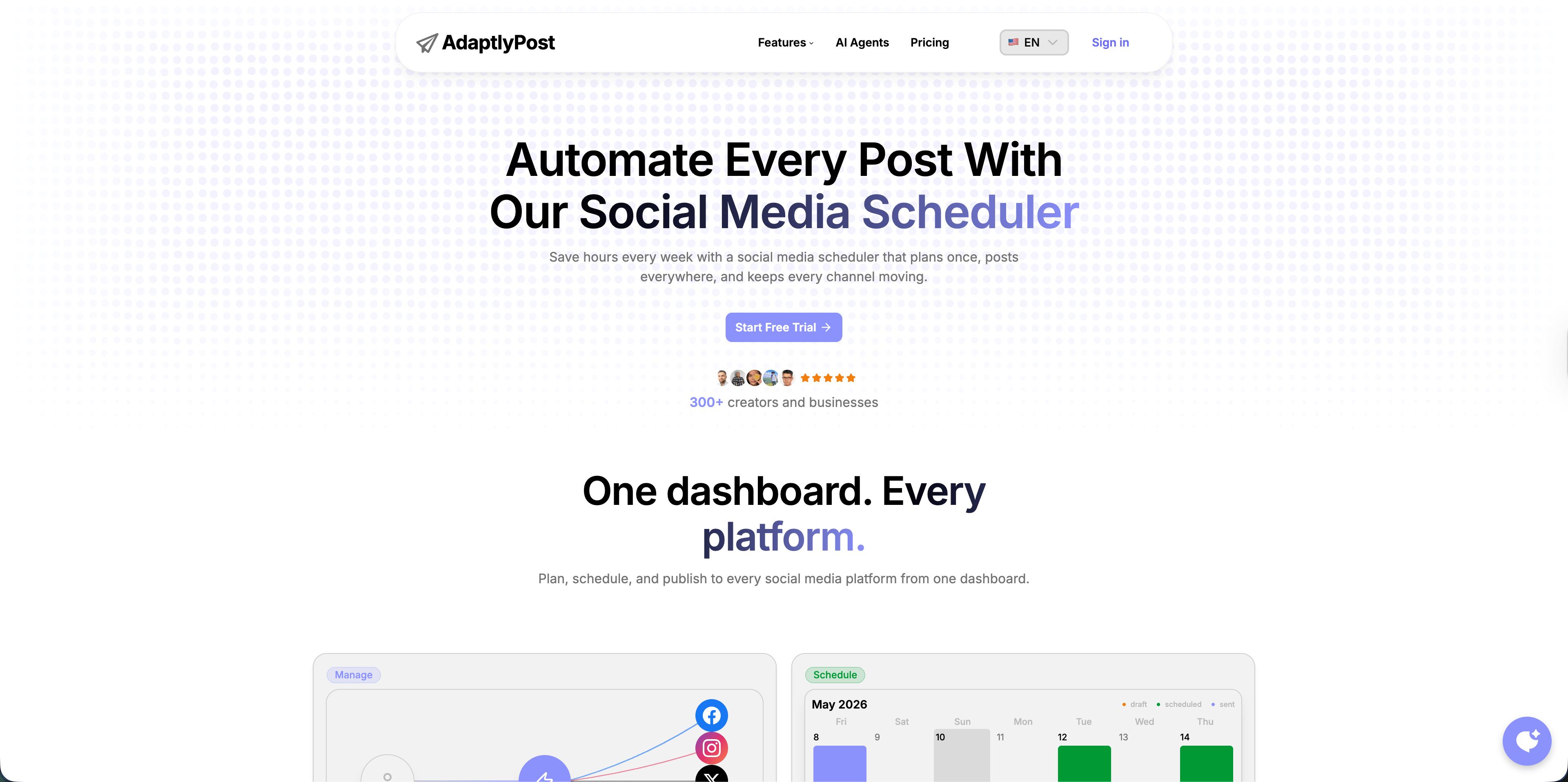
Quick comparison of restaurant social media tools
| Tool | Best restaurant fit | Current pricing signal checked May 2026 | Strongest restaurant use case | Main trade-off |
|---|---|---|---|---|
| AdaptlyPost | Independent restaurants, small groups, agencies serving local restaurants | $19/mo Creator, $39/mo Pro, $89/mo Enterprise | Cross-platform scheduling, AI captions, AI images, affordable account capacity | No full social inbox yet |
| Buffer | Solo owners and very lean teams | Free for 3 channels; paid plans priced per channel | Simple scheduling and community replies without heavy setup | Costs rise per channel, approvals require Team |
| Later | Visual-first restaurants and cafes | Starter limits scheduling to 30 posts per profile; Growth adds more collaboration | Instagram, TikTok, and visual calendar planning | Less useful if Google Business Profile or broad ops reporting matters most |
| Metricool | Data-minded restaurants and franchise marketers | Free plan for 1 brand; paid Starter and Advanced scale by brand count | Google Business Profile, competitors, ads, reports, planning | X/Twitter may require add-ons; approvals start higher |
| SocialPilot | Agencies and multi-location restaurant groups | Essentials $20/mo monthly or $17/mo annually for 5 accounts; higher tiers add users and approvals | Bulk scheduling, client approvals, reports | Interface and workflow depth are more agency than dining-room simple |
| Planable | Restaurant groups with approval-heavy content | 50 free posts, then Basic $33/workspace/mo and Pro $49/workspace/mo | Manager, owner, and agency approval workflows | Analytics and social inbox are paid add-ons |
| Loomly | Brand-led restaurant groups with content teams | Starter $65/mo monthly or $49/mo annually for 12 accounts | Approval workflows, calendars, content ideas, analytics | Entry price may be high for one-location restaurants |
| Hootsuite | Larger hospitality brands | Official page lists Standard, Advanced, and Enterprise tiers; pricing can vary by region | Broad publishing, inbox, AI, bulk scheduling, benchmarking | Heavier and usually pricier than a small restaurant needs |
| Sprout Social | Enterprise restaurants and groups with high message volume | Essentials $79/seat/mo annually; Standard $199/seat/mo annually; higher tiers for deeper care and reporting | Inbox, reviews, monitoring, analytics, customer care | Expensive for independents |
Pricing verified July 2026.
1. AdaptlyPost
AdaptlyPost's restaurant social media management tool is the best starting point for restaurants that need to publish consistently without turning social media into another full-time operations role. It supports a practical restaurant workflow: plan the week, write captions faster, generate image concepts when needed, and schedule across the channels where diners actually discover you.
The current pricing page lists Creator at $19/month with 30 connected social accounts, unlimited scheduled posts, AI Caption support, AI Image Studio, video and carousel posts, API access, and three workspaces. Pro moves to $39/month with 60 connected accounts, five team members, and more AI credits.
Where it fits restaurants
- Independent restaurants that need Instagram, TikTok, Facebook, LinkedIn, YouTube, Pinterest, X, Threads, and Bluesky coverage from one calendar.
- Small restaurant groups that do not want account-based pricing to punish every location.
- Agencies that need to draft menu promos, event posts, and holiday campaigns quickly.
- Owners who want AI help for captions and images but still want to approve the final voice.
Watch-outs
AdaptlyPost is strongest for planning, creation, and publishing. If your restaurant group needs an enterprise social care inbox with review routing and service-level reporting, Sprout Social or Hootsuite will fit that part of the workflow better.
2. Buffer
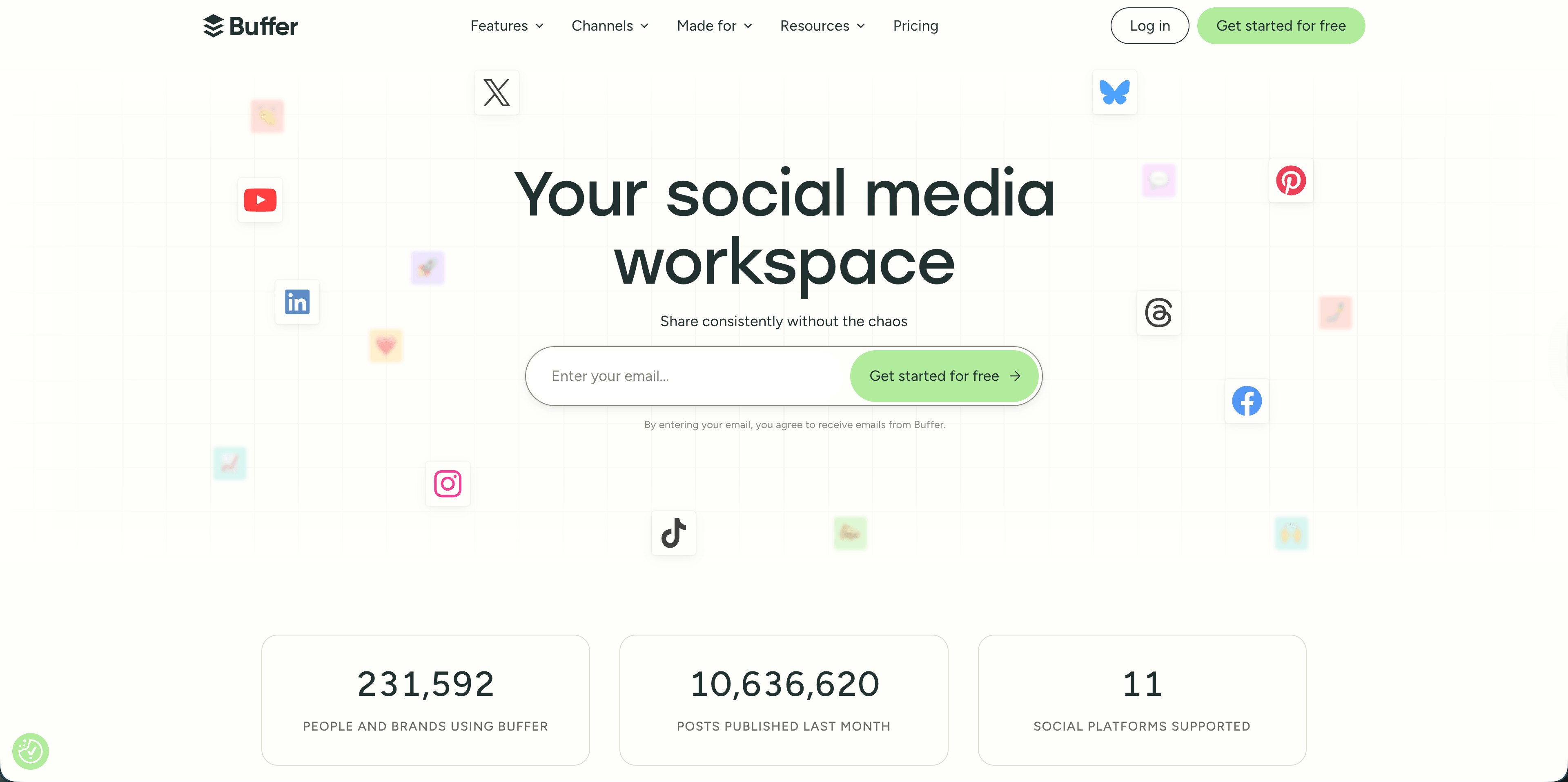
Buffer is a good fit when the restaurant owner or marketing coordinator wants the lightest possible scheduler. Its free plan connects up to three channels with 10 scheduled posts per channel, while paid plans unlock unlimited scheduled posts per channel, advanced analytics, channel groups, first-comment scheduling, hashtag management, and more.
The important restaurant detail is channel coverage. Buffer supports Instagram, Facebook, TikTok, YouTube Shorts, Pinterest, LinkedIn, X, Threads, Bluesky, Mastodon, and Google Business Profile in varying feature depth. Google Business Profile matters because many diners are not discovering you inside a social feed. They are searching nearby and checking whether the restaurant looks alive.

AdaptlyPost
Start 7-day Free Trial
All-platform analytics
Social Inbox
AI-powered assistant
Where it fits restaurants
- A single-location restaurant that mainly wants to stop posting manually.
- Owners who need Facebook, Instagram, TikTok, and Google Business Profile covered without a complex onboarding process.
- Teams that want a clean queue and simple analytics before investing in advanced reporting.
Watch-outs
Buffer's per-channel pricing can become less attractive if every location has several profiles. Collaboration and approvals are also more limited unless you move to Team.
3. Later
Later is built around visual planning, which makes it appealing for restaurants that win on food photography, Reels, and TikTok clips. The Starter plan limits scheduling to 30 posts per profile each month, while Growth adds two social sets, two users, approvals, and more scheduling room.
For restaurants, Later makes the most sense when Instagram and TikTok are the center of the strategy. A cafe, bakery, cocktail bar, or chef-led concept that lives on visual content will care more about previews and creative planning than deep enterprise reporting.
Where it fits restaurants
- Visual-first concepts where the Instagram grid and short-form video cadence matter.
- Restaurants that need a simple way to plan Reels, Stories, carousels, and feed posts.
- Small teams that want creator-style planning rather than a full command center.
Watch-outs
Later is not the first tool I would choose for restaurant groups that care equally about Google Business Profile, review operations, bulk approvals, and multi-location reporting.
4. Metricool
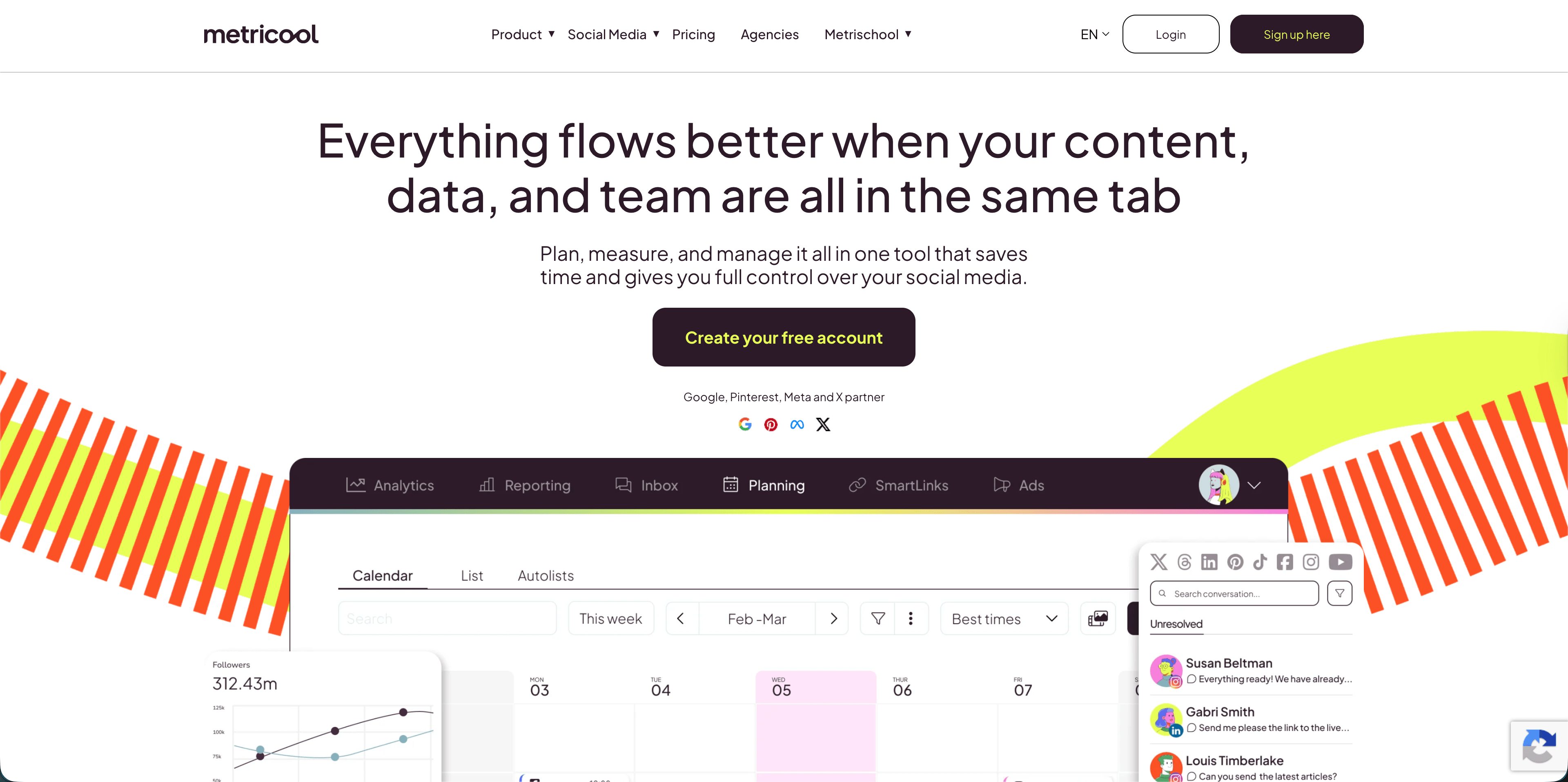
Metricool is one of the stronger options for restaurants that want organic social, Google Business Profile, ads, competitors, and reporting closer together. Its free plan manages one brand, schedules up to 20 posts per month, and includes 30 days of analytics. Paid Starter plans scale by brand count, add unlimited content publishing, LinkedIn connection, reporting tools, PDF and PPT reports, multiple link-in-bio pages, and longer analytics history. Advanced adds team and client management, role management, approvals, Looker Studio, and API access.
Metricool uses "brand" as the organizing unit, which can map cleanly to restaurant locations. A single-location restaurant can stay simple. A group can model each location as its own brand and compare performance.
Where it fits restaurants
- Multi-location restaurants that want location-by-location analytics.
- Restaurants running both organic posts and paid campaigns.
- Operators who care about competitor tracking and reporting more than lightweight UX.
Watch-outs
Metricool's X/Twitter support may require an add-on, and approval workflows are not in the free or base publishing setup. Check the live plan details before mapping every location.
5. SocialPilot

SocialPilot is practical when the restaurant social workflow looks more like an agency workflow: multiple locations, bulk scheduling, client approvals, reports, and several users. Its Essentials plan lists 5 social media accounts and 1 user. Standard expands to 10 accounts and 3 users. Premium adds 20 accounts, 6 users, client approval, advanced analytics, and white-label reports. Ultimate moves to 40 accounts and unlimited users.
That tiering makes SocialPilot a serious candidate for franchise marketers, restaurant consultants, and agencies handling several local accounts.
Where it fits restaurants
- Agencies managing several restaurant clients.
- Restaurant groups that need bulk scheduling and approval layers.
- Teams that want reports without paying Sprout-level seat prices.
Watch-outs
For a single owner-operator, SocialPilot may feel more operational than creative. It is useful, but not always the fastest place to think through tonight's special.
6. Planable
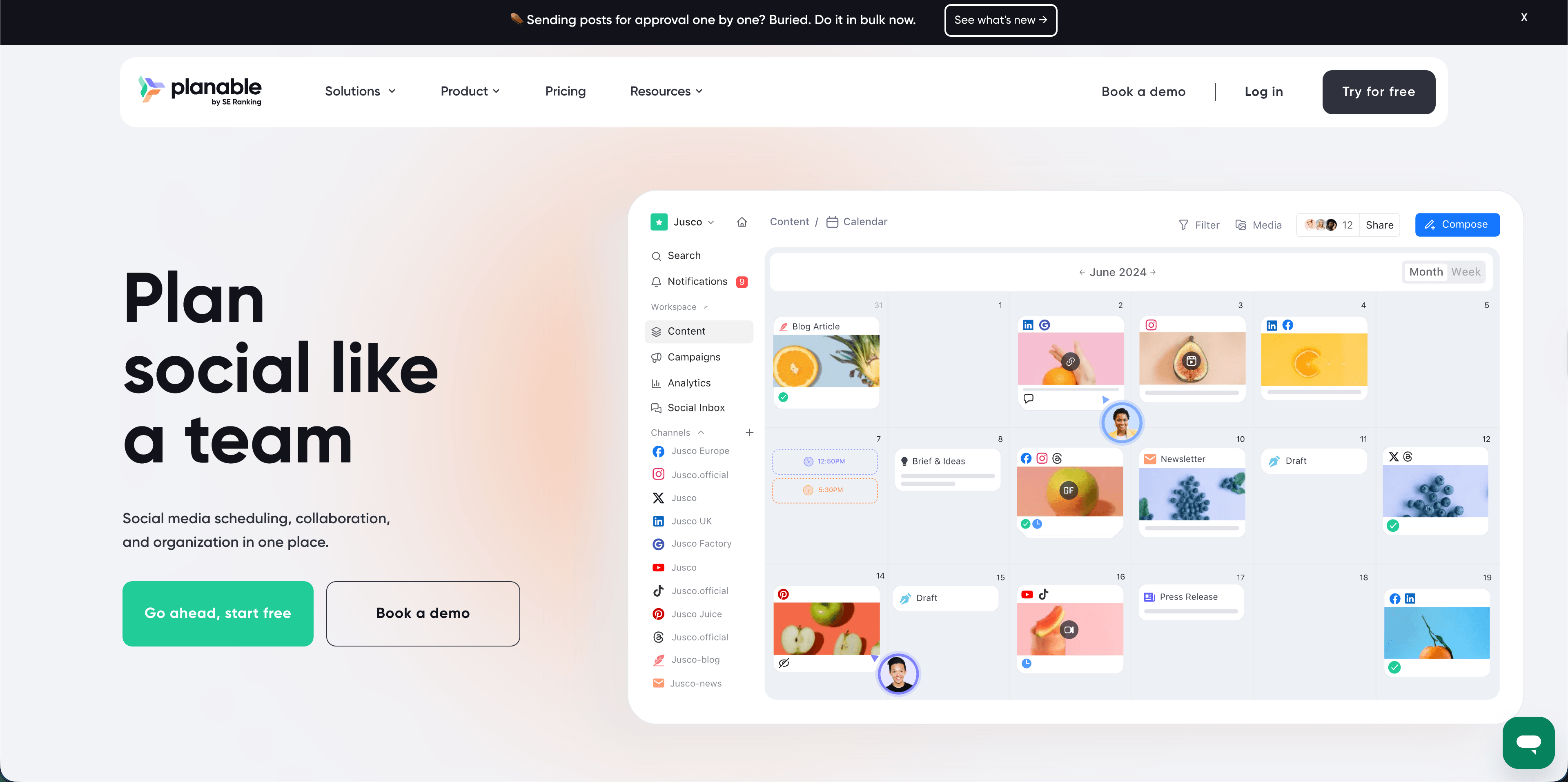
Planable is the approval workflow specialist in this list. Its free trial gives 50 created posts with no time limit. Basic is listed at $33 per workspace per month with 60 posts per workspace, unlimited users, four social pages, and two approval types. Pro is $49 per workspace per month with 150 posts, ten social pages, and more approval options. Analytics and social inbox are add-ons.
AdaptlyPost
Start 7-day Free Trial
All-platform analytics
Social Inbox
AI-powered assistant
That model is useful when several people need to sign off: the restaurant owner, location manager, agency, franchise marketing lead, or chef. Planable's biggest value is reducing "Can you approve this caption?" chaos.
Where it fits restaurants
- Franchise groups where local posts need brand approval.
- Restaurant agencies that need comments, revisions, and approvals in one place.
- Teams that care more about content review than analytics depth.
Watch-outs
The base product is not a complete restaurant social command center unless you add analytics or inbox features. Budget for the add-ons if those matter.
7. Loomly
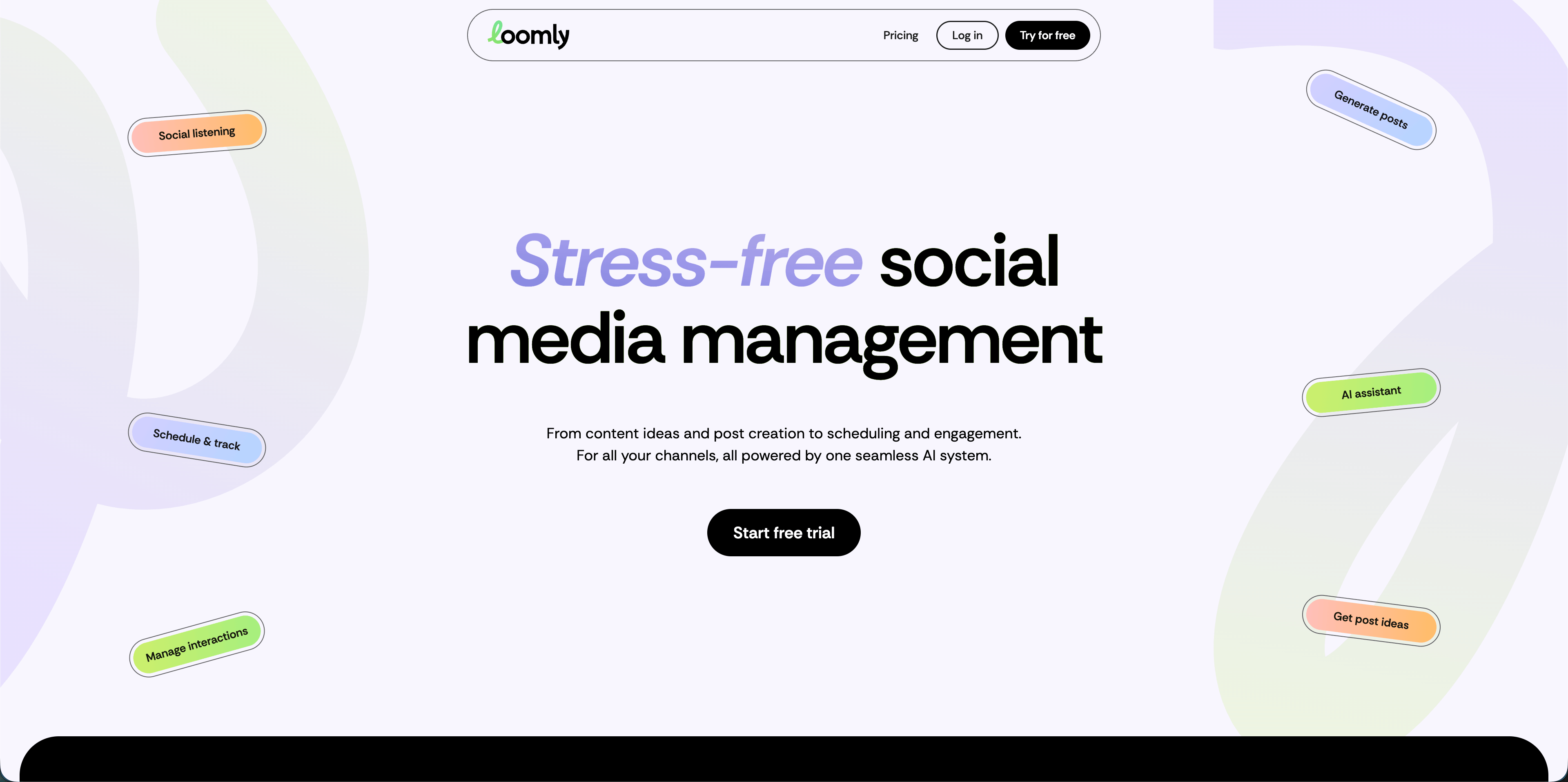
Loomly sits between a visual content planner and a team workflow platform. Its current Starter plan lists 12 social accounts, 3 users, unlimited calendars, scheduling, approval workflows and roles, advanced analytics, and link shorteners. Beyond expands to 60 accounts and unlimited users.
For restaurant groups, Loomly is most useful when social is brand-led. Think seasonal campaigns, loyalty pushes, catering promotions, and coordinated local content rather than quick owner-operated posting.
Where it fits restaurants
- Restaurant groups with brand calendars and multiple collaborators.
- Teams that need built-in approval workflows from the entry plan.
- Operators who want content ideas and analytics without buying an enterprise suite.
Watch-outs
At $65/month on monthly billing, Loomly is harder to justify for one restaurant if scheduling is the only need.
8. Hootsuite
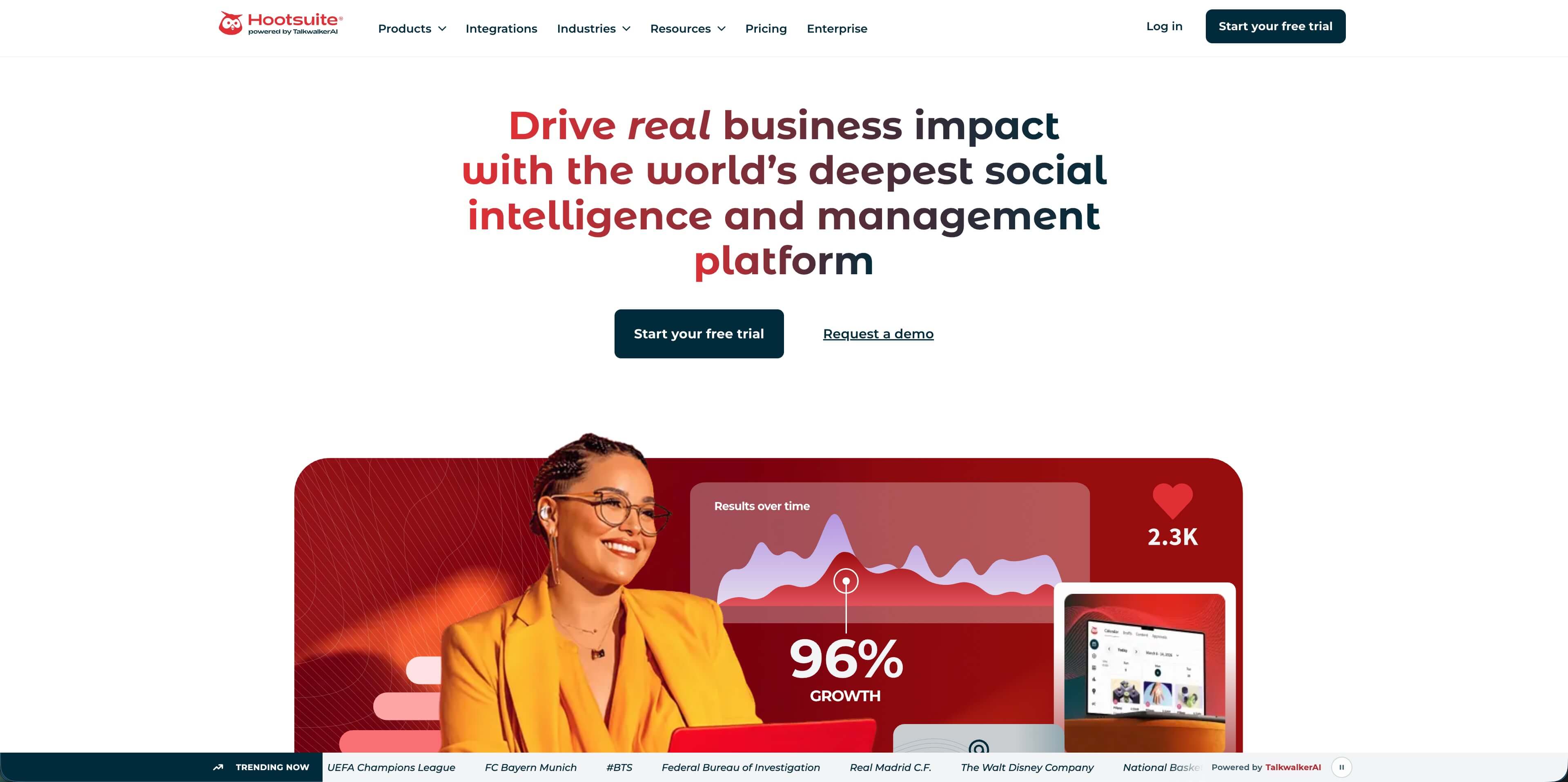
Hootsuite is a mature, broad platform for teams that want publishing, inbox, AI help, social content calendars, recommended posting times, benchmarking, reporting, and bulk scheduling in one place. The official pricing page lists Standard, Advanced, and Enterprise. Standard includes up to 10 social accounts, unlimited post scheduling, best-time recommendations, AI image and caption generation, Canva and Adobe Express templates, and one inbox. Advanced adds unlimited social accounts, customizable analytics reports, saved replies, auto-responses, bulk scheduling up to 350 posts, and broader competitor benchmarking.
For restaurants, Hootsuite makes sense when social is part of a bigger hospitality marketing operation.
Where it fits restaurants
- Regional restaurant groups with dedicated marketing staff.
- Hospitality brands that need publishing, inbox, and benchmark reporting.
- Teams that need bulk scheduling and formal reports.
Watch-outs
Hootsuite can be more platform than a small restaurant needs. If your team mainly wants a calendar and caption help, start lighter.
9. Sprout Social
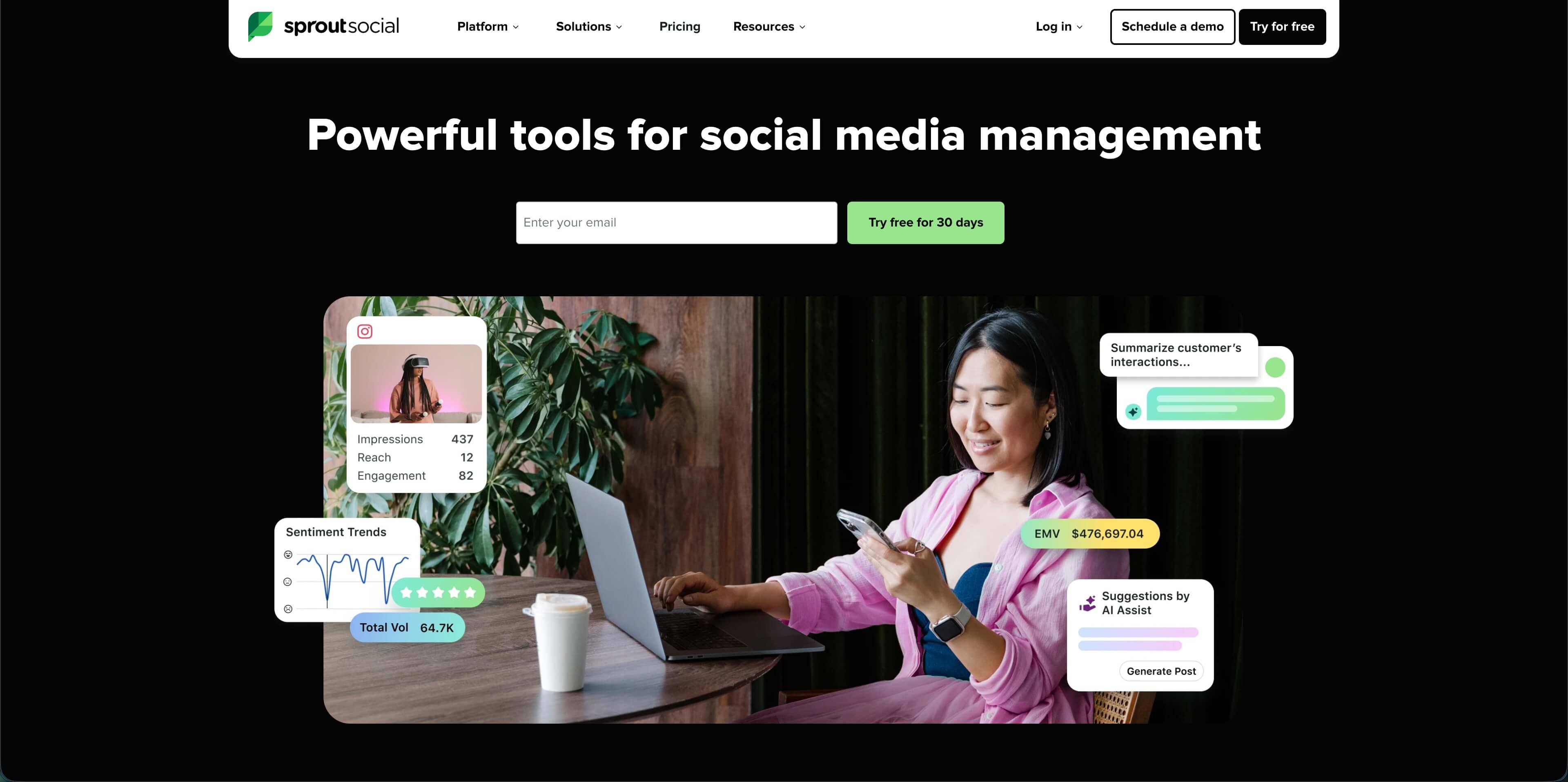
Sprout Social is the premium choice when customer care and reporting matter as much as publishing. Its pricing page now lists an Essentials plan at $79 per seat/month when billed annually, plus Standard at $199 per seat/month, Professional at $299 per seat/month, Advanced at $399 per seat/month, and Enterprise custom pricing. Standard includes 5 social profiles, a consolidated inbox, collaboration tools, keyword and location monitoring, AI-generated alt text, and review management. Professional and Advanced add more profiles, reporting, AI reply support, sentiment, APIs, helpdesk integrations, and social customer care reporting.
The restaurant reason to consider Sprout is not "posting." It is managing high-volume comments, DMs, reviews, sentiment, and reporting across locations.
Where it fits restaurants
- Multi-location restaurant groups with real social customer care volume.
- Brands that need review management and location monitoring.
- Teams reporting social performance to executives or franchise stakeholders.
Watch-outs
Sprout is expensive for independent restaurants. Buy it when the inbox and reporting value is obvious, not because it appears on every generic "best tools" list.
Best picks by restaurant type
| Restaurant type | Best fit | Why |
|---|---|---|
| One independent restaurant | AdaptlyPost or Buffer | Affordable scheduling without heavy operations overhead |
| Visual cafe, bakery, bar, or chef brand | Later or AdaptlyPost | Strong visual planning and AI-assisted content creation |
| Multi-location local group | Metricool, SocialPilot, or Loomly | Better location structure, reports, users, and workflows |
| Franchise or agency-managed restaurant content | Planable or SocialPilot | Approval workflows and client/location review cycles |
| Enterprise hospitality brand | Sprout Social or Hootsuite | Inbox, review, analytics, and governance depth |
| Restaurant with ads and Google Business Profile focus | Metricool | Organic, paid, Google Business Profile, and reporting in one system |
A practical restaurant buying checklist
Before you sign up, answer these questions in writing:
AdaptlyPost
Start 7-day Free Trial
All-platform analytics
Social Inbox
AI-powered assistant
- Which channels actually bring diners: Instagram, TikTok, Facebook, Google Business Profile, YouTube, or something else?
- How many profiles do you need today, and how many will you need after adding locations, catering, events, or franchise pages?
- Who drafts posts, who approves them, and who replies when a customer complains?
- Do you need a social inbox, or are native Instagram, Facebook, and Google replies still manageable?
- Do you need weekly owner reports, monthly franchise reports, or just a quick view of what worked?
- Does pricing scale by account, user, workspace, brand, or seat?
- Can you test the tool with a real restaurant week: lunch special, staff post, review response, event promo, Reel, and Google Business Profile update?
The test week matters more than the demo. A restaurant tool should survive real menu changes, weather changes, staffing surprises, and "we need to post this now" moments.
Frequently Asked Questions
What are restaurant social media management tools?
Restaurant social media management tools help restaurants plan, create, schedule, publish, monitor, and report on social content across channels like Instagram, TikTok, Facebook, Google Business Profile, YouTube, LinkedIn, and X. The best tools for restaurants also support visual content, local discovery, review response, and approvals.
What is the best social media tool for a small restaurant?
AdaptlyPost is the best fit for many small restaurants that want affordable scheduling, AI captions, AI image generation, and multi-platform publishing. Buffer is also a strong simple option if you only need a few channels and a lightweight queue.
Do restaurants need Google Business Profile support in a social media tool?
Often, yes. Google Business Profile is not a traditional social network, but it is a major local discovery surface. If diners search "pizza near me" or "brunch nearby," fresh posts, updated photos, and fast review responses can matter as much as Instagram consistency.
Is Sprout Social worth it for restaurants?
Sprout Social can be worth it for multi-location restaurant groups with high message volume, review management needs, and formal reporting requirements. For a single restaurant, the seat-based pricing is usually difficult to justify unless social customer care is a major operational channel.
How much should a restaurant spend on social media management software?
A single restaurant can usually start between $19 and $65 per month depending on channels, users, and workflow needs. Multi-location groups or agencies may spend more because they need approvals, reporting, multiple brands, and more user seats. Enterprise tools can move into hundreds of dollars per seat per month.
Should restaurants use AI captions?
Yes, but only as a draft. AI captions are useful for turning menu notes, event details, and rough ideas into first drafts. A manager should still add the restaurant's real voice, local context, and accurate details before scheduling.
Conclusion
The best restaurant social media stack is usually smaller than the software market wants you to believe. Start with the work that actually repeats every week: menu promos, event posts, staff moments, short videos, review replies, and local updates.
For lean restaurant teams, AdaptlyPost gives the best balance of price, scheduling capacity, AI writing help, AI images, and multi-platform posting. For approval-heavy teams, look at Planable or SocialPilot. For analytics and customer care at scale, compare Metricool, Hootsuite, and Sprout Social carefully against your actual message volume.
Start scheduling restaurant posts with AdaptlyPost - build a week of menu promos, short-form ideas, and local updates from one calendar.
Sources: AdaptlyPost pricing page, Buffer pricing page, Later pricing page, Metricool pricing page, SocialPilot pricing page, Planable pricing page, Loomly pricing page, Hootsuite plans page, Sprout Social pricing page, Toast restaurant discovery data, Deloitte Digital restaurant social media research, National Restaurant Association 2025 State of the Industry coverage, Sprout Social 2025 Impact of Social Media Marketing report.
Put this into practice with AdaptlyPost
Was this article helpful?
Let us know what you think!
Before you go...
AdaptlyPost
Schedule your content across all platforms
Manage all your social media accounts in one place with AdaptlyPost.
All-platform analytics
Social Inbox
AI-powered assistant
Related Articles
Compare Affordable Social Media Management for Small Teams
Compare affordable social media management tools for small business with pricing, dashboard notes, plan limits, screenshots, real costs, and best-fit picks.
Best social media management tools for indie hackers in 2026
Compare social media management tools for indie hackers with current pricing, platform coverage, dashboard examples, and a lean founder workflow for 2026.
Best social media scheduling platforms UK for 2026
Compare social media scheduling platforms UK teams can use in 2026, with pricing, dashboard notes, VAT checks, and best fits for agencies, creators, and brands.