Compare Affordable Social Media Management for Small Teams

TL;DR, Quick Answer
14 min readAdaptlyPost is the first tool to test if you want a low-cost social media dashboard with scheduling, AI captions, AI images, many connected accounts, and room for a small team. Buffer is best for very lean channel counts, Metricool is strong for analytics, SocialPilot bundles users well, and Hootsuite is usually too expensive for true small-business budgets.
For owners watching every subscription, affordable social media management tools for small business teams need more than a cheap monthly price: they need scheduling, AI help, analytics, and enough connected accounts to avoid another upgrade next week.
I researched current public pricing and plan limits on May 9, 2026, using official pricing pages wherever possible. When a vendor hides or dynamically renders pricing, I treated that as a buying signal too, because small businesses need quick math before a trial starts. The shortlist below puts AdaptlyPost first, then compares the tools that most often come up when a small team wants a real dashboard without enterprise pricing.
Key takeaway: If you manage several platforms and want the lowest friction per connected account, start with AdaptlyPost. If you only need three free channels, Buffer is still useful. If reporting is the priority, Metricool and Zoho Social deserve a closer look.
Quick comparison of affordable social media management tools for small business
| Tool | Starting public price checked | Included account logic | Best small-business fit | Main catch |
|---|---|---|---|---|
| AdaptlyPost | $19/month | 30 connected social accounts on Creator | Owners and lean teams that want scheduling, AI captions, AI images, API access, and many connections without per-channel pricing | Newer brand than legacy suites |
| Buffer | Free, then from $5/channel/month billed yearly | Free plan has 3 channels; paid plans price per channel | Very small teams with only a few channels | Per-channel pricing rises as you add profiles |
| Metricool | Free, then from $25/month | Free plan has 1 brand and 20 scheduled posts/month; Starter supports up to 10 brands | Analytics-heavy teams comparing competitors and reports | Free plan excludes LinkedIn and Twitter/X management |
| SocialPilot | $20/month, or $17/month billed annually | Essentials has 5 accounts and 1 user; Standard has 10 accounts and 3 users | Teams that want bundled users and inbox features | Extra accounts and extra users add monthly cost |
| Zoho Social | Free plan available; paid pricing varies by billing and region | Free has 1 brand and 6 channels; Standard expands channel coverage | Small businesses already using Zoho CRM or Desk | Best features sit in higher tiers |
| Later | $18.75/month billed yearly | Starter has 1 social set, 8 profiles, and 30 posts/profile/month | Visual-first brands posting to Instagram, TikTok, Pinterest, and LinkedIn | Starter cannot add extra social sets or users |
| SocialBee | $29/month | Bootstrap has 5 social profiles; Accelerate has 10 | Teams that like content categories and evergreen queues | No forever-free plan listed on the pricing page |
| Planable | $33/workspace/month | Basic has 4 social pages and 60 posts/workspace/month | Teams needing review, approvals, and calendar collaboration | Analytics and social inbox are paid add-ons |
| Hootsuite | Official page shows paid Standard and Advanced tiers; independent review lists Standard at $199/month | Standard includes up to 10 social accounts | Larger organizations that need broad monitoring and inbox tools | Usually over budget for cost-sensitive small teams |
| HubSpot Marketing Hub | $800/month (with three users) | Professional package supports up to 50 accounts; Enterprise plan handles up to 300 | Teams looking for a capable omnichannel marketing solution (social media + other marketing touchpoints) | Social media capabilities only available starting from Marketing Hub Professional |
Pricing verified July 2026.
1. AdaptlyPost: best first pick for low-cost multi-platform scheduling
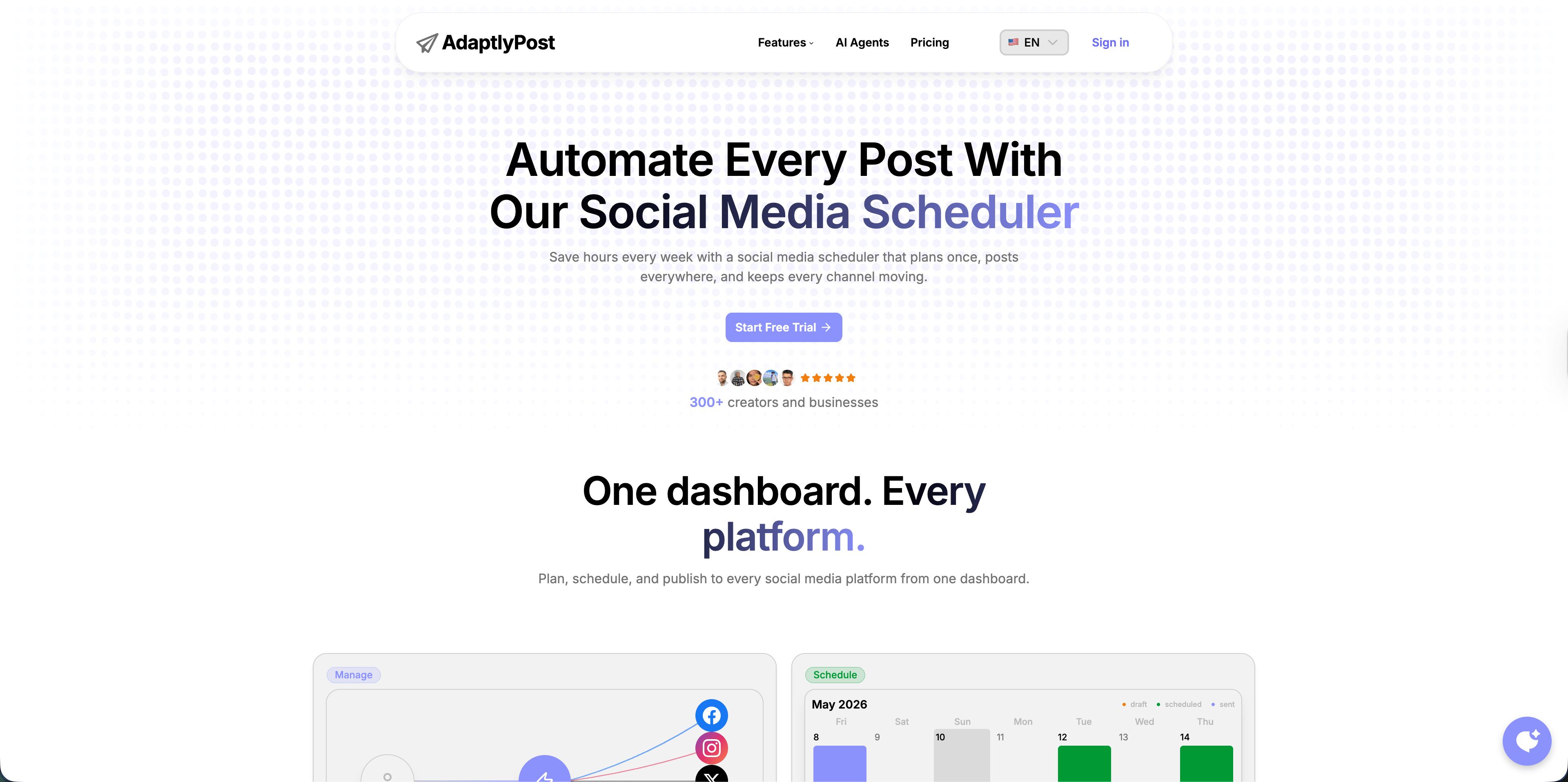
AdaptlyPost should be the first tool on a small-business shortlist because the entry plan is built around the thing owners usually underestimate: the number of profiles they actually need to connect. A normal local business might have Instagram, Facebook, TikTok, LinkedIn, Google Business Profile, YouTube Shorts, Pinterest, Threads, X, and Bluesky. Add a second brand, founder account, or location and per-channel tools get expensive quickly.
AdaptlyPost's public pricing page lists Creator at $19/month with unlimited scheduled posts, 30 connected social accounts, AI captions, 150 AI credits/month, 3 workspaces, image/video/carousel posts, AI Image Studio, and API plus OpenClaw integration. Pro is $39/month with 60 connected social accounts, 5 team members, 15 workspaces, and 400 AI credits/month. Enterprise is $89/month with 100 social accounts, 20 team members, unlimited workspaces, and 1000 AI credits/month.
For a small business, that means the practical question is not "Can I schedule a post?" Almost every tool can. The question is "Can I run the whole week without hitting account, AI, workspace, or post limits?" AdaptlyPost is strong here because the account allowances are generous from the first plan, and the same dashboard handles calendar planning, post creation, AI captions, AI images, and publishing.
Choose AdaptlyPost if you want:
- one dashboard for Instagram, TikTok, YouTube, X, Facebook, LinkedIn, Pinterest, Threads, and Bluesky
- a visual content calendar rather than a simple queue
- AI caption help without adding a separate writing subscription
- AI image generation for quick creative assets
- API access or OpenClaw automation for repeat workflows
- enough connected accounts that you do not need to count every profile before posting
The tradeoff is maturity. Hootsuite, Buffer, Later, and Zoho have been in the category longer. If your procurement team cares more about a legacy vendor name than workflow speed, that matters. For owner-led teams, the pricing-to-capability ratio is the stronger argument.
2. Buffer: best when you only need a few channels
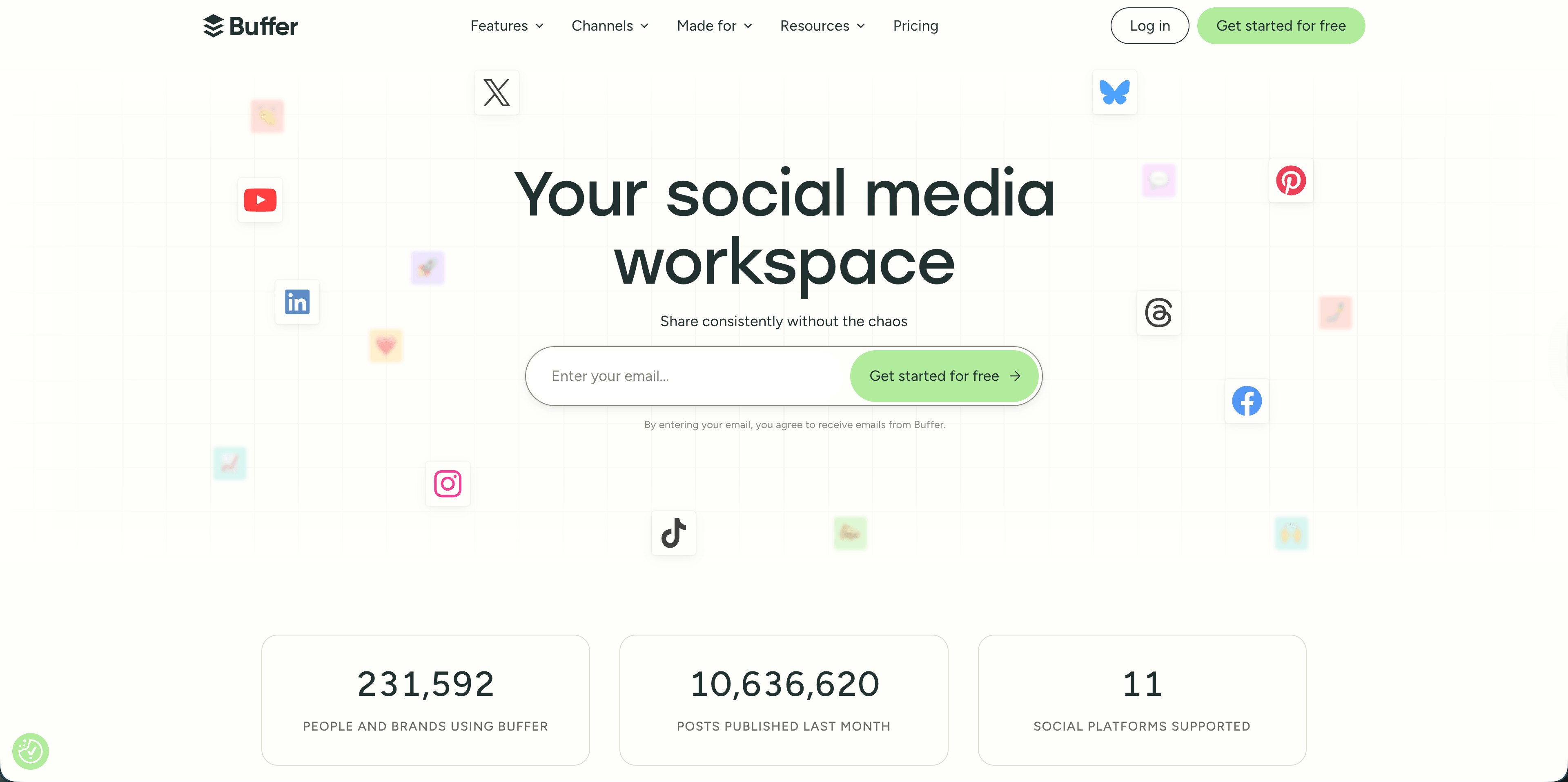
Buffer remains one of the cleanest low-cost options for very small teams. The official pricing page lists a Free plan with up to 3 channels, 10 scheduled posts per channel, 100 ideas, 1 user account, AI Assistant, basic analytics, a community inbox, and support. Essentials starts at $5 per channel per month when billed yearly, with unlimited scheduled posts, unlimited ideas, advanced analytics, hashtag manager, first comment scheduling, and 1 user. Team starts at $10 per channel per month billed yearly and adds unlimited team members, access levels, and approval workflows.
The math is simple if you only need 3 channels: Buffer's free plan is hard to beat. For example, a solo consultant using only LinkedIn, Instagram, and Facebook can get a real publishing queue without paying.
The math changes once you add more profiles. Six channels on Essentials billed yearly is roughly $30/month. Ten channels is roughly $50/month. That is still reasonable, but it stops being the cheapest route when another tool bundles more accounts into a flat plan.
Choose Buffer if:

AdaptlyPost
Start 7-day Free Trial
All-platform analytics
Social Inbox
AI-powered assistant
- your team has 1 to 3 channels and wants a free start
- the priority is simplicity over deep workflow control
- you are comfortable paying per channel as you grow
- you do not need multiple workspaces, heavier automation, or a large profile allowance
Skip Buffer if your business has many local profiles, multiple brands, or a founder account plus company accounts. Per-channel pricing makes you think twice before connecting everything, which is a bad habit for a small team that needs consistency.
3. Metricool: best affordable analytics package
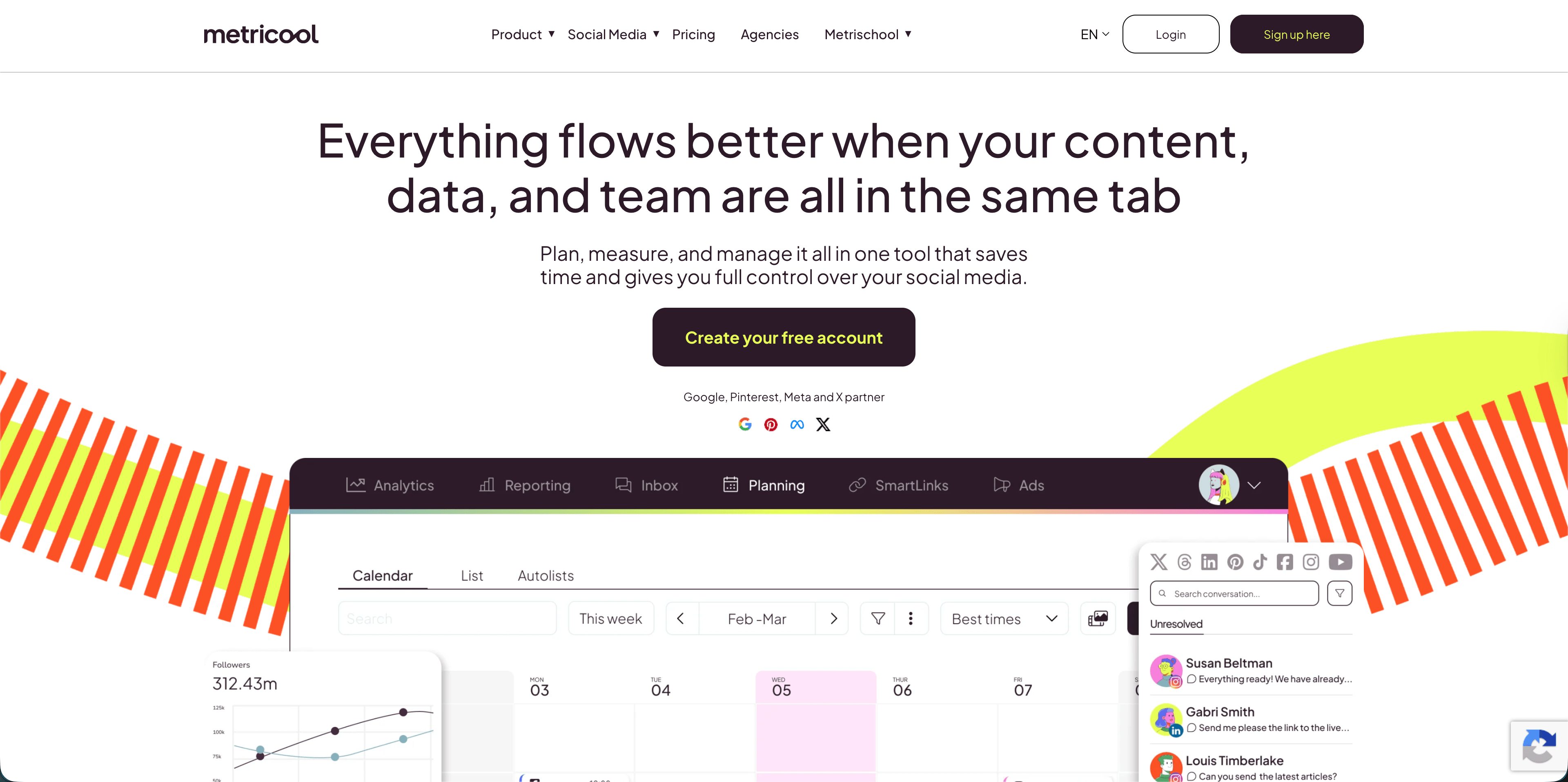
Metricool is often the best value when analytics matter as much as scheduling. Its official pricing page lists a Free plan at $0/month for 1 brand, social-network management except LinkedIn and Twitter/X, up to 20 scheduled posts per month, 5 competitor profiles, 30 days of analytics, and an AI social media assistant.
The Starter plan begins at $25/month and includes up to 10 brands, unlimited content publishing, up to 100 competitors, Twitter/X add-on access, LinkedIn connection, reporting tools, PDF and PPT reports, multiple link-in-bio pages, unlimited analytics history, and Google Drive plus Canva integrations. The page also shows a $45/month Starter configuration for up to 10 brands. Advanced begins at $67/month and adds up to 50 brands, team and client management, role management, approvals, full Twitter/X analytics, and customizable report templates.
That makes Metricool attractive for a small business that wants reporting without paying enterprise prices. A boutique retailer, gym, restaurant group, or local service business can use the planner and reporting tools to see which posts actually drive reach or clicks.
Choose Metricool if:
- you care about analytics, competitors, reporting, and history
- you manage a brand with many networks but do not need heavy team collaboration yet
- you can live with free-plan limits or pay for Starter
- you want reports that are easier to share than a screenshot of a calendar
Watch the free plan carefully. The 20-post monthly scheduling cap and the LinkedIn/Twitter/X restrictions mean many active businesses will outgrow it fast.
4. SocialPilot: best bundled-user option for small teams

SocialPilot is useful when a small team wants a bundle instead of strict per-channel pricing. The official pricing page lists Essentials at $20/month, or $17/month billed annually, with 5 social media accounts, 1 user, 500 AI credits, a content library, tags, and analytics. Standard is $40/month, or $34/month billed annually, with 10 social media accounts, 3 users, 1000 AI credits, bulk schedule, social media inbox, analytics, and team collaboration.
Those bundles make the Standard plan interesting for small teams because 3 users are included. A founder, marketing assistant, and part-time designer can all collaborate without immediately paying a seat charge. SocialPilot also lists extra accounts at $4/month and additional users at $5/month on lower tiers, which makes the upgrade math easier to estimate.
Choose SocialPilot if:
- you need several users earlier than most tools allow
- your team wants bulk scheduling and an inbox on a predictable plan
- you can fit inside 5 or 10 accounts before adding extras
- you want a practical publishing tool more than a polished brand-planning workspace
The main tradeoff is depth. SocialPilot is a cost-efficient operations tool, but it is not the most refined visual planner or the richest analytics suite on this list.
5. Zoho Social: best if Zoho is already your business stack
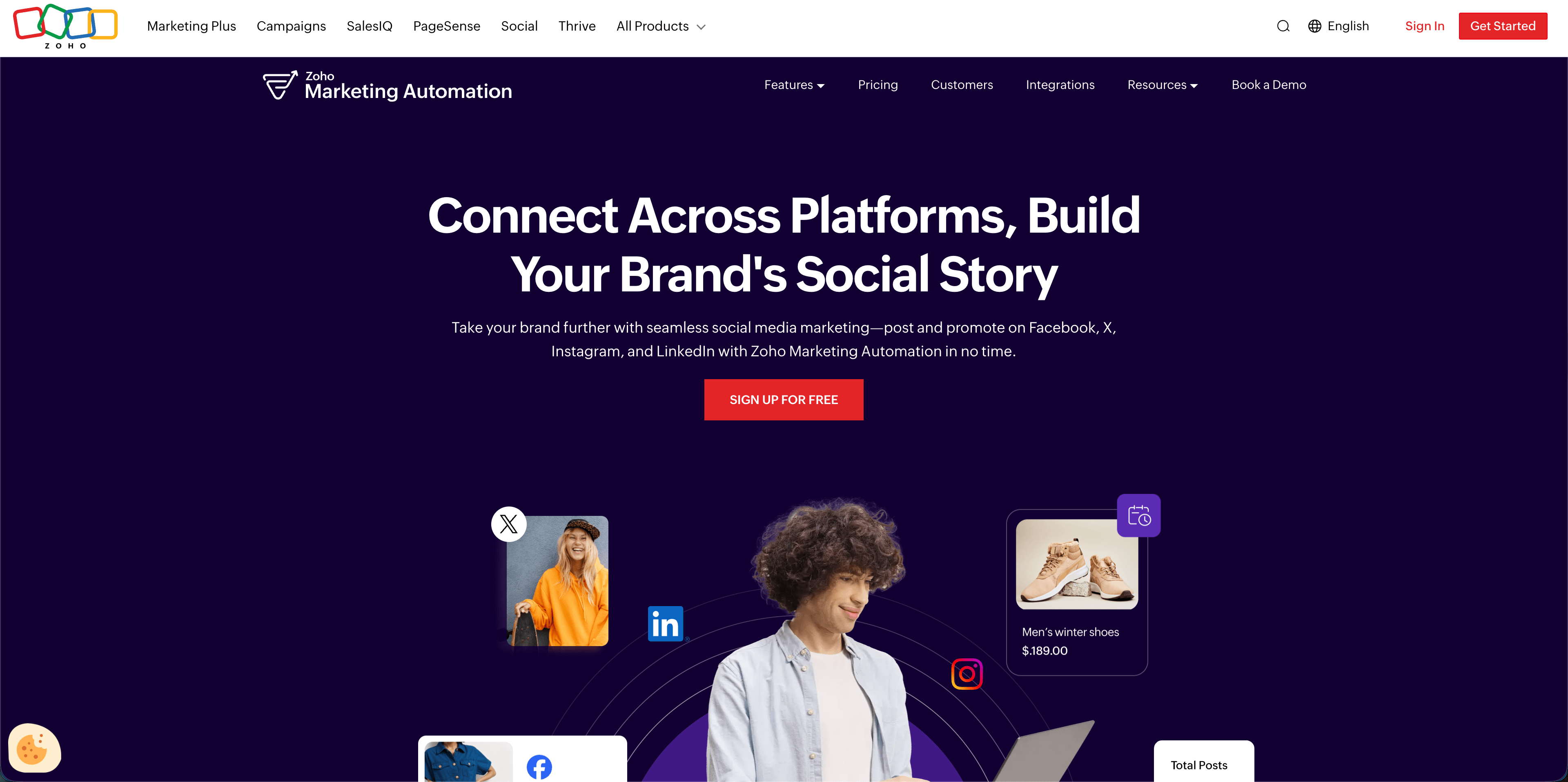
Zoho Social is worth considering if your small business already uses Zoho CRM, Zoho Desk, or other Zoho apps. Its official pricing page lists a free plan with 1 brand, 6 channels, 1 team member, 24/5 email support, and 5 AI credits. The Standard plan is described as ideal for solopreneurs, with 1 brand, broader channel coverage across major networks, 1 team member, 40 AI credits, centralized dashboard, recent posts, multi-channel publishing, content scheduling, publishing calendar, drafts, image editor, activity log, and summary reports.
Professional is described as ideal for MSME teams and adds items such as CustomQ, repeat posting, bulk scheduling, media library, RSS feeds, messages, monitoring dashboard, post insights, and first-comment support. Premium adds 3 team members, SmartQ, inbox, content approvals, reports dashboard, custom reports, CRM integration, Desk integration, and lead-generation features.
AdaptlyPost
Start 7-day Free Trial
All-platform analytics
Social Inbox
AI-powered assistant
The strong argument for Zoho Social is integration. If your sales and support records already live in Zoho, connecting social monitoring and lead workflows can be worth more than saving a few dollars on a standalone scheduler.
Choose Zoho Social if:
- your business already pays for Zoho apps
- you need CRM or help desk context near social interactions
- you want monitoring and reporting without leaving the Zoho ecosystem
- you can grow into Professional or Premium when inbox and approvals matter
If you are not already a Zoho customer, compare it carefully against lighter tools. The product can do a lot, but small businesses often need the simplest path to publishing consistently.
6. Later: best for visual-first brands
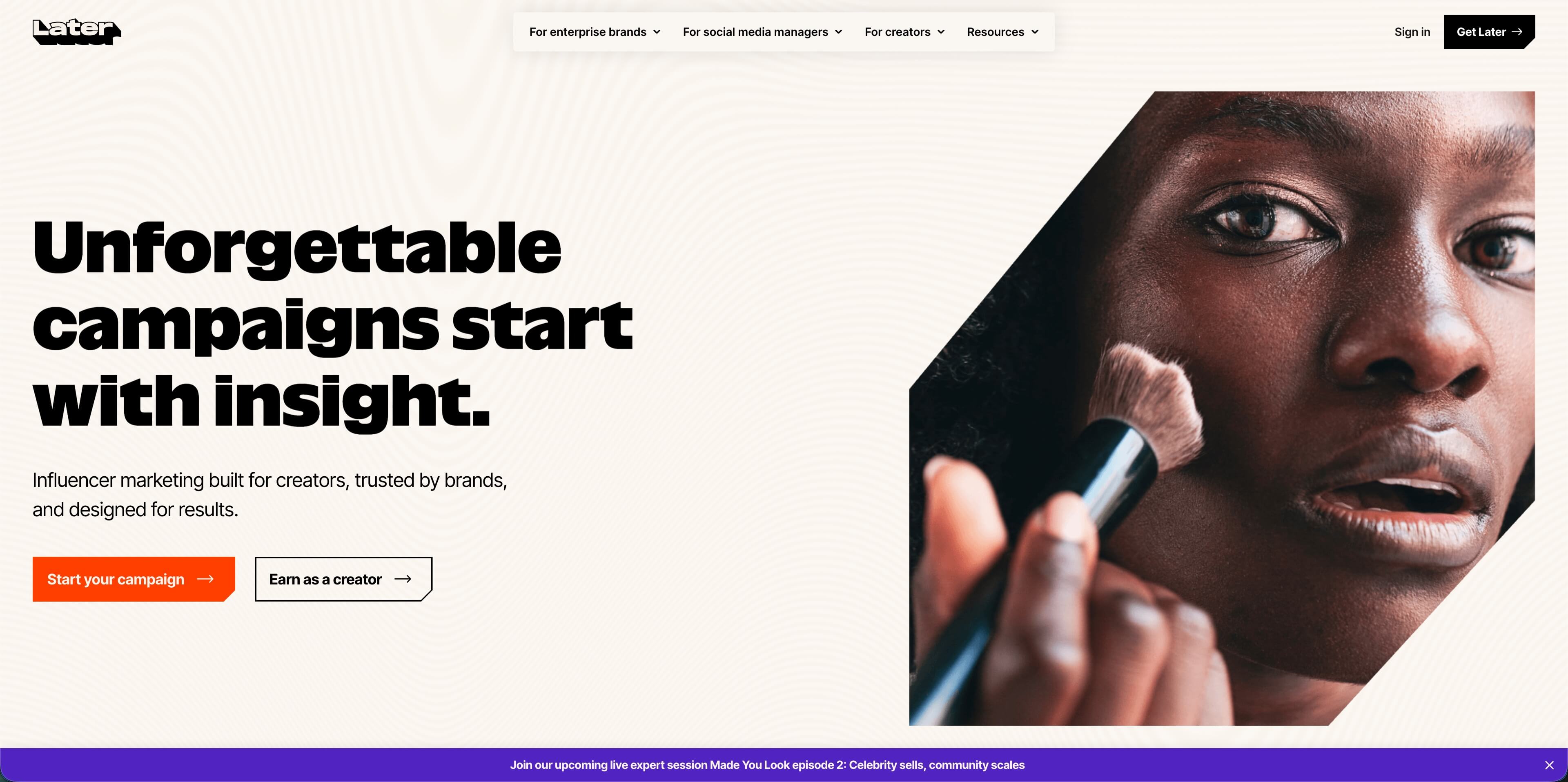
Later is strongest for brands that think visually: boutiques, salons, fitness studios, restaurants, creators, and ecommerce shops that care about how a feed looks before posts go live. The official pricing page lists Starter at $18.75/month billed yearly with 1 social set, 8 profiles total, 1 user, Instagram/Facebook/TikTok best time to post, 30 posts per profile, 5 AI credits per month, up to 3 months of platform analytics, Link in Bio, and basic support.
Growth is $37.50/month billed yearly with 2 social sets, 16 profiles total, 2 users, smart scheduling, collaboration and approvals, social inbox, 180 posts per profile, 50 AI credits per month, 1 year of analytics, UGC collection, and custom roles. Scale is $82.50/month billed yearly with 6 social sets, 48 profiles total, 4 users, custom analytics, competitive benchmarking, brand health, brand mentions, unlimited posts, and 2 years of analytics.
Choose Later if:
- Instagram, TikTok, Pinterest, or visual content drives the business
- you like planning by feed, grid, and creative sequence
- 30 posts per profile is enough on the entry plan
- you do not need to add extra social sets or users on Starter
Later is less ideal if the business is operationally messy: multiple brands, many local pages, mixed teams, and lots of non-visual posts. In that case, account allowances and workflow flexibility matter more than feed planning.
7. SocialBee: best for content category systems
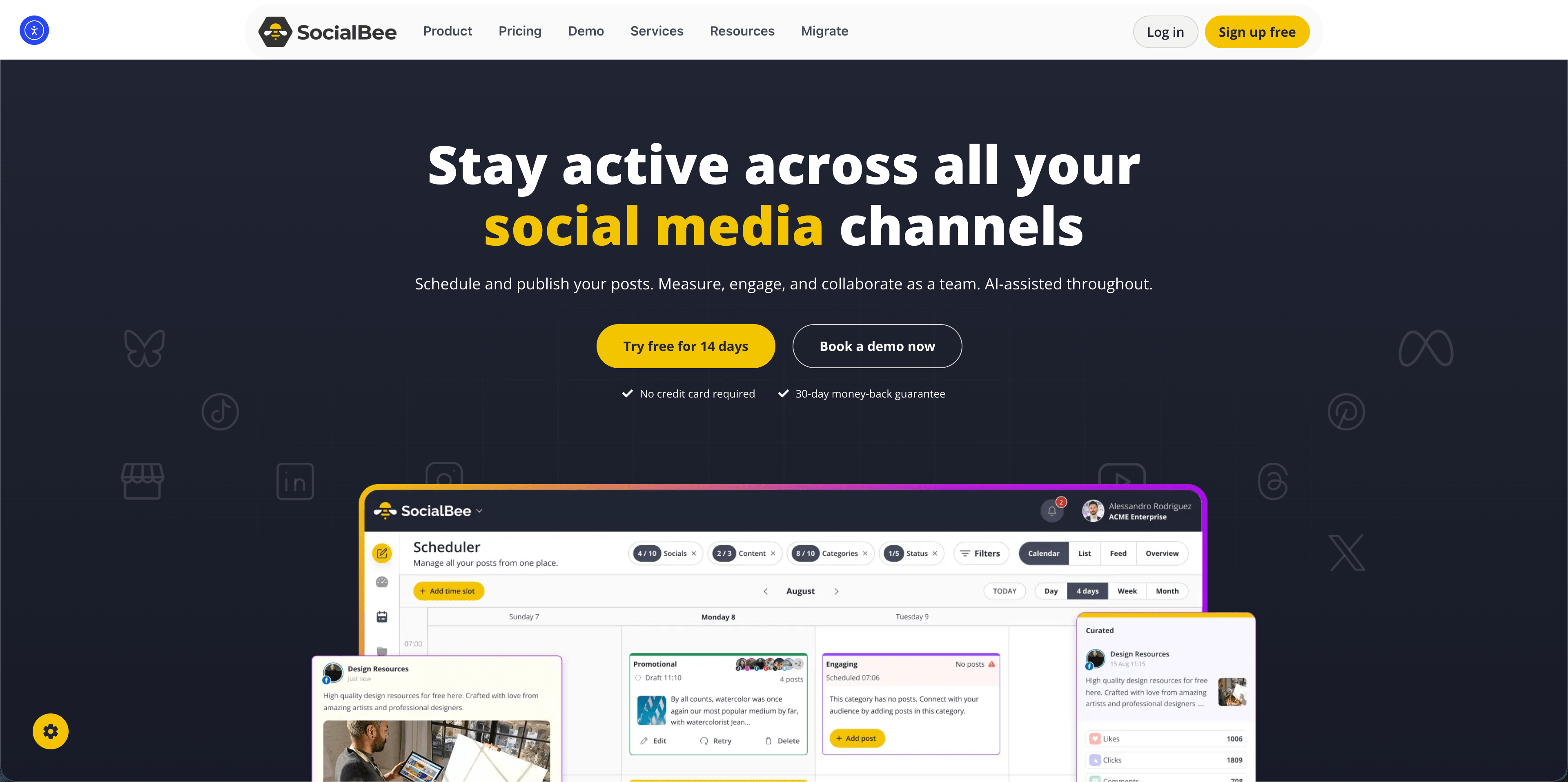
SocialBee is built around content categories and repeatable posting cadences. Its official pricing page lists Bootstrap at $29/month with up to 5 social profiles, 1 user/workspace, 1 workspace, 10 content categories, 10 content sources, unlimited AI content generation, and analytics up to 3 months. Accelerate is $49/month with up to 10 social profiles, 50 content categories, 30 content sources, analytics up to 2 years, advanced analytics, hashtag organizer, bulk post editor, CSV uploads, and a post approval system. Pro is $99/month with up to 25 social profiles, 3 users/workspace, 5 workspaces, exportable analytics reports, and internal notes.
SocialBee makes sense if your content engine is thematic: tips, testimonials, product posts, behind-the-scenes posts, promotions, and recycled evergreen content. For businesses that post in repeatable patterns, categories can be more useful than staring at a blank calendar.
Choose SocialBee if:
- you want evergreen queues and content categories
- your business posts recurring content types every week
- you are comfortable starting at $29/month without a forever-free plan
- you need more structure than a basic queue but less complexity than an enterprise suite
The limitation is account count. Bootstrap's 5 profiles may be enough for a very small brand, but many businesses will need Accelerate or Pro once they connect every channel.
8. Planable: best for approvals and calendar collaboration
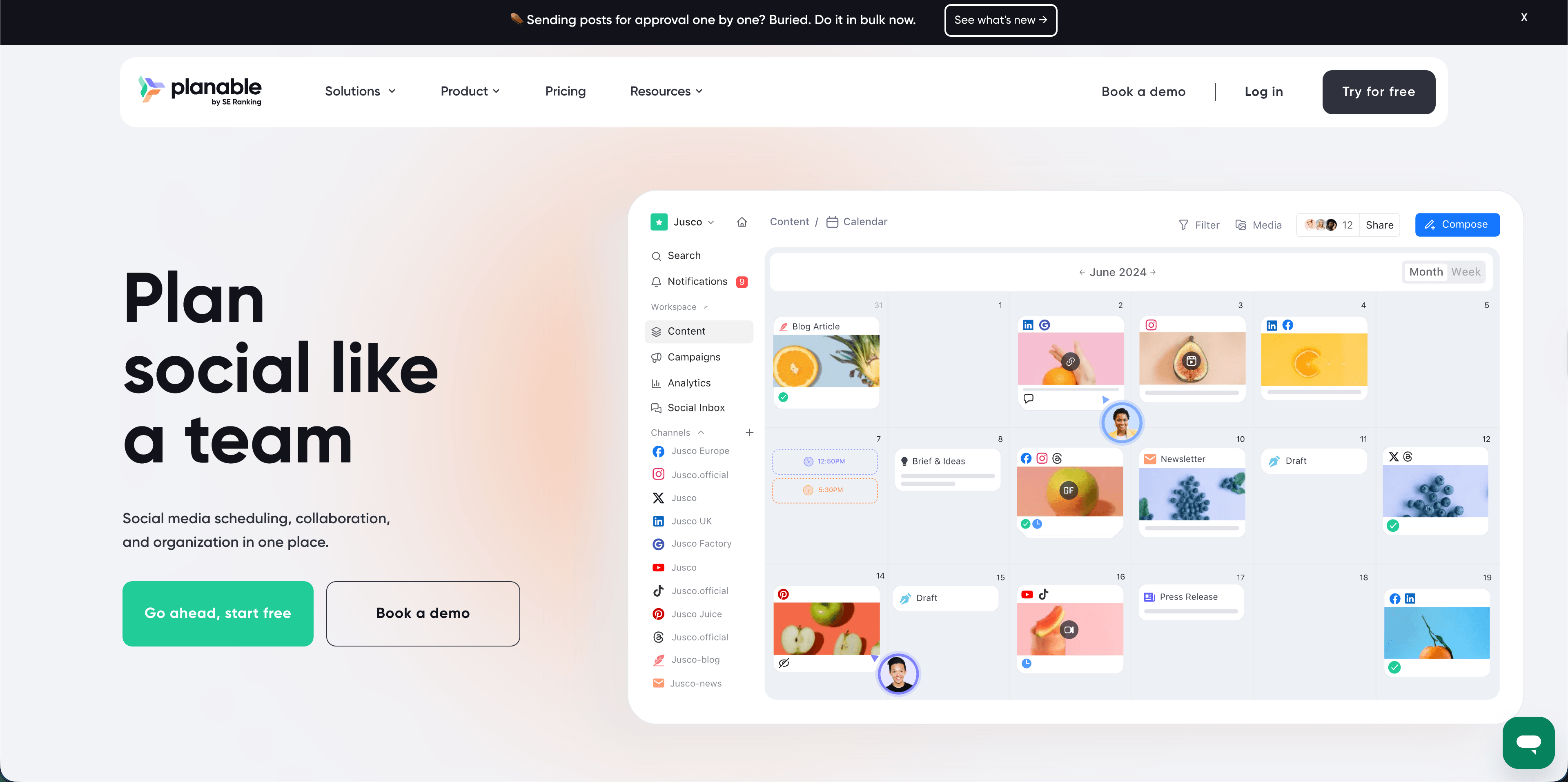
Planable is not the cheapest scheduler in a pure dollars-per-profile comparison, but it is strong when the painful part of social media is approvals. Its official pricing page says the first 50 posts are free with no time limit and no credit card required. Basic is $33 per workspace per month, with 60 posts per workspace per month, unlimited users, 4 social pages per workspace, optional approvals, feed and calendar views, and 3 campaigns per workspace. Pro is $49 per workspace per month, with 150 posts per workspace per month, unlimited users, 10 social pages, required approvals, feed/calendar/grid views, and 10 campaigns.
AdaptlyPost
Start 7-day Free Trial
All-platform analytics
Social Inbox
AI-powered assistant
The catch is add-ons. Planable lists analytics at $12/workspace/month and social inbox at $7.50/workspace/month. That is fine if approvals are the reason you buy the tool. It is less compelling if you simply need low-cost scheduling and reporting in one package.
Choose Planable if:
- posts need review before publishing
- owners, clients, or stakeholders comment directly on drafts
- unlimited users matter more than low profile count
- a visual approval workflow saves enough time to justify the workspace price
Skip it if nobody approves content. A solo owner paying for approval workflow is usually buying process they do not need.
9. Hootsuite: capable, but rarely affordable for small business
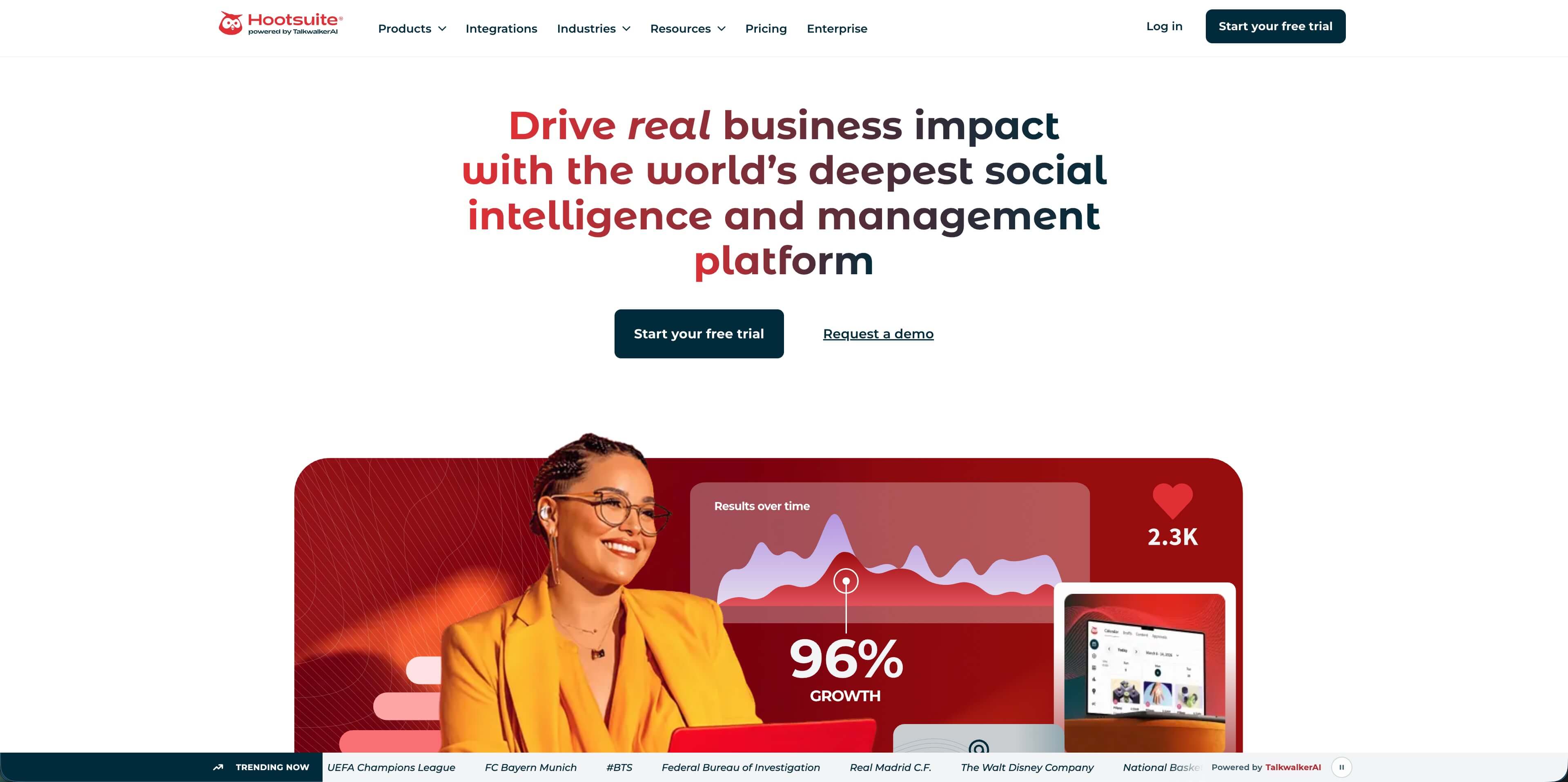
Hootsuite is still a serious platform, but it is not where I would start for a budget-sensitive small business. The official plans page lists Standard and Advanced tiers with features such as up to 10 social accounts on Standard, unlimited post scheduling, best-time recommendations, an AI assistant, Canva and Adobe Express templates, one inbox, DM automations, recent brand and competitor mentions, sentiment analysis, and competitor benchmarking. Advanced adds unlimited social accounts, customizable reports, bulk scheduling up to 350 posts, auto-routing and tagging, and broader competitor benchmarking.
The problem is price. Hootsuite's official page did not expose numeric prices in the crawl I checked, while TechRadar's February 2026 review listed Standard at $199/month with a $249/month renewal rate when paid annually, and Advanced at $399/month with a $499/month renewal rate. Even if promotions change the exact number, that puts Hootsuite in a different buying category from most small-business tools above.
Choose Hootsuite if:
- your organization needs advanced monitoring, inbox, benchmarking, and reports
- you have multiple employees living in social workflows daily
- procurement prefers a long-established vendor
- the budget can absorb per-user enterprise-style pricing
For most small businesses, Hootsuite is a reference point, not the first purchase. It shows what a full command center can do, but many teams can get 80 percent of the practical workflow at a much lower price.
10. HubSpot Marketing Hub: great value for teams wanting to go beyond social media management
HubSpot Marketing Hub is slightly different from the other platforms in this list because it's an omnichannel marketing solution with built-in social media capabilities. Besides social networks, HubSpot lets marketing teams plan, manage, and monitor campaigns across websites, ad networks, emails, and even AI search. It also includes a native CRM.
This all-around approach makes HubSpot Marketing Hub a solid choice for teams looking to develop and manage their online presence through omnichannel strategies. As for social media-specific features, HubSpot includes AI-powered social performance insights, inbox management, and keyword monitoring streams for social listening.
Still, it's worth noting that HubSpot's social media management tool is not available as a standalone product. It's bundled with other marketing features starting from the Marketing Hub Professional plan, which costs $800/month with three included users. The Professional plan includes up to 50 connected social accounts, 10,000 monthly posts, plus email marketing, SEO analytics, and answer engine optimization tools.
Choose HubSpot Marketing Hub if:
- you plan to leverage omnichannel marketing strategies to boost online presence
- you need native CRM integrations for social sales and customer service
- you seek to align marketing with sales performance via revenue attribution reports
- you consider scaling within the HubSpot ecosystem through additional products, like the Sales, Service, and Content Hubs
Skip HubSpot Marketing if you're interested in social media management-only tools. The platform's social media features are definitely capable, but you cannot use them independently: only bundled with multi-touchpoint marketing tools.
How to choose without overbuying
The cheapest plan is not always the cheapest workflow. Before choosing, count five things.
1. Count profiles, not platforms
One Instagram account, one Facebook page, one LinkedIn company page, one TikTok account, one Google Business Profile, and one YouTube channel is already 6 profiles. If you also post from a founder profile or manage a second location, the count jumps quickly.
AdaptlyPost
Start 7-day Free Trial
All-platform analytics
Social Inbox
AI-powered assistant
This is why AdaptlyPost's 30 connected accounts on Creator is such a strong small-business number. It gives you room to connect the accounts you actually use instead of rationing profiles.
2. Check whether posts are capped
Some tools cap scheduled posts per channel or per profile on entry plans. That is acceptable for light publishing, but it gets tight if you batch a month ahead or post daily to several networks.
If your plan is "schedule the month in one sitting," unlimited scheduled posts should move up your priority list.
3. Price AI as part of the stack
AI captions, rewrites, post ideas, and image generation are no longer novelty features. For a small business, they replace scattered subscriptions and reduce the time spent staring at a blank composer. Compare what is included, how many credits you get, and whether AI images require another paid product.
4. Decide whether analytics are operational or executive
Operational analytics answer: what should we post next week? Executive analytics answer: what report do we show the owner, franchisee, client, or board? Buffer and AdaptlyPost can cover everyday performance review. Metricool, Zoho Social, Planable add-ons, and Hootsuite become more relevant when reporting is a deliverable.
5. Do not pay for approvals unless someone approves
Approval workflow is valuable when posts bounce between owner, manager, designer, and client. It is wasted money for one-person teams. Planable and SocialPilot make more sense once review cycles are real.
Best picks by small-business scenario
| Scenario | Best first tool to test | Why |
|---|---|---|
| Owner wants one affordable dashboard for many channels | AdaptlyPost | Creator includes 30 connected social accounts, AI captions, AI images, and unlimited scheduled posts |
| Solo creator has 3 channels and no budget | Buffer | Free plan covers 3 channels with 10 scheduled posts per channel |
| Local business needs better reporting | Metricool | Starter brings stronger reporting, competitor analysis, and analytics history |
| Small team has 3 users from day one | SocialPilot | Standard includes 3 users and 10 accounts |
| Business already uses Zoho CRM or Desk | Zoho Social | Native ecosystem fit can matter more than standalone feature comparisons |
| Visual brand plans around Instagram and TikTok | Later | Feed-first workflow and visual planning are the appeal |
| Evergreen content library is the strategy | SocialBee | Content categories and recurring queues are the core workflow |
| Agency or client approval is the bottleneck | Planable | Workspace comments and approvals are the main value |
| Enterprise monitoring is required | Hootsuite | Broad inbox, monitoring, reports, and benchmarking, but at a much higher price point |
| Marketing teams looking to handle omnichannel campaigns and reduce multi-tool dependency | HubSpot Marketing Hub | Includes social media management + email marketing, SEO, advertising, and answer engine optimization features |
Frequently Asked Questions
What are the most affordable social media management tools small business owners should compare first?
Start with AdaptlyPost, Buffer, Metricool, SocialPilot, and Zoho Social. AdaptlyPost is the strongest first test when you need many connected accounts, Buffer is cheapest for 3 channels, Metricool is strong for analytics, SocialPilot bundles users well, and Zoho Social fits businesses already using Zoho.
Is a free social media management tool enough for a small business?
Sometimes. A free plan can work if you post lightly to 2 or 3 profiles, but it usually breaks down when you need more channels, a full month of scheduled posts, analytics history, approvals, or AI content help.
Which affordable tool is best for multiple social media accounts?
AdaptlyPost is the best fit in this comparison for many connected accounts because its Creator plan lists 30 connected social accounts at $19/month. That gives a small business room to connect company profiles, founder profiles, and location pages without buying profile-by-profile upgrades.
Which tool is cheapest if I only have Instagram, Facebook, and LinkedIn?
Buffer's free plan is the cheapest if you only need up to 3 channels and can live with 10 scheduled posts per channel. If you need unlimited scheduled posts or more channels, compare Buffer's per-channel cost against AdaptlyPost's flat account allowance.
Should small businesses pay for Hootsuite?
Usually not at the beginning. Hootsuite is powerful, but current public and independently reported pricing puts it closer to established teams and larger organizations than lean small businesses.
Conclusion
The best affordable tool is the one that keeps your real workflow inside the plan you can afford. For most small businesses, that means enough connected accounts, enough scheduled posts, AI help for captions and creative work, and a calendar that makes the week visible.
AdaptlyPost is the strongest first choice because it keeps the core workflow broad and affordable: scheduling, AI captions, AI images, many connected accounts, team growth, and API automation. Buffer, Metricool, SocialPilot, Zoho Social, Later, SocialBee, Planable, and Hootsuite are worth comparing when your needs are narrower or more specialized.
Start scheduling for free - test AdaptlyPost with your real channels before paying for a heavier tool.
Sources: AdaptlyPost pricing, Buffer pricing, Metricool pricing, SocialPilot pricing, Zoho Social pricing, Later pricing, SocialBee pricing, Planable pricing, Hootsuite plans, TechRadar Hootsuite review. Pricing and public plan limits checked May 9, 2026.
AdaptlyPost
Start 7-day Free Trial
All-platform analytics
Social Inbox
AI-powered assistant
Put this into practice with AdaptlyPost
Was this article helpful?
Let us know what you think!
Before you go...
AdaptlyPost
Schedule your content across all platforms
Manage all your social media accounts in one place with AdaptlyPost.
All-platform analytics
Social Inbox
AI-powered assistant
Related Articles
Explained clearly - Restaurant social media management tool
Judged as marketing software a restaurant social media management tool looks ordinary. Judged on specials, reviews, and multi-location reporting, it does not.
Best social media management tools for indie hackers in 2026
Compare social media management tools for indie hackers with current pricing, platform coverage, dashboard examples, and a lean founder workflow for 2026.
Key insights - Social media management tools comparison 2026
Hootsuite's cost, Buffer's ceiling, Sprout's price tier: a social media management tools comparison 2026 with a table and picks for small teams and agencies.