A practical overview - Social media plumbers

TL;DR, Quick Answer
11 min readThe best plumbing social stack is usually a scheduler, a review workflow, a visual planning habit, and weekly Google Business Profile updates. AdaptlyPost is the simplest all-around scheduler for small plumbing teams, while Buffer, Metricool, Hootsuite, Later, Loomly, Planable, SocialBee, Sprout Social, and Typefully fit more specific workflows.
Here, the topic Social media plumbers is covered with practical examples. Between truck cabs, basements, and emergency call windows, social media for plumbers has to look nothing like a generic Facebook queue. The right tool turns job photos, seasonal reminders, service-area updates, and customer trust signals into a weekly publishing routine that survives a bad week.
This guide compares current social media dashboards that make sense for plumbing companies in 2026. I checked official pricing pages, product pages, help docs, and local-consumer research, then rewrote the recommendations around tools with available dashboard screenshots.
Key takeaway: Most plumbers do not need the biggest social suite. They need the tool that makes proof-of-work content easy to capture, approve, schedule, and repeat during busy service weeks.
Why plumbing companies need a different social stack
Plumbing marketing is local, trust-heavy, and operational. A homeowner choosing a plumber usually wants signs that the company is nearby, responsive, clean, competent, and real. That means the strongest posts are rarely abstract brand posts. They are practical proof:
- A before-and-after water heater install.
- A five-star review turned into a simple graphic.
- A frozen pipe warning before a cold front.
- A same-week drain cleaning availability update.
- A short video explaining what not to flush.
- A service-area reminder for specific neighborhoods.
That local trust layer matters. BrightLocal's 2026 Local Consumer Review Survey reports that 97% of consumers read reviews for local businesses, and DataReportal's Digital 2026 United States report estimates 254 million active social media user identities in the US, equal to 73% of the population at the end of 2025.
So the job of a social tool is not just "posting." For plumbers, the job is reducing the admin work between a real job happening and a useful proof point going live.
What to look for in social media tools for plumbers
Use this checklist before comparing products:
| Need | Why it matters for plumbers | Must-have capability |
|---|---|---|
| Local proof | Homeowners want confidence before calling | Job photos, reviews, service-area posts |
| Low admin time | Dispatch, jobs, estimates, and callbacks already fill the day | Batch scheduling, templates, AI caption help |
| Multi-channel publishing | Facebook, Instagram, LinkedIn, TikTok, and Google Business Profile can all matter | One composer or calendar |
| Review reuse | Reviews are stronger than generic claims | Review graphics, reusable snippets, approval flow |
| Mobile-friendly workflow | Field content starts on a phone | Easy media upload and draft workflow |
| Clear reporting | Owners need to know what creates calls, clicks, or profile visits | Channel analytics and exportable reports |
Quick comparison
| Tool | Best fit for plumbers | Current pricing signal checked | Watch-out |
|---|---|---|---|
| AdaptlyPost | Simple all-around scheduling and AI content creation | Creator $19/mo, Pro $39/mo, Enterprise $89/mo | Not a full review-management suite |
| Buffer | Lightweight starter scheduling | Free plan, then per-channel paid plans | Costs rise as profiles grow |
| Metricool | Analytics plus Google Business Profile reporting | Free plan; Starter from $20/mo annually or $25/mo monthly | X and some advanced analytics can require add-ons |
| Hootsuite | Larger teams that need inbox, listening, and approvals | Standard, Advanced, and Enterprise tiers | More platform than many small shops need |
| Later | Visual-first Instagram, TikTok, and short-form planning | Starter $18.75/mo annually, Growth $37.50/mo annually, Scale $82.50/mo annually | Post limits on lower plans |
| Loomly | Approval workflows and content planning | Starter $65/mo monthly or $49/mo annually; Beyond $332/mo monthly or $249/mo annually | Higher entry price than lightweight schedulers |
| Planable | Team and client approvals | First 50 posts free; Basic $33/workspace/mo, Pro $49/workspace/mo | Analytics and inbox are paid add-ons |
| SocialBee | Evergreen content categories and recycling | Bootstrap $29/mo, Accelerate $49/mo, Pro $99/mo monthly | Category system can feel heavy for very small teams |
| Sprout Social | Enterprise reporting, inbox, and social care | Standard $249/mo, Professional $399/mo, Advanced $499/mo in official plan PDF | Too expensive for many independent plumbers |
| Typefully | X, LinkedIn, Threads, Mastodon, and Bluesky posting | Official help docs confirm multi-platform scheduling | Not built around Facebook, Instagram, or GBP-first local marketing |
Pricing verified July 2026.
1. AdaptlyPost - best all-around scheduler for busy plumbing teams
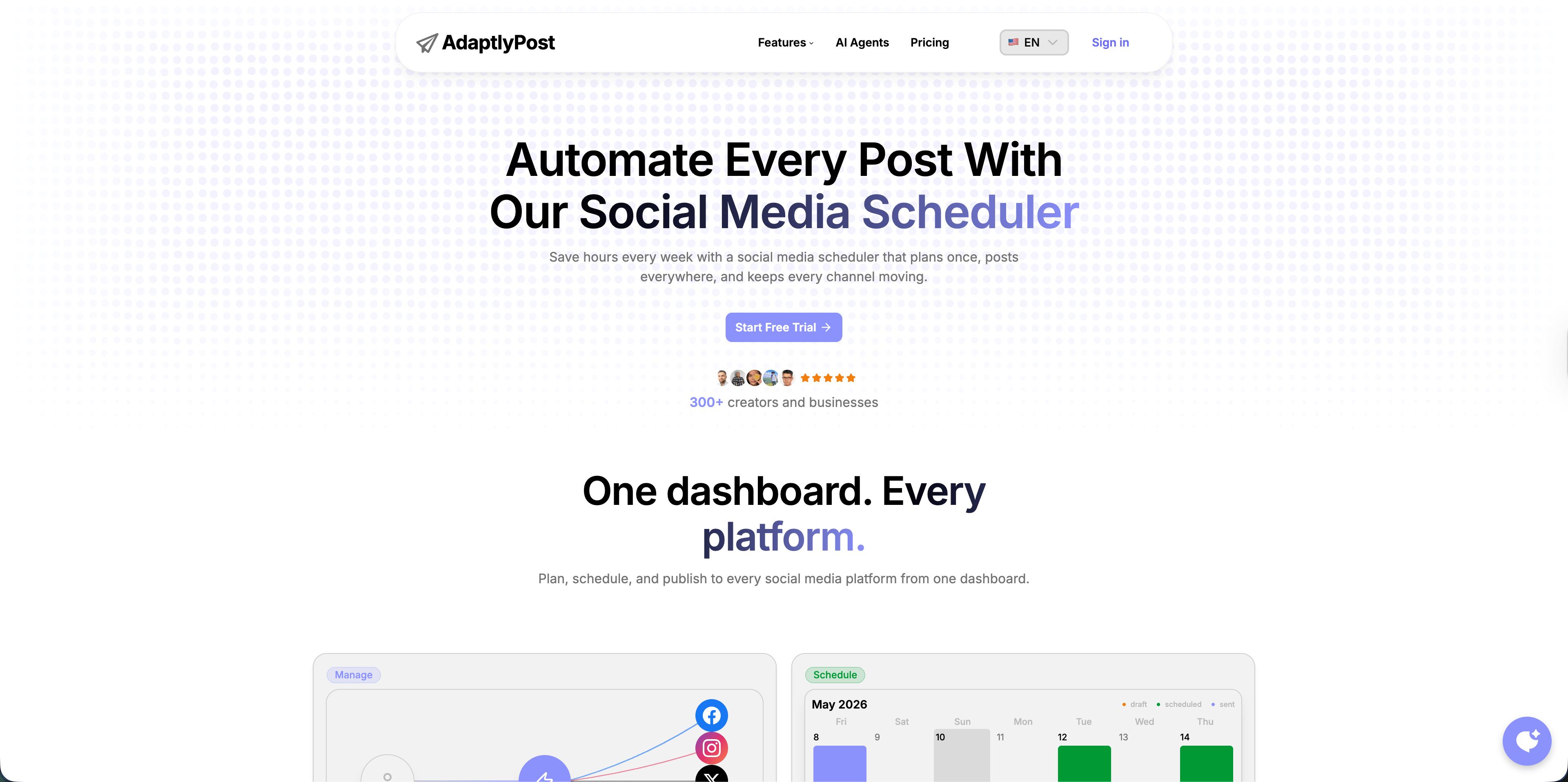
AdaptlyPost's social media tool for plumbers is the cleanest fit when a plumber needs one place to write, adapt, and schedule posts across several channels without learning an enterprise platform. The public pricing page lists Creator at $19/month, Pro at $39/month, and Enterprise at $89/month, with unlimited scheduled posts, AI captions, AI Image Studio, image/video/carousel posts, and connected social account limits that range from 30 to 100 accounts by plan.
For plumbers, the practical use case is batching a week or month of posts in one sitting:
- Monday: emergency shutoff tip.
- Wednesday: before-and-after water heater install.
- Friday: five-star review graphic.
- Saturday: seasonal reminder about sump pumps, frozen pipes, or drain maintenance.
AdaptlyPost is especially strong if the team wants AI help rewriting one rough job note into platform-specific captions. A note like "replaced failed sump pump before storm" can become a Facebook post, Instagram caption, LinkedIn update, and short local reminder without starting from a blank page.
Best for: independent plumbers, small plumbing teams, and agencies managing local service clients that want flat pricing, AI captions, AI images, and broad platform coverage.
Skip it if: you need a dedicated reputation-management suite with automated review requests and call tracking.
2. Buffer - best simple starter tool
Buffer remains one of the easiest social media tools to understand. Buffer's help center says the Free plan supports three connected channels, while paid plans are priced per social channel. As of the current help article, Essentials is $5 per channel monthly and Team is $10 per channel monthly, with unlimited users included on Team.

AdaptlyPost
Start 7-day Free Trial
All-platform analytics
Social Inbox
AI-powered assistant
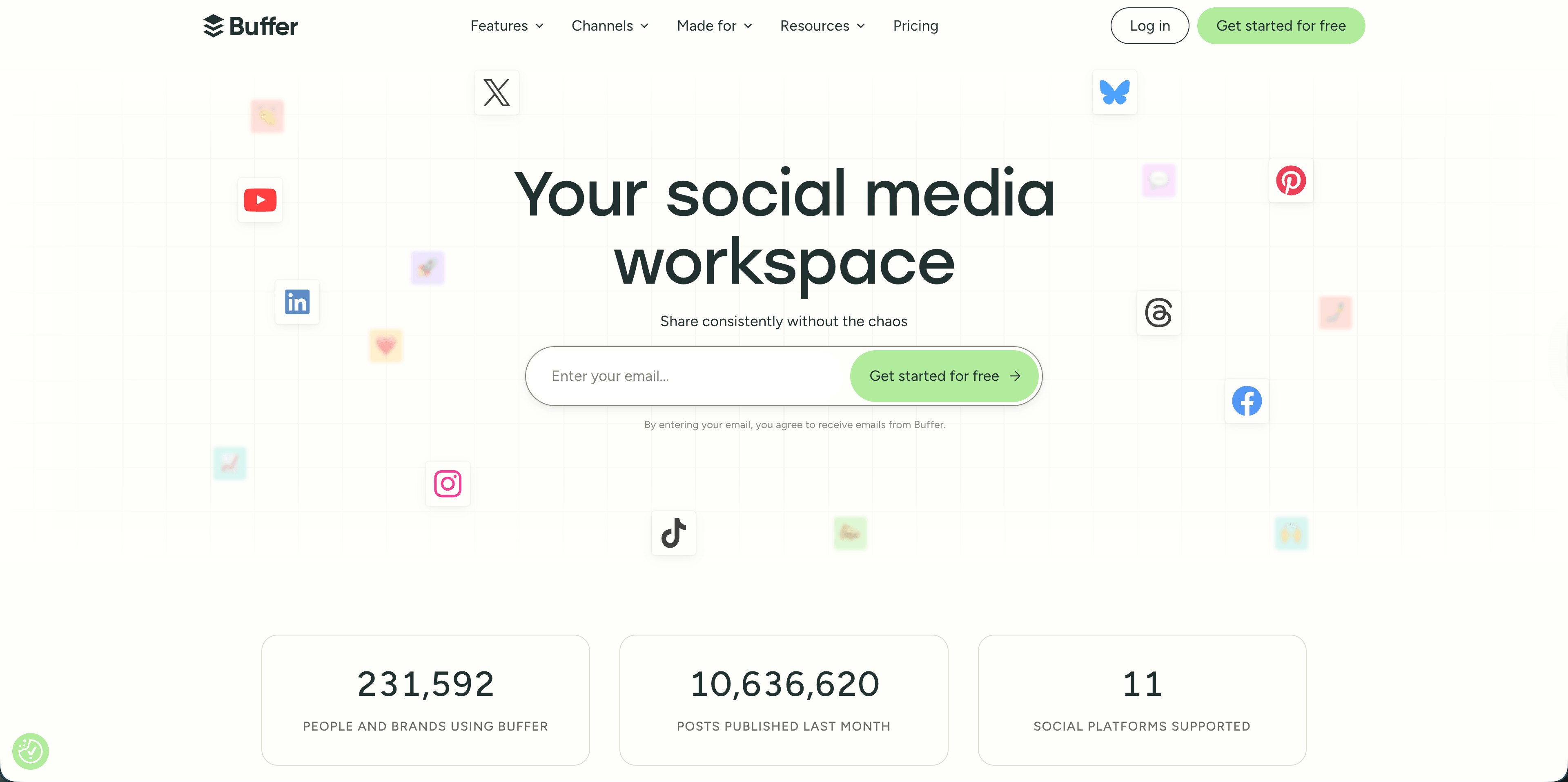
For a plumber with only a few active profiles, Buffer can be a sensible first scheduler. It is especially useful when the owner wants a clean queue, simple calendar, post previews, and basic collaboration without an enterprise setup.
The catch is growth. One plumbing brand with Facebook, Instagram, TikTok, LinkedIn, Google Business Profile, YouTube Shorts, and Pinterest can move from "simple" to "why is every channel billed separately?" quickly.
Best for: owner-operators testing scheduled posting for the first time.
Skip it if: you manage many profiles or want predictable flat-rate pricing.
3. Metricool - best analytics-first option
Metricool is useful when reporting matters as much as publishing. Its public pricing page shows a Free plan for one brand, with up to 20 scheduled posts per month and 30 days of analytics. The current USD pricing table shows Starter from $20/month annually or $25/month monthly, and Advanced from $53/month annually or $67/month monthly.
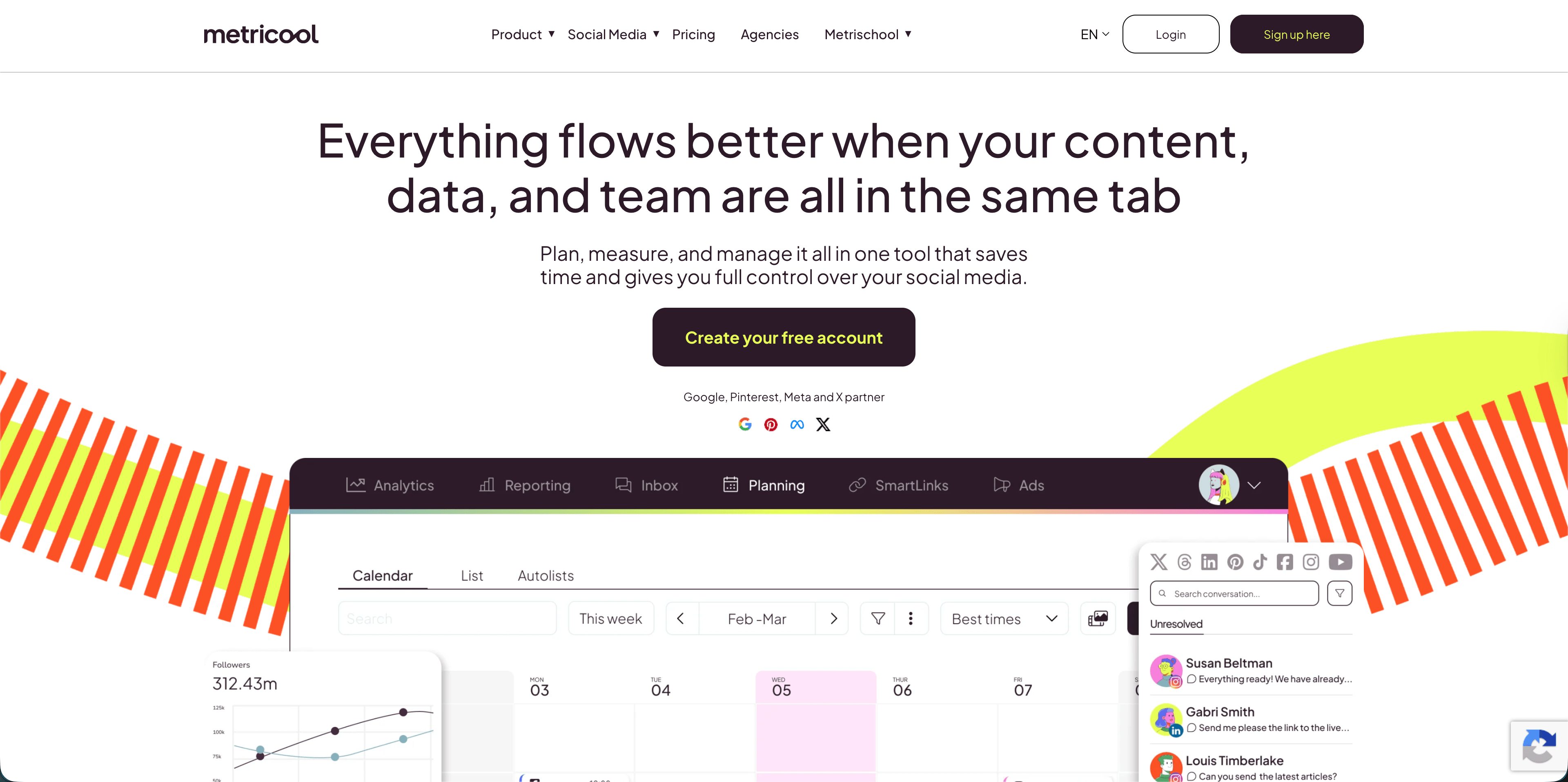
Metricool makes sense for plumbing companies that want to compare social performance, Google Business Profile activity, competitor activity, and ad results in one place. A plumber can see whether "drain cleaning before storm season" performs better than generic "call us today" content, then build the next month around real evidence.
Best for: plumbing businesses and agencies that want scheduling plus stronger performance analysis.
Skip it if: you only need a fast post queue and do not plan to review analytics.
4. Hootsuite - best for larger plumbing teams
Hootsuite is a mature social media management platform for teams that need scheduling, inbox, listening, AI help, analytics, competitor monitoring, approvals, and enterprise controls. Its current plans page lists Standard, Advanced, and Enterprise tiers. Standard includes up to 10 social accounts, unlimited post scheduling, best-time recommendations, an AI assistant with image and caption generation, Canva and Adobe Express templates, one inbox, and competitor/brand mention features. Advanced adds unlimited social accounts, customizable analytics reports, saved replies, bulk scheduling up to 350 posts, and deeper monitoring.
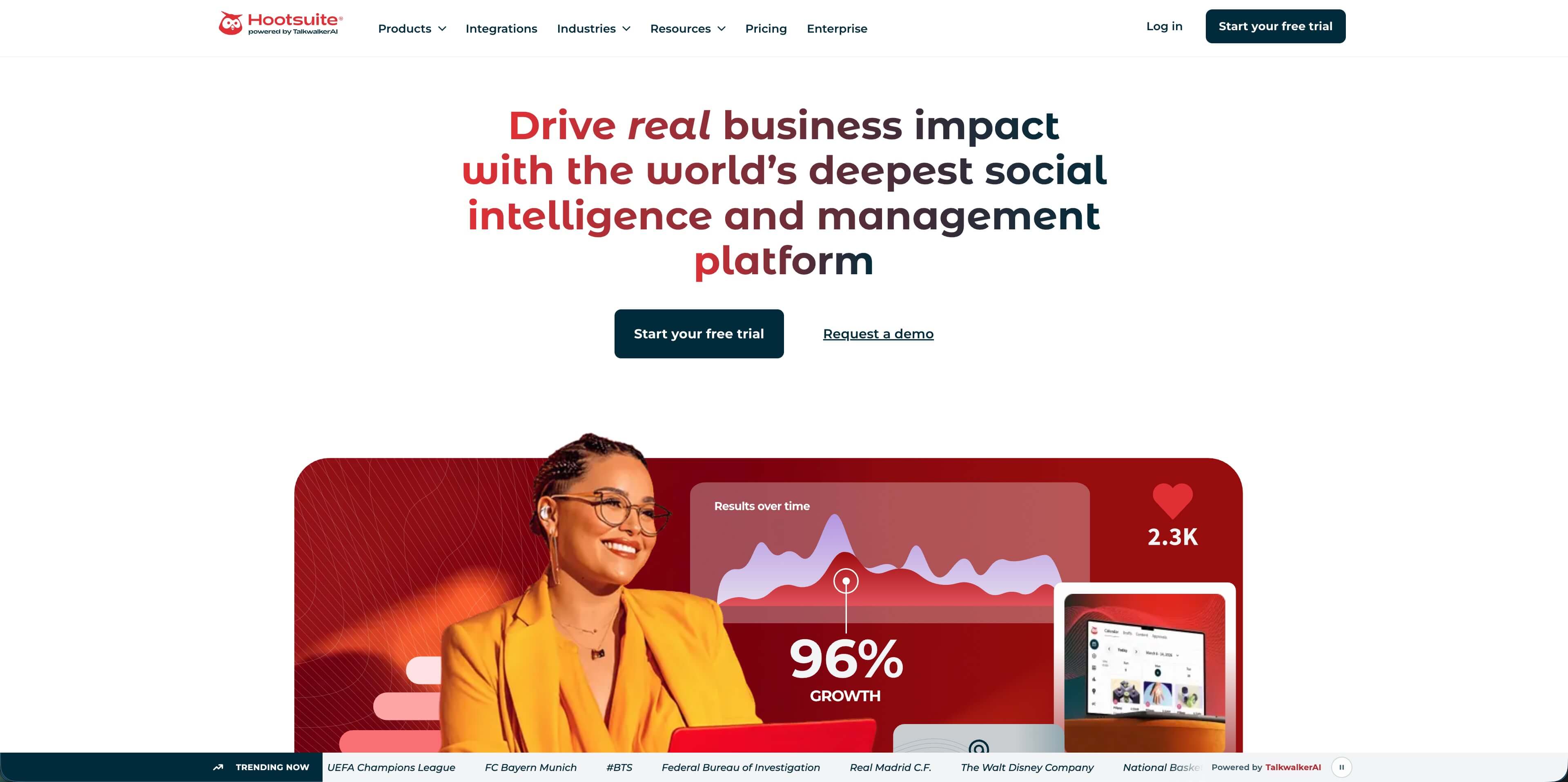
For a five-truck plumbing company, Hootsuite is usually more than needed. For a regional home-services brand with office staff, branch managers, and approval workflows, it can be justified.
Best for: larger plumbing organizations with multiple users, approvals, monitoring, and reporting needs.
Skip it if: you want a lightweight, low-cost tool for weekly posting.
AdaptlyPost
Start 7-day Free Trial
All-platform analytics
Social Inbox
AI-powered assistant
5. Later - best visual planner for Instagram and short video
Later is strongest when visual planning matters. Its current pricing page shows Starter at $18.75/month billed yearly, Growth at $37.50/month billed yearly, and Scale at $82.50/month billed yearly. Later supports Instagram, Facebook, TikTok, Threads, YouTube, Pinterest, LinkedIn, and Snapchat, with social sets, post limits, analytics windows, and AI credits varying by plan.
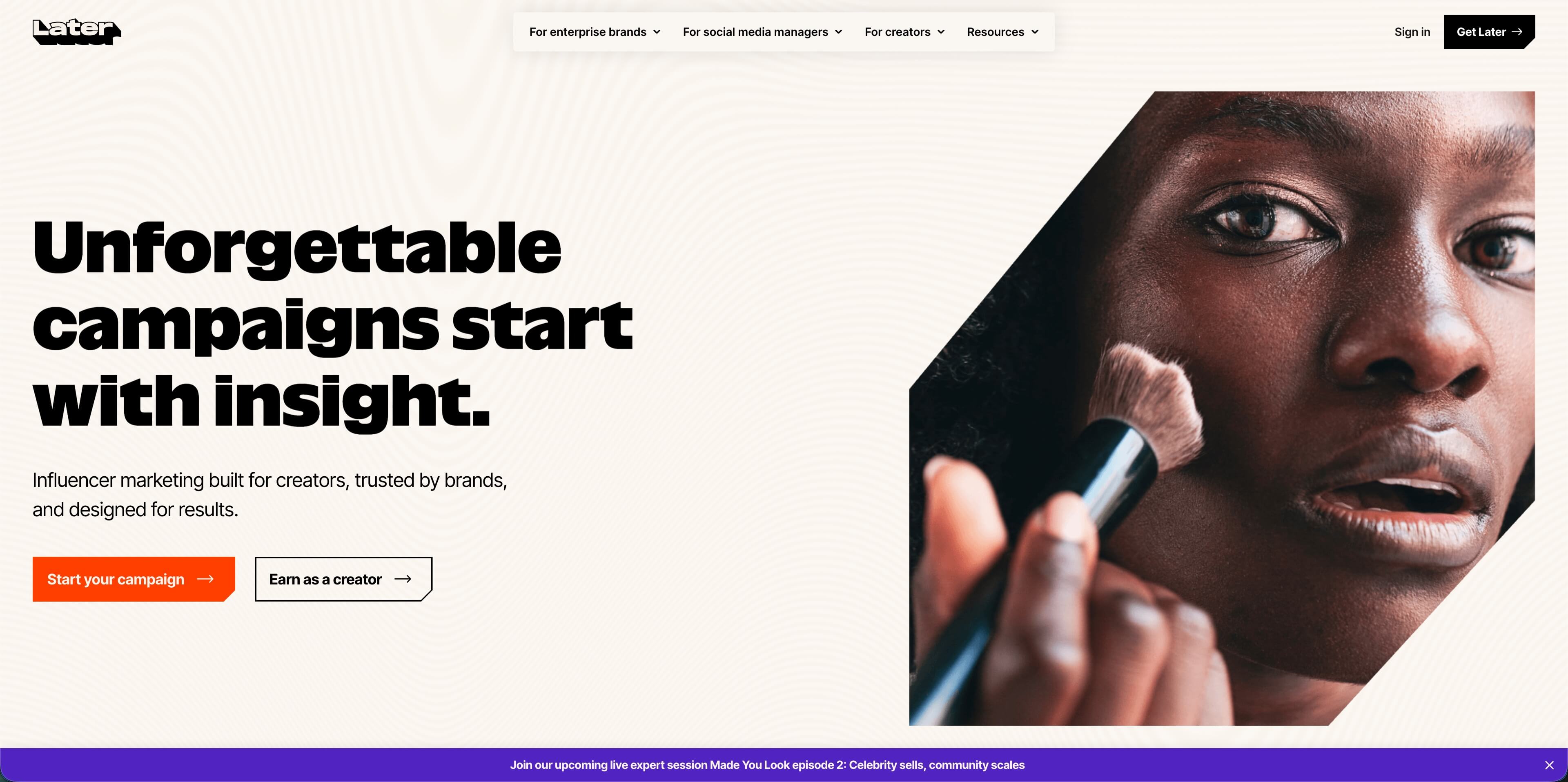
For plumbers, Later is useful if Instagram, TikTok, Reels, Shorts, and visual before-and-after content are the center of the strategy. A plumbing team can map out job photos, short clips, and educational posts before publishing them, which helps the feed look less random.
Best for: plumbing companies that rely heavily on job photos, short-form video, and visual content planning.
Skip it if: Google Business Profile and Facebook are the main channels and visual feed planning is not important.
6. Loomly - best for structured content workflows
Loomly is built around planning, approvals, scheduling, content ideas, and reporting. Its pricing page lists Starter at $65/month monthly or $49/month billed yearly for 12 social accounts and 3 users. The Beyond plan lists 60 social accounts, unlimited users, and a higher price point. Loomly supports integrations including Facebook, Instagram, LinkedIn, TikTok, YouTube, Pinterest, Google Business Profile, and Threads.
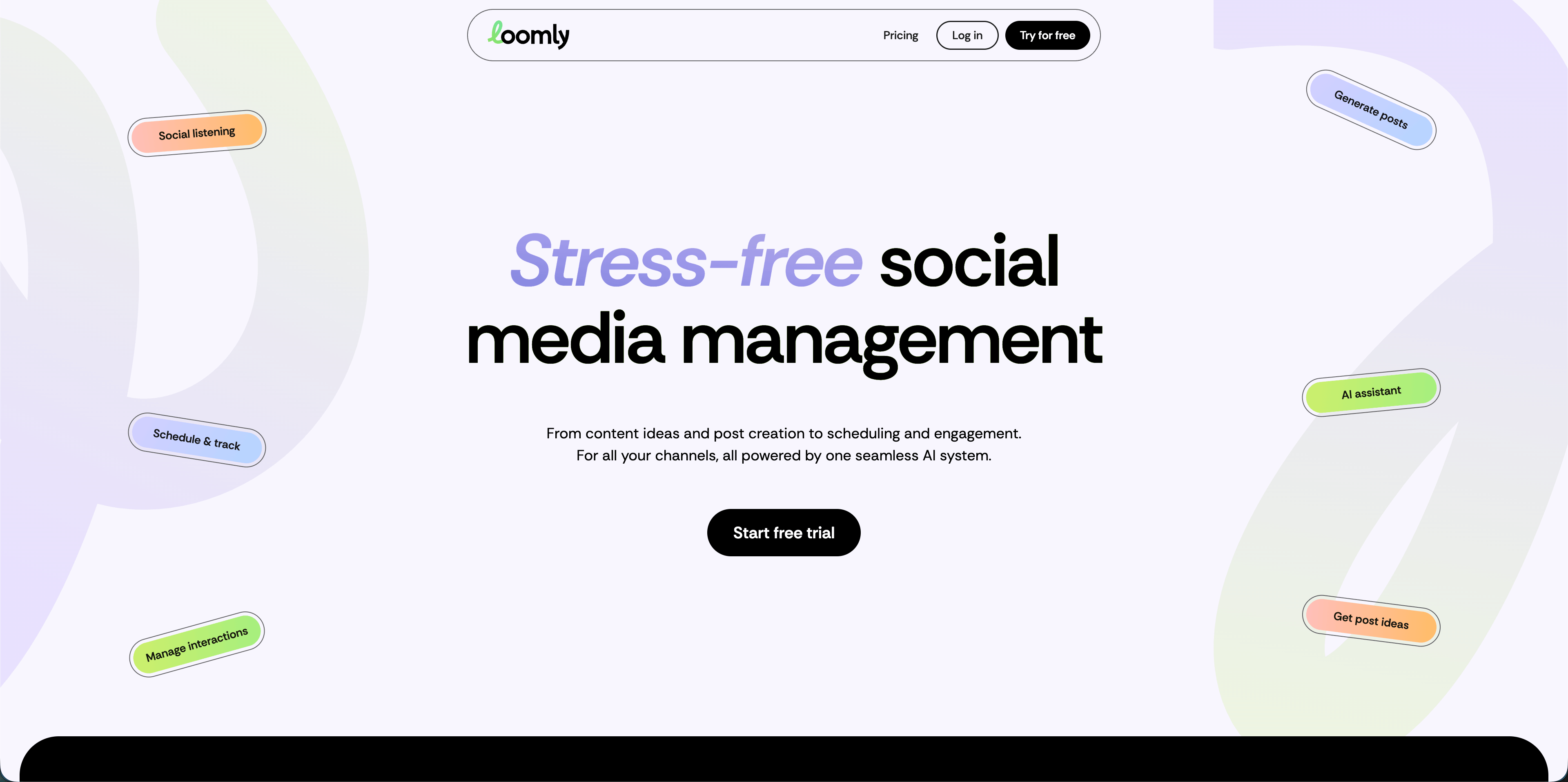
For plumbing companies, Loomly is a fit when multiple people touch content: an office manager drafts, the owner approves, and a marketing person reports. It is also useful for recurring seasonal campaigns like freeze warnings, sump pump checks, backflow testing reminders, and water heater maintenance.
Best for: plumbing teams that need approval workflows, content ideas, and a structured calendar.
Skip it if: you want the cheapest possible scheduler.
7. Planable - best for approvals and agency collaboration
Planable is collaboration-first. Its pricing page says the first 50 created posts are free with no time limit and no credit card required. Paid plans include Basic at $33 per workspace per month and Pro at $49 per workspace per month. Planable supports scheduling for Facebook, Instagram, LinkedIn, X, YouTube, TikTok, Pinterest, Google Business Profile, and Threads, while Analytics and Social Inbox are add-ons.
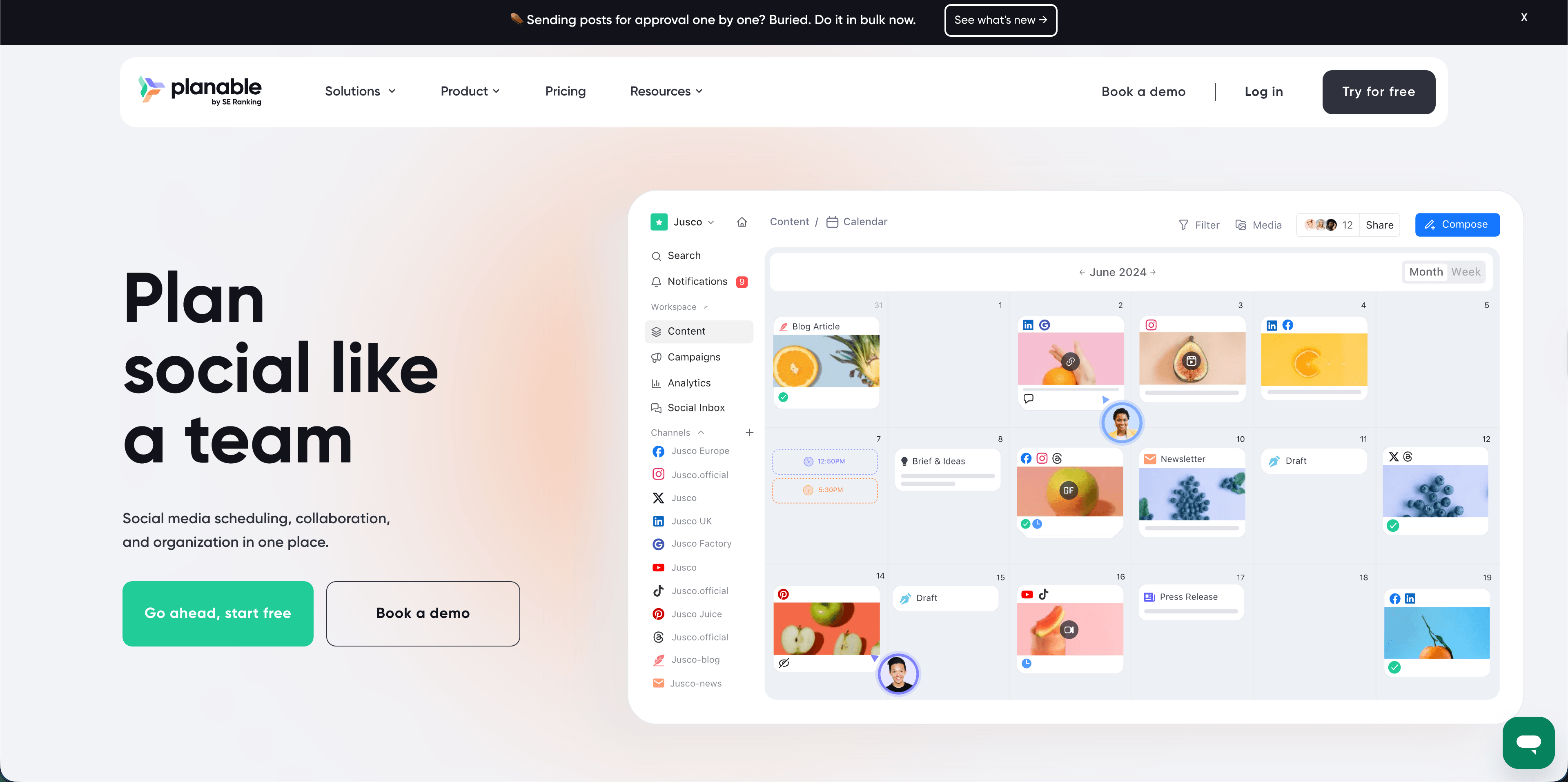
This matters for plumbers working with an outside agency. The agency can draft posts, the owner can leave comments, and only approved content goes live. That is a better workflow than sending captions and job photos through scattered texts.
Best for: agencies, franchise-style service brands, or plumbing teams that need clear approval trails.
Skip it if: one person creates and publishes everything.
AdaptlyPost
Start 7-day Free Trial
All-platform analytics
Social Inbox
AI-powered assistant
8. SocialBee - best for evergreen content recycling
SocialBee is built around content categories, scheduling, publishing, resharing, collaboration, AI assistance, and analytics. Its current pricing page lists Bootstrap at $29/month, Accelerate at $49/month, and Pro at $99/month on monthly billing. The page also lists integrations for Facebook, Instagram, TikTok, LinkedIn, YouTube, X, Google Business, Bluesky, Threads, Pinterest, and universal posting.
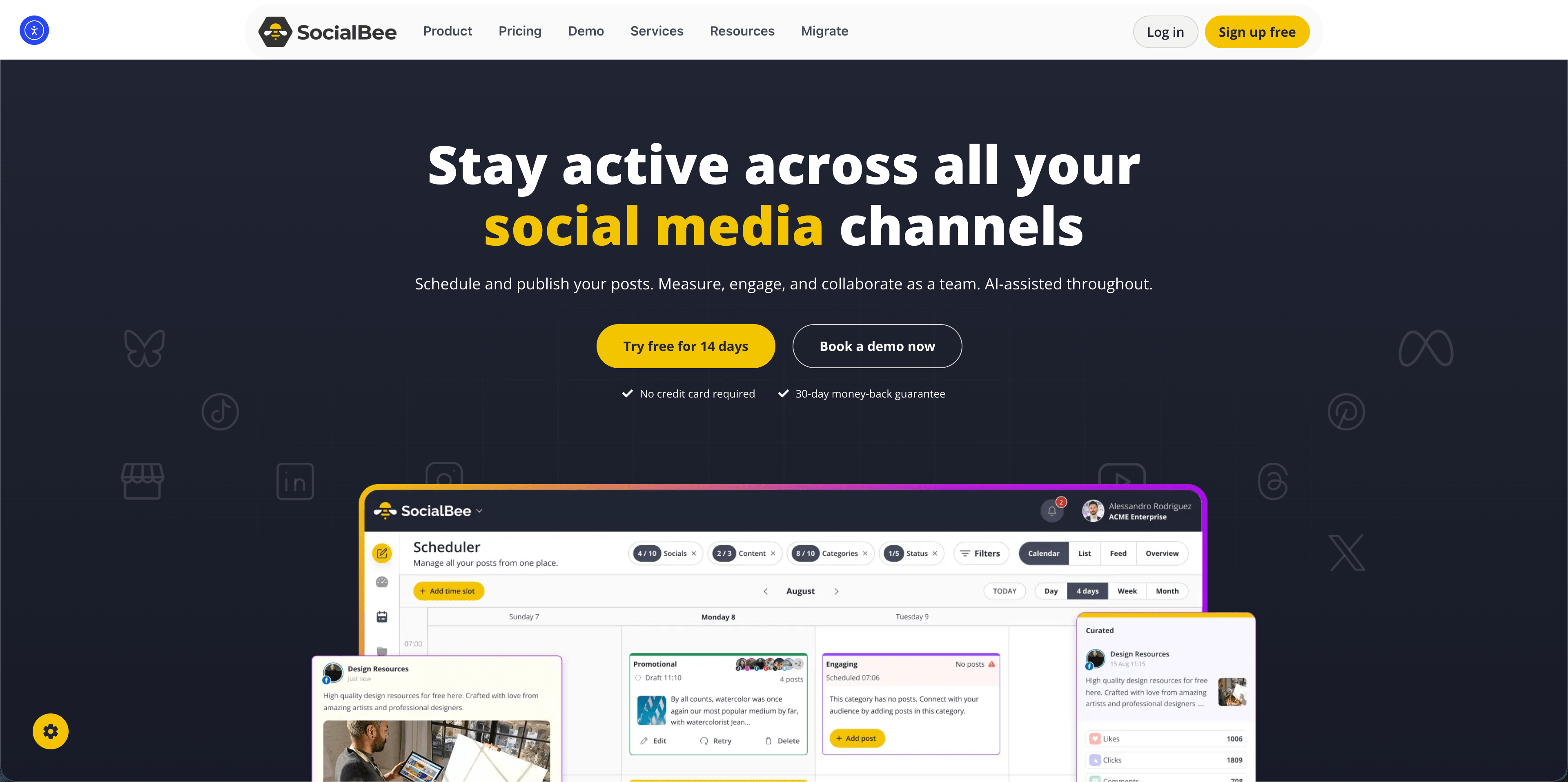
For plumbers, the content category model can work well because many posts repeat seasonally. Frozen pipe tips, drain maintenance reminders, water heater education, holiday closure notices, and "what to do before calling a plumber" posts can be recycled instead of recreated from scratch.
Best for: plumbing teams with evergreen educational content they want to reuse.
Skip it if: you prefer a plain chronological calendar with fewer content rules.
9. Sprout Social - best enterprise reporting and social care
Sprout Social is the heavyweight option. Its official plan PDF lists Standard at $249/month, Professional at $399/month, Advanced at $499/month, and Enterprise as custom pricing. Standard includes five social profiles, an all-in-one social inbox, publishing and scheduling, review management, monitoring, tasking, CRM tools, and group/profile/post-level reporting. Higher plans add unlimited social profiles, advanced workflows, competitor reports, optimal send times, automated tools, and deeper reporting.
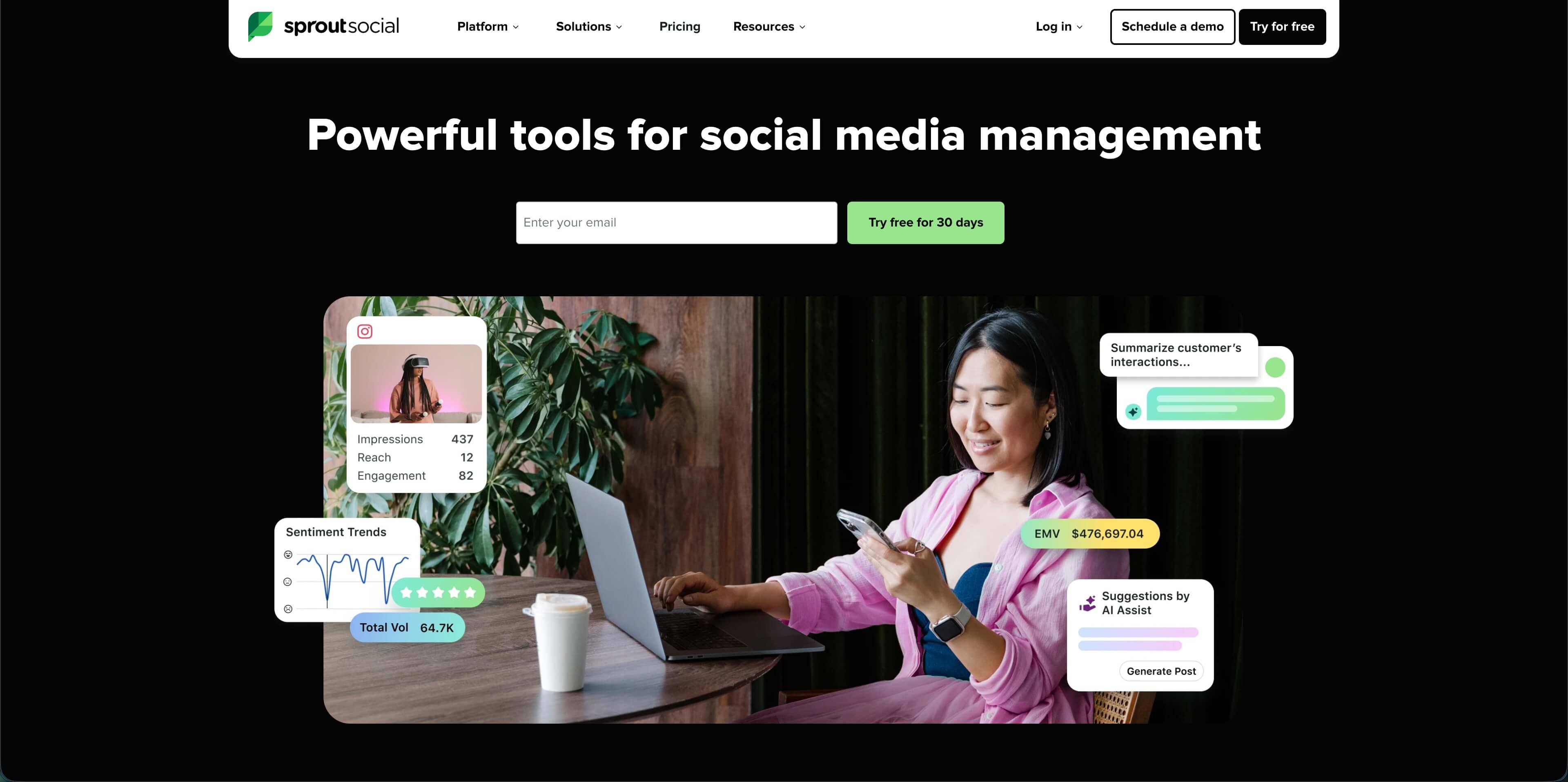
Sprout can be valuable for a multi-location plumbing or home-services group where social media overlaps with customer service. If comments, DMs, reviews, message assignment, reporting, and response time matter, Sprout is built for that.
Best for: regional plumbing brands, franchises, or home-service groups with dedicated marketing and customer-care teams.
Skip it if: you are an independent plumber or a small local shop watching software spend closely.
10. Typefully - best for X, LinkedIn, Threads, Mastodon, and Bluesky thought leadership
Typefully is not the first tool I would choose for most local plumbing companies, but it has a place for owners who use social content to build authority. Its help center describes scheduling and calendar workflows for publishing across platforms including X, LinkedIn, Threads, Mastodon, and Bluesky.
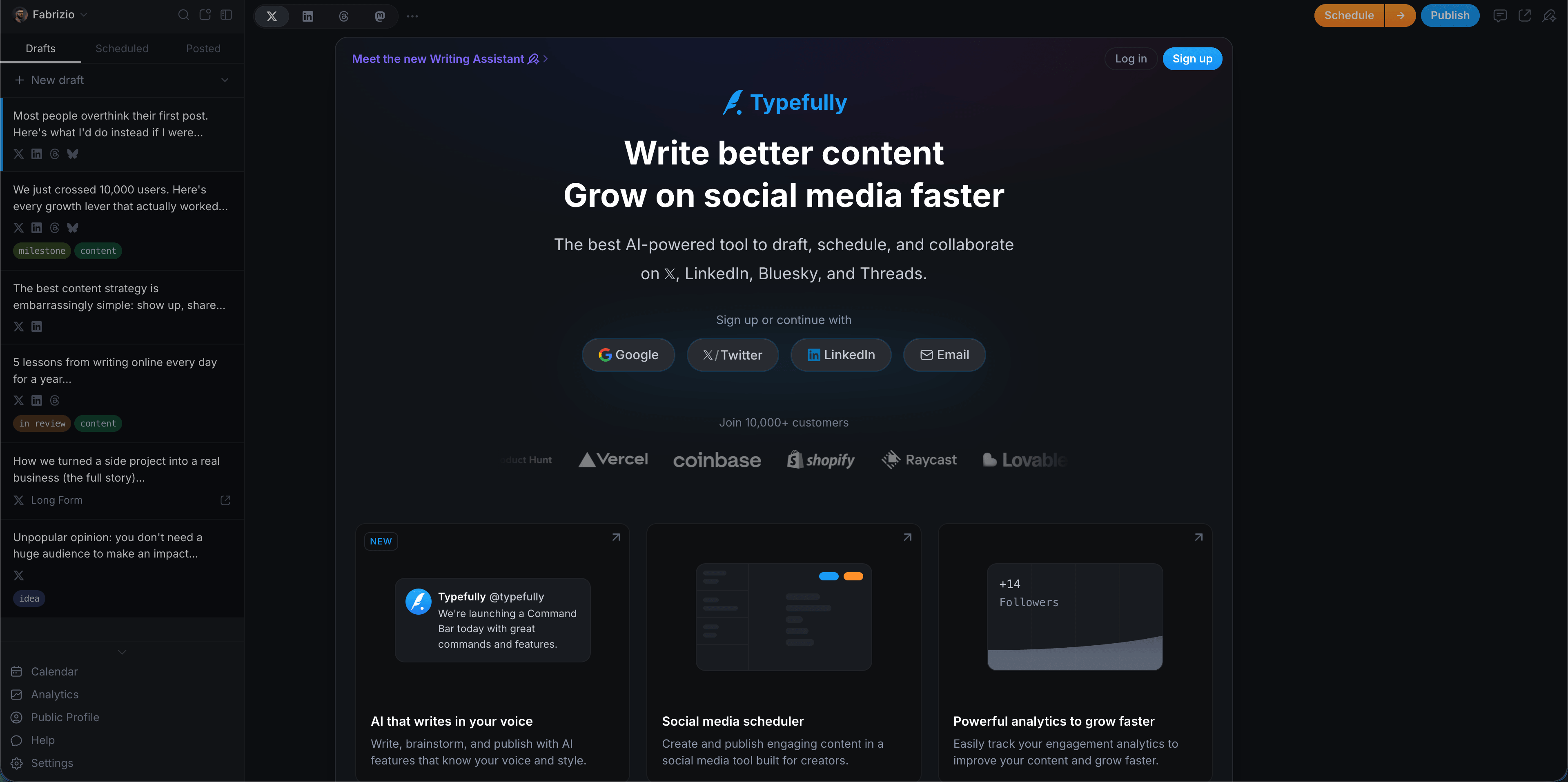
For plumbers, Typefully is best for text-led education: threads about emergency shutoff valves, LinkedIn posts for commercial property managers, or short opinion posts about maintenance mistakes. It is less useful if Facebook, Instagram, and Google Business Profile are the main local acquisition channels.
Best for: plumbing owners building a personal brand or B2B commercial plumbing relationships.
Skip it if: you need a visual local-business scheduler for Facebook, Instagram, and GBP.
AdaptlyPost
Start 7-day Free Trial
All-platform analytics
Social Inbox
AI-powered assistant
Recommended stacks by plumbing business size
Solo plumber or two-person shop
Start simple:
- Google Business Profile for weekly local updates.
- AdaptlyPost or Buffer for scheduled posts.
- Canva or simple templates for review cards and service graphics.
Do not buy a complex enterprise suite before you have a weekly content habit.
Growing plumbing company with office support
Add structure:
- AdaptlyPost for all-around publishing and AI caption help.
- Metricool if analytics and Google Business Profile reporting matter.
- Loomly or Planable if approvals become the bottleneck.
- SocialBee if evergreen educational content is a big part of the strategy.
At this stage, the goal is consistency: one person can batch content, another can approve, and the owner can still review what is going live.
Multi-location plumbing or home-services group
Prioritize governance:
- Hootsuite or Sprout Social for inbox, reporting, listening, and team workflow.
- Planable if agency-client approvals are central.
- Metricool for performance reporting across brands and locations.
- AdaptlyPost if the team wants a lighter publishing layer for recurring local content.
Multi-location teams should care about permissions, location-specific content, approval flow, and reporting by branch.
A plumber-friendly weekly content system
Tools only help if the workflow is realistic. Use this weekly rhythm:
| Day | Content | Tool workflow |
|---|---|---|
| Monday | Seasonal tip or emergency prevention post | Draft once, adapt per platform |
| Tuesday | Job photo or before-and-after | Add to the visual calendar |
| Wednesday | Review proof | Turn a review into a caption or simple graphic |
| Thursday | Google Business Profile update | Publish a service-area or offer post |
| Friday | Service reminder | Reuse a proven post angle with a local neighborhood callout |
The strongest plumbing social strategy is not high volume. It is proof, repetition, and local relevance.
Red flags when choosing a tool
Avoid tools that create more work than they remove:
- No Google Business Profile workflow: GBP matters for local trust.
- No easy image workflow: plumbing content is visual.
- No review reuse: reviews are too valuable to leave buried.
- No mobile-friendly process: job photos start on phones.
- Unclear pricing: sales-led pricing can be fine, but only if the platform replaces several tools.
- Enterprise workflow for a tiny team: approval chains are useful only when there is someone to approve.
Frequently Asked Questions
What are the best social media tools for plumbers?
The best social media tools for plumbers are AdaptlyPost for all-around scheduling, Buffer for simple starter scheduling, Metricool for analytics, Later for visual planning, Loomly or Planable for approvals, SocialBee for evergreen recycling, and Hootsuite or Sprout Social for larger teams.
Should plumbers use Google Business Profile posts?
Yes. Even if the main social scheduler does not handle every GBP workflow, plumbers should treat Google Business Profile as a weekly local visibility channel. Use it for service-area updates, seasonal reminders, offers, and job proof.
How often should a plumbing company post on social media?
A realistic cadence is three to five posts per week across active channels, with at least one Google Business Profile update weekly. Consistency matters more than volume. A plumber posting three useful, local, proof-based updates every week will usually look more trustworthy than a company posting ten generic posts and then disappearing.
Is a social media scheduler enough for plumbers?
A scheduler is enough for publishing consistency, but it does not replace reputation management, local SEO, dispatching, or call tracking. Most plumbing teams should pair a scheduler with a review request process and a clean Google Business Profile.
What content performs best for plumbing companies?
Before-and-after photos, customer reviews, emergency prevention tips, seasonal reminders, short videos, and local service-area updates usually work best. Avoid vague brand posts. Homeowners want proof that the plumber is competent, responsive, and nearby.
Conclusion
The best social media stack for a plumbing business is not the biggest one. It is the one your team can keep using during emergency calls, busy seasons, and full dispatch boards. Start with the channels that influence local trust, build a weekly rhythm, and choose tools that turn real jobs and real reviews into proof.
AdaptlyPost
Start 7-day Free Trial
All-platform analytics
Social Inbox
AI-powered assistant
Start scheduling plumbing posts with AdaptlyPost -- plan a week of local trust content, reviews, tips, and service reminders from one dashboard.
Sources: AdaptlyPost pricing and product page, Buffer pricing and features, Metricool pricing, Hootsuite plans, Later pricing, Loomly pricing, Planable pricing, SocialBee pricing, Sprout Social plan details, Typefully scheduling help, BrightLocal Local Consumer Review Survey 2026, DataReportal Digital 2026 United States.
Put this into practice with AdaptlyPost
Was this article helpful?
Let us know what you think!
Before you go...
AdaptlyPost
Schedule your content across all platforms
Manage all your social media accounts in one place with AdaptlyPost.
All-platform analytics
Social Inbox
AI-powered assistant
Related Articles
Useful context - AI social media tools for real estate agents
Good real estate social media automation covers listings, open houses, and market updates. AdaptlyPost, Buffer, Hootsuite, Later and more, compared.
A practical answer - How to find customers on Reddit
Buying conversations run hourly. How to find customers on Reddit by monitoring keywords instead of subreddits, and replying before a thread cools.
8 Ways to Save 10+ Hours a Week on Social Media Management
Managers burn 20-30 hours weekly on reformatting and manual publishing. Eight ways to save time on social media management, from batching to AI.