
TL;DR, Quick Answer
13 min readAdaptlyPost is the best first pick for real estate agents who want AI captions, AI images, multi-platform scheduling, and a visual content calendar in one workflow. Buffer is simpler, Hootsuite is stronger for large brokerages, Later is best for visual Instagram planning, Metricool is strongest for reporting, SocialBee is good for evergreen content categories, and real estate-specific tools like Listavio and RealEstateContent.ai can help when property templates matter more than broad platform control.
Here, the topic AI social media tools for real estate agents is covered with practical examples. Useful real estate social media automation has less to do with a flashy caption generator than with a weekly system that survives back-to-back showings: listings, open houses, market updates, testimonials, neighbourhood posts, and buyer education, queued once and published on time.
The stakes are real. In the National Association of REALTORS 2025 Technology Survey, 39% of respondents said social media generated the highest number of quality leads, ahead of CRM and MLS tools. The same survey found that 66% adopt new technology to save time and 64% adopt it to improve the client experience. That is exactly where the right AI social workflow should earn its keep.
This guide was researched and fact-checked on May 9, 2026 using official product pages, help centers, and pricing pages where available. AdaptlyPost is listed first because it is our platform, but the comparison still calls out where other tools are stronger.
Key takeaway: For most solo agents and small teams, the best tool is the one that turns listing details, local expertise, and proof of trust into scheduled posts without forcing you to manage five separate apps.
Quick comparison of AI social media tools for real estate agents
| Rank | Tool | Best fit | AI and automation strengths | Main caution |
|---|---|---|---|---|
| 1 | AdaptlyPost | Solo agents, teams, agencies, and brokerages that need one scheduler across many channels | AI captions, AI Image Studio, content calendar, bulk scheduling, API and OpenClaw integration | Web-first workflow rather than a mobile-first app |
| 2 | Buffer | Agents who want a simple queue and clean publishing workflow | AI Assistant, ideas board, scheduling, analytics, community inbox | Per-channel pricing scales with every profile |
| 3 | Hootsuite | Larger brokerages with inbox, reporting, listening, and approval needs | AI assistant with image and caption generation, best-time recommendations, inbox, bulk scheduling on higher plans | Usually more platform than a solo agent needs |
| 4 | Later | Visual-first Instagram, TikTok, and creator-style listing content | Caption Writer, visual planner, social sets, Link in Bio, AI credits | AI credits and post limits vary by plan |
| 5 | Metricool | Agents who care about analytics, reports, competitor checks, and Google Business Profile | AI assistant, planner, reporting, competitor analytics, Canva integration | LinkedIn and X access can depend on plan or add-ons |
| 6 | SocialBee | Agents who want repeatable evergreen content categories | Unlimited AI content generation, categories, bulk editor, approval workflow | The category system takes setup time |
| 7 | Listavio | Real estate agents who want SMS approvals and a lightweight real estate workflow | Connects social accounts, AI-agent posting workflow, SMS approve/edit links, basic analytics | Newer and narrower than general scheduling suites |
| 8 | RealEstateContent.ai | Agents who want real estate templates, brand settings, and property listing posts | Persona-based content, listing URL posts, schedule calendar, image library, custom footer | More expensive than lean schedulers and less broad than general platforms |
Why real estate agents need a different AI social workflow
Generic social media tools assume you already know what to post. Real estate agents have the opposite problem: they have raw material everywhere, but it is scattered across MLS notes, listing photos, open-house plans, client questions, neighborhood knowledge, lender updates, and market data.
Good AI social media tools for real estate agents should help with five jobs:
- Turn a listing or market note into platform-specific captions.
- Create or organize visuals for carousels, Stories, Reels, and listing posts.
- Schedule consistently across Instagram, Facebook, LinkedIn, TikTok, X, and Google Business Profile where relevant.
- Keep compliance and brand review in the workflow before publishing.
- Show enough analytics to know whether posts are driving reach, engagement, DMs, profile visits, or listing inquiries.
This is where many "AI tools" fall short. A chatbot can draft a caption, but it will not reliably remember your local market, attach the right visual, schedule to the right profiles, reuse winning formats, and help your assistant or team approve the post. The workflow matters as much as the writing.
How we evaluated the tools
Each platform was reviewed against real estate use cases rather than generic creator use cases:
| Evaluation area | What we looked for |
|---|---|
| Real estate fit | Listing posts, market updates, testimonials, open houses, local expertise, persona support |
| AI usefulness | Caption drafting, rewriting, images, topic ideas, hashtags, repurposing, strategy generation |
| Scheduling depth | Multi-platform publishing, visual calendar, queue, bulk scheduling, recurring content |
| Team control | Approvals, roles, SMS review, client or brokerage workflows |
| Reporting | Analytics, best-time recommendations, competitor tracking, reports, lead-oriented signals |
| Cost clarity | Public pricing, account limits, AI credit limits, add-ons |
1. AdaptlyPost
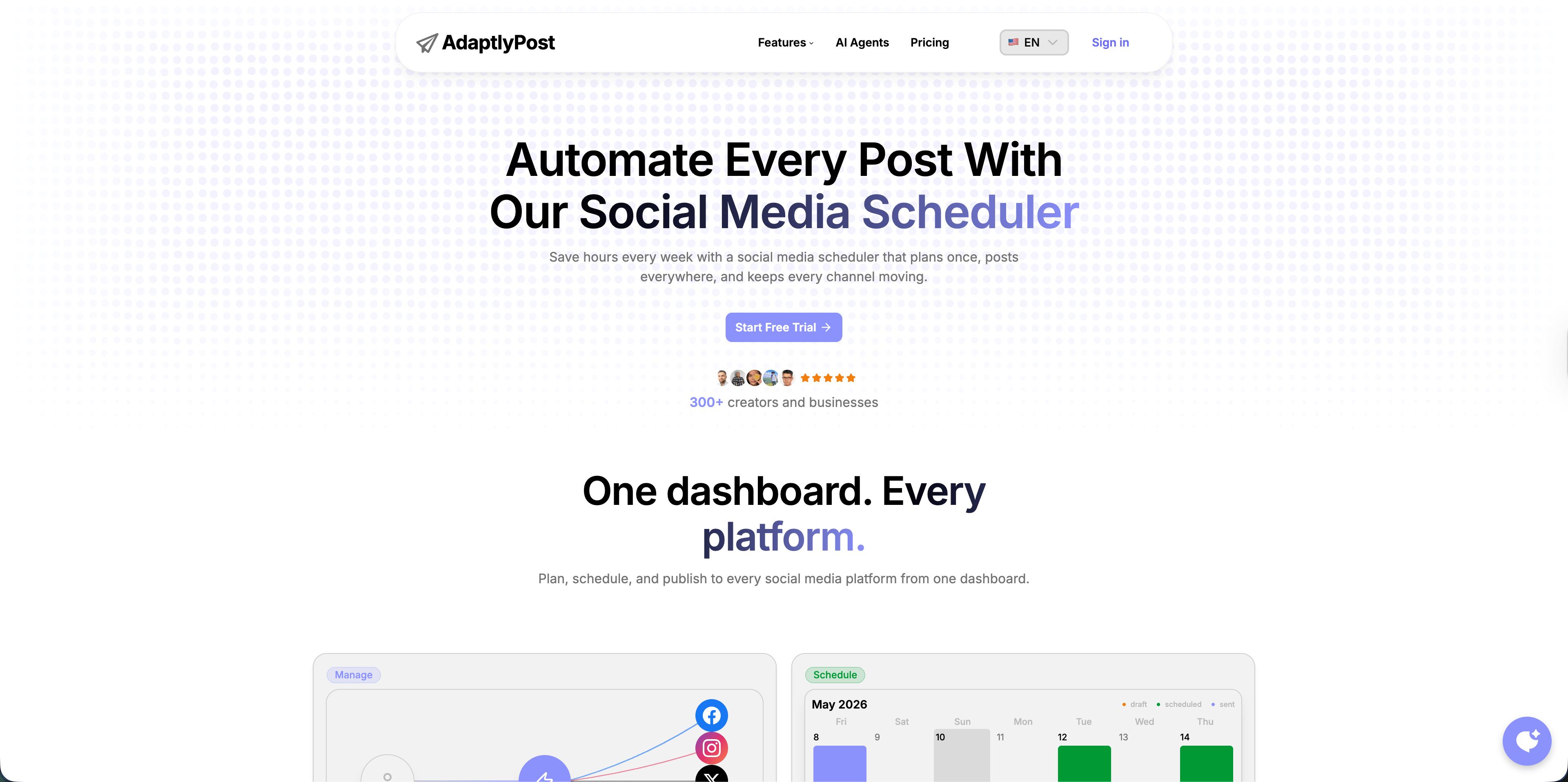
AdaptlyPost's AI social media tool for real estate agents is the best first stop when you want an AI-assisted scheduler rather than a loose collection of writing prompts. The homepage positions the product around one dashboard for planning, scheduling, and publishing across platforms, with AI captions, AI image generation, a visual content calendar, API access, and OpenClaw integration.
For a real estate agent, that combination matters because your weekly content mix is predictable but time-sensitive. One week might include a "just listed" post, two neighborhood tips, one seller education carousel, one market update, and an open-house reminder. AdaptlyPost lets you batch the workflow, generate draft captions, create supporting visuals, and schedule everything in one place.
Where AdaptlyPost fits real estate
- Listing campaigns: Draft platform-specific captions for Instagram, Facebook, LinkedIn, X, and other networks from one listing brief.
- Open houses: Schedule reminder posts before the event and recap posts after it.
- Market updates: Turn local market notes into digestible captions and visuals.
- Teams and brokerages: Use workspaces and team features to keep multiple agents or brands separated.
- Automation-minded teams: Use API and OpenClaw integration when you want AI agents or internal systems to trigger posts.
Pricing and limits
AdaptlyPost currently lists three paid monthly plans: Creator at $19/month, Pro at $39/month, and Enterprise at $89/month. Public plan copy lists unlimited scheduled posts on all plans, AI captions, AI Image Studio, image/video/carousel posts, and increasing connected account and credit limits.
Best for
Agents and brokerages that want a practical, scheduler-first AI workflow with enough creative assistance to reduce blank-page work but enough control to review posts before they go live.
2. Buffer
Buffer is one of the easiest tools to understand. It supports major social channels including Instagram, Facebook, LinkedIn, Pinterest, TikTok, X, YouTube, Threads, Bluesky, Mastodon, and Google Business Profile. Its pricing page also lists an AI Assistant across the Free, Essentials, and Team plans.

AdaptlyPost
Start 7-Day FREE Trial
All-platform analytics
Social Inbox
AI-powered assistant

For real estate agents, Buffer is a good fit when you want a simple queue: add the post, pick the channel, schedule, move on. It is especially friendly for solo agents who are managing a few profiles and do not need deep brokerage approvals or complex reports.
Where Buffer fits real estate
- Save local market tips, buyer FAQs, and seller reminders as ideas.
- Schedule evergreen educational posts in a clean queue.
- Use the AI Assistant to refine captions or repurpose a post for another channel.
- Use Google Business Profile support if local search visibility is part of your plan.
Pricing and limits
Buffer currently lists a free plan for up to 3 channels with 10 scheduled posts per channel, an Essentials plan at $5/month per channel billed yearly, and a Team plan at $10/month per channel billed yearly. That pricing is approachable at first, but a real estate team with many agents or profiles should model the per-channel cost before committing.
Best for
Solo agents who want a low-friction scheduler and are comfortable keeping design, listing assets, and deeper reporting elsewhere.

3. Hootsuite
Hootsuite is the enterprise-leaning option in this list. Its plan page lists Standard, Advanced, and Enterprise tiers. Standard includes up to 10 social accounts, unlimited post scheduling, best-time recommendations, an AI assistant with image and caption generation, Canva and Adobe Express templates, one inbox, DM automations, and brand or competitor mention search. Advanced adds unlimited social accounts, customizable analytics reports, bulk scheduling up to 350 posts, and more reporting controls.

Hootsuite is strongest when social media is already a team operation. A brokerage with multiple agents, a marketing coordinator, approval rules, inbox routing, and monthly reporting will get more from it than a single agent who just needs a faster content calendar.
Where Hootsuite fits real estate
- Brokerage marketing teams that need an inbox across profiles.
- Teams that care about brand monitoring and competitor mentions.
- Offices with approval workflows and recurring reports.
- Agents or teams already using Canva or Adobe Express templates.
Pricing and limits
Hootsuite pricing changes often and may be shown dynamically by region, so verify the checkout page before buying. The important practical point is that Hootsuite is usually a premium team tool, not the cheapest way for one agent to schedule listings.
Best for
Brokerages where social media includes publishing, customer messages, reporting, and reputation monitoring across many profiles.
4. Later
Later is a visual planning platform, and that matters for real estate. Listings are visual products. If your Instagram grid, Reels plan, carousels, and Stories need to look intentional, Later has an advantage over pure queue-based tools.
Later's help center says its Caption Writer can generate new captions, rephrase existing captions, and change tone. It is available on current paid plans, works for all social platforms on desktop plus iOS and Android, is currently a beta feature, and uses credits. Later's pricing page lists Starter, Growth, and Advanced annual plans with social sets, AI content assistant credits, and post limits.

Where Later fits real estate
- Previewing a listing-heavy Instagram grid before publishing.
- Planning Reels, carousels, Stories, and listing image posts visually.
- Reusing captions and templates for recurring post types.
- Managing creator-style content with a Link in Bio page.
Pricing and limits
Later's public pricing recently listed annual plans starting at $18.75/month for Starter, $37.50/month for Growth, and $82.50/month for Scale, with AI credit allowances that rise by plan. Because AI usage is credit-based, agents who generate many versions should check the credit math before moving their whole workflow over.
Best for
Agents who care most about visual planning and Instagram or TikTok presentation.
AdaptlyPost
Start 7-Day FREE Trial
All-platform analytics
Social Inbox
AI-powered assistant
5. Metricool
Metricool is strong when reporting and analysis matter. Its pricing page lists planner and execution features, an artificial intelligence assistant, analytics, competitors, ads, Google Drive and Canva integration, PDF and PPT reports, and Looker Studio connector options on higher plans.
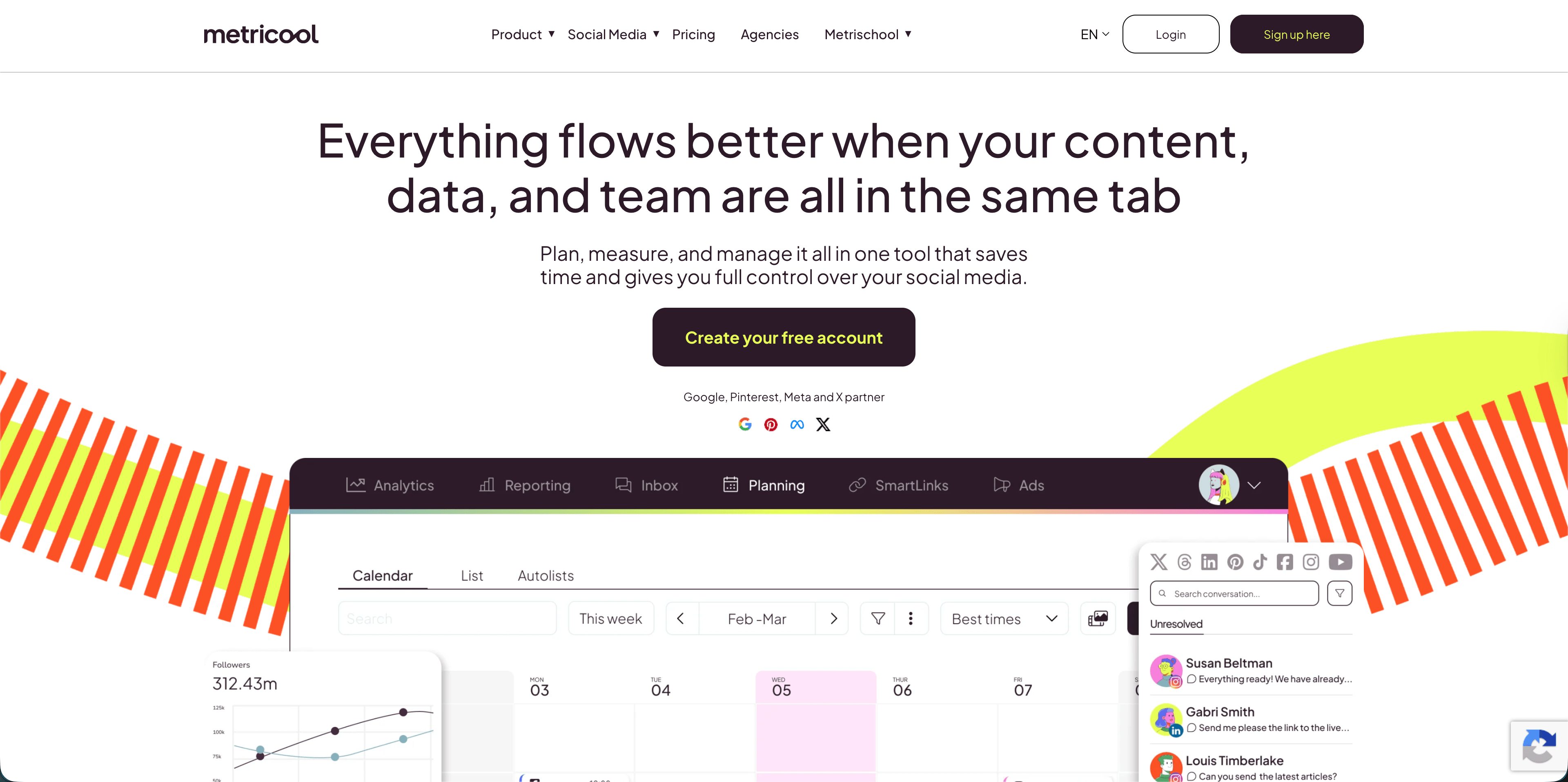
For real estate, Metricool is most useful when you want to compare performance across platforms and keep a close eye on what content formats are actually moving. That can be helpful for teams testing listing videos, carousels, Google Business Profile posts, neighborhood guides, and paid campaigns.
Where Metricool fits real estate
- Tracking which platforms produce reach and engagement.
- Comparing competitor accounts or local brokerage activity.
- Building PDF or PPT reports for a team lead or broker.
- Combining organic social planning with ad visibility.
Pricing and limits
Metricool's pricing page currently lists a free plan, Starter from $20/month, Advanced from $53/month, and custom plans. It also notes limits and add-ons, including X/Twitter-related add-ons and AI assistant credits by plan.
Best for
Agents and small marketing teams that want stronger analytics and reporting than a basic scheduler provides.
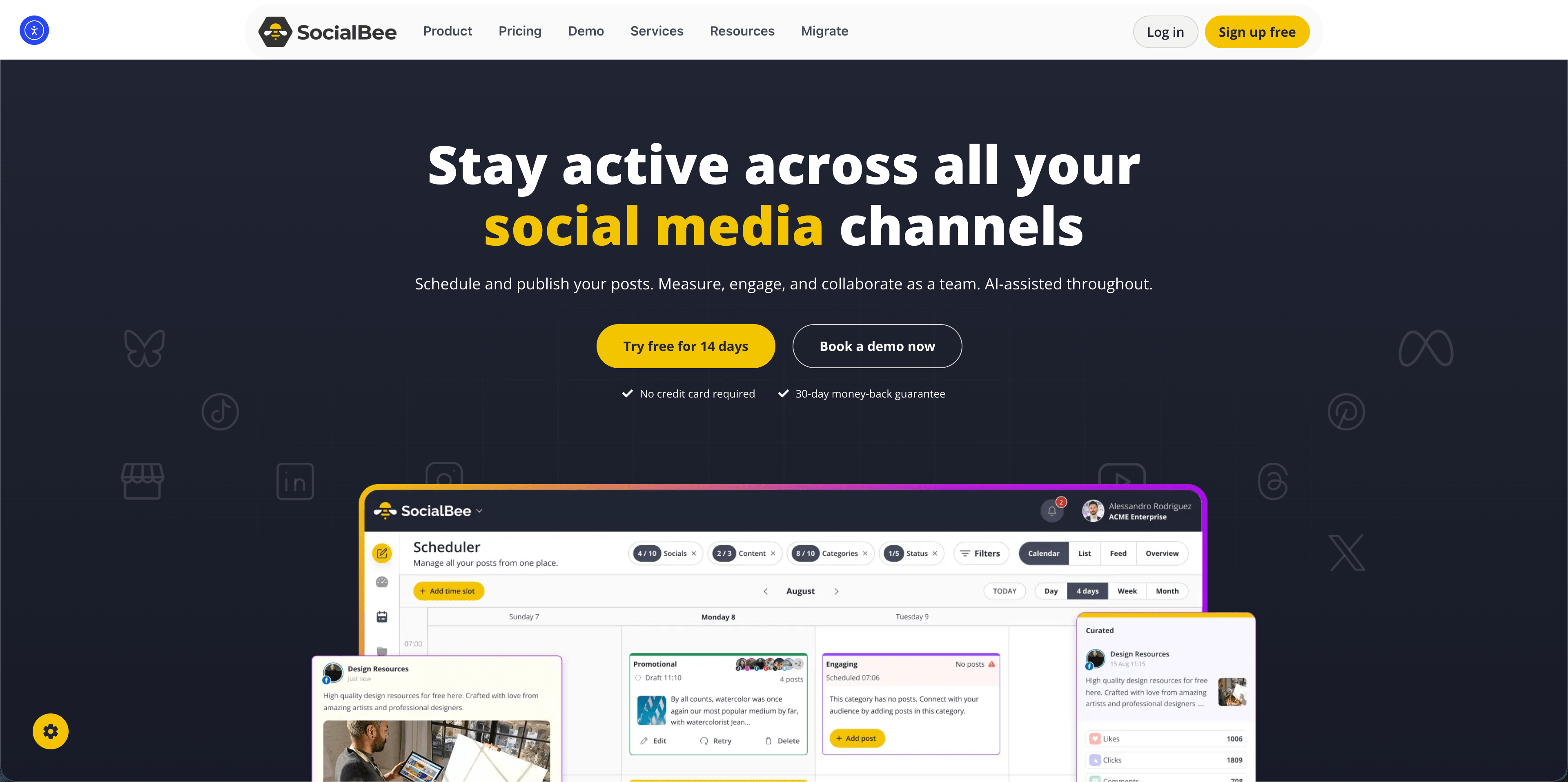
6. SocialBee
SocialBee is built around content categories, which can work surprisingly well for real estate. Instead of asking "What should I post today?" every morning, you can maintain categories such as buyer education, seller education, listings, local lifestyle, testimonials, mortgage tips, and market updates.
Its pricing page lists unlimited AI content generation across standard plans, content categories, content sources, analytics, bulk editing, CSV uploads, and approval workflows on higher plans.
Where SocialBee fits real estate
- Evergreen educational content that can be refreshed or recycled.
- Agents who like organizing posts by pillar.
- Teams that want AI help producing a full social strategy.
- Brokerages that need approvals but do not need Hootsuite-level listening.
Pricing and limits
SocialBee currently lists monthly standard plans at $29/month for Bootstrap, $49/month for Accelerate, and $99/month for Pro, with annual discounts available. The main setup cost is not financial; it is the time needed to define your categories and rules.
Best for
Agents who want a repeatable content-pillar system and are willing to set up categories carefully.

7. Listavio
Listavio is more narrowly built for real estate. Its site describes it as "AI-powered social media for real estate pros" with social account connections, SMS approvals, scheduling, and analytics. The key twist is approval by text: agents can review, approve, or edit through secure SMS links without logging in.
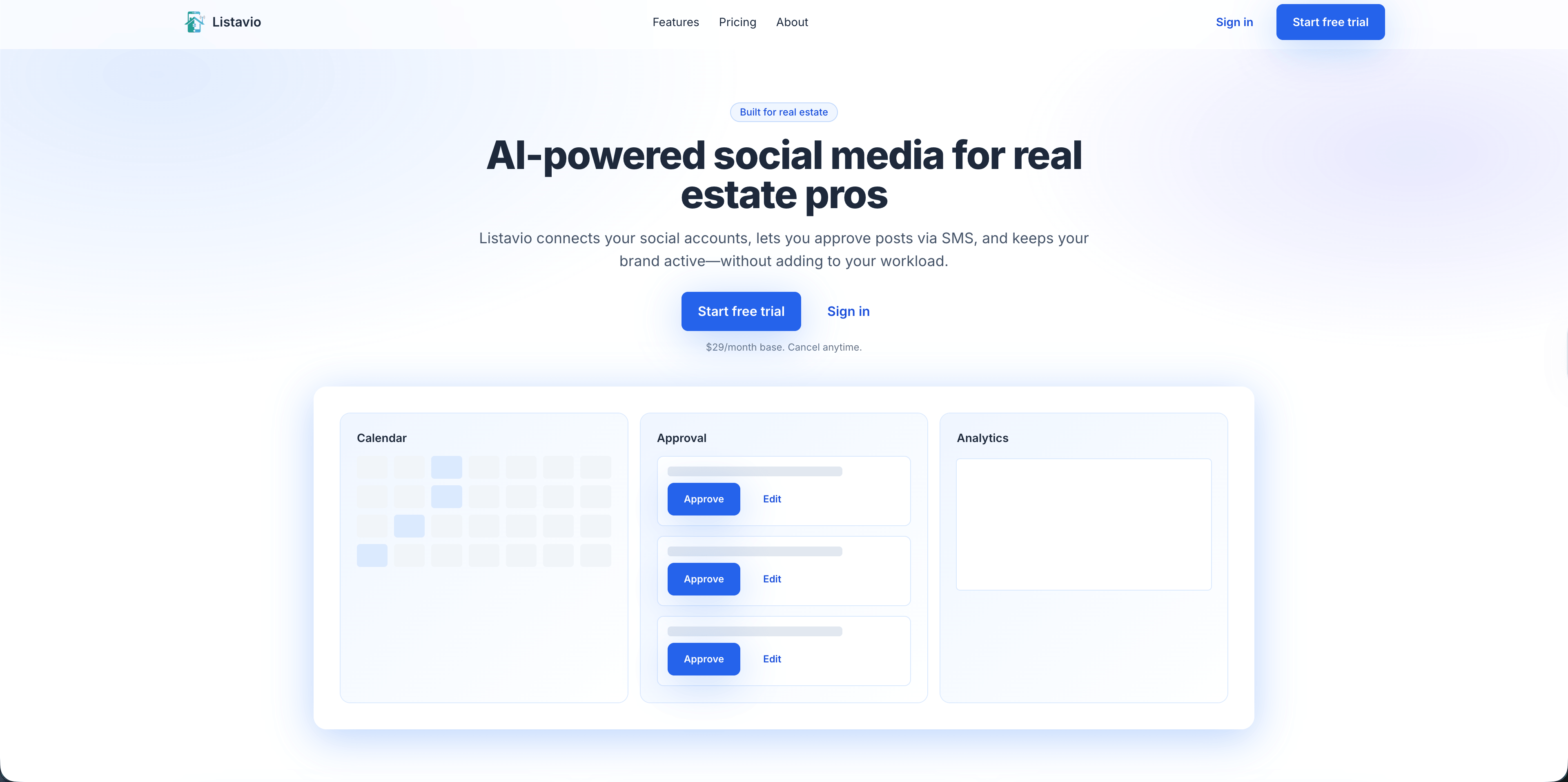
That matters because many agents do not want another daily dashboard. They want content to show up, approve it quickly, and get back to clients. Listavio is interesting for that use case.
Where Listavio fits real estate
- Solo agents who want a lightweight real estate-specific flow.
- Agents who prefer approving content from their phone.
- Teams where an assistant prepares posts and the agent gives final approval.
- Offices that need basic analytics without a heavy suite.
Pricing and limits
Listavio currently lists $29/month as a base solo-agent subscription, with teams on custom pricing. Its own FAQ says content is generated and coordinated by connected AI agents while Listavio handles accounts, approvals, scheduling, and analytics.
AdaptlyPost
Start 7-Day FREE Trial
All-platform analytics
Social Inbox
AI-powered assistant
Best for
Agents who want the least dashboard time possible and like SMS approval.
8. RealEstateContent.ai
RealEstateContent.ai is the most explicitly real estate-specific content tool in this comparison. Its site says it helps agents create, design, and schedule social media content, with content that adapts to an agent's style, real estate-ready templates, brand personalization, property listing posts from listing URLs, personas, custom footers, background libraries, and scheduling.

The advantage is specificity. A generic tool can write "Just listed!" copy, but a real estate-specific platform can start closer to what agents need: buyer tips, seller tips, market updates, property cards, branded slides, local personas, and listing posts.
Where RealEstateContent.ai fits real estate
- Agents who want designed content, not just captions.
- Teams that need consistent brand colors, logos, and contact details.
- Agents who want property listing posts generated from a listing URL.
- Brokerages that want agents to post more often without starting from scratch.
Pricing and limits
RealEstateContent.ai currently lists $99/month or $899/year in its FAQ. It says it integrates with Facebook, Instagram, LinkedIn, X, and TikTok, and that Google Business and YouTube support are planned.
Best for
Agents who value real estate templates and branded design more than broad multi-platform control.
Which tool should a real estate agent choose?
| Situation | Best pick |
|---|---|
| You want the best all-around AI scheduler for listings, captions, images, and multi-platform planning | AdaptlyPost |
| You only need a simple post queue for a few profiles | Buffer |
| You run social for a brokerage and need inbox, reports, and approvals | Hootsuite |
| Instagram visuals and feed planning matter most | Later |
| Analytics, competitor tracking, and reports matter most | Metricool |
| You want evergreen categories and recurring education posts | SocialBee |
| You want fast SMS approval for agent posts | Listavio |
| You want real estate-specific branded templates and listing URL posts | RealEstateContent.ai |
A practical weekly content system for agents
Here is the workflow I would use before buying anything complicated:
- Pick five content pillars: listings, open houses, market education, buyer and seller advice, and local lifestyle.
- Create one source doc per listing: address, price range if public, property highlights, nearby amenities, CTA, photo folder, compliance notes.
- Batch captions once a week: generate the first draft with AI, then edit for your actual voice and local knowledge.
- Build visuals in sets: one Reel or short video, one carousel, one square post, one Story, and one LinkedIn-friendly image.
- Schedule before the week starts: put listing and open-house posts on the calendar before client work takes over.
- Review performance every Friday: save posts that created DMs, saves, profile visits, or listing inquiries.
The best tool should make that system easier. If it adds more admin than it removes, it is the wrong tool for your office.
Frequently Asked Questions
What are the best AI social media tools for real estate agents?
The best AI social media tools for real estate agents are AdaptlyPost for all-around scheduling and AI creation, Buffer for simple queues, Hootsuite for brokerage teams, Later for visual planning, Metricool for analytics, SocialBee for content categories, Listavio for SMS approvals, and RealEstateContent.ai for real estate templates.
Should real estate agents use a general social media tool or a real estate-specific tool?
Use a general tool if you need broad platform coverage, flexible scheduling, analytics, and team workflows. Use a real estate-specific tool if your biggest problem is creating branded listing posts and market-update templates quickly.
Can AI write compliant real estate social media posts?
AI can draft posts, but agents still need to review claims, fair housing language, brokerage rules, MLS rules, listing facts, and local advertising requirements. Treat AI as a drafting assistant, not a compliance officer.
Which platforms should real estate agents post on?
Most agents should start with Instagram, Facebook, LinkedIn, and Google Business Profile, then add TikTok, YouTube Shorts, or X only if they can publish consistently. The best channel mix depends on whether you serve buyers, sellers, investors, luxury clients, relocations, or a local neighborhood audience.
How often should real estate agents post with AI tools?
A realistic starting point is three to five quality posts per week, plus Stories around showings, open houses, and local moments. AI drafts content in batches, but consistency still depends on having a clear weekly workflow.
What is the cheapest way to start with AI social media tools for real estate agents?
Buffer's free plan covers three channels with ten scheduled posts per channel, and its paid Essentials plan starts at $5 per month per channel billed yearly. That makes it the lowest-cost entry point in this comparison. Costs still rise fast once you add more profiles or move to the Team plan at $10 per month per channel.
How much does AdaptlyPost cost per month?
AdaptlyPost lists three paid plans: Creator at $19 a month, Pro at $39 a month, and Enterprise at $89 a month. All three include unlimited scheduled posts, AI captions, and the AI Image Studio, with connected account and credit limits increasing at each tier.
AdaptlyPost
Start 7-Day FREE Trial
All-platform analytics
Social Inbox
AI-powered assistant
Which tool connects to AI agents or automation systems?
AdaptlyPost is the one built for that in this comparison, with API access and OpenClaw integration listed alongside its scheduler. That lets AI agents or internal systems trigger posts directly instead of routing everything through a human queue. Listavio also uses connected AI agents to generate and coordinate content, though its own dashboard handles accounts, approvals, scheduling, and analytics.
Can a broker approve posts before an agent publishes them?
Several tools in this list build approvals into the workflow. Hootsuite and SocialBee both offer approval workflows on their higher plans, and Listavio lets an agent approve or edit posts through secure SMS links without logging into a dashboard.
What did the 2025 NAR Technology Survey find about social media and leads?
In the National Association of REALTORS 2025 Technology Survey, 39% of respondents said social media generated the highest number of quality leads, ahead of CRM and MLS tools. The same survey found that 66% adopt new technology to save time and 64% adopt it to improve the client experience.
Conclusion
AI social tools are useful only when they reduce the real work: deciding what to say, adapting it for the channel, pairing it with a good visual, getting approval, and publishing on time. For most real estate agents, AdaptlyPost is the strongest first option because it keeps AI captions, AI images, scheduling, calendars, and automation in one practical workflow.
Start scheduling real estate content with AdaptlyPost - build your next week of listing posts, market updates, and open-house reminders before client work fills the calendar.
Sources: AdaptlyPost, Buffer pricing, Hootsuite plans, Hootsuite OwlyWriter AI, Later Caption Writer, Later pricing, Metricool pricing, SocialBee pricing, Listavio, RealEstateContent.ai, NAR 2025 REALTORS Technology Survey.
Put this into practice with AdaptlyPost
Was This Article Helpful?
Let us know what you think!
See us more often in Google
One click marks AdaptlyPost as a preferred source, so our articles sit higher in your Top Stories, AI Mode, and AI Overviews.
Before you go...
AdaptlyPost
Schedule your content across all platforms
Manage all your social media accounts in one place with AdaptlyPost.
All-platform analytics
Social Inbox
AI-powered assistant
Related Articles

A Practical Overview - Social Media Plumbers
Reviews, GBP posts, and job photos are the social media plumbers really need. Tools compared on pricing, scheduling, and the local trust signals that convert.

A Practical Answer - How to Find Customers on Reddit
Buying conversations run hourly. How to find customers on Reddit by monitoring keywords instead of subreddits, and replying before a thread cools.


8 Ways to Save 10+ Hours a Week on Social Media Management
Managers burn 20-30 hours weekly on reformatting and manual publishing. Eight ways to save time on social media management, from batching to AI.