
TL;DR, Quick Answer
9 min readThe universal vertical video standard is 9:16 at 1080x1920 pixels; always keep text and key visuals within the center safe zone to avoid being hidden by platform UI overlays.
Almost every short-form post begins on a 9:16 canvas at 1080x1920, but vertical video dimensions diverge quickly once safe zones, file caps, and encoding rules come into play. TikTok, Reels, Shorts, and Facebook each crop a slightly different slice of the frame.
Platform-by-Platform Vertical Video Dimensions
Keeping track of the precise video specs for each social media app is tedious but necessary. Upload a video with the wrong dimensions and you risk awkward cropping, visible blur, or black bars that undermine your credibility instantly.
This section serves as your go-to lookup table. Before exporting any project, a quick glance here ensures your dimensions are dialed in and your content looks exactly as intended. The investment of a few seconds saves hours of frustration.
The case for vertical formatting is backed by hard data. With 75% of mobile video consumption happening in portrait orientation, proper formatting is no longer optional. It is a prerequisite for visibility.
And the payoff extends beyond viewership numbers. Creators who commit to the vertical format see up to 2.5 times more engagement compared to landscape alternatives. This is about delivering content in the orientation your audience already prefers.
Platform Specs at a Glance
Here is a consolidated reference table covering the technical requirements for today's leading platforms. Bookmark this for quick pre-upload verification.
| Platform | Resolution | Aspect Ratio | Size and Duration Limits |
|---|---|---|---|
| TikTok | 1080x1920 | 9:16 | 287 MB (iOS) / 72 MB (Android) / Up to 10 min |
| Instagram Reels | 1080x1920 | 9:16 | 4 GB / Up to 90 sec |
| Instagram Stories | 1080x1920 | 9:16 | 4 GB / Up to 60 sec per card |
| YouTube Shorts | 1080x1920 | 9:16 | No official size cap / Up to 60 sec |
| Facebook Reels | 1080x1920 | 9:16 | 4 GB / Up to 90 sec |
This table gives you the essentials. The sections below unpack each platform in detail, explaining not just the specifications but the reasoning behind them.
Foundational Concepts Every Creator Should Know
Before diving into platform-specific breakdowns, it is worth establishing the technical fundamentals. Mastering these basics ensures your videos look professional everywhere, not just technically compliant. Think of this as the groundwork for consistently high-quality output.
Two terms come up constantly in vertical video production: aspect ratio and resolution. They are frequently confused, but understanding the distinction is essential.
Distinguishing Aspect Ratio From Resolution
Here is a straightforward way to separate them. Aspect ratio defines the shape of your video frame. For vertical content, the standard is 9:16, meaning the frame is 9 units wide by 16 units tall. That produces the tall rectangle you see when scrolling TikTok or Reels.
Resolution determines visual sharpness. It is measured in pixels. The benchmark for crisp, full HD vertical video is 1080x1920 pixels, which means 1080 pixels horizontally and 1920 pixels vertically. More pixels translate directly to a cleaner, sharper image.
-
Aspect Ratio (Shape): 9:16 is the standard across TikTok, Instagram Reels, and YouTube Shorts.
-
Resolution (Sharpness): 1080x1920 pixels ensures your 9:16 frame looks crisp rather than muddy.
The Critical Role of Safe Zones
If you have ever watched a video where the text was buried behind a like button or obscured by a caption bar, you have seen a safe zone violation in action. A safe zone is the region of the screen where your content will not be obstructed by the platform's user interface elements.
Every app overlays its own controls, including usernames, captions, share buttons, and audio attributions, directly on top of your video. Positioning a critical call-to-action or product name outside the safe area means a significant portion of your audience will never see it.

AdaptlyPost
Start Your 7-Day Free Trial
All-platform analytics
Social Inbox
AI-powered assistant
Neglecting safe zones makes content look amateur and frustrating to watch. The fix is simple: keep your primary subject matter, text overlays, and essential graphics centered within the frame at all times.
TikTok: Dimensions, Specs, and Safe Zone Strategy
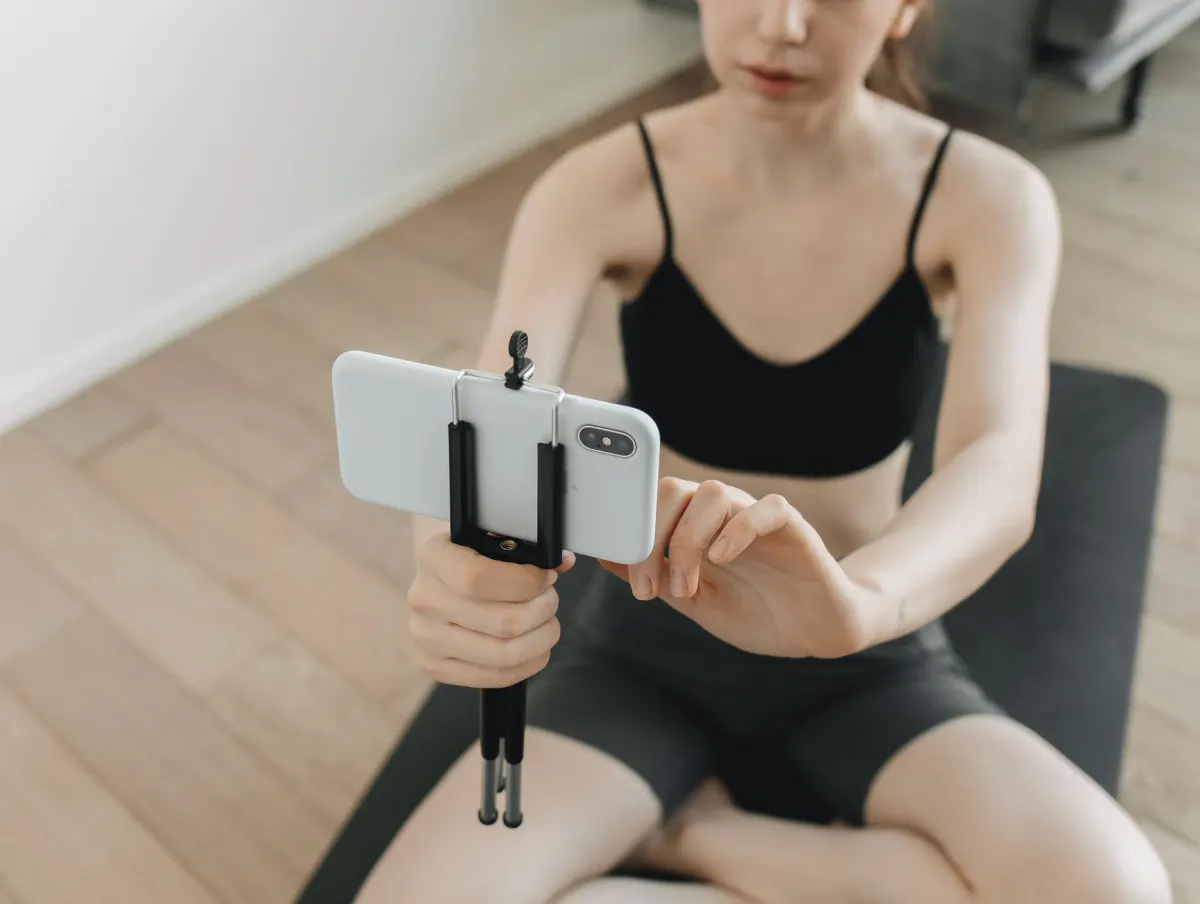
As the dominant force in short-form video, TikTok has specific technical requirements that directly impact your content's performance. Taking the time to format correctly is not a nice-to-have; it determines whether your video gets the For You Page treatment.
The golden rule: film and export in 9:16. This fills the entire mobile screen, delivering the seamless scrolling experience TikTok users expect. Anything else produces black bars that signal your content was not built for the platform.
Technical Requirements
Export your videos with these settings to avoid compression artifacts and ensure maximum visual quality on every device.
-
Resolution: 1080x1920 pixels. This is full HD vertical and the optimal spec for TikTok.
-
Accepted formats: MP4 and MOV upload without issues on all devices.
-
File size caps: Stay under 287 MB on iOS and 72 MB on Android. Exceeding these limits can cause upload failures.
TikTok now supports videos up to 10 minutes, but the platform's DNA is brevity. Content under 60 seconds consistently outperforms longer uploads in terms of completion rate and engagement.
Working Within TikTok Safe Zones
The most common beginner mistake on TikTok is ignoring the interface overlay. Captions, usernames, sound credits, and interaction buttons are all layered on top of your video. Anything placed beneath these elements becomes invisible.
Treat the center of the frame as your usable canvas. The bottom 15-20% is occupied by captions and sound information. The right edge hosts the like, comment, share, and profile icons. Any text or call-to-action placed in those areas is effectively hidden.
As a practical example, imagine filming a product review and placing the product name text at the very bottom of the frame. On TikTok, the caption overlay will completely cover it. Shifting that text to the center of the screen guarantees visibility regardless of the UI layer.
- The center of the frame
- Bottom 15-20%: captions and sound credits
- Right edge: like, comment, share, and profile icons
Instagram Reels and Stories: Getting the Details Right
Instagram operates two distinct vertical video formats, and understanding the differences between them is essential for polished output. Both Reels and Stories use a 9:16 aspect ratio and look best at 1080x1920 pixels. However, the similarities end there.
The crucial distinction lies in how each format's interface affects your content. Reels are permanent, discoverable pieces of content. Stories are temporary 24-hour snapshots. Each format places UI elements in different locations, which directly impacts where you can safely position text and graphics.
Specifications for Reels and Stories
Keep your videos sharp and avoid unexpected cropping by adhering to these settings.
AdaptlyPost
Start Your 7-Day Free Trial
All-platform analytics
Social Inbox
AI-powered assistant
Instagram Reels:
-
Aspect Ratio: 9:16
-
Resolution: 1080x1920 pixels
-
Maximum length: 90 seconds
-
Format: MP4 or MOV
-
File size limit: 4 GB
Instagram Stories:
-
Aspect Ratio: 9:16
-
Resolution: 1080x1920 pixels
-
Maximum length: 60 seconds per card
-
Format: MP4 or MOV
-
File size limit: 4 GB
The base specs are identical. The real variable is safe zone placement. Instagram positions usernames, captions, and interaction buttons differently in Reels than in Stories, so content that looks perfect in one format can have critical elements hidden in the other.
Adapting Content Across Both Formats
Reusing the same video for both a Reel and a Story is absolutely viable, but it requires forethought. A frequent mistake is designing a Story with interactive stickers near the bottom edge, only to have them buried behind the caption bar when the same clip is shared as a Reel.
The safest approach is keeping all critical elements, text, logos, faces, and CTAs, anchored in the vertical center of the frame. This central zone remains unobstructed in both formats.
AdaptlyPost
Start Your 7-Day Free Trial
All-platform analytics
Social Inbox
AI-powered assistant
For example, if you are filming a product demonstration for a Reel, ensure the product name and any CTA text sit in the middle third of the screen. That way, repurposing the same clip for your Story will not result in hidden information.
YouTube Shorts: Format Requirements and Best Practices
YouTube Shorts has become a significant growth lever for channels of all sizes. To tap into its massive audience, your video must be formatted in a way that YouTube's system recognizes as a Short.
The fundamental requirement is simple: vertical orientation. A 9:16 aspect ratio fills the mobile screen and signals to the algorithm that your upload belongs in the Shorts feed rather than the standard video library.
Key Technical Specifications
Meeting these technical benchmarks ensures your Short looks professional and gets properly categorized.
-
Resolution: 1080x1920 pixels delivers full HD vertical quality.
-
Aspect Ratio: While 1:1 is technically accepted, 9:16 maximizes screen real estate and provides the best viewer experience.
-
Duration: 60 seconds maximum. Anything longer gets classified as a standard upload.
YouTube introduced Shorts in 2021 as a direct response to TikTok's explosive growth and the broader shift toward mobile-first video consumption. The strict 60-second cap and 9:16 orientation were intentional design choices built for the fast, scroll-driven way audiences engage with content today.
Optimizing Quality and File Format
Correct dimensions are only part of the equation. Visual quality determines whether viewers stick around or scroll past. Always export in MP4 or MOV for the best compatibility with YouTube's processing pipeline.
Universal Export Settings for Vertical Video
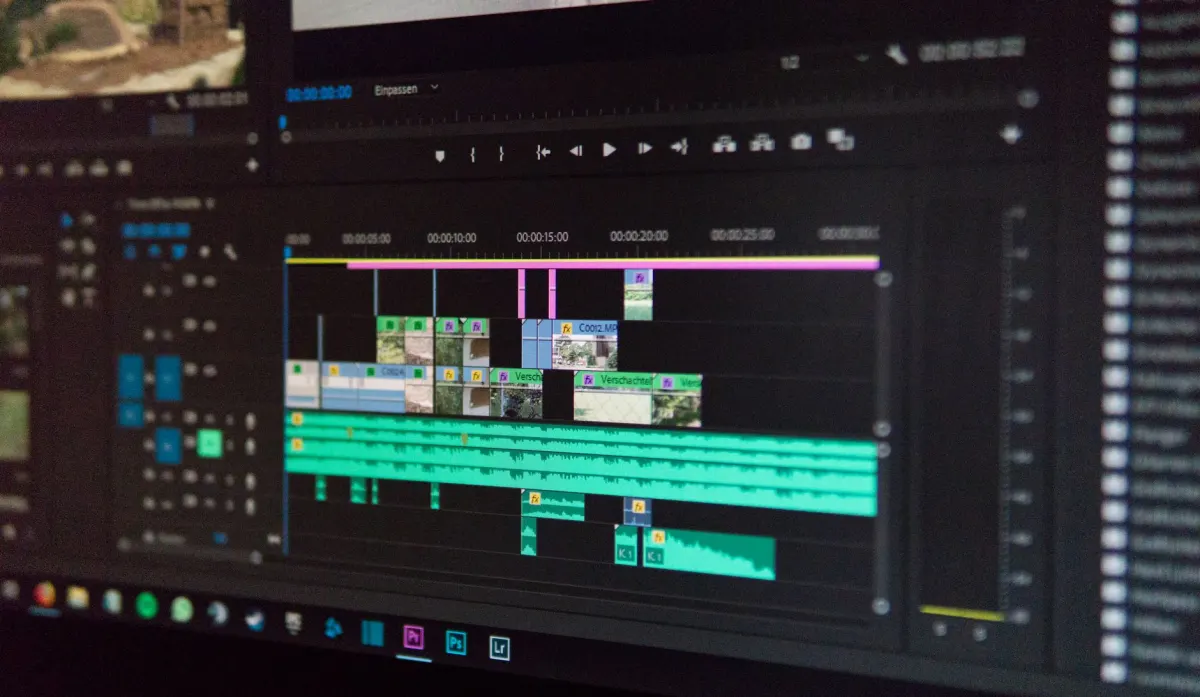
Producing a great video means nothing if your export settings undermine the final result. Incorrect export configurations lead to pixelation, color shifts, and compression artifacts that make even polished content look amateurish.
Think of export settings as the final quality gate. Once you establish a reliable export workflow, you can trust that your vertical videos will render cleanly on every platform, every time.
The Pre-Export Checklist
Whether you are working in Adobe Premiere Pro, DaVinci Resolve, or a mobile editor like CapCut, the core export principles remain the same.
-
Codec: H.264 is the industry standard for web video. It provides an excellent balance of quality and file efficiency, and every major platform is optimized to handle it.
-
Resolution: Match your export resolution to your project resolution. If you edited at 1080x1920, export at 1080x1920. Mismatches cause stretching or cropping that degrades the final product.
AdaptlyPost
Start Your 7-Day Free Trial
All-platform analytics
Social Inbox
AI-powered assistant
Frame rate: 30 FPS is the standard for most content. For footage with fast motion or when you want a buttery smooth look, step up to 60 FPS.
Understanding Bitrate and Its Impact on Quality
Bitrate controls how much data is allocated to each second of your video. Higher bitrate means better visual quality but larger file sizes. For social media, there is a practical ceiling beyond which additional bitrate yields no visible improvement on mobile screens.
The most common mistake is setting bitrate too low, which produces blocky, heavily compressed visuals. The opposite error, cranking bitrate excessively high, inflates file size without any perceptible quality gain.
For standard 1080p vertical video, aim for a target bitrate between 10 and 15 Mbps. This range produces sharp, clean output while keeping file sizes manageable for fast uploads.
Common Vertical Video Questions Answered
How Are 9:16 and 1080x1920 Different?
9:16 and 1080x1920 describe two different properties of the same video. 9:16 is the aspect ratio, which defines the shape of the frame. It means the video is 9 units wide for every 16 units tall. 1080x1920 is the resolution, which defines the clarity. It means 1080 pixels across and 1920 pixels down. One is the blueprint; the other is the build quality.
What Happens If I Upload a 4:5 Video to TikTok or Reels?
TikTok and Reels will not stretch your content. Instead, they fill the remaining space with black bars at the top and bottom, a treatment called letterboxing. This immediately signals that the video was not designed for the platform, breaks the immersive full-screen experience, and looks unprofessional. Always edit to 9:16 for the best results.
Why Do Safe Zones Matter So Much?
Safe zones represent the portion of your screen that is guaranteed to be free from platform UI elements. Every app overlays buttons, captions, usernames, and sound credits on top of your video. If a key visual or call-to-action falls outside the safe zone, it will be hidden behind interface elements. Respecting safe zones ensures your audience actually sees the content that matters.
What Is the Best File Format for Vertical Video?
MP4 and MOV are the two formats every major platform accepts. TikTok, Instagram Reels, Instagram Stories, and YouTube Shorts all process these without conversion issues. Stick with one of the two and you avoid upload failures across every platform.
How Long Can a TikTok Video Be?
TikTok allows videos up to 10 minutes, but the platform rewards brevity. Content under 60 seconds consistently gets a higher completion rate and more engagement than longer uploads. If you're chasing reach, cut for speed rather than length.
What Is the Maximum File Size for a TikTok Upload?
The cap depends on the device. iOS allows files up to 287 MB, while Android tops out at 72 MB. Go over either limit and the upload fails.
How Long Can an Instagram Reel Be?
An Instagram Reel can run up to 90 seconds, with a file size ceiling of 4 GB. That gives you more room than a Story, which resets its clock every 60 seconds per card.
How Long Can an Instagram Story Be?
Each Story card allows up to 60 seconds of video before it splits into another card. The file size limit sits at 4 GB, same as Reels. Plan your cuts around that per-card window rather than treating the Story as one continuous clip.
Does YouTube Shorts Accept Square Video?
Technically yes. YouTube accepts a 1:1 aspect ratio for Shorts, but 9:16 fills more of the mobile screen and gives viewers a better experience. Stick with 9:16 unless you have a specific reason to crop square.
When Did YouTube Shorts Launch?
YouTube introduced Shorts in 2021, directly responding to TikTok's growth and the broader move toward mobile-first video. The 60-second cap and 9:16 orientation were both deliberate choices, built around how people actually scroll and watch on a phone.
What Codec Should I Export Vertical Video With?
H.264 is the standard for web video and the safest choice for vertical exports. Every major platform is optimized to handle it, and it balances quality against file size better than most alternatives. Export outside of it and you risk compatibility issues down the line.
AdaptlyPost
Start Your 7-Day Free Trial
All-platform analytics
Social Inbox
AI-powered assistant
What Frame Rate Should I Use for Vertical Video?
30 FPS works for most vertical content and matches what platforms expect by default. Switch to 60 FPS for fast motion or when you want a smoother, more fluid look. Match your frame rate to the footage, not the other way around.
What Bitrate Should I Use for 1080p Vertical Video?
Aim for a target bitrate between 10 and 15 Mbps for standard 1080p vertical video. That range keeps the output sharp without inflating file size or slowing down uploads. Push higher and you're just adding weight with no visible gain on a mobile screen.
Put this into practice with AdaptlyPost
Was This Article Helpful?
Let us know what you think!
See us more often in Google
One click marks AdaptlyPost as a preferred source, so our articles sit higher in your Top Stories, AI Mode, and AI Overviews.
Before you go...
AdaptlyPost
Schedule your content across all platforms
Manage all your social media accounts in one place with AdaptlyPost.
All-platform analytics
Social Inbox
AI-powered assistant
Related Articles
Useful Context - Social Media Vertical Video Safe Zones
Every app hands you a 1080x1920 canvas but the YouTube Shorts safe zone 2026 is smaller. Exact safe areas per platform, device quirks, and overlays to test.


Instagram Reels Ideas for Business: Practical Guide
Reels take 35% of screen time and reach 1.36x more users than carousels. Ten reels ideas for business, each with a format and a refinement note.


A Practical Overview - YouTube Shorts Posting Schedule Recommendations
Studio queues a Short in a minute. YouTube Shorts posting schedule recommendations drawn from your own Analytics, plus the cadence the format rewards.