TL;DR, Quick Answer
8 min readTo automate social media posts with Make, add the verified AdaptlyPost app to a scenario and connect it with an adaptly_ API key from app.adaptlypost.com/api-tokens. The app has 13 modules: the Watch events trigger, actions such as Create a post, Check a post, Publish a draft and Retry failed platforms, searches such as Search posts and List social accounts, and Make an API call for any other endpoint. Create a post publishes, schedules or drafts a post on any account connected in AdaptlyPost, across 14 platforms.
Getting Make.com social media automation right comes down to one choice: where the post is written and where it gets published. Your team writes in a sheet, a form or a CMS. AdaptlyPost holds the connections to Instagram, LinkedIn, TikTok and the rest. Make sits between them and moves the post from one to the other.
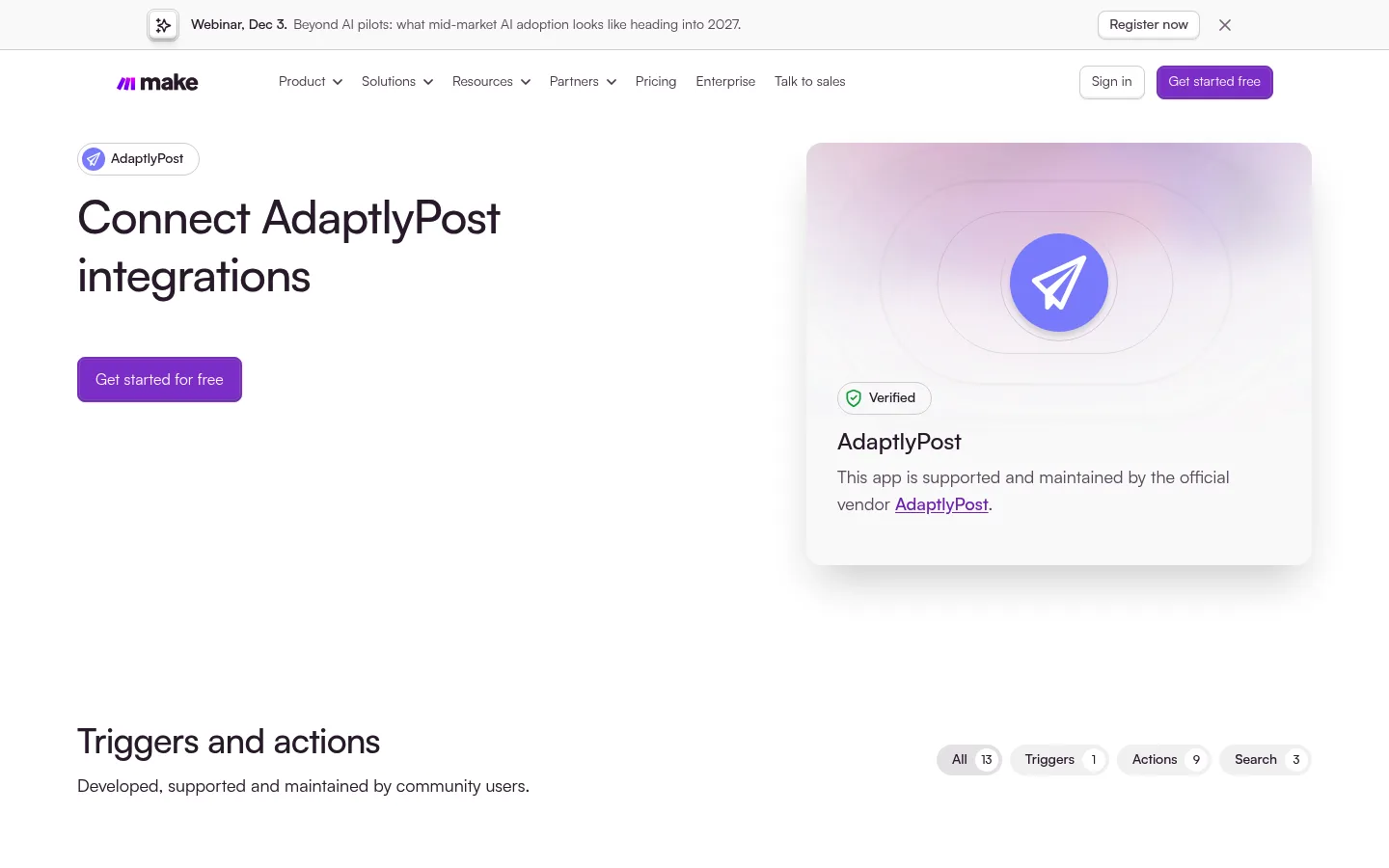
The AdaptlyPost app is listed in Make's integration directory with a Verified label, which means AdaptlyPost builds and maintains it. This guide covers what the app's 13 modules do, how to connect it, and three scenarios you can build in an afternoon. Module and field names below match what you see in the Make scenario editor.
The short version: create an API key at app.adaptlypost.com/api-tokens, add an AdaptlyPost module to a Make scenario and paste the key when Make asks for a connection. Use Create a post to publish or schedule, put Check a post in front of it, and start a second scenario on Watch events to hear about failed posts and disconnected accounts.
What can the AdaptlyPost app on Make do?
The AdaptlyPost app on Make has 13 modules: 1 instant trigger, 9 actions and 3 searches. Triggers start a scenario, actions change something in AdaptlyPost, and searches return bundles for the next module.
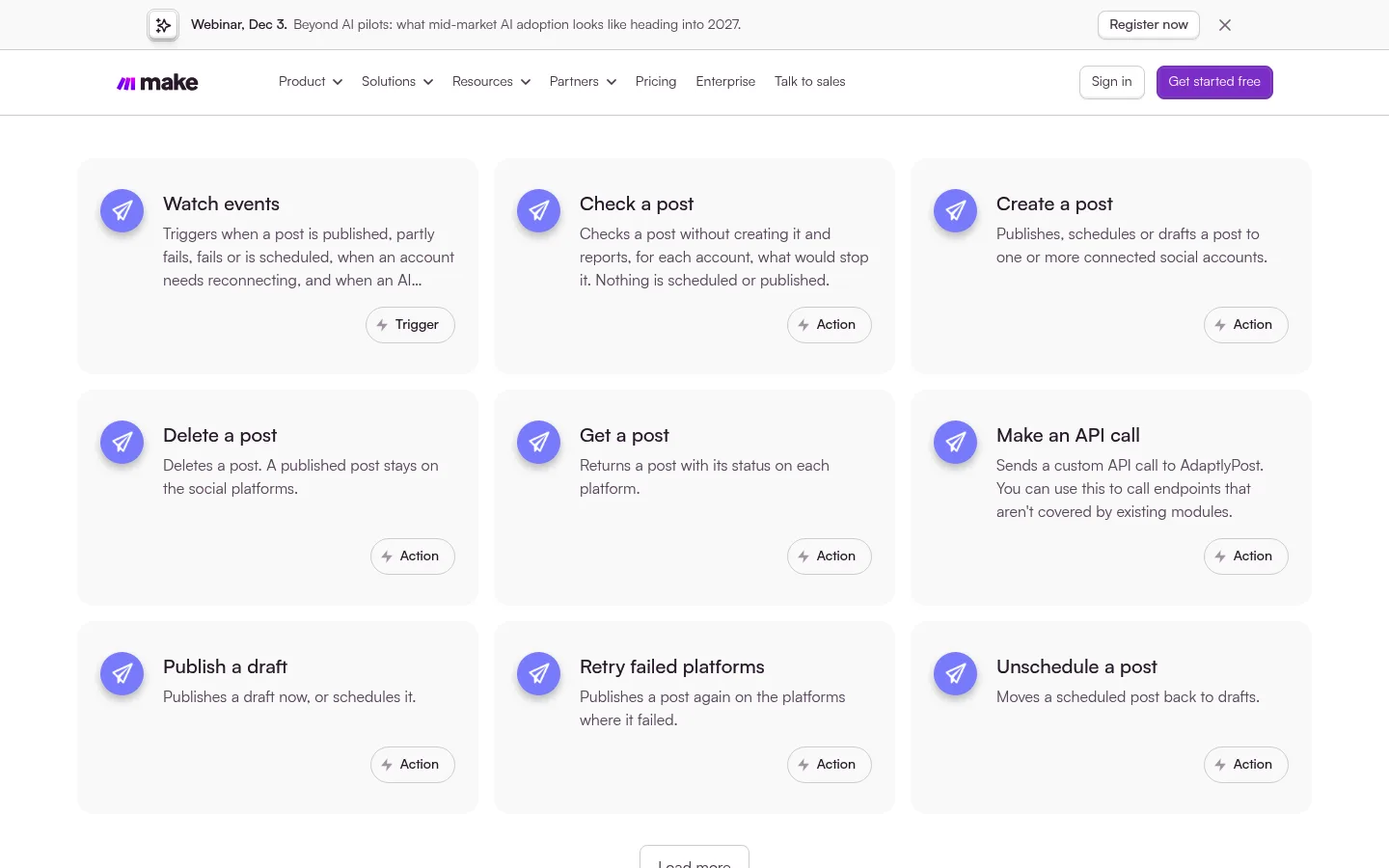
The trigger is Watch events. It fires when a post is published, partly fails, fails or is scheduled, when an account needs reconnecting, and when an AI image finishes or fails. The Events field picks which of the seven events reach the scenario. Leave it empty to receive all of them.
The actions:
- Create a post publishes, schedules or drafts a post on one or more connected social accounts.
- Check a post takes the same fields as Create a post and creates nothing. It returns Valid, plus each account's status (READY, WARNING or BLOCKED) with the issues behind it.
- Upload a file sends a file from an earlier module to AdaptlyPost and returns a public URL to map into Create a post.
- Get a post returns a post with its status on each platform.
- Publish a draft publishes a draft now or schedules it.
- Unschedule a post moves a scheduled post back to drafts.
- Retry failed platforms publishes a post again on the platforms where it failed.
- Delete a post deletes a post. A published post stays on the social platforms.
- Make an API call sends a request to any endpoint of the AdaptlyPost REST API that the other modules do not cover, with the same connection.
The searches are List social accounts, Search posts (by status, platform and date) and Find a LinkedIn company page, which returns the mention that tags a company page inside a LinkedIn post.
How do you connect AdaptlyPost to Make?
You connect AdaptlyPost to Make with an API key, never with your password. Make asks for one field, API key, and checks it against AdaptlyPost before it saves the connection.
- Open app.adaptlypost.com/api-tokens and create a key. It starts with
adaptly_. - Pick the key's role. An Editor or Admin key can schedule and publish. A Contributor key can only save drafts and upload media, and a Viewer key can only read.
- In Make, create a scenario, click the plus, search for AdaptlyPost and pick a module.
- Click Create a connection, paste the key into API key and save.
A key belongs to one workspace. If you run brands or clients in separate AdaptlyPost workspaces, create a key in each one and add each as its own connection in Make. A key never does more than the member who created it.
AdaptlyPost also links to the Make app from inside the product, under Integrations > Make, next to Zapier and n8n.
Which platforms can Make post to through AdaptlyPost?
Make posts through AdaptlyPost to all 14 platforms AdaptlyPost supports: Instagram, TikTok, YouTube, X, LinkedIn, Facebook, Pinterest, Threads, Bluesky, Mastodon, Telegram, Google Business Profile, Tumblr and WordPress. Create a post takes account IDs, and AdaptlyPost works out each account's platform, so one module can post to an Instagram account and a LinkedIn page in the same run.
Content type sets the format: Text, Image, Video, Carousel (2 or more images or videos) or Document. Document is LinkedIn only and takes one PDF, PPT, PPTX, DOC or DOCX file.
Media goes in as public HTTPS URLs in Media URLs. If the file comes from another module, such as Google Drive or an HTTP download, run Upload a file first and map its Public URL into Create a post. Alt texts takes one entry per image, in the same order.

AdaptlyPost
All-platform analytics
Social Inbox
AI-powered assistant
How do you turn a Google Sheets row into a scheduled post?
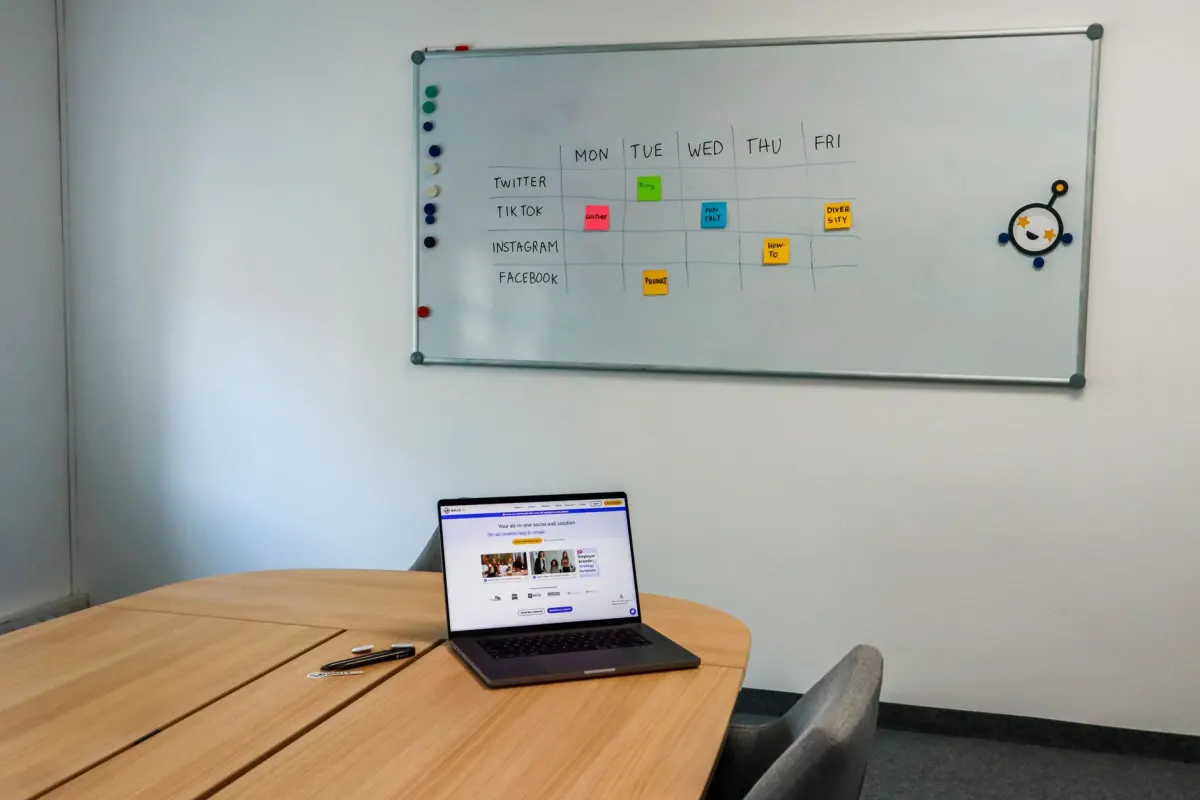
You turn a Google Sheets row into a scheduled post with a scenario that watches new rows, checks the post and then creates it. Most teams build this one first, because the sheet stays the place where copy gets written and approved.
Give the sheet a column for the caption, one for an image URL and one for the publish date and time. Our social media calendar spreadsheet guide has a layout that works as is.
- Start the scenario with the Google Sheets Watch New Rows module.
- Add AdaptlyPost Check a post. Pick your accounts in Social accounts, set Content type to Image, map the caption to Text, the image column to Media URLs and the date column to Schedule for.
- Add a filter on the route that continues only when Valid is true.
- Add AdaptlyPost Create a post with the same mapping.
Check a post is the step people skip and then wish they hadn't. It catches a caption over X's 280 characters or a carousel with too many images before anything is queued, and it names the account that would refuse the post and the reason.
Schedule for is an exact moment, so Time zone does not shift it. Time zone is stored with the post and controls how AdaptlyPost shows the time in its calendar. Leave Schedule for empty and the post publishes as soon as the scenario runs.
How do you get told when a post fails?
You get told about a failed post with a scenario that starts on Watch events and sends a message to your team chat. Set Events to Post failed and Post partially failed, so the scenario ignores the rest.
- Start the scenario with AdaptlyPost Watch events.
- Add AdaptlyPost Get a post and map the post ID from the trigger. It returns the post with its status on each platform, so the message can say where it failed.
- Send the post text and the per-platform results to Slack, Microsoft Teams or email.
If the error looks temporary, end the route with Retry failed platforms. It publishes again only where the post failed and leaves the published platforms alone. When a platform refused the content itself, a retry fails the same way, so read the error first. Our guide to automating social media posts lists the usual causes.
Add Account needs reconnecting to the same Events list, or build a second scenario for it. It fires when a platform rejects an account's token, which is the moment to reconnect, not after the next scheduled post fails. Why your social media scheduler keeps disconnecting explains where those rejections come from.
How do you turn a new blog article into a LinkedIn post?
You turn a new blog article into a LinkedIn post with an RSS trigger, a text step and Create a post. The RSS module watches your feed, and AdaptlyPost publishes the post.
- Start with the RSS Watch RSS feed items module on your blog's feed.
- Build the caption from the title and the link, or pass them through an AI module first.
- If the post should tag a company, add AdaptlyPost Find a LinkedIn company page with the page URL or vanity name and put its mention into the text.
- End with AdaptlyPost Create a post, set to your LinkedIn page, with Save as draft turned on for the first few weeks.
Find a LinkedIn company page matches the exact vanity name only. A page LinkedIn does not know returns no bundle, so the route stops there instead of posting a broken tag.

How do you keep a Make scenario from posting something wrong?
You keep a Make scenario from posting something wrong by starting with drafts and giving the connection a key with only the role it needs.
- Start with drafts. Turn on Save as draft for the first week. Posts wait in the AdaptlyPost calendar until someone publishes them, or a later Publish a draft module does.
- Use a Contributor key while you test. It can only save drafts, so a wrong mapping cannot publish anything.
- Count your webhooks. AdaptlyPost allows 10 webhooks per workspace. Each active Watch events trigger uses one, and so do Zaps with an AdaptlyPost trigger, n8n triggers and webhooks made through the API. Deleting a scenario removes its webhook.
Should you use Make, Zapier, n8n or the MCP server?
Use Make when you want visual scenarios with routers, filters and iterators, and you already run other automations there. AdaptlyPost has four other ways in, all listed on the API and AI agents page.
- Zapier covers the same ground with Zaps. The Zapier social media automation guide walks through four of them.
- n8n suits teams that self-host. Read the n8n social media automation guide.
- The MCP server lets ChatGPT, Claude and other agents write and schedule posts from a chat.
- The REST API is for your own code. The best social media scheduling APIs compares it with other schedulers.
Frequently Asked Questions
Is there an official AdaptlyPost app on Make?
AdaptlyPost has an official app on Make at make.com/integrations/adaptlypost, marked Verified and maintained by AdaptlyPost. You connect it with an API key from app.adaptlypost.com/api-tokens. It has 13 modules: 1 trigger, 9 actions and 3 searches.
Can Make schedule posts for a later date?
Make schedules a post for a later date when the Schedule for field of Create a post holds a future date and time, and publishes right away when that field is empty. Scheduling and publishing need an Editor or Admin key. With a Contributor key, turn on Save as draft, or the module fails.
AdaptlyPost
All-platform analytics
Social Inbox
AI-powered assistant
Does the AdaptlyPost Make app need your password?
The AdaptlyPost Make app connects with an API key and never asks for your AdaptlyPost password. The key starts with adaptly_, belongs to one workspace and carries the role you picked when you created it.
How do you post a file from Google Drive through Make?
Download the file with the Google Drive module, then run AdaptlyPost Upload a file on it. Upload a file returns a Public URL. Map that URL into Media URLs on Create a post.
What does Make an API call do in the AdaptlyPost app?
Make an API call sends a request to any AdaptlyPost REST API endpoint with the key from your connection. Use it for things the other modules do not cover, such as recurring posts or analytics. The full list of endpoints is in the public OpenAPI spec.
How do you use AdaptlyPost with several clients in Make?
A key belongs to one workspace, so create a key in each client's AdaptlyPost workspace and add each one as its own connection in Make. Each scenario then uses the connection for the workspace it should post to.
What does Check a post do in Make?
Check a post takes the same fields as Create a post and creates nothing. It returns Valid, plus each account's status (READY, WARNING or BLOCKED) with the issues behind it. Add a filter after it that continues only when Valid is true, then add Create a post.
How many webhooks can you use with AdaptlyPost on Make?
AdaptlyPost allows 10 webhooks per workspace. Each active Watch events trigger uses one, and so do Zaps with an AdaptlyPost trigger, n8n triggers and webhooks made through the API. Deleting a scenario removes its webhook.
Which social platforms can you post to from Make?
Make posts through AdaptlyPost to 14 platforms: Instagram, TikTok, YouTube, X, LinkedIn, Facebook, Pinterest, Threads, Bluesky, Mastodon, Telegram, Google Business Profile, Tumblr and WordPress. Create a post takes account IDs, so one module can post to an Instagram account and a LinkedIn page in the same run.
How do you retry a failed post in Make?
Start a scenario on Watch events with Post failed and Post partially failed, then end the route with Retry failed platforms. It publishes again only where the post failed and leaves the published platforms alone. If a platform refused the content itself, the retry fails the same way, so read the error first.
Put this into practice with AdaptlyPost
Was This Article Helpful?
Let us know what you think!
See us more often in Google
One click marks AdaptlyPost as a preferred source, so our articles sit higher in your Top Stories, AI Mode, and AI Overviews.
Before you go...
AdaptlyPost
Schedule your content across all platforms
Manage all your social media accounts in one place with AdaptlyPost.
All-platform analytics
Social Inbox
AI-powered assistant
Related Articles
How to Set Up Zapier Social Media Automation With AdaptlyPost
Set up Zapier social media automation with one AdaptlyPost API token: turn sheet rows into scheduled posts, flag failed posts and email weekly analytics.
How to Set Up Boost.space AgentOS Social Media Posting With AdaptlyPost
Set up Boost.space AgentOS social media posting with the AdaptlyPost MCP server: one URL, one sign-in, 14 platforms, and agents that draft before they publish.
Add AdaptlyPost to Your Linear Integrations and Post Every Shipped Issue
Most Linear integrations pull work in. AdaptlyPost sends it out: each completed issue becomes a draft or scheduled post, from a template or an AI caption.