
TL;DR, Quick Answer
6 min readYouTube defines a Short by shape and length, not pixels: a square or vertical video up to three minutes long. The Shorts creation page caps uploads at 1080p, and YouTube publishes no pixel dimensions and no Shorts-specific file size. Export Shorts at 1080 x 1920 in MP4 with H.264 video and AAC audio, and use 16:9 for anything you do not want classified as a Short.
What size is a YouTube Short?
YouTube defines the YouTube Shorts size by shape rather than pixels: a Short is any video with a square or vertical aspect ratio up to three minutes long, and YouTube's help pages print no pixel dimensions for it. The Upload YouTube Shorts article lists the two conditions for a short-video file: "Up to 3 minutes" and "With a square or vertical aspect ratio."
The only resolution figure YouTube attaches to Shorts is a ceiling. The Get started creating YouTube Shorts article ends its recording steps with a note: "You can upload Short videos with a maximum resolution of 1080p."
Everything else comes from YouTube's general upload pages, which apply to every video, Short or not.
| Spec | What YouTube publishes | YouTube page |
|---|---|---|
| Shape | Square or vertical | Upload YouTube Shorts |
| Length | Up to 3 minutes | Upload YouTube Shorts |
| Resolution | 1080p maximum for Shorts | Get started creating YouTube Shorts |
| Pixel dimensions | Not published for Shorts | None |
| File size | 256 GB or 12 hours, whichever is less, for any upload | Upload videos longer than 15 minutes |
| Container | MP4 | Recommended upload encoding settings |
| Video codec | H.264 | Recommended upload encoding settings |
| Audio | AAC-LC or Opus, 48kHz | Recommended upload encoding settings |
| Frame rate | Same rate the video was recorded in | Recommended upload encoding settings |
Is 1080 x 1920 the right YouTube Shorts size?
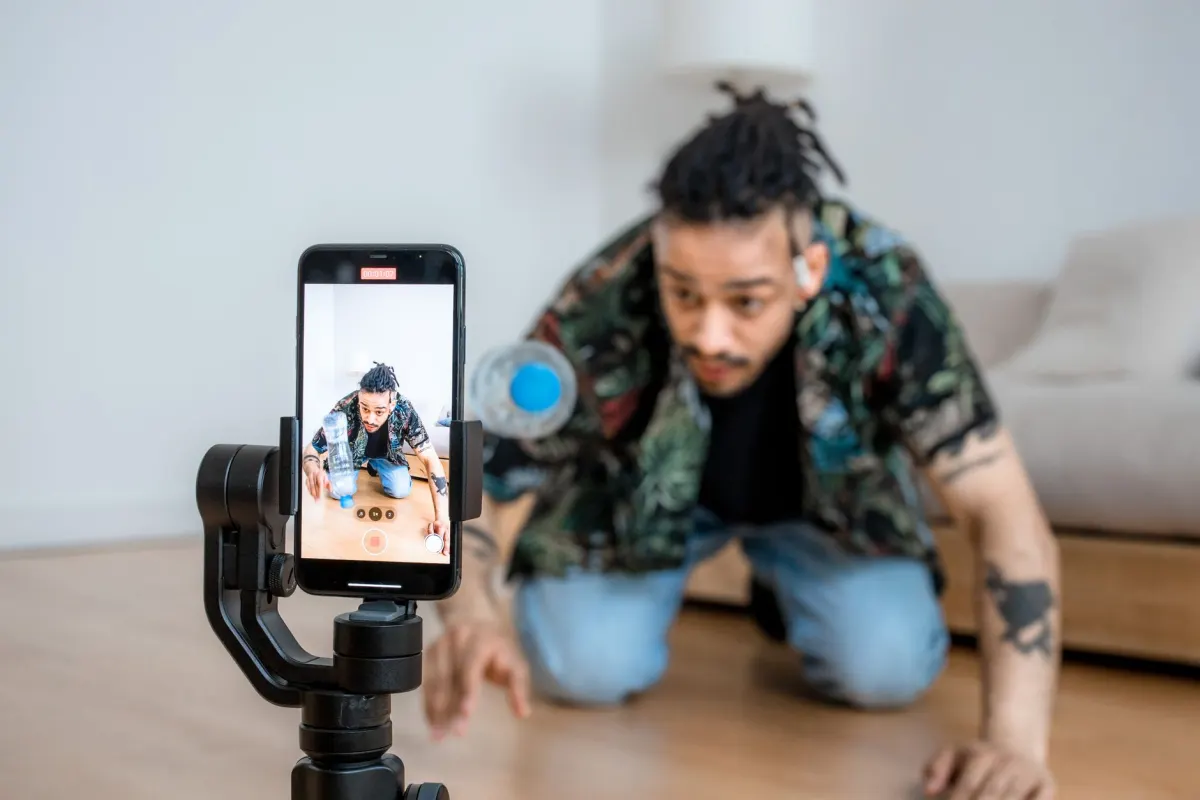
1080 x 1920 is the right YouTube Shorts size for a vertical Short, because it is a 9:16 frame at the 1080p maximum YouTube sets for Shorts. YouTube does not print 1080 x 1920 itself. The number follows from the two rules it does publish: vertical shape and 1080p resolution.
A square Short at the same ceiling is 1080 x 1080. Both are valid Shorts. The vertical one fills a phone screen in the Shorts feed, which is why 9:16 is the default export for creators who also post the same clip to Reels and TikTok. Our guide to vertical video dimensions compares the frame across those networks.
Recording at 4K and exporting at 1080 x 1920 is fine. Uploading the 4K file as a Short runs into the 1080p note on YouTube's Shorts page, so scale it down in the editor where you control the result.
Does a square video count as a Short?
A square video counts as a Short when it is three minutes or shorter and was uploaded on or after October 15, 2024. YouTube's article Understand three-minute YouTube Shorts says videos uploaded on or after that date "with a square or vertical aspect ratio up to three minutes in length will be categorized as Shorts on YouTube."
That makes 1:1 the boundary. A video at 1:1 or taller, under three minutes, becomes a Short whether you meant it to or not. Videos uploaded before October 15, 2024 keep their long-form status. Official Artist Channels have a later cutoff, December 8, 2025.
To keep a short vertical or square video out of the Shorts feed, change its shape. YouTube's answer to "Can I prevent my video from being turned into a Short?" is: "use a wider aspect ratio such as 16:9 for long-form videos."
For the length side of the same rule, including the music and Content ID limits that apply past one minute, see how long can a YouTube Short be.
How does YouTube show a vertical video on a computer?
YouTube shows a vertical video on a computer inside a 16:9 player and pads the space beside it. The Video resolution & aspect ratios article says: "For some video and device aspects ratios like 9:16 vertical videos on computer browsers, YouTube may add more padding for optimal viewing. The padding is white by default, and dark gray when Dark theme is turned on."
The same article gives the instruction that follows from that: "For best results, avoid adding padding or black bars directly to your video." Bars baked into the file stop YouTube from resizing the player to fit the video and the device.
So export the Short at its real shape. A 9:16 video with black bars added to make it 16:9 is a long-form video with wasted pixels, not a Short.
- A 9:16 video padded to 16:9 is a long-form video with wasted pixels
- YouTube cannot resize the player to fit the video and the device
- A vertical file up to three minutes long stays a Short
- YouTube adds its own padding on computers
- The player resizes to fit the video and the device
What file size and format should a Short use?
A Short uses the same file size limit as any YouTube upload, 256 GB or 12 hours, whichever is less, and YouTube publishes no smaller cap for Shorts. The Upload videos longer than 15 minutes article states: "The maximum file size you can upload is 256 GB or 12 hours, whichever is less."

AdaptlyPost
Start Your 7-Day Free Trial
All-platform analytics
Social Inbox
AI-powered assistant
A three-minute 1080p Short stays far below that, so file size is not the constraint. Format is. YouTube's Recommended upload encoding settings page, which is headed as a page for partners using YouTube Studio Content Manager, lists:
- Container. MP4, with no edit lists and the moov atom at the front of the file (Fast Start).
- Video codec. H.264, progressive scan, High Profile, closed GOP, 4:2:0 chroma subsampling.
- Audio. AAC-LC or Opus, stereo, 48kHz sample rate.
- Frame rate. "Content should be encoded and uploaded in the same frame rate it was recorded." Common rates include 24, 25, 30, 48, 50 and 60.
- Bitrate at 1080p. 8 Mbps for standard frame rates (24, 25, 30) and 12 Mbps for high frame rates (48, 50, 60), for SDR uploads.
How do you export a YouTube Short at the right size?
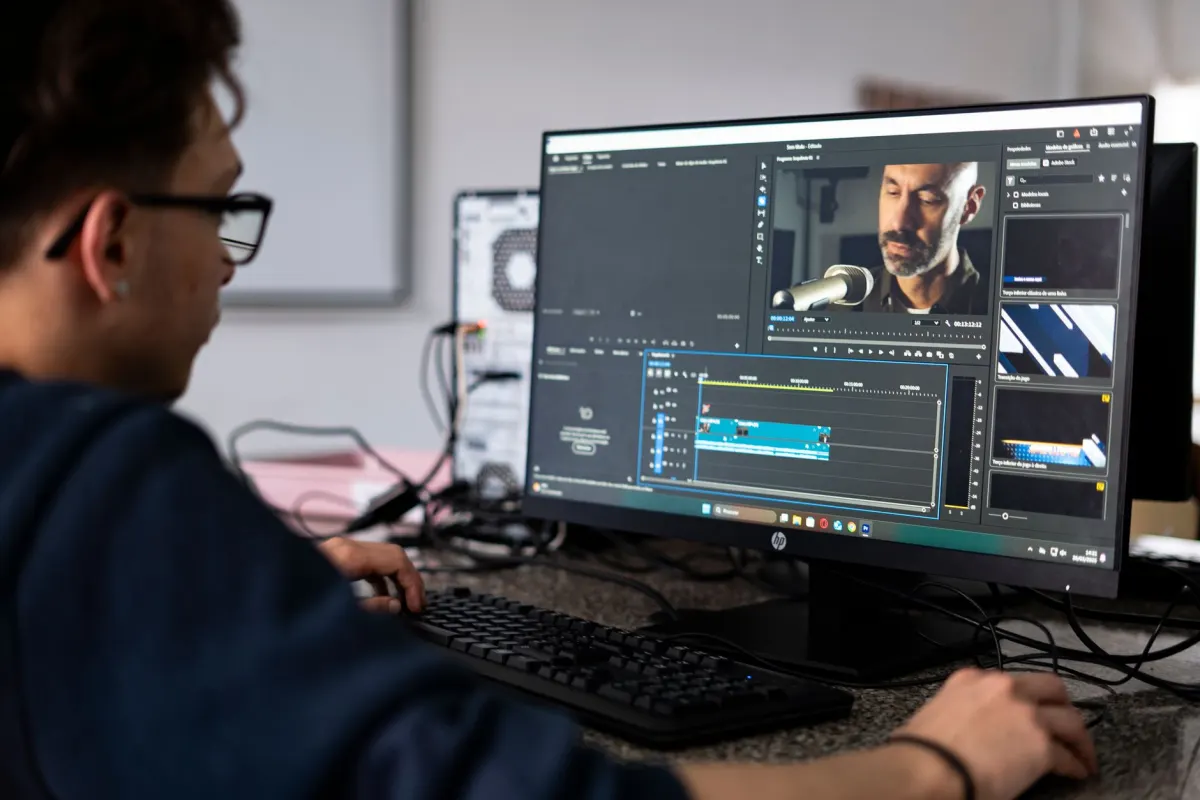
Export a YouTube Short at the right size by fixing shape, resolution and length first, then the encoding. This order works in any editor:
- Set the canvas to 1080 x 1920 for vertical, or 1080 x 1080 for square. Both are at the 1080p ceiling.
- Keep the cut at three minutes or less. Anything longer is a long-form video, whatever its shape.
- Leave the frame rate at the rate you recorded. Do not convert 30 FPS footage to 60.
- Export MP4 with H.264 video and AAC audio at 48kHz. Use 8 Mbps for 30 FPS and 12 Mbps for 60 FPS as the starting bitrate.
- Do not add bars or padding. YouTube pads vertical video on computers itself.
- Keep text away from the edges. The Shorts player draws its own interface over the video. Our guide to social media safe zones maps the covered areas.
How does AdaptlyPost handle YouTube Shorts size?
AdaptlyPost uploads, titles and schedules YouTube Shorts and long-form videos in advance, and it does not resize uploaded media, so each Short has to be uploaded at the size YouTube accepts. Through the AdaptlyPost API, a Short is a VIDEO post with postType: "SHORTS", and AdaptlyPost requires a 9:16 file of 60 seconds or less for it. Uploads are limited to video/mp4 and video/quicktime.
That makes AdaptlyPost stricter than YouTube for Shorts sent through its API. A square 1:1 Short and a Short between 60 seconds and three minutes both meet YouTube's rules and do not meet the SHORTS requirement. Export at 1080 x 1920 and keep the cut to 60 seconds when you publish through the API. The full request is in the guide to uploading YouTube videos through the API, and the dashboard route is the YouTube video scheduler. For timing and batching, see how to schedule YouTube Shorts.
Frequently asked questions
What is the best size for a YouTube Short?
1080 x 1920 pixels for a vertical Short, or 1080 x 1080 for a square one. YouTube sets a 1080p maximum for Shorts and accepts any square or vertical shape. YouTube does not publish a recommended pixel size for Shorts.
What aspect ratio does a YouTube Short need?
Square or vertical. YouTube's Shorts upload page lists "a square or vertical aspect ratio," which puts the boundary at 1:1. A wider video such as 16:9 is treated as long-form.
Can a YouTube Short be 4K?
YouTube's Shorts creation page says "You can upload Short videos with a maximum resolution of 1080p." Export 4K footage down to 1080 x 1920 before upload. That keeps the result under your control instead of YouTube's.
What is the maximum file size for a YouTube Short?
YouTube publishes no file size limit specific to Shorts. Every upload is capped at 256 GB or 12 hours, whichever is less. A three-minute 1080p Short is far below that.
How do I stop a vertical video from becoming a Short?
Use a wider aspect ratio. YouTube's own advice is to "use a wider aspect ratio such as 16:9 for long-form videos." Any square or vertical video up to three minutes uploaded on or after October 15, 2024 is categorized as a Short.
What Shorts size does AdaptlyPost accept?
The AdaptlyPost API requires a 9:16 file of 60 seconds or less for postType: "SHORTS", in mp4 or quicktime. AdaptlyPost does not resize uploaded media. Upload a 1080 x 1920 file and keep it to 60 seconds.
How long can a YouTube Short be?
A YouTube Short can be up to three minutes long. YouTube's Shorts upload page lists "Up to 3 minutes" and a square or vertical aspect ratio as the two conditions. A longer video is long-form, whatever its shape. Through the AdaptlyPost API, the SHORTS post type needs a file of 60 seconds or less.
What video format should a YouTube Short use?
Export MP4 with H.264 video and AAC-LC or Opus audio at a 48kHz sample rate. YouTube's recommended upload settings also ask for the moov atom at the front of the file. Keep the frame rate the same as the one you recorded in.
What bitrate should a YouTube Short use?
At 1080p, YouTube's recommended upload settings list 8 Mbps for standard frame rates (24, 25, 30) and 12 Mbps for high frame rates (48, 50, 60), for SDR uploads. Use those as a starting point. They come from YouTube's general upload page, which applies to every video.
Why does my vertical video show white bars on a computer?
YouTube adds padding to 9:16 video in computer browsers for optimal viewing. The padding is white by default and dark gray when Dark theme is on. It is not part of your file, so do not add black bars yourself. Bars baked into the video stop YouTube from resizing the player.
AdaptlyPost
Start Your 7-Day Free Trial
All-platform analytics
Social Inbox
AI-powered assistant
Put this into practice with AdaptlyPost
Was This Article Helpful?
Let us know what you think!
See us more often in Google
One click marks AdaptlyPost as a preferred source, so our articles sit higher in your Top Stories, AI Mode, and AI Overviews.
Before you go...
AdaptlyPost
Schedule your content across all platforms
Manage all your social media accounts in one place with AdaptlyPost.
All-platform analytics
Social Inbox
AI-powered assistant
Related Glossary Terms


The Exact YouTube Chapters Rules Google Puts in Writing
Google's YouTube chapters rules run to four sentences: a list in the description, a 00:00 start, three timestamps in ascending order, a 10-second floor.

Three Minutes, Not Sixty Seconds: How Long Can a YouTube Short Be
Most pages say 60 seconds. How long can a YouTube Short be is three minutes, and the music and copyright limits that bite well before that.


Photo or Video, the Facebook Story Size Meta Specifies for Pages
The Facebook story size for video is 9:16 at 1080 x 1920, with a 540 x 960 minimum. Photo stories get a 10MB cap and no published pixel size from Meta.
Related Articles
Square, Wide or Tall: The Facebook Video Size Rules Meta Publishes
Meta's Facebook video size rules: 9x16 or 16x9 through the Video API, under 4000 pixels wide in the app, and no published file size cap for Page videos.
Shape, Not Pixels: The Instagram Story Size Meta Actually Publishes
The Instagram story size Meta publishes is a 9:16 frame, with JPEG images up to 8MB and API story videos up to 100MB, 60 seconds and 1920 pixels wide.
Any Shape in the App, 9:16 by API: The Facebook Reel Size Meta Publishes
Meta's Facebook reel size for the Reels API is 9:16 at 1080 x 1920, with 540 x 960 minimum, while reels made in the app can be any aspect ratio.