
TL;DR, Quick Answer
7 min readMeta's Facebook Stories API specifies a 9:16 video story at a recommended 1080 x 1920 pixels, a 540 x 960 minimum, 24 to 60 FPS and 60 seconds at most. For photo stories it lists only file types and a 10MB cap, with no pixel size or ratio. Meta's 1440 x 2560 figure is for Story ads. Export both photos and videos at 1080 x 1920 and keep text inside the safe zone.
What size is a Facebook story?
The Facebook story size Meta specifies for video is a 9:16 frame at a recommended 1080 x 1920 pixels, with 540 x 960 as the minimum, and for photo stories Meta publishes a file size cap but no pixel size. Both specs come from the Facebook Stories API documentation, the page Meta writes for apps that publish Stories to Facebook Pages.
Its Media requirements section splits into two tables. The photo table has two rows: file type and file size. The video table has the shape, the resolution, the frame rate and the codecs.
| Spec | Photo story (Stories API) | Video story (Stories API) | Story image ad (Ads Guide) |
|---|---|---|---|
| Aspect ratio | Not published | 9 x 16 | 9:16, 1% tolerance |
| Resolution | Not published | 1080 x 1920 recommended, 540 x 960 minimum | 1440 x 2560 recommended, 500 wide minimum |
| File type | .jpeg, .bmp, .png, .gif, .tiff | .mp4 recommended | JPG or PNG |
| File size | 10MB maximum, 1MB recommended for .png | Not published | 30 MB maximum |
| Frame rate | Not applicable | 24 to 60 frames per second | Not applicable |
| Length | Not applicable | 60 seconds maximum | Shown for eight seconds |
We found no Facebook Help Centre article that gives a pixel size for a story you post from your Page or profile. The third column comes from the Meta Ads Guide, so it describes paid Stories, not organic ones.
What size should a Facebook photo story be?
A Facebook photo story should be a 9:16 image at 1080 x 1920 pixels, but that number is ours, because Meta's Stories API lists no pixel size or ratio for photos. The photo specification table reads in full: file type ".jpeg, .bmp, .png, .gif, .tiff" and file size "Files can not exceed 10MB. For .png files, we recommend not exceeding 1MB or the image may appear pixelated."
Two facts point to 9:16. The video story spec on the same page is 9 x 16. And Meta's Ads Guide for image ads in Facebook Stories recommends "Ratio: 9:16" at "Resolution: 1440 x 2560 pixels." Both describe a full-screen vertical frame.
1080 x 1920 and 1440 x 2560 are the same shape. The larger one is Meta's ad figure and is fine for a photo story, as long as the file stays under 10MB. Save photos as JPEG. A PNG photo at either size runs past the 1MB Meta recommends, and Meta warns that PNGs above it can "appear pixelated."
What size should a Facebook video story be?
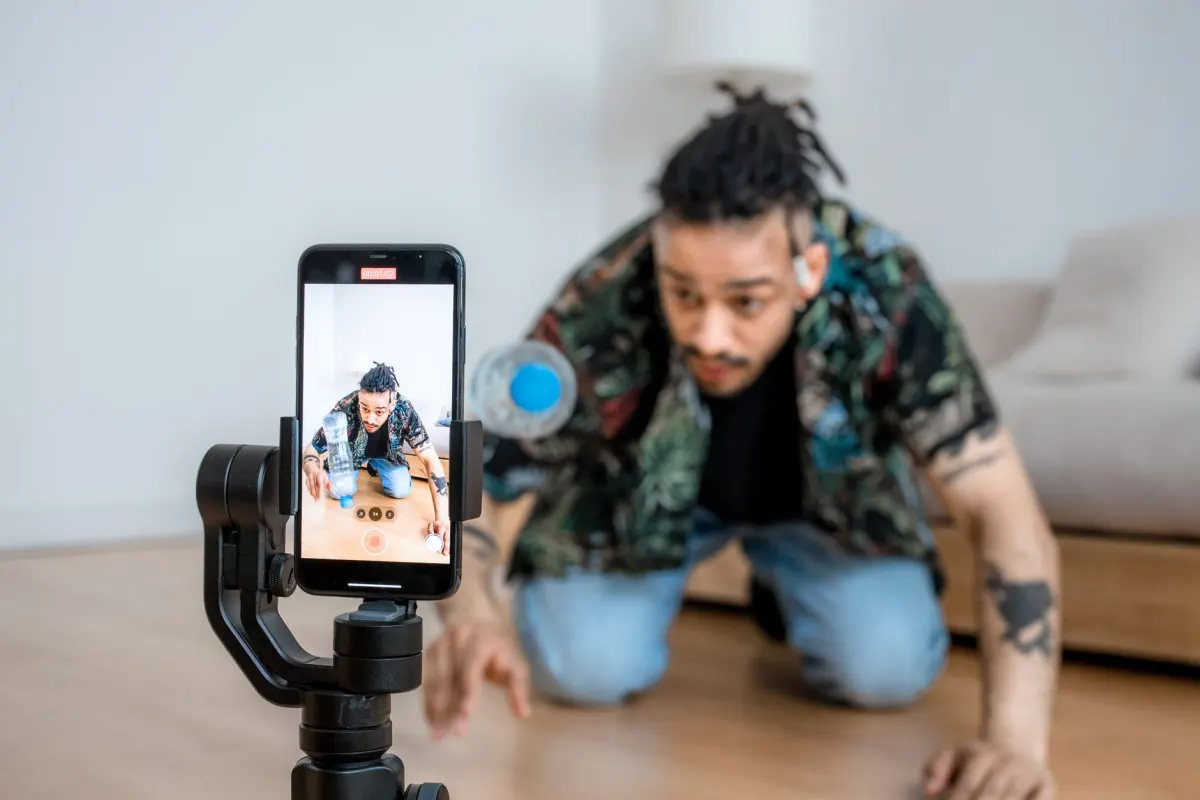
A Facebook video story should be 1080 x 1920 pixels, the resolution Meta's Stories API recommends, in a 9 x 16 frame. The video specification table lists:
- Aspect ratio. "9 x 16."
- Resolution. "1080 x 1920 pixels (recommended). Minimum is 540 x 960 pixels."
- Frame rate. "24 to 60 frames per second."
- File type. ".mp4 (recommended)."
- Video settings. Chroma subsampling 4:2:0, closed GOP of 2 to 5 seconds, H.264 or H.265 compression (VP9 and AV1 also supported), fixed frame rate, progressive scan.
- Audio. AAC Low Complexity, stereo, 48kHz, 128kbs or more.
A file below the minimum fails during processing. Meta's sample error on the same page reads: "Resolution too low. Video must have a minimum resolution of 540p."
The table lists the duration as "3 to 90 seconds," and the Limitations list underneath says "A video story can not exceed 60 seconds." The stricter number is the one to plan for. Meta's docs give no file size cap for video stories, so length and bitrate decide how large the file gets.
What else does Meta require from story media?
Meta requires that story media has not been published before, which matters more for scheduling than any pixel figure. The first item in the Stories API's Limitations list reads: "A photo or video uploaded for a story can not have been used in a previously published post."
So a video already posted to the Page feed cannot be reused as-is for a story through the API. Export a fresh file for the story. Meta also publishes a photo story in two steps, an unpublished upload to the Page's photos and then a call to the photo_stories endpoint, so the 10MB photo limit is the general Page photo limit applied to stories.
Video stories through the API go through an upload session with a status check, and the processing phase is where size errors show up. If a story fails there, the resolution, the frame rate and the 60 second cap are the first three things to check.
Where is the safe zone in a Facebook story?
The safe zone in a Facebook story is the area left after you keep 14% of the top, 35% of the bottom and 6% of each side clear, which is the margin Meta's Ads Guide gives for image ads in Facebook Stories. The wording is "Consider leaving roughly 14% of the top and 35% of the bottom and 6% from each side of the image free from text, logos, or other key creative elements to avoid covering them with UI elements such as the call-to-action."
The guidance is for ads, but organic stories also draw Facebook's interface over the top and bottom of the frame. The same margins keep text clear of it.

AdaptlyPost
Start Your 7-Day Free Trial
All-platform analytics
Social Inbox
AI-powered assistant
On a 1080 x 1920 canvas those margins are 269 pixels at the top, 672 at the bottom and 65 on each side, which leaves a safe area of 950 x 979 pixels in the middle. That arithmetic is ours, rounded to whole pixels. Our guide to social media safe zones maps the covered areas for Facebook and the other networks.
How do you export a Facebook story at the right size?
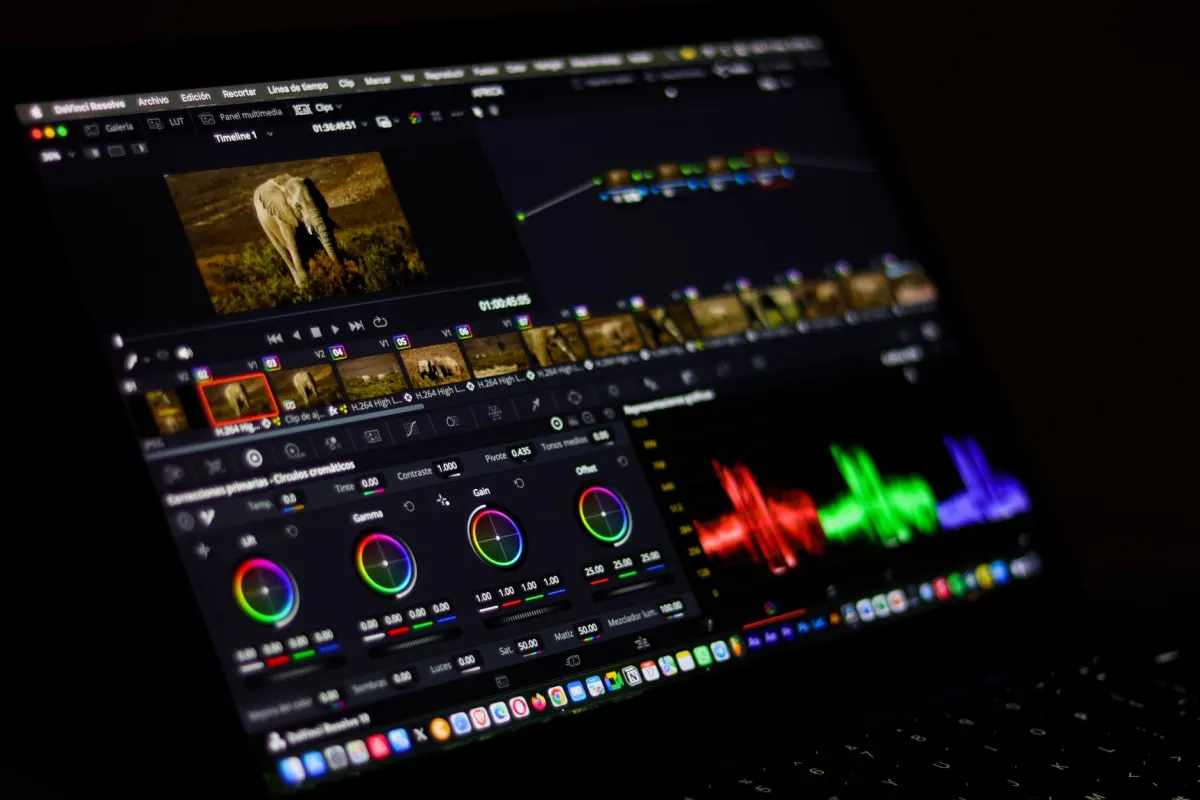
Export a Facebook story at the right size by matching the video spec from Meta's Stories API, because that is the only story spec with a resolution in it. The same canvas works for photo stories:
- Set the canvas to 1080 x 1920. That is 9 x 16 at Meta's recommended video resolution, double the 540 x 960 minimum.
- Keep text inside the safe zone. Leave 269 pixels clear at the top, 672 at the bottom and 65 on each side.
- Save photos as JPEG under 10MB. Keep any PNG under 1MB, or switch it to JPEG.
- Export video as .mp4 with H.264 and AAC audio at 48kHz in stereo, 128kbs or more.
- Use a fixed frame rate of 30 or 60 FPS. Both sit inside the 24 to 60 range.
- Keep each video to 60 seconds or less. Split longer footage into separate stories.
- Use a fresh file. Media from a previously published post is rejected.
The same 9:16 export also fits Instagram Stories and Facebook Reels. Our guide to vertical video dimensions compares the frame across networks.
When should a Page post a story instead of a reel or feed post?
A Page should post a story when the content is for followers who already watch the Page and does not need to stay up, because Meta's Help Centre says story photos and videos "will only be visible for 24 hours" while a feed post and a reel stay on the Page. The size work is the same for a story and a reel, so the choice comes down to reach and lifespan, not to the export. Our guide to balancing Facebook formats walks through when each format earns its slot.
How does AdaptlyPost handle Facebook story size?
AdaptlyPost publishes Stories to Facebook Pages from one photo or one video, and it does not resize uploaded media, so each story has to be uploaded at the size and format Facebook requires. In the post composer, Story is a Facebook post type next to Photo for images and next to Video for videos. A story holds one image, so a post with several images does not publish as a story.
Through the API, the post to Facebook via API page documents a story as facebookConfigs.postType set to STORY. A carousel sent as a Story comes back as a 400. Photos go up as image/jpeg, image/png or image/webp under 4MB each, which is tighter than Meta's 10MB, and videos as video/mp4 or video/quicktime. Facebook publishing is Pages only. A 1080 x 1920 JPEG under 4MB, or a 1080 x 1920 MP4 of 60 seconds or less, goes through without changes. For the rest of the Page calendar, see how to schedule Facebook posts.
Frequently asked questions
What is the best Facebook story size?
1080 x 1920 pixels in a 9:16 frame. Meta's Stories API recommends 1080 x 1920 for video stories, with 540 x 960 as the minimum. Meta gives no pixel size for photo stories, and the same 1080 x 1920 canvas fits them.
What size is a Facebook story photo?
Meta's Stories API gives no pixel size or ratio for photo stories, only file types and a 10MB cap. Use a 9:16 image at 1080 x 1920 or 1440 x 2560. The larger size is Meta's recommendation for image ads in Facebook Stories.
What aspect ratio does a Facebook story use?
9:16. The Stories API lists "9 x 16" for video stories, and Meta's Ads Guide lists 9:16 for Story image ads. Meta gives no ratio for organic photo stories.
What is the minimum resolution for a Facebook video story?
540 x 960 pixels. Meta's Stories API lists it as the minimum, and its sample error reads "Video must have a minimum resolution of 540p." The recommended resolution is 1080 x 1920.
How long can a Facebook story video be?
60 seconds. The Stories API's spec table says 3 to 90 seconds, but its Limitations list says "A video story can not exceed 60 seconds." Plan for 60.
Does AdaptlyPost resize photos for Facebook stories?
No. AdaptlyPost does not resize uploaded media, so upload the story at the size Facebook requires. Its Facebook API accepts jpeg, png or webp photos under 4MB each, and mp4 or quicktime video.
Can you reuse a video from your Page feed as a Facebook story?
Not as it is. Meta's Stories API says a photo or video uploaded for a story "can not have been used in a previously published post." Export a fresh file for the story instead.
How long does a Facebook story stay up?
24 hours. Meta's Help Centre says story photos and videos "will only be visible for 24 hours", while a feed post and a reel stay on the Page. That makes stories a fit for content that does not need to last.
AdaptlyPost
Start Your 7-Day Free Trial
All-platform analytics
Social Inbox
AI-powered assistant
What video format is best for a Facebook story?
Use .mp4, which Meta's Stories API recommends. Compress with H.264 or H.265, add AAC Low Complexity audio in stereo at 48kHz, and keep a fixed frame rate between 24 and 60 FPS.
Why did my Facebook story video fail to upload?
Check three things first: resolution, frame rate and length. The video needs at least 540 x 960 pixels, 24 to 60 frames per second and 60 seconds or less. Meta's sample error for a small file reads "Resolution too low. Video must have a minimum resolution of 540p."
Put this into practice with AdaptlyPost
Was This Article Helpful?
Let us know what you think!
See us more often in Google
One click marks AdaptlyPost as a preferred source, so our articles sit higher in your Top Stories, AI Mode, and AI Overviews.
Before you go...
AdaptlyPost
Schedule your content across all platforms
Manage all your social media accounts in one place with AdaptlyPost.
All-platform analytics
Social Inbox
AI-powered assistant
Related Glossary Terms
Square, Wide or Tall: The Facebook Video Size Rules Meta Publishes
Meta's Facebook video size rules: 9x16 or 16x9 through the Video API, under 4000 pixels wide in the app, and no published file size cap for Page videos.
Any Shape in the App, 9:16 by API: The Facebook Reel Size Meta Publishes
Meta's Facebook reel size for the Reels API is 9:16 at 1080 x 1920, with 540 x 960 minimum, while reels made in the app can be any aspect ratio.


Organic Posts, Not Ads: The Facebook Carousel Size for Page Photos
The Facebook carousel size for organic Page posts: Meta sets 10MB per photo and no pixel size, so use one shape, 1080 x 1080, for 2 to 10 images.
Related Articles
Shape, Not Pixels: The Instagram Story Size Meta Actually Publishes
The Instagram story size Meta publishes is a 9:16 frame, with JPEG images up to 8MB and API story videos up to 100MB, 60 seconds and 1920 pixels wide.
Twenty Minutes in the App: How Long Can Instagram Reels Be
Asking how long can Instagram reels be? 20 minutes in the app, 15 through Meta's API, and 3 minutes before Instagram stops showing them to new viewers.
The Instagram Reel Size Meta Publishes, and Where Its Pages Disagree
Meta sets the Instagram reel size at 9:16, accepts 1.91:1 to 9:16 uploads, and asks for 720 pixels and 30 FPS minimum. Full specs, cover sizes and export steps.