
TL;DR, Quick Answer
6 min readInstagram's Help Centre accepts reels with an aspect ratio between 1.91:1 and 9:16, a minimum resolution of 720 pixels and a minimum frame rate of 30 FPS. Meta's developer reference recommends 9:16, caps width at 1920 pixels and files at 300MB. Export reels at 1080 x 1920, 30 FPS, MP4, and keep the important part of the cover inside the centre square.
What size should an Instagram reel be?
Meta's recommended Instagram reel size is a 9:16 vertical frame, and the Instagram Help Centre accepts any aspect ratio between 1.91:1 and 9:16 with a minimum resolution of 720 pixels and a minimum frame rate of 30 FPS. The Help Centre article "Reel size & aspect ratios on Instagram" states it in two bullets: "You can upload a reel with an aspect ratio between 1.91:1 and 9:16" and "Reels should have a minimum frame rate of 30 FPS (frames per second) and minimum resolution of 720 pixels."
Meta's developer reference for the Instagram API describes the same reel with different numbers. Its Reel Specifications recommend 9:16 "to avoid cropping or blank space," cap width at 1920 horizontal pixels, and allow 23 to 60 FPS. The two pages agree on the shape and disagree on the details.
| Spec | Instagram Help Centre | Instagram API reference |
|---|---|---|
| Aspect ratio | 1.91:1 to 9:16 | 0.01:1 to 10:1, 9:16 recommended |
| Resolution | 720 pixels minimum | 1920 horizontal pixels maximum |
| Frame rate | 30 FPS minimum | 23 to 60 FPS |
| File size | Not published | 300MB maximum |
| Container | Not published | MOV or MP4 |
| Cover photo | 420 x 654 pixels (1:1.55) | JPEG, 8MB maximum, 9:16 recommended |
Use the stricter value from each row and the file passes both. That gives you a 9:16 reel, at a resolution of at least 720 pixels, no wider than 1920 pixels, at 30 to 60 FPS, in MP4, under 300MB.
Is 1080 x 1920 the right Instagram reel size?
1080 x 1920 pixels is the right Instagram reel size for a standard export, because it is a 9:16 frame that clears the 720 pixel minimum and stays inside the 1920 pixel width cap. Meta does not print 1080 x 1920 anywhere in its Instagram reel specs. The figure appears in Meta's Reels Publishing API for Facebook, which lists "1080 x 1920 pixels (recommended)."
So the number is sound, and its source is the Facebook side of Meta's documentation. Exporting at 1080 x 1920 also means the same file meets Facebook's recommended reel resolution, which saves a second render when you post to both. For how 1080 x 1920 relates to TikTok and Shorts, see our guide to vertical video dimensions.
A 4K vertical export at 2160 x 3840 is 2160 pixels wide, which breaks the API's "Maximum columns (horizontal pixels): 1920" rule. Scale it to 1080 x 1920 before you upload through any tool that uses the API.
What happens to a reel that is not 9:16?
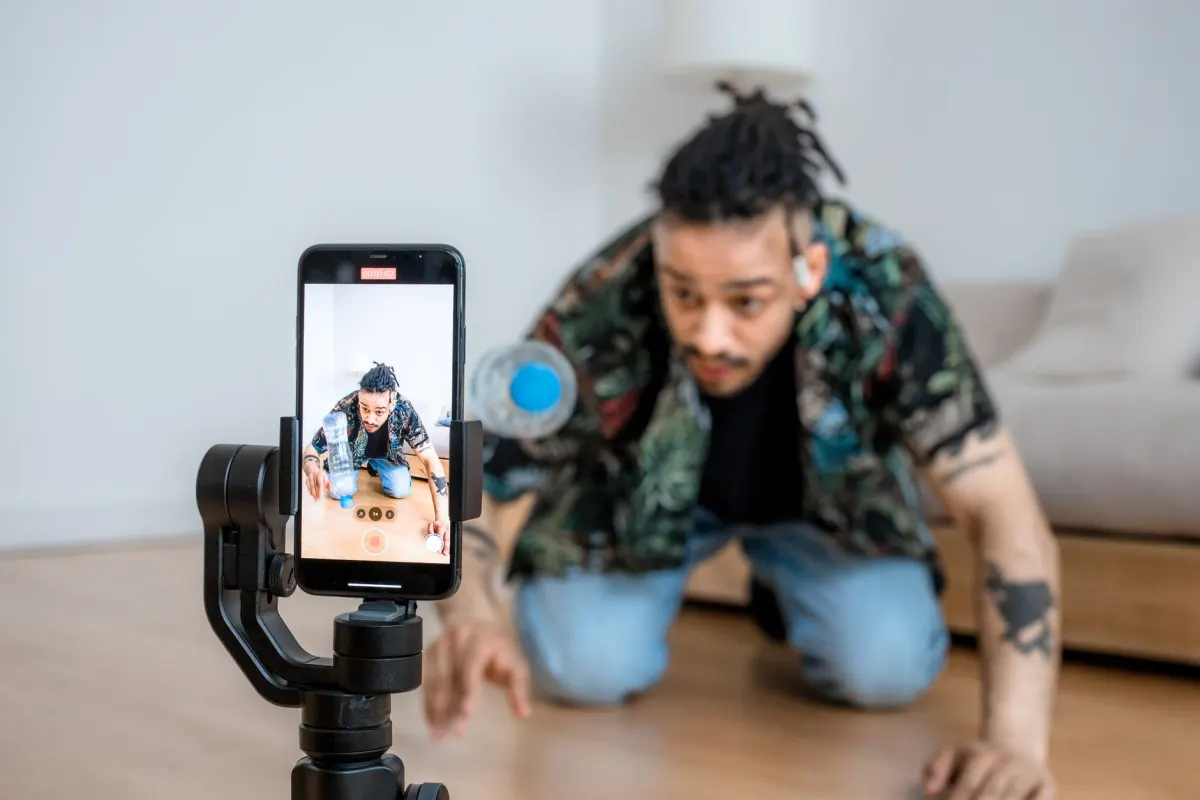
A reel that is not 9:16 is accepted by Instagram as long as its aspect ratio sits between 1.91:1 and 9:16, and Meta warns that anything else risks "cropping or blank space." Meta's API wording is "we recommend 9:16 to avoid cropping or blank space," which tells you what happens to a 4:5 or 1:1 reel in a full-screen player: bars or a crop.
The API's own accepted range, "between 0.01:1 and 10:1," is wider than the Help Centre's and does not describe a useful design target. A 0.01:1 video is one hundred times taller than it is wide.
Shape also controls whether a reel can become an ad. The Help Centre article "Boost an Instagram Reel" requires that reels "have a full-screen (9:16) vertical format." A 4:5 reel posts fine and cannot be boosted.
Which frame rate does Instagram want for reels?
Instagram wants reels at 30 FPS or higher according to its Help Centre, while the developer reference accepts anything from 23 to 60 FPS. A 24 FPS film-style export passes the API and falls under the Help Centre's stated minimum.
Meta does not explain the gap. Export at 30 FPS, or at 60 FPS for fast motion, and both pages are satisfied. Avoid 120 FPS slow-motion files, which exceed the API's 60 FPS ceiling, and the 15 FPS output some screen recorders produce, which falls below both.
What size is an Instagram reel cover?
The Instagram Help Centre recommends a reel cover of 420 x 654 pixels, which it describes as a 1:1.55 ratio. The developer reference sets different rules for the cover: JPEG only, 8MB maximum, sRGB, and a recommended 9:16 ratio.
These two recommendations describe different shapes. 420 x 654 is 1:1.55. A 9:16 frame is 1:1.78. Meta's API explains what it does with a cover that is not 9:16: "we crop the image and use the middle most 9:16 rectangle as the cover photo for the reel. If you share a reel to your feed, we crop the image and use the middle most 1:1 square as the cover photo for your feed post."
That second sentence is the useful one. Whatever cover size you start from, a reel shared to your feed shows the centre square as its cover. Design the cover at 1080 x 1920 and keep the title text and the face inside the centre 1080 x 1080 area.

AdaptlyPost
Start Your 7-Day Free Trial
All-platform analytics
Social Inbox
AI-powered assistant
The Help Centre also says "Right now, you can't edit your cover photo after you've uploaded it," so check the cover before you share.
How big can an Instagram reel file be?
An Instagram reel file can be up to 300MB through Meta's API, and the Help Centre publishes no file size limit for reels uploaded in the app. Meta's reference reads "File size: 300MB maximum." The same page sets a story video at 100MB and an image at 8MB.
The container and codec rules that come with that cap, MOV or MP4 with the moov atom at the front, H264 or HEVC video, AAC audio and a 25Mbps bitrate ceiling, are covered line by line in our guide to every limit the Instagram Reels API puts on your video.
For upload quality inside the app, the Help Centre points to a setting: under Your app and media, tap Media quality, then turn on Upload at highest quality. Meta notes that higher quality uploads take longer.
How do you export a reel at the right size?
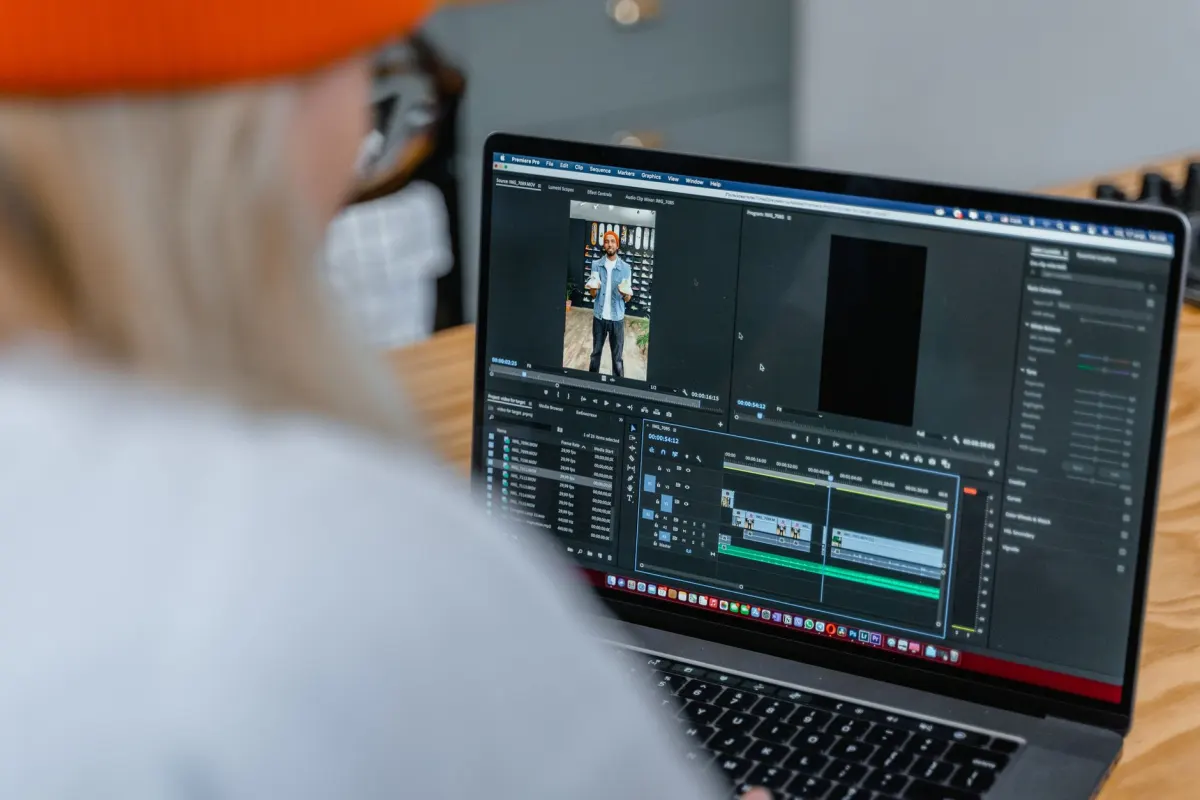
Export a reel at the right size by setting the frame first and the file second. This sequence covers both Meta pages:
- Set the canvas to 1080 x 1920. That is 9:16, above the 720 pixel minimum, and inside the 1920 pixel width cap.
- Set the frame rate to 30 or 60 FPS. Both meet the Help Centre minimum and the API range.
- Export as MP4 with H264 video and AAC audio. MOV also works through the API.
- Check the file is under 300MB. If it is larger, lower the bitrate before you lower the resolution.
- Keep captions and faces away from the edges. Instagram's own interface sits on top of the full-screen player. Our guide to social media safe zones maps those areas.
- Build the cover at 1080 x 1920 with the key content in the centre square. A reel shared to your feed uses the middle 1:1 crop as its cover.
Feed photos follow their own range, 4:5 to 1.91:1, and are covered in our Instagram image size guide.
- 4K at 2160 x 3840 is wider than the API's 1920 pixel cap
- 24 FPS falls under the Help Centre minimum
- 120 FPS slow motion exceeds the API's 60 FPS ceiling
- 15 FPS screen recordings fall below both pages
- 1080 x 1920 in a 9:16 frame
- 30 FPS, or 60 FPS for fast motion
- MP4 under 300MB
How does AdaptlyPost handle Instagram reel size?
AdaptlyPost does not resize uploaded media, so each reel has to be uploaded at the size and format Instagram requires. AdaptlyPost schedules Instagram Reels up to 15 minutes long with audio, and its API accepts reels as mp4 or quicktime files between 3 seconds and 15 minutes. You plan reels next to feed posts, carousels and stories in the Instagram scheduling tool.
That puts the export steps above in your editor, not in the scheduler. A 1080 x 1920 MP4 at 30 FPS under 300MB goes through without changes. A 4K file or a 24 FPS export is a problem to fix before upload, because AdaptlyPost does not resize uploaded media.
Frequently asked questions
What is the best Instagram reel size?
1080 x 1920 pixels in a 9:16 frame. It clears the Help Centre's 720 pixel minimum and stays inside the API's 1920 pixel width cap. Meta lists 1080 x 1920 as its recommended resolution in the Facebook Reels Publishing API, and it works on Instagram too.
What aspect ratio does Instagram accept for reels?
The Help Centre accepts reels between 1.91:1 and 9:16. Meta's API reference recommends 9:16 "to avoid cropping or blank space." Only a full-screen 9:16 reel can be boosted.
What is the minimum resolution for an Instagram reel?
720 pixels. The Help Centre states that reels "should have a minimum frame rate of 30 FPS (frames per second) and minimum resolution of 720 pixels." The API page publishes a maximum width of 1920 pixels and no minimum.
What size should an Instagram reel cover be?
The Help Centre recommends 420 x 654 pixels, a 1:1.55 ratio. The API recommends a 9:16 JPEG up to 8MB and crops the middle 1:1 square for the feed. Make the cover 1080 x 1920 and keep the important part in the centre square.
What frame rate should I use for Instagram reels?
30 FPS, or 60 FPS for fast motion. The Help Centre sets 30 FPS as the minimum and the API accepts 23 to 60 FPS. Both pages are satisfied at 30 or 60.
What is the maximum file size for an Instagram reel?
300MB through Meta's API, per the IG User Media reference. The Help Centre publishes no file size limit for reels uploaded in the app. Lower the bitrate if a 1080 x 1920 export runs over 300MB.
AdaptlyPost
Start Your 7-Day Free Trial
All-platform analytics
Social Inbox
AI-powered assistant
Can I upload a 4K reel to Instagram?
Not through any tool that uses Meta's API. A 4K vertical export is 2160 pixels wide, which breaks the 1920 pixel width cap. Scale it to 1080 x 1920 before you upload.
Can I post a 4:5 or 1:1 video as a reel?
Instagram accepts reels with an aspect ratio between 1.91:1 and 9:16, so a 4:5 or 1:1 video uploads. Meta warns that anything other than 9:16 risks "cropping or blank space" in the full-screen player. A reel that is not full-screen 9:16 also cannot be boosted.
Can I change a reel cover after I upload it?
The Help Centre says "Right now, you can't edit your cover photo after you've uploaded it." Check the cover before you share the reel. Keep the title text and faces inside the centre square.
Does AdaptlyPost resize my reel?
AdaptlyPost does not resize uploaded media, so the file has to match Instagram's requirements before you upload. It accepts reels as mp4 or quicktime files between 3 seconds and 15 minutes. A 1080 x 1920 MP4 at 30 FPS under 300MB goes through without changes.
Put this into practice with AdaptlyPost
Was This Article Helpful?
Let us know what you think!
See us more often in Google
One click marks AdaptlyPost as a preferred source, so our articles sit higher in your Top Stories, AI Mode, and AI Overviews.
Before you go...
AdaptlyPost
Schedule your content across all platforms
Manage all your social media accounts in one place with AdaptlyPost.
All-platform analytics
Social Inbox
AI-powered assistant
Related Glossary Terms
Twenty Minutes in the App: How Long Can Instagram Reels Be
Asking how long can Instagram reels be? 20 minutes in the app, 15 through Meta's API, and 3 minutes before Instagram stops showing them to new viewers.
Two Shapes, One Crop: The Instagram Reel Cover Size Meta Gives
The Instagram reel cover size is 420 x 654 in Meta's Help Centre and 9:16 in its API, which crops the centre square for the feed. How to build one cover.
Shape, Not Pixels: The Instagram Story Size Meta Actually Publishes
The Instagram story size Meta publishes is a 9:16 frame, with JPEG images up to 8MB and API story videos up to 100MB, 60 seconds and 1920 pixels wide.
Related Articles
Any Shape in the App, 9:16 by API: The Facebook Reel Size Meta Publishes
Meta's Facebook reel size for the Reels API is 9:16 at 1080 x 1920, with 540 x 960 minimum, while reels made in the app can be any aspect ratio.
Every Limit the Instagram Reels API Puts on Your Video
The Instagram Reels API caps a reel at 15 minutes and 300 MB and rejects anything but MOV or MP4. Every documented spec, plus the error each violation returns.
Photo or Video, the Facebook Story Size Meta Specifies for Pages
The Facebook story size for video is 9:16 at 1080 x 1920, with a 540 x 960 minimum. Photo stories get a 10MB cap and no published pixel size from Meta.