
TL;DR, Quick Answer
9 min readTikTok requires a 9:16 aspect ratio at 1080x1920 pixels for full-screen playback, and respecting safe zones plus correct file settings prevents compression issues and keeps your content looking professional.
This overview puts the topic TikTok video dimensions aspect ratio into useful context. Upload a clip that is even slightly off-spec and TikTok crops it, pads it with black bars, or softens it during compression. Using a TikTok video aspect ratio 9:16 keeps the frame genuinely full-screen instead of letting the feed quietly degrade it.
The standard TikTok video size ratio is 9:16, a vertical rectangle designed to match the way people naturally hold their phones. This is the format TikTok was engineered around from day one.
Key strategies
Locking in the 9:16 aspect ratio is foundational, but it signals more than just technical competence. It tells both the TikTok algorithm and viewers that you understand the platform. You are delivering a native experience, not recycling content that was built for somewhere else.
The vertical format, nine units wide by sixteen units tall, is what makes TikTok's scrolling feed so immersive. It was purpose-built to occupy every pixel of a mobile screen, fundamentally reshaping how audiences consume short-form video. For cross-platform video dimension comparisons, Kapwing's 2025 social media video size guide offers a thorough breakdown.
Technical Specifications You Need to Know
Beyond the aspect ratio, other settings determine whether your video looks sharp or gets degraded during upload.
TikTok Video Requirements at a Glance:
- Aspect Ratio: 9:16 (required for full-screen playback)
- Resolution: 1080 x 1920 pixels
- Accepted Formats: MP4 or MOV
- Maximum File Size on iOS: 287.6 MB
- Maximum File Size on Android: 72 MB
Adhering to these specs guarantees your content appears exactly as intended, no black bars, no pixelation, just a clean professional video from the first frame.
To maintain consistent formatting and timing across your uploads, a TikTok post scheduler like AdaptlyPost can automate the process and ensure every video goes live at the right moment.
The objective is making your content feel native to TikTok. Getting the format right is the simplest path to achieving that, it delivers a frictionless viewing experience that keeps audiences coming back.
Here is a quick-reference table covering every essential specification:
TikTok Video Specification Cheat Sheet
| Specification | Recommended Value | Why It Matters |
|---|---|---|
| Aspect Ratio | 9:16 | Occupies the full mobile screen for maximum immersion |
| Resolution | 1080 x 1920 px | Delivers crisp, high-definition visual quality |
| File Formats | MP4, MOV | Universally compatible with good quality-to-size ratio |
| Max File Size (iOS) | 287.6 MB | Avoids upload failures and speeds up processing |
| Max File Size (Android) | 72 MB | Stays within Android device constraints |
Follow these guidelines and you will spend less time troubleshooting uploads and more time producing great content.
Why 9:16 Is the Only Ratio That Works on TikTok
Notice how a well-made TikTok commands your full attention? The 9:16 aspect ratio is a major reason. This tall vertical format fills every inch of your phone screen, eliminating distractions and creating an immersive viewing experience.
When your video occupies the entire display, nothing competes for the viewer's focus. For creators, capturing undivided attention, even briefly, is the ultimate goal. That immersive quality is precisely why deviating from 9:16 is a mistake.
What Happens When You Use the Wrong Ratio
Upload a horizontal 16:9 video, the kind built for YouTube: and TikTok automatically shrinks it, padding the top and bottom with black bars.
The immersive spell breaks instantly. Those black bars broadcast that the content was not made for TikTok, making it feel out of place and careless. In a feed where the next video is one swipe away, giving viewers a reason to leave is something you simply cannot afford.
Think of the wrong TikTok video size ratio as wearing a suit to a beach party, it just does not fit the environment. Stick with 9:16 to ensure your content feels native and worth watching.

AdaptlyPost
Start Your 7-Day Free Trial
All-platform analytics
Social Inbox
AI-powered assistant
Built Around the TikTok Interface
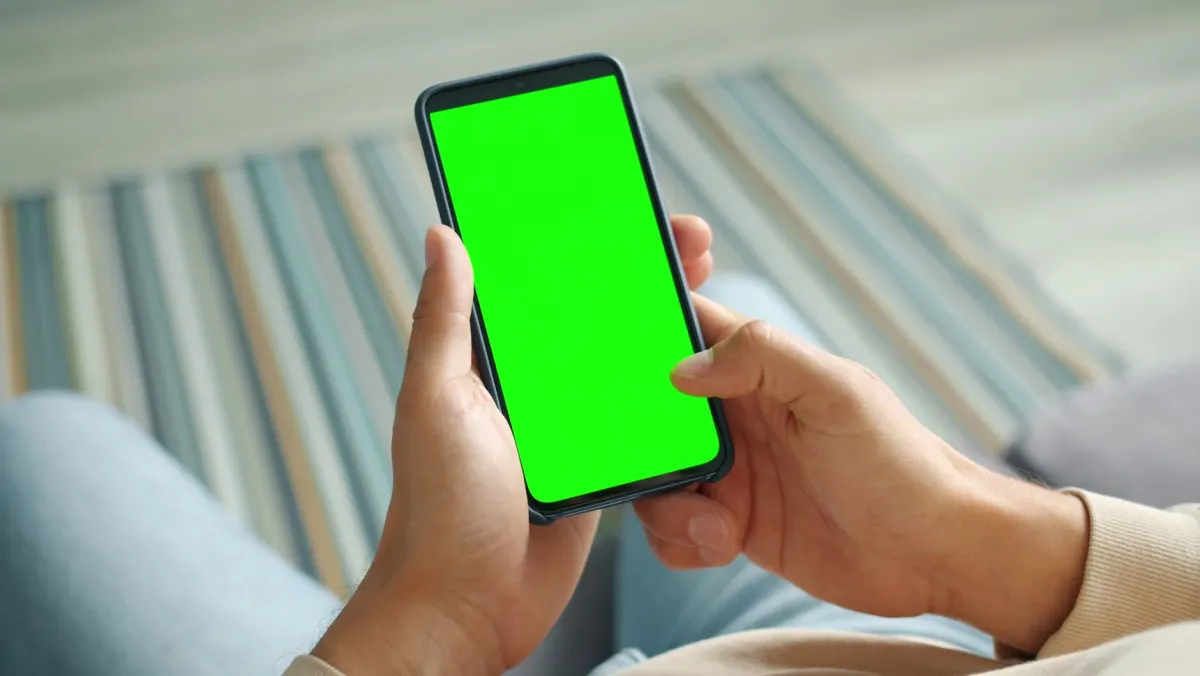
The 9:16 ratio is not just an aesthetic preference, it is a practical necessity. Every element of TikTok's user interface is arranged around this vertical layout:
- The creator's profile icon and follow button sit on the right side.
- Like, comment, and share buttons stack vertically below them.
- Captions and hashtags appear in the bottom-left corner.
- The audio track title scrolls along the bottom edge.
These UI elements frame your video, and the frame is calibrated for a 9:16 canvas. Use correct dimensions and the interface complements your content. Use incorrect dimensions and those icons either float in empty black space or obscure parts of your shrunken video.
Since the comment button is permanently visible on the right side, comments are a major driver of early engagement. A TikTok comment generator can help you post relevant, natural comments quickly to build engagement momentum.
- Fills the entire mobile screen
- No black bars, no cropping
- UI icons complement the frame
- Feels native to TikTok
- Shrunk and padded with black bars
- Immersion breaks instantly
- Icons float in empty space or cover the video
- Signals the content was not made for TikTok
Mastering TikTok Safe Zones
Getting the TikTok video size ratio right is only half the equation. You also need to account for safe zones, the portions of your screen that remain visible after TikTok overlays its interface elements.
Think of your 9:16 video as a stage. The safe zone is center stage, directly under the spotlight, where all critical content must appear. The TikTok UI: your username, caption, interaction buttons, forms the curtains at the edges. You would never position your most important content behind a curtain.
Mapping the UI Obstacles
TikTok's interface elements appear in the same positions on every video, creating predictable zones to avoid:
- Top edge: May be obscured by device notifications or in-app banners
- Right side: Covered by like, comment, and share buttons
- Bottom area: Hidden behind captions, hashtags, and audio information
Designing with these overlay zones in mind from the start ensures your message always reaches the viewer. A call-to-action buried behind the like button is a wasted call-to-action.
Recommended Margin Guidelines
TikTok does not publish official safe zone templates, but the creator community has established reliable guidelines through extensive testing. For a standard 1080 x 1920 pixel video:
- Top margin: approximately 90 pixels
- Bottom margin: approximately 330 pixels
- Left and right margins: approximately 65 pixels each
Respecting these boundaries keeps your on-screen text, logos, product shots, and calls-to-action front and center. For additional guidance on vertical formatting across platforms, our full guide on vertical video dimensions covers best practices you can apply everywhere.
File Settings That Ensure a Flawless Upload
Correct dimensions are only part of the equation. Your export settings must also be dialed in before you hit upload.
The most critical setting is resolution. While TikTok accepts various sizes, the sweet spot is 1080 x 1920 pixels. This full HD resolution produces sharp visuals without creating files so large that TikTok's compression algorithms destroy the detail.
Picking the Right File Format
TikTok supports two primary formats:
- MP4: The universal standard. Compatible with virtually everything and almost always the safest choice.
- MOV: Apple's native format, common on iPhones and Macs. Uploads to TikTok without issues.
The quality difference between the two is negligible in practice. Choose whichever fits your editing workflow.
Staying Within File Size Limits
File size is a frequent source of upload errors. TikTok enforces different limits by device:
AdaptlyPost
Start Your 7-Day Free Trial
All-platform analytics
Social Inbox
AI-powered assistant
- iOS devices: Up to 287.6 MB
- Android devices: Up to 72 MB
That gap is significant, Android users must be especially mindful of export settings. Staying within these limits prevents TikTok from over-compressing your video and degrading the sharp details you worked to create.
For those looking to streamline the production process, an AI TikTok Video Generator can help produce correctly formatted videos more efficiently.
These technical settings matter as much as the content itself. Other platforms have their own specifications, for instance, our guide on how to post a video on Twitter covers that platform's particular requirements.
Common TikTok Formatting Errors and How to Avoid Them
Even experienced creators make formatting mistakes that undermine otherwise excellent content. Recognizing these pitfalls before they happen saves time and protects your engagement metrics.
Error 1: Uploading Horizontal or Square Videos
This is the single most common mistake. A video shot in 16:9 for YouTube or 1:1 for Instagram gets uploaded directly to TikTok. The platform shrinks it and adds black bars to fill the remaining space.
The full-screen immersion that makes TikTok compelling vanishes immediately. It signals to viewers that the content was not created for TikTok, which dampens engagement significantly.
The solution: Always edit to fit a vertical 9:16 frame. If starting with horizontal footage, crop into the key action or use a blurred background technique to fill the screen while keeping the original shot centered.
Error 2: Placing Content in Overlay Zones
Positioning important elements, text, logos, calls-to-action, in areas covered by TikTok's interface is a guaranteed way to waste effort. A punchline hidden behind the share icon or a brand name buried under the caption defeats the purpose of including them.
Rules to follow:
- Keep text centered and away from the bottom where captions and audio titles appear.
- Avoid the right column entirely, it is occupied by interaction icons.
- Leave breathing room at all edges for a cleaner, more professional look.
Respecting these zones ensures every element of your video is seen exactly as you planned.
Repurposing Existing Content for TikTok
Your existing video library from YouTube or Instagram is a valuable asset, it just needs to be adapted for TikTok's vertical environment. The key is reformatting content so it feels native to the platform rather than cross-posted.
Converting Horizontal Footage to Vertical
The primary challenge is making widescreen 16:9 footage work in TikTok's 9:16 vertical space. Simple cropping cuts out essential parts of the frame. A more effective technique:
Start with a blank 9:16 canvas. Place the original horizontal video in the center. Fill the empty space above and below with a zoomed-in, blurred copy of the same video.
This approach solves multiple problems simultaneously:
AdaptlyPost
Start Your 7-Day Free Trial
All-platform analytics
Social Inbox
AI-powered assistant
- The screen is completely filled, no black bars.
- The original footage remains intact and centered.
- The blurred background adds visual depth and makes the result feel intentional.
This is how you give existing content a second life on a new platform. For a deeper look at maximizing every piece of content you produce, explore proven content repurposing strategies. Building an effective cross-posting social media workflow is also essential for any multi-platform strategy.
Frequently Asked TikTok Video Size Questions
What Happens When You Upload a Square Video?
You can upload a square (1:1) video, but TikTok will add black bars above and below it. The video plays normally, but it loses the immersive full-screen quality that drives engagement. Always convert to 9:16 before uploading for the best results.
Does Uploading in 4K Improve Quality?
TikTok accepts 4K uploads but compresses them down to its standard 1080 x 1920 resolution. You are generally better off exporting at 1080p directly, this gives you more control over the final appearance and avoids compression artifacts that sometimes occur when TikTok processes very large files.
How Do You Verify Your Video's Aspect Ratio?
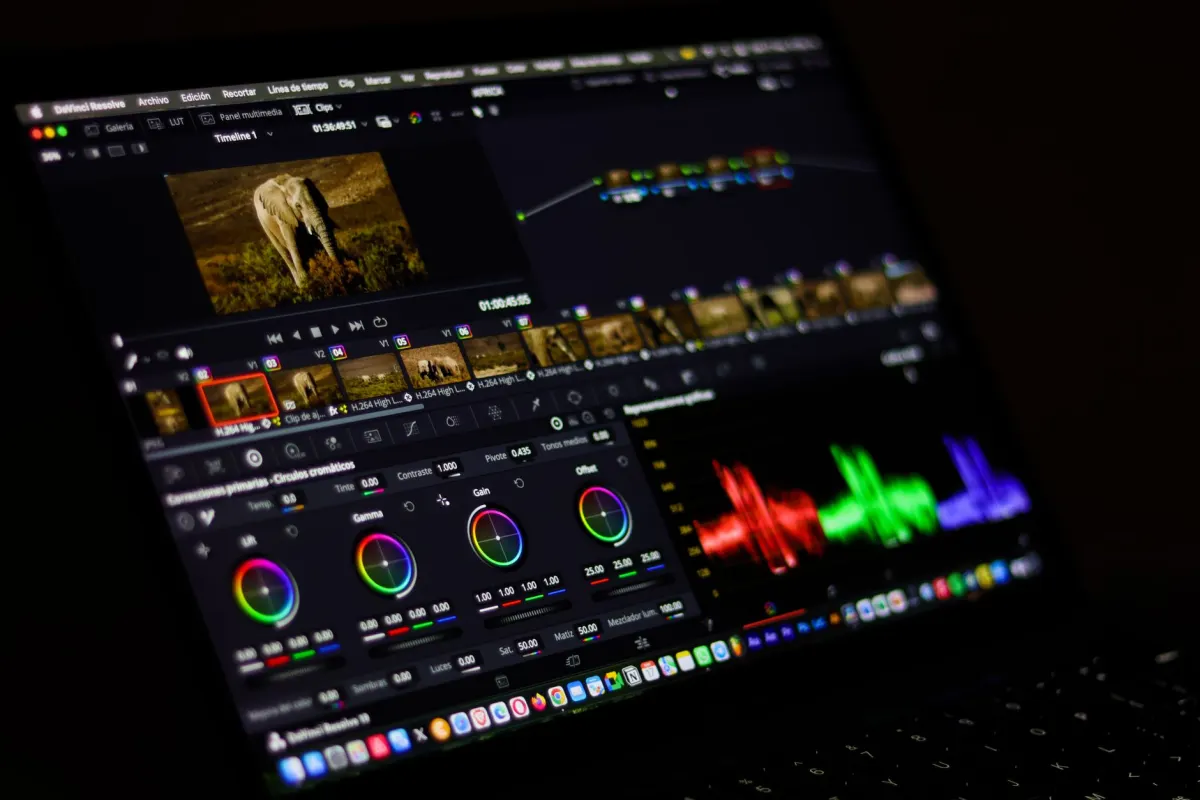
Most editing software (Adobe Premiere Pro, CapCut, DaVinci Resolve) displays project dimensions in the settings panel. If it reads 1080 x 1920, you have the correct 9:16 ratio. Alternatively, right-click the file on your computer and check the properties or file info for frame dimensions.
Ready to manage all your social media content, including perfectly formatted TikToks: from a single dashboard? AdaptlyPost offers scheduling, AI content creation, and analytics to help you grow faster. Streamline your workflow and start creating more efficiently today.
What is the correct TikTok video size in pixels?
TikTok's standard resolution is 1080 x 1920 pixels, a 9:16 vertical frame. This full HD size gives sharp visuals without pushing the file so large that TikTok's compression destroys detail. Match it exactly and your video plays full screen with no cropping or padding.
What happens if I upload a 16:9 video to TikTok?
TikTok shrinks the video and adds black bars above and below it to fit the vertical frame. The full-screen immersion disappears immediately, and viewers can tell the clip was made for another platform. Reformat to 9:16 before uploading to avoid this.
What video formats does TikTok accept?
TikTok supports MP4 and MOV. MP4 is the universal standard and the safest choice for compatibility, while MOV works fine if you are exporting from an iPhone or Mac. The quality difference between the two is negligible, so pick whichever fits your editing workflow.
What is TikTok's maximum file size on iPhone?
iOS uploads can go up to 287.6 MB. Staying under that limit keeps TikTok from over-compressing your video and losing detail during processing.
What is TikTok's maximum file size on Android?
Android uploads are capped at 72 MB, far tighter than the iOS limit of 287.6 MB. Android users need to watch their export settings closely to stay within that ceiling without sacrificing quality.
What are TikTok's recommended safe zone margins?
For a standard 1080 x 1920 video, the creator community recommends roughly 90 pixels at the top, 330 pixels at the bottom, and 65 pixels on each side. TikTok has not published official numbers, but these figures come from extensive testing and keep on-screen text and calls-to-action clear of the interface.
Where should I avoid placing text on a TikTok video?
Keep text away from the bottom of the frame, where captions, hashtags, and the audio track title sit. Stay clear of the right column too, where the like, comment, and share buttons stack. Placing a call-to-action or logo in either zone means it gets covered or crowded by the interface.
Where does TikTok place captions and hashtags?
Captions and hashtags appear in the bottom-left corner of the screen. Anything you place near that corner risks getting hidden behind them, so keep important text and logos clear of that area.
Where do TikTok's like, comment, and share buttons sit on screen?
TikTok's like, comment, and share buttons stack vertically along the right side of the frame, below the creator's profile icon and follow button. Because that column is permanently visible, it is also why comments drive a lot of early engagement on a video.
Why do widescreen videos look bad when reused on TikTok?
Footage shot in 16:9 for YouTube or 1:1 for Instagram was framed for a different shape entirely. TikTok then has to shrink it and pad the remaining space with black bars. That padding breaks the full-screen immersion that makes TikTok's feed compelling. Reframing the footage into a 9:16 canvas, centering the original shot and filling the gaps with a blurred copy, solves the problem.
AdaptlyPost
Start Your 7-Day Free Trial
All-platform analytics
Social Inbox
AI-powered assistant
Put this into practice with AdaptlyPost
Was This Article Helpful?
Let us know what you think!
See us more often in Google
One click marks AdaptlyPost as a preferred source, so our articles sit higher in your Top Stories, AI Mode, and AI Overviews.
Before you go...
AdaptlyPost
Schedule your content across all platforms
Manage all your social media accounts in one place with AdaptlyPost.
All-platform analytics
Social Inbox
AI-powered assistant
Related Articles

Resolve The "Invalid Image Dimensions 640x360" Error Once and for All: Practical Guide
The platform wants 16:9, not more pixels. How to resolve invalid image dimensions 640x360 error using a preset, Canva, or any free resizing tool.
Vertical Video Dimensions for TikTok, Reels, Shorts, and More
9:16 at 1080x1920 is only the starting point. Vertical video dimensions for TikTok, Reels, Stories, Shorts, and Facebook, with safe zones and export specs.
Hold Every Video in Two Drafts With a Manus Cue Connector for TikTok Posting
A Manus Cue connector for TikTok posting fills twelve config keys, with privacyLevel required. How two draft layers keep Cue off your public TikTok feed.