
TL;DR, Quick Answer
7 min readLinkedIn's help article on posting states that "the character limit for a post is 3,000 characters" and points longer writing to articles. The Posts API schema describes the commentary field without a maximum, and its error table only names FIELD_LENGTH_TOO_LONG. Mentions and hashtags travel as little text markup, so a 15-character rendered line can be 47 characters in the request, and LinkedIn does not say which version it counts.
What is the LinkedIn character limit for a post?
Every feed post is held to a LinkedIn character limit of 3,000 characters, which LinkedIn states in the first paragraph of its help article "Post and share updates." The sentence reads: "The character limit for a post is 3,000 characters." The same article closes with the fallback: "If your post exceeds 3000 characters, you can instead write an article using LinkedIn's Publishing Platform."
That is the number for the feed post you write in the share box, from a profile or from a LinkedIn Page you admin. Anything longer belongs in an article, and the differences between the two formats are covered in the guide on how to write a LinkedIn article.
LinkedIn documents other text limits too, but they sit on other fields and other pages.
| Field | Documented limit | LinkedIn source |
|---|---|---|
| Post text | 3,000 characters | Help, "Post and share updates" |
Image alt text, API altText | 4,086 maximum, under 120 recommended | Images API schema |
| Single image ad introductory text | 3,000 maximum, 150 to avoid truncation | Help, single image ads specifications |
| Single image ad headline | 200 maximum, 70 to avoid truncation | Help, single image ads specifications |
| Single image ad description | 300 maximum, 100 to avoid truncation | Help, single image ads specifications |
| Carousel ad introductory text | 255 maximum | Help, carousel ads specifications |
The alt text row has its own story, including why the Posts API schema leaves it unbounded, in the breakdown of the LinkedIn alt text character limit.
Does the LinkedIn API enforce 3,000 characters on commentary?
The LinkedIn Posts API documentation publishes no maximum for commentary, the field that carries post text. The Post API Schema lists it as type "little text" with the description "The user generated commentary for the post," marked required, and stops there. The Posts API guide itself never mentions 3,000.
The error table shows that a length check exists without saying where it trips. Its row reads:
| HTTP status | Error code | Documented description |
|---|---|---|
| 400 | FIELD_LENGTH_TOO_LONG | "{field} length exceeds the allowed maximum. Reduce the length of the commentary or other text fields." |
So the API names commentary as a field that can be too long and declines to print the allowed maximum. The help article's 3,000 is the only number LinkedIn publishes for post text. Build your check against it.

Do mentions and hashtags count toward the LinkedIn limit?
LinkedIn does not say whether its 3,000-character limit counts the markup that the API uses for mentions and hashtags, or only the text a reader sees. The gap matters because the two versions differ a lot in length. The Posts API writes a mention as @[Devtestco](urn:li:organization:2414183), and when it returns a hashtag it wraps it in a template, {hashtag|\#|coding}.
| Commentary as sent or returned | Characters in the request | Characters a reader sees |
|---|---|---|
Hello @[Devtestco](urn:li:organization:2414183) | 47 | 15 |
Follow best practices {hashtag|\#|coding} | 41 | 29 |
Both strings come straight from LinkedIn's own examples. One organization mention adds 32 characters of markup to the request. Ten mentions with URNs of that length put 320 characters into the request that nobody reads, and LinkedIn does not document whether they count against the 3,000.
Escaping adds more. The little text format page says "All reserved characters need to be escaped with a backslash, even if those characters are not used in one of the supported elements or templates." The reserved set is |, {, }, @, [, ], (, ), <, >, #, \, *, _ and ~. LinkedIn's own sample writes a bulleted list as \* Point 1, so each bullet costs an extra character in the request. A post full of asterisk bullets, underscores and parentheses grows by one character for every one of them.
Hashtags have their own guidance beyond length, covered in the guide on how to add hashtags to a LinkedIn post.
How much of a LinkedIn post shows before "see more"?
LinkedIn publishes no truncation point for organic posts. The only truncation figure LinkedIn prints for feed copy is on its single image ads specifications page: "Use up to 150 characters including spaces, emojis, and punctuation to avoid truncation (3,000 character maximum)."
That sentence is written for Sponsored Content, but it is the one place LinkedIn tells you that spaces, emoji and punctuation all count toward a visible cutoff. It also carries a rule for links that applies to ads only: "URLs that are longer than 23 characters will be converted to a short link." LinkedIn does not say the same happens to URLs in an organic post.
The working rule follows from the only published number. Put the hook in the first 150 characters, and treat everything after it as text a reader has to choose to open.

AdaptlyPost
Start Your 7-Day Free Trial
All-platform analytics
Social Inbox
AI-powered assistant
How do you fit a long post inside the LinkedIn limit?
You fit a long post inside the LinkedIn limit by counting the text you send, not the text you see, and moving overflow into a format with more room. This is the order that works:
- Draft the post and count the raw string, mentions and escaped characters included, so the number you check is the largest version LinkedIn could count.
- Keep that count at or under 3,000, the only post-text limit LinkedIn publishes.
- Put the hook inside the first 150 characters.
- If the post still runs long, move the detail into a document carousel, a PDF that readers swipe through, and let the post text introduce it.
- If the piece needs more than a document can hold, publish it as an article, which is the route LinkedIn's help article names for posts over 3,000 characters.
- Add alt text to every image and keep it under 120 characters where the image allows.
For the file side of step 4, the LinkedIn post sizes guide lists document and image dimensions.
Does LinkedIn limit how many posts you can publish?
LinkedIn limits posting volume without publishing the numbers, and the same help article that states the character limit says so. The wording is: "we may limit how many posts a member or a LinkedIn Page can make in a certain time period." LinkedIn ties those limits to "behavioral and authenticity signals," including block counts and verification status, and adds that "If we detect excessive post creation that indicates inauthentic activity, or the use of an automation tool, we may limit the visibility of those posts."
For Pages that hit a limit, LinkedIn's advice is to verify the Page and have admins add a workplace or identity verification to their accounts. LinkedIn publishes no threshold, so there is no number to plan a schedule against, and the guide to scheduling LinkedIn posts covers how to space a queue.
Where AdaptlyPost fits
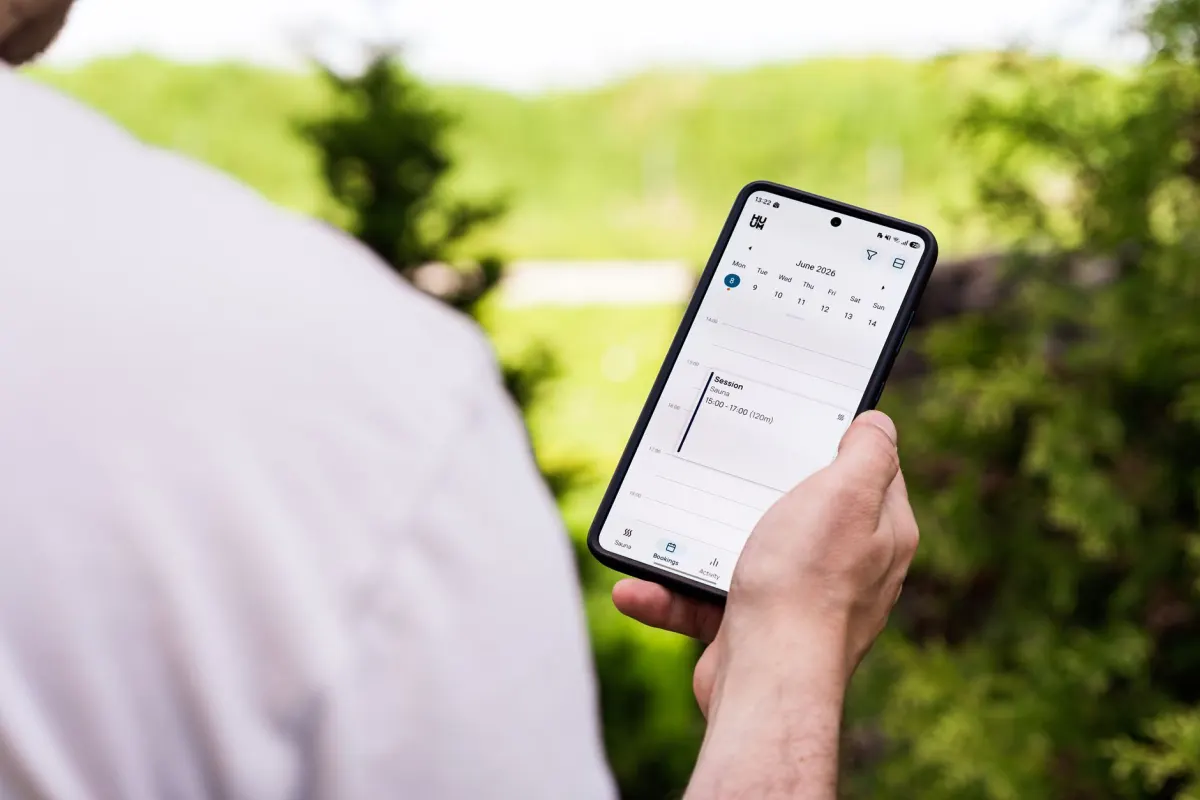
AdaptlyPost schedules LinkedIn text posts, images, videos and document carousels, and it adjusts each post to the platform's requirements, character limits included. You connect a LinkedIn profile or company page through OAuth, write the post, attach media or a PDF, and pick the publish time. The LinkedIn post scheduler runs the queue, and published posts feed engagement and reach back into the dashboard.
The limit bites hardest when one draft goes to several networks. A 2,500-character LinkedIn post will not fit Threads, where the cap is 500, so posting to multiple accounts at once lets each platform get its own version of the caption. An AI agent connected to AdaptlyPost can send per-platform caption overrides in the same request, with a professional version for LinkedIn and a casual one for Instagram.
Frequently asked questions
What is the character limit for a LinkedIn post?
3,000 characters. LinkedIn's help article "Post and share updates" states that "the character limit for a post is 3,000 characters" and suggests writing an article for anything longer. The limit applies to posts from a profile and from a LinkedIn Page.
Does the LinkedIn API have a different character limit?
The LinkedIn Posts API documentation publishes no number for the commentary field. The Post API Schema describes it as little text with no maximum, and the error table lists FIELD_LENGTH_TOO_LONG without stating the allowed length. Validate against the 3,000 from the help article.
Do spaces and emoji count toward the LinkedIn character limit?
LinkedIn's single image ads page says its 150-character truncation guidance counts "spaces, emojis, and punctuation." LinkedIn does not publish a counting rule for organic posts. Count every space, emoji and line break against the 3,000 so the post never lands over the limit.
Do @mentions count toward the LinkedIn character limit?
LinkedIn does not say. Through the API, a mention travels as markup such as @[Devtestco](urn:li:organization:2414183), which is 32 characters longer than the name a reader sees. Budget against the longer request string to stay safe.
What happens if a LinkedIn post is longer than 3,000 characters?
LinkedIn's help article points you to its Publishing Platform, which means writing an article instead of a post. Through the API, an over-length field returns HTTP 400 with FIELD_LENGTH_TOO_LONG. LinkedIn does not document the exact threshold for that error on commentary.
How many characters show before "see more" on LinkedIn?
LinkedIn publishes no cutoff for organic posts. Its single image ads specifications recommend up to 150 characters of introductory text to avoid truncation. Writing the hook inside the first 150 characters keeps it visible under the only figure LinkedIn prints.
What does the LinkedIn Posts API call the field that holds post text?
The Posts API schema names the field commentary and types it as little text, the same format used for mentions, hashtags and escaped punctuation. Its description reads only "The user generated commentary for the post," and the field is marked required with no maximum length listed.
Can escaping reserved characters push a post over the LinkedIn character limit?
Escaping can make the raw request longer than the text a reader sees. LinkedIn's little text format page requires every reserved character, |, {, }, @, [, ], (, ), <, >, #, , *, _ and ~, to carry a backslash even outside a template, and LinkedIn's own example writes a bullet as * Point 1. Asterisks, underscores and parentheses each add one character to the count LinkedIn may be checking.
AdaptlyPost
Start Your 7-Day Free Trial
All-platform analytics
Social Inbox
AI-powered assistant
Can using an automation tool get my LinkedIn posts limited?
LinkedIn ties posting limits to behavioral and authenticity signals, including block counts and verification status. Its help article states that excessive post creation or the use of an automation tool can lead LinkedIn to limit the visibility of those posts. LinkedIn does not publish the threshold that triggers the limit.
Does LinkedIn shorten long links in a post automatically?
LinkedIn's single image ads specifications say a URL over 23 characters gets converted to a short link, but that rule is written for Sponsored Content. LinkedIn does not state that organic feed posts get the same treatment. Treat a long link in a regular post as counting at full length until LinkedIn says otherwise.
Put this into practice with AdaptlyPost
Was This Article Helpful?
Let us know what you think!
See us more often in Google
One click marks AdaptlyPost as a preferred source, so our articles sit higher in your Top Stories, AI Mode, and AI Overviews.
Before you go...
AdaptlyPost
Schedule your content across all platforms
Manage all your social media accounts in one place with AdaptlyPost.
All-platform analytics
Social Inbox
AI-powered assistant
Related Glossary Terms
What a LinkedIn Document Post Is and How LinkedIn Processes the File
A LinkedIn document post carries a PDF, PPT or DOC file of up to 100MB and 300 pages. Here is how LinkedIn processes the file and why it is not a carousel.
How Many Photos a LinkedIn Multi Image Post Can Hold
A LinkedIn multi image post holds up to 20 photos of 5 MB each, at least 552 x 276. How LinkedIn lays them out, the PDF carousel difference and the API.
What a LinkedIn Poll Allows: 140 Characters, 4 Options, 14 Days
A LinkedIn poll asks one question of up to 140 characters with 2 to 4 options of 30 characters each, open for 1, 3, 7 or 14 days. Who sees your vote.
Related Articles
Where the LinkedIn Alt Text Character Limit Is Actually Written
The LinkedIn alt text character limit is 4,086 characters on the API altText field, and LinkedIn publishes no limit at all for the alt text box in the app.
How LinkedIn initializeUpload Turns a File Into an Image URN
The LinkedIn initializeUpload action returns an image URN and an upload URL. Here is the PUT, the post that references the URN, and the errors at each step.
Every /rest/ Call Needs the LinkedIn-Version Header in YYYYMM Form
The LinkedIn-Version header takes a YYYYMM value like 202608. Omit it and LinkedIn returns 400 VERSION_MISSING; a sunset version returns 426.