
TL;DR, Quick Answer
5 min readA LinkedIn article is a long-form publishing format on LinkedIn that helps professionals establish thought leadership, grow their network, and drive meaningful engagement with their target audience.
What Is a LinkedIn Article?
Rich media, headers, and structured layouts are what separate an article LinkedIn hosts on your profile from an ordinary post capped at a few lines. Unlike standard LinkedIn posts, which are limited in length and formatting, articles support in-depth writing with rich media, headers, links, and structured layouts. They appear on your profile under the "Activity" section and can be discovered through LinkedIn search and external search engines.
LinkedIn articles function similarly to blog posts but benefit from the built-in professional audience that LinkedIn provides. When you publish an article, your connections and followers receive notifications, giving your content immediate reach.
Why LinkedIn Articles Matter
LinkedIn has over 1 billion members, making it the largest professional networking platform in the world. Publishing articles on the platform positions you as a knowledgeable voice in your industry. Here are the key benefits:
- Thought Leadership: Articles demonstrate deep expertise on a subject, unlike short posts that only scratch the surface.
- SEO Value: LinkedIn articles are indexed by Google, meaning your content can be found by people outside the platform.
- Evergreen Visibility: While posts disappear from feeds quickly, articles live permanently on your profile.
- Lead Generation: Well-crafted articles attract prospects who are already interested in your area of expertise.
- Network Growth: Engaging articles get shared, commented on, and recommended, expanding your reach organically.
How to Write a LinkedIn Article Step by Step
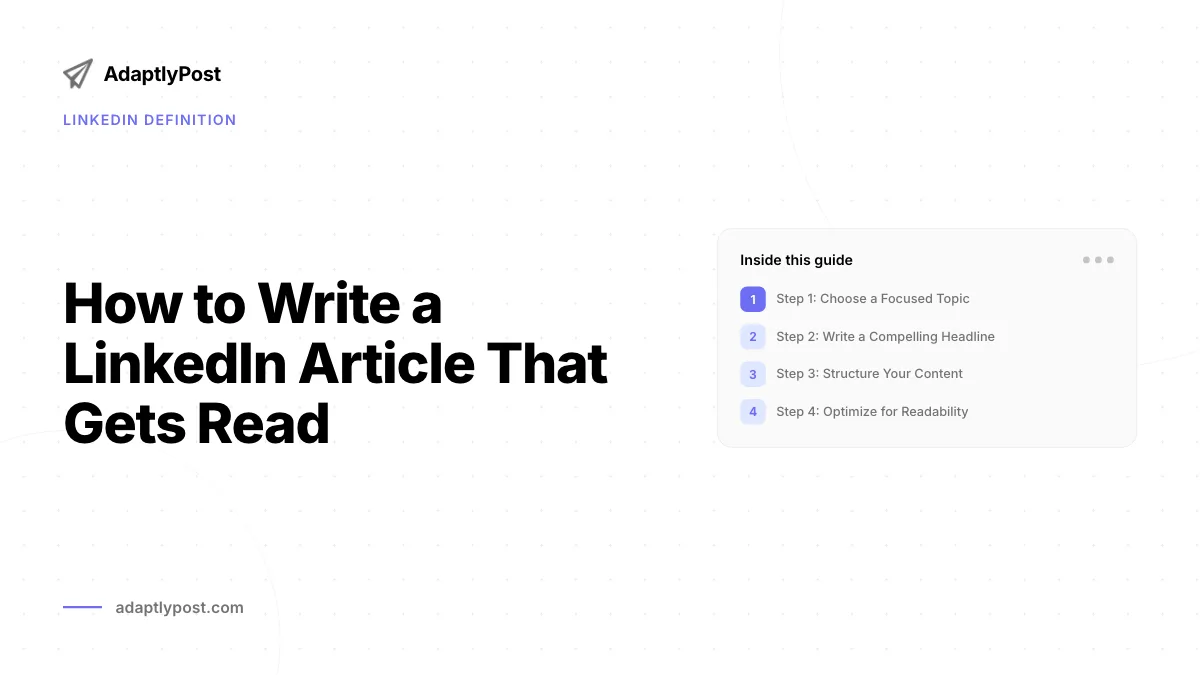
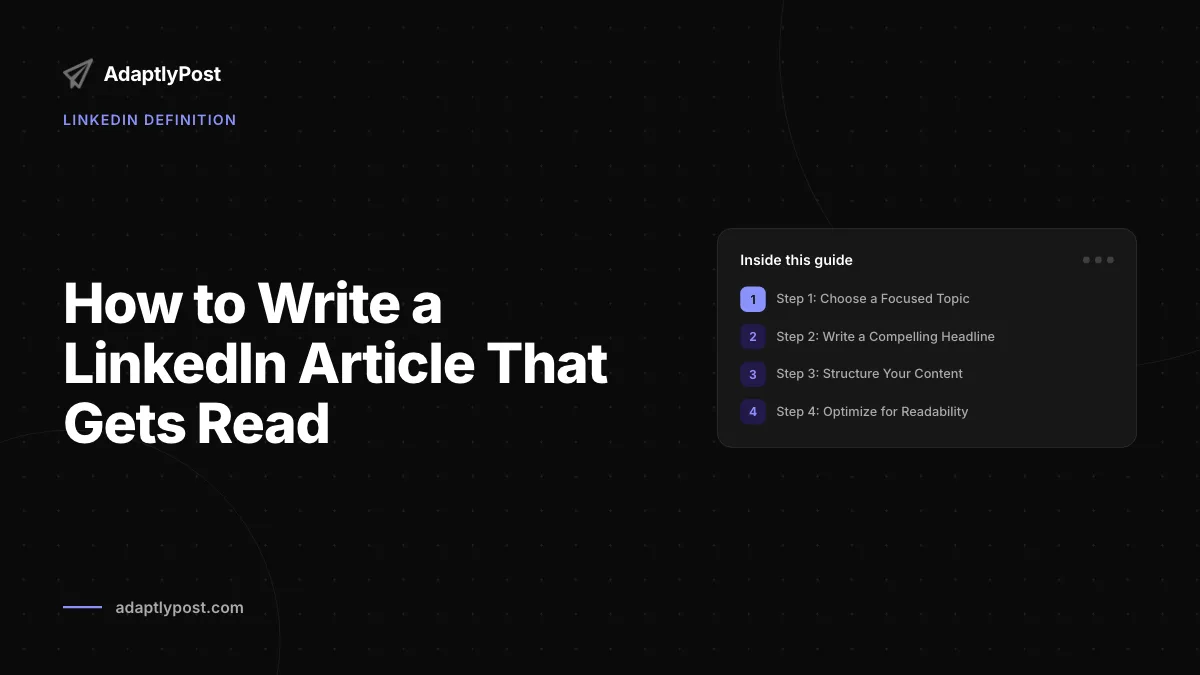
Step 1: Choose a Focused Topic
Pick a topic that intersects your expertise with your audience's interests. Use LinkedIn's own search bar to see what topics are trending in your industry. Avoid overly broad subjects; instead, narrow down to a specific angle that offers actionable value.

Step 2: Write a Compelling Headline
Your headline determines whether someone clicks or scrolls past. Effective LinkedIn article headlines follow these patterns:
| Headline Type | Example |
|---|---|
| How-To | How to Build a Remote Team That Actually Performs |
| List | 7 Hiring Mistakes That Cost Companies Millions |
| Question | Is Your LinkedIn Profile Costing You Opportunities? |
| Contrarian | Why Most Leadership Advice Is Wrong |
| Data-Driven | What 500 Sales Calls Taught Me About Cold Outreach |
Step 3: Structure Your Content
Break your article into clear sections using headers. A proven structure includes:
- Hook - Open with a surprising fact, personal story, or bold statement.
- Context - Explain why this topic matters right now.
- Main Body - Deliver your insights, broken into scannable subsections.
- Actionable Takeaways - Summarize what the reader should do next.
- Call to Action - Invite engagement through a question or next step.
Step 4: Optimize for Readability
LinkedIn audiences scan before they read. Keep paragraphs to 2-3 sentences. Use bullet points and numbered lists to break up dense sections. Include at least one image or visual element to increase engagement.
Step 5: Add a Cover Image
Articles with cover images receive significantly more views. Use a high-quality, relevant image that complements your headline. The recommended dimensions are 1920 x 1080 pixels.

Step 6: Publish and Promote
After publishing, share the article as a regular LinkedIn post with a brief summary or teaser to drive clicks. Tag relevant people or companies mentioned in the article. Respond to every comment within the first few hours to boost algorithmic visibility.
Best Practices for LinkedIn Articles in 2026
- Length: Aim for 800-2000 words. Articles in this range tend to perform best.
- Frequency: Publish consistently, whether that is weekly or biweekly. Consistency builds audience expectation.
- Repurpose Content: Turn existing blog posts, presentations, or newsletters into LinkedIn articles with platform-specific adjustments.
- Include Internal Links: Reference your other LinkedIn articles to keep readers engaged with your content.
- Use Analytics: LinkedIn provides view counts, reader demographics, and engagement metrics. Use these to refine your content strategy over time.
Common Mistakes to Avoid
- Writing articles that read like sales pitches instead of providing genuine value.
- Ignoring formatting, resulting in large walls of text that drive readers away.
- Publishing without a clear call to action at the end.
- Failing to engage with commenters after publishing.
- Using overly technical jargon without explaining key concepts.
- Walls of text with no bullet points or breaks
- No call to action at the end
- Silence after publishing while comments pile up
- Jargon dropped in without explanation
- Short paragraphs broken up with bullets and lists
- A clear call to action that invites the next step
- Replies to every comment within the first few hours
- Key concepts explained as they come up
LinkedIn Article vs. LinkedIn Post
| Feature | LinkedIn Article | LinkedIn Post |
|---|---|---|
| Length | Up to 125,000 characters | Up to 3,000 characters |
| Formatting | Rich text, headers, images | Limited formatting |
| Discoverability | Indexed by search engines | Feed-only visibility |
| Notifications | Sent to followers | Shown in feed algorithmically |
| Profile Placement | Permanent on profile | Disappears over time |
| Best For | Deep dives, thought leadership | Quick updates, engagement |
Frequently Asked Questions
How long should a LinkedIn article be?
The ideal length is between 800 and 2,000 words. Articles in this range are long enough to provide substantial value but short enough to maintain reader attention. However, if your topic demands more depth, do not hesitate to go longer as long as every section earns its place.
Can anyone publish LinkedIn articles?
Yes, any LinkedIn member can publish articles. You do not need a premium account or a specific follower count. Simply navigate to your LinkedIn homepage, click "Write article," and begin drafting.
Do LinkedIn articles help with SEO?
Yes. LinkedIn articles are indexed by Google and other search engines. This means your article can appear in search results for relevant queries, driving traffic from people who are not even on LinkedIn.
How often should I publish LinkedIn articles?
Consistency matters more than frequency. Publishing one high-quality article per week or every two weeks is more effective than publishing daily with lower quality. Find a cadence that you can maintain long-term.

AdaptlyPost
Start Your 7-Day Free Trial
All-platform analytics
Social Inbox
AI-powered assistant
What is the difference between a LinkedIn article and a newsletter?
LinkedIn newsletters are a subscription-based format where followers opt in to receive notifications for every new edition. Articles are standalone pieces. Newsletters build a more loyal, recurring audience over time.
Where do LinkedIn articles appear once published?
Published articles live on your profile under the Activity section, not in a separate feed. From there, people can find them through LinkedIn's own search bar or through Google and other external search engines, since LinkedIn indexes them for search.
What size should a LinkedIn article's cover image be?
LinkedIn recommends 1920 x 1080 pixels for article cover images. Articles with a cover image get significantly more views than those without one, so it's worth choosing one that complements your headline rather than skipping this step.
What kind of headline works best for a LinkedIn article?
Strong LinkedIn headlines usually follow one of a handful of patterns: how-to, list, question, contrarian, or data-driven. Since the headline decides whether someone clicks or scrolls past, it's worth testing a few of these angles before you settle on one.
What should you do right after publishing a LinkedIn article?
Share the article as a regular LinkedIn post with a short summary or teaser to drive clicks, and tag any people or companies you mentioned. Reply to comments within the first few hours too, since that early engagement boosts the article's algorithmic visibility.
What sections belong in a well-structured LinkedIn article?
A proven structure runs through five parts: a hook, context for why the topic matters now, a main body, actionable takeaways, and a closing call to action. Break the main body into scannable subsections. The hook can be a surprising fact, a personal story, or a bold statement, and the call to action should invite a question or a next step.
Streamline Your LinkedIn Content Strategy
Writing LinkedIn articles is one piece of a broader content strategy. With AdaptlyPost, you can plan, schedule, and manage your LinkedIn content alongside all your other social media channels from a single dashboard. Focus on writing great content and let AdaptlyPost handle the publishing workflow.
Put this into practice with AdaptlyPost
Was This Article Helpful?
Let us know what you think!
See us more often in Google
One click marks AdaptlyPost as a preferred source, so our articles sit higher in your Top Stories, AI Mode, and AI Overviews.
Before you go...
AdaptlyPost
Schedule your content across all platforms
Manage all your social media accounts in one place with AdaptlyPost.
All-platform analytics
Social Inbox
AI-powered assistant
Related Glossary Terms
LinkedIn Newsletter Publishing: How to Create and Grow One
Each edition triggers a notification and an email. How to start a LinkedIn newsletter, the prerequisites, and what grows subscribers past the first hundred.


A Practical Overview - For Carousel Post
Multiple images or videos in one swipeable unit. Where a carousel post outperforms a single image, and the slide count that holds attention longest.
A Practical Overview - CFBR Meaning Social Media
Short for Commenting For Better Reach, the CFBR meaning social media users intend is algorithmic. Where it appears, whether it works, and when it grates.
Related Articles
How Content Amplification Services Extend Reach
Great content still needs distribution. Which channels content amplification services use, what they cost, and when to run the work in-house instead.
Key Insights - It Content Creation
From first idea to published post, content creation runs through six repeatable stages. The formats, the skills, the tools, and where teams usually stall.
A Practical Answer - How Does Content Curation Work?
Filling the calendar is the least of it. How content curation builds authority, where to find material worth sharing, and how to credit it properly.