
TL;DR, Quick Answer
5 min readInstagram Reels are short-form videos up to 90 seconds that receive the highest organic reach of any Instagram content format, making them essential for brand visibility and audience growth in 2026.
What Are Instagram Reels?
Short videos of up to 90 seconds, an Instagram reel surfaces in the dedicated tab, the main feed, Explore, and on your profile grid. They appear in a dedicated Reels tab, in the main feed, on the Explore page, and on the creator's profile grid. Reels include built-in editing tools such as audio selection, speed controls, text overlays, filters, and effects.
Launched as Instagram's response to TikTok's rapid growth, Reels have become the platform's primary format for organic reach and discovery. Instagram's algorithm actively surfaces Reels to users who do not follow the creator, making them the most powerful tool for reaching new audiences on the platform.
Why Reels Are Essential in 2026
- Highest Organic Reach: Reels consistently outperform feed posts, carousels, and Stories in terms of unique accounts reached.
- Algorithm Priority: Instagram continues to prioritize video content in its recommendation system.
- Discovery Engine: The Reels tab and Explore page function as discovery feeds where non-followers encounter your content.
- Engagement Magnet: Video content generates higher engagement rates than static images.
- Cross-Platform Potential: Reels can be repurposed for TikTok, YouTube Shorts, and other short-form video platforms.
How to Create an Instagram Reel
Step 1: Access the Reels Camera
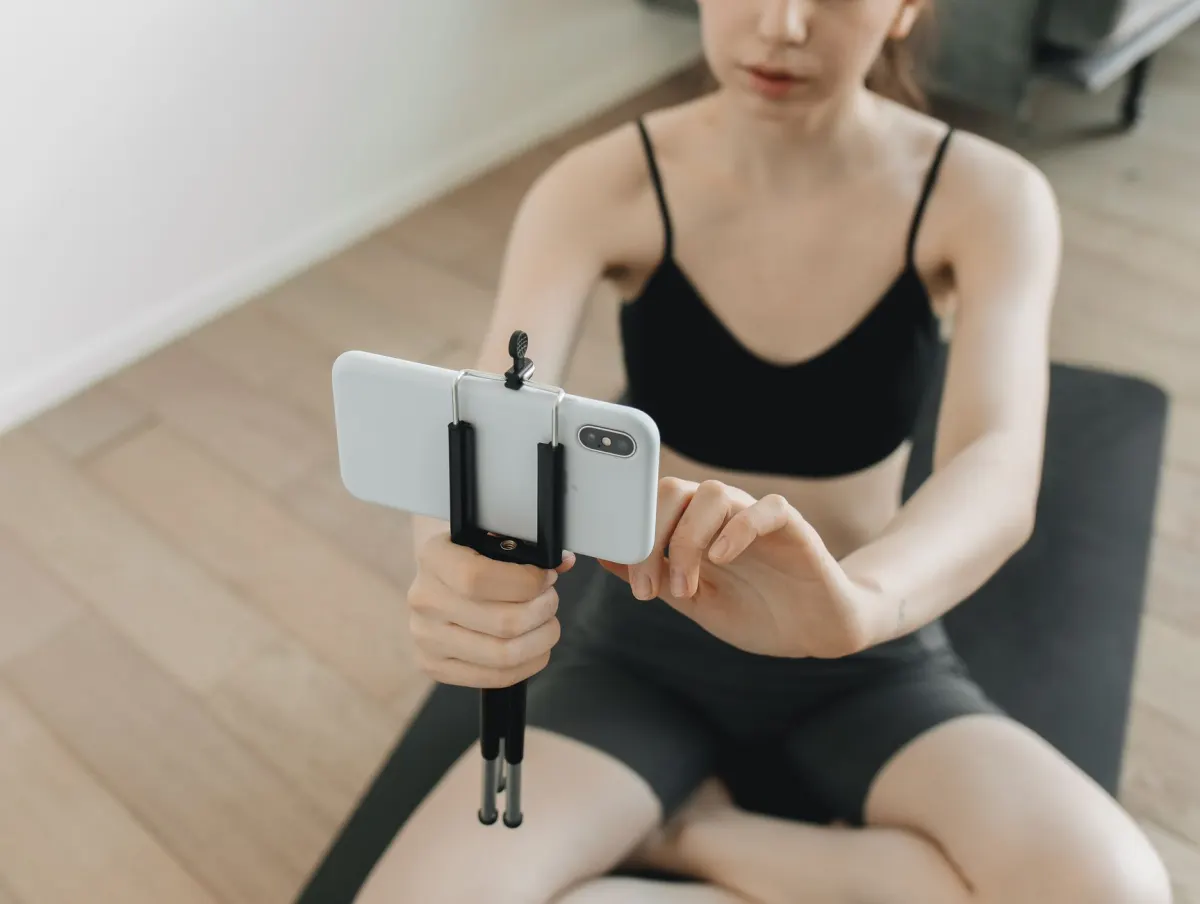
Tap the "+" icon on Instagram and select "Reel." You can also swipe right from your feed to access the camera.
Step 2: Record or Upload
- Record in-app: Use the record button to capture clips directly. You can record multiple clips to stitch together.
- Upload existing video: Select pre-recorded clips from your camera roll.
Step 3: Edit Your Reel
Use Instagram's editing tools:
- Audio: Add music from Instagram's library or use original audio.
- Speed: Adjust playback speed for slow-motion or time-lapse effects.
- Effects: Apply AR filters and visual effects.
- Timer: Set a countdown for hands-free recording.
- Align: Line up objects between clips for seamless transitions.
- Text: Add text overlays with customizable fonts, colors, and timing.
- Stickers: Include interactive stickers, polls, and quizzes.
Step 4: Write Your Caption
Craft a caption that includes:
- A hook or key takeaway in the first line
- Relevant keywords for searchability
- A call to action (follow, save, share, comment)
- 3-5 relevant hashtags
Step 5: Share Your Reel
Choose to share your Reel to your feed (recommended for maximum visibility), and add a cover image that looks clean on your profile grid.

Reel Content Ideas for Businesses
| Content Category | Example Ideas |
|---|---|
| Educational | Quick tips, how-tos, myth-busting |
| Behind-the-Scenes | Process videos, workspace tours, team introductions |
| Product Showcase | Demonstrations, unboxings, feature highlights |
| Trends | Trending audio with brand-relevant twist |
| Testimonials | Customer stories, results showcases |
| Entertainment | Relatable humor, industry jokes, day-in-the-life |
| Transformation | Before/after reveals, progress compilations |
Best Practices for Instagram Reels
- Hook viewers in the first second. The opening frame determines whether someone watches or scrolls. Start with movement, a bold statement, or a visual hook.
- Keep it concise. While Reels can be up to 90 seconds, shorter Reels (15-30 seconds) often perform better because they have higher completion rates.
- Add captions to all Reels. Many users watch without sound. Text overlays ensure your message is received regardless of audio.
- Use trending audio strategically. Trending sounds can boost discoverability, but make sure the audio fits your content and brand.
- Post consistently. Aim for 3-5 Reels per week to signal to the algorithm that you are an active creator.
- Share to your feed. Reels shared to the feed get additional distribution through the main feed algorithm.
- Optimize your cover image. Choose or design a cover that fits your grid aesthetic and clearly communicates the Reel's topic.
- Engage with comments quickly. Early engagement on Reels signals the algorithm to push your content further.
Reels vs. Stories vs. Feed Posts
| Feature | Reels | Stories | Feed Posts |
|---|---|---|---|
| Duration | Up to 90 seconds | Up to 60 seconds per slide | N/A (images) or up to 60 min (video) |
| Lifespan | Permanent | 24 hours | Permanent |
| Discovery | High (Reels tab, Explore) | Low (followers only) | Moderate (feed, Explore) |
| Best For | Reach and growth | Daily engagement | Brand aesthetic, evergreen content |
| Editing Tools | Extensive built-in tools | Moderate tools | Basic filters |
| Audio | Music library, original audio | Limited audio options | N/A for images |
Reels Algorithm Factors
The Instagram Reels algorithm evaluates these signals to determine distribution:
- Watch Time: How much of the Reel viewers watch. Higher completion rates signal quality.
- Engagement: Likes, comments, saves, and shares within the first hours after posting.
- Audio Popularity: Reels using trending audio may receive a distribution boost.
- Account History: Accounts that consistently post engaging Reels receive more reach over time.
- Content Relevance: How well the content matches the interests of potential viewers.
Frequently Asked Questions
What is the ideal length for an Instagram Reel?
There is no single ideal length, but Reels between 7 and 30 seconds have the highest completion rates, which is a key algorithm signal. Use the length that your content requires without padding. A focused 15-second Reel outperforms a stretched 60-second one.
Should I use trending audio on every Reel?
No. Trending audio helps with discoverability but is not necessary for every Reel. Educational content, talking-head videos, and original content often perform well with original audio or voiceover. Use trending audio when it naturally fits your content.
Can I schedule Instagram Reels in advance?
Yes. Instagram allows scheduling through both its native tools and third-party platforms. Scheduling Reels in advance keeps your cadence consistent and lets you plan your content calendar strategically.
Do Reels cannibalize my feed post engagement?
Reels and feed posts serve different purposes and reach different audiences. Reels drive discovery and reach, while feed posts maintain your brand presence for existing followers. A balanced strategy includes both.
How do I measure Reel performance?
Key metrics to track include plays (total views), reach (unique viewers), watch time, engagement rate (interactions divided by reach), saves, and shares. Focus on metrics aligned with your goals rather than vanity metrics alone.
What is the maximum length of an Instagram Reel?
An Instagram Reel tops out at 90 seconds. That is the ceiling Instagram allows, not a target: editing tools like speed controls and multi-clip stitching make the full 90 seconds workable, but a Reel should only run as long as the content requires.

AdaptlyPost
Start Your 7-Day Free Trial
All-platform analytics
Social Inbox
AI-powered assistant
How many Reels should I post per week?
Posting 3 to 5 Reels a week is the benchmark for staying visible to the algorithm. Account history is one of the ranking factors, so a steady cadence compounds over time: accounts that consistently post engaging Reels earn more reach.
Can I use my Instagram Reels on other platforms like TikTok?
Reels are built with cross-platform potential in mind. The same video can be repurposed for TikTok, YouTube Shorts, and other short-form video platforms, so one Reel can reach well beyond Instagram.
Do Reels show up to people who do not follow me?
Instagram's algorithm actively surfaces Reels to users who do not follow the creator, through the dedicated Reels tab and the Explore page. This non-follower reach is what makes Reels the platform's most powerful tool for reaching new audiences.
Should I always add captions to my Reels?
Adding captions to every Reel is one of the best practices, because many users watch without sound. Text overlays make sure the message comes through even when audio is off, so captions should not be optional.
Take Your Reels Strategy Further
Creating consistent, engaging Reels is one of the most impactful things you can do for your Instagram growth. AdaptlyPost puts your Reels on the same plan and schedule as all your other content, ensuring a consistent posting cadence that the algorithm rewards.
Put this into practice with AdaptlyPost
Was This Article Helpful?
Let us know what you think!
See us more often in Google
One click marks AdaptlyPost as a preferred source, so our articles sit higher in your Top Stories, AI Mode, and AI Overviews.
Before you go...
AdaptlyPost
Schedule your content across all platforms
Manage all your social media accounts in one place with AdaptlyPost.
All-platform analytics
Social Inbox
AI-powered assistant
Related Glossary Terms
Instagram Reels SEO Optimization: How to Rank and Get Discovered
Instagram behaves like a search engine now. Which ranking factors Instagram reels SEO optimization touches, from caption keywords to on-screen text.
See How Instagram Reels Length Is Expanding
Tests point to a longer Instagram Reels length, reaching ten minutes for some accounts. What shifts for pacing, retention, ad revenue, and your posting plan.
Learn When to Archive Social Media Data Instead of Deleting
Archiving hides a post without erasing it. How to archive social media data on Instagram, Facebook, X, LinkedIn, and TikTok, and how to restore it later.
Related Articles
Explained Clearly - Boomerang Meaning
One second of motion looped both ways: the Boomerang meaning, how to shoot one inside Stories, the effects available, and ideas that still feel fresh.


A Practical Overview - For Carousel Post
Multiple images or videos in one swipeable unit. Where a carousel post outperforms a single image, and the slide count that holds attention longest.
How to Change Background Color on Instagram Stories
Readability and brand colours both improve. How to change background color on Instagram story using the draw tool fill, the type tool, or a gradient.