
TL;DR, Quick Answer
4 min readInstagram Story guidelines cover the technical specifications, content policies, and design best practices that ensure your Stories display correctly, comply with platform rules, and engage your audience effectively.
Instagram Story Technical Specifications
Getting the dimensions right is half the job, and Instagram Story text length best practices are the other half, because a caption running past the safe zone gets buried under the reply bar or clipped on smaller screens. The current technical specifications follow.
| Specification | Requirement |
|---|---|
| Dimensions | 1080 x 1920 pixels |
| Aspect Ratio | 9:16 (vertical) |
| Image File Types | JPG, PNG |
| Video File Types | MP4, MOV |
| Maximum Video Length | 60 seconds per slide |
| Maximum File Size (Image) | 30 MB |
| Maximum File Size (Video) | 250 MB |
| Minimum Resolution | 720 x 1280 pixels |
| Video Frame Rate | 30 FPS recommended |
Safe Zones and Layout Guidelines
Instagram Stories display elements like the username bar at the top and the reply bar at the bottom. Placing important content in these areas risks it being obscured.
Safe Zone Rules
- Top 14%: Avoid placing critical text or visuals here. The username, profile photo, and timestamp overlay this area.
- Bottom 14%: The reply bar, "Send Message" field, and swipe-up indicators occupy this space.
- Safe Area: Keep all essential content within the middle 72% of the screen (approximately 1080 x 1380 pixels centered vertically).
- Side Margins: Leave at least 50 pixels of margin on each side to prevent content from being cut off on different devices.
Content Guidelines and Policies
What Instagram Allows
- Original photos and videos
- User-generated content (with permission)
- Licensed music from Instagram's library
- Text, stickers, GIFs, and AR effects
- Links to external websites
- Product tags and shopping features
- Branded content with proper partnership labels
What Instagram Restricts or Prohibits
- Nudity and sexual content (with limited artistic exceptions)
- Hate speech, bullying, and harassment
- Misinformation about health, elections, or safety topics
- Spam, including repetitive posting and engagement bait
- Copyright-infringing music, images, or video
- Undisclosed paid partnerships
- Content promoting illegal activities
- Misleading claims about products or services
Branded Content Rules
When posting paid or sponsored Stories:
- Use Instagram's branded content tag to label the partnership.
- Include clear disclosure language such as "Paid partnership with [Brand]."
- Follow FTC guidelines (or local equivalents) for advertising disclosure.
- Do not make false or misleading claims about products.
Design Best Practices
Typography
- Use large, readable fonts. Text should be legible on small mobile screens.
- Limit text to short phrases or sentences rather than paragraphs.
- Ensure sufficient contrast between text and background.
- Use Instagram's built-in text tools for consistency, or design custom text in external tools.
Color and Branding
- Maintain brand color consistency across your Stories.
- Use your brand fonts and color palette for a cohesive look.
- Create Story templates that your team can use for consistent branding.
- Consider accessibility: avoid color combinations that are difficult for colorblind users.
Visual Composition
- Place the focal point of your content in the center of the frame.
- Use visual hierarchy to guide the viewer's eye through the content.
- Leave breathing room around text and key elements.
- Avoid cluttering a single slide with too many elements.
Video-Specific Guidelines
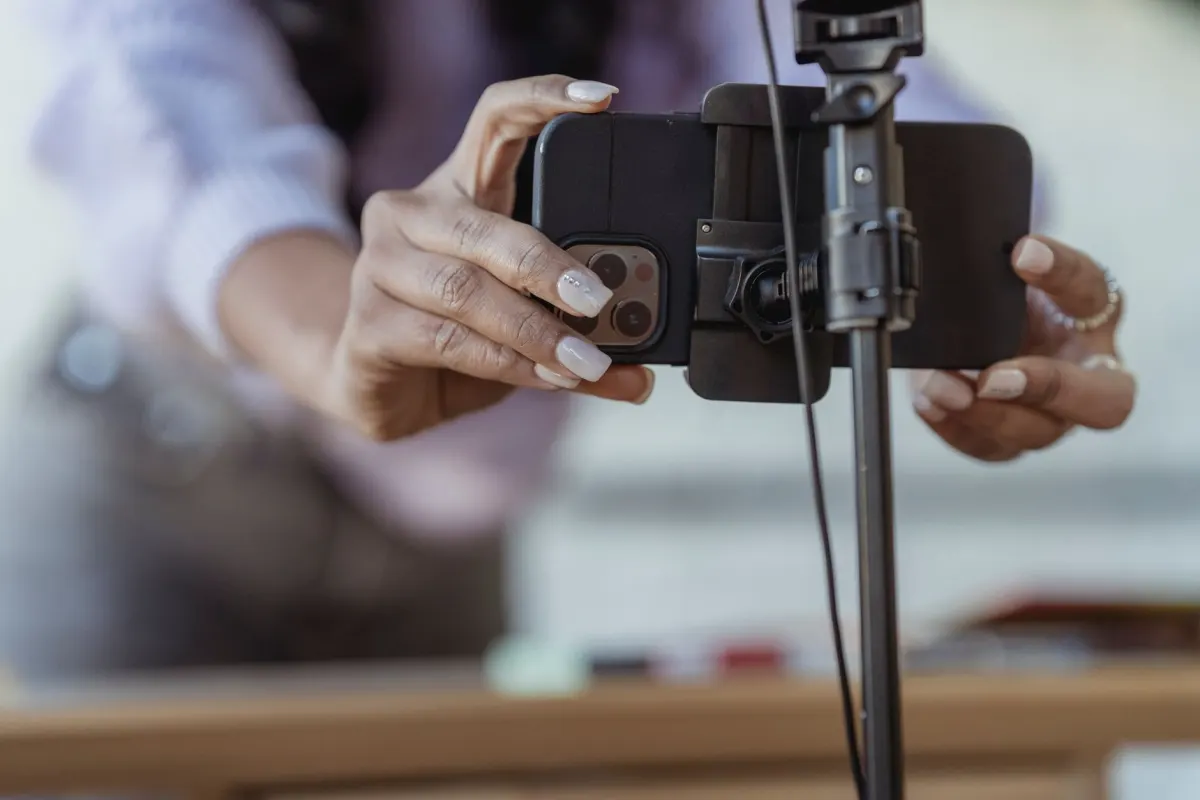
- Record in vertical orientation (9:16) for the best viewing experience.
- Add captions or text overlays since many viewers watch without sound.
- Ensure good lighting and stable footage, even for casual content.
- Keep individual video clips focused on a single idea or moment.

Story Ad Specifications
If you are running paid Story ads, additional specifications apply:
| Specification | Requirement |
|---|---|
| Recommended Dimensions | 1080 x 1920 pixels |
| Minimum Dimensions | 600 x 1067 pixels |
| Maximum Video Length | 120 seconds |
| Text Overlay | Keep under 20% of image area for best performance |
| CTA Button | Automatically added based on campaign objective |
| Sound | Recommended but not required |
- 1080 x 1920 pixels recommended
- Up to 60 seconds per video slide
- 720 x 1280 pixels minimum resolution
- 1080 x 1920 pixels recommended
- Up to 120 seconds per video
- 600 x 1067 pixels minimum dimensions
Accessibility Guidelines
Making your Stories accessible expands your audience and demonstrates inclusivity:
- Add captions to all video content. Use Instagram's auto-captioning feature or add manual text overlays.
- Use sufficient color contrast. Ensure text is readable against the background.
- Describe visual content in text. Do not rely solely on images to convey information.
- Avoid flashing or rapidly changing visuals that could trigger photosensitive conditions.
- Use alt text where available to describe image content.
Frequently Asked Questions
What happens if my Story does not meet the recommended dimensions?
Instagram will automatically crop or resize content that does not match the 9:16 aspect ratio. This can result in important elements being cut off or the image appearing zoomed in or stretched. Always design for 1080 x 1920 pixels to ensure the best display.
Can I post horizontal content as a Story?
You can, but it will appear with large blank areas above and below the content. Horizontal content is not optimized for the Story format and typically performs worse than vertical content. If you must use horizontal video, consider adding a colored background or text above and below.
How many slides can a Story have?
There is no strict limit on the number of slides in a single Story. However, viewer retention drops significantly after 5-7 slides. If you have extensive content, consider breaking it across multiple posting sessions rather than one long Story sequence.
Do Instagram Story guidelines differ for business and personal accounts?
The technical specifications are the same for all account types. However, business and creator accounts have access to additional features like link stickers, branded content tags, and Story Insights that personal accounts do not have.
What size should Story Highlight covers be?
Story Highlight cover images are displayed as circles. Design them at 1080 x 1920 pixels like regular Stories, but ensure the key visual element is centered within a circle that fits approximately 640 x 640 pixels in the center of the frame.
What is the maximum file size for a Story image or video?
Images top out at 30 MB and videos at 250 MB. Video also carries a 60 second limit per slide, so a heavy clip needs trimming or compression to fit within both limits.
Can I add any song to my Story?
Only licensed music from Instagram's library is allowed. Copyright-infringing music sits on the list of content Instagram restricts or prohibits, alongside infringing images and video.
How much of a Story ad can be covered in text?
Keep text overlay under 20% of the image area. Story ad specifications flag this separately from organic Stories because heavy text overlay hurts ad performance, so leaving more of the frame clear is the safer call for a paid placement.

AdaptlyPost
Start Your 7-Day Free Trial
All-platform analytics
Social Inbox
AI-powered assistant
Do I need to add my own CTA button to a Story ad?
No. Instagram adds the call-to-action button automatically based on the campaign objective, so it does not need manual placement.
How much side margin should a Story design leave?
Leave at least 50 pixels of margin on each side. This margin works with the top and bottom safe zones to keep content from being cut off on different devices.
Create Stories That Stand Out
Following Instagram Story guidelines ensures your content looks professional and reaches its full potential. AdaptlyPost plans your Story content calendar, holds your brand consistent, and publishes at the optimal times for your audience.
Put this into practice with AdaptlyPost
Was This Article Helpful?
Let us know what you think!
See us more often in Google
One click marks AdaptlyPost as a preferred source, so our articles sit higher in your Top Stories, AI Mode, and AI Overviews.
Before you go...
AdaptlyPost
Schedule your content across all platforms
Manage all your social media accounts in one place with AdaptlyPost.
All-platform analytics
Social Inbox
AI-powered assistant
Related Glossary Terms
Useful Context - Instagram Carousel Text Readability Best Practices
Text on a slide fails on contrast before it fails on wording. Instagram carousel text readability best practices, plus accessibility guidance.
Explained Clearly - Boomerang Meaning
One second of motion looped both ways: the Boomerang meaning, how to shoot one inside Stories, the effects available, and ideas that still feel fresh.


A Practical Overview - For Carousel Post
Multiple images or videos in one swipeable unit. Where a carousel post outperforms a single image, and the slide count that holds attention longest.
Related Articles


Make AI Content Creation Work With Human Judgment
Treat AI content creation as a drafting tool and it saves hours. Where it works for social, the guardrails that protect brand voice, and what to fact-check.
Learn When to Archive Social Media Data Instead of Deleting
Archiving hides a post without erasing it. How to archive social media data on Instagram, Facebook, X, LinkedIn, and TikTok, and how to restore it later.
Explained Clearly - Batching Means
Context switching is the real cost. What batching means in practice, which tasks group well together, and how one session can cover a whole month.