
TL;DR, Quick Answer
8 min readInstagram schedulers automate when posts publish; planners help organize what to post. Most successful accounts use both -- planners for strategy and schedulers for execution.
The Short Answer: Scheduler vs Planner
Instagram schedulers handle the timing of your posts. You upload your content, pick the time, and the tool publishes automatically, even while you are asleep or away from your phone.
Instagram planners handle the strategy behind your posts. They offer visual calendars, content libraries, and organizational features to help you map out what your feed will look like over time.
The accounts that perform best on Instagram typically rely on both: planners for developing strategy and schedulers for carrying it out automatically.
What Instagram Post Schedulers Do
An Instagram scheduler is a tool that publishes content for you at times you have selected in advance. There is no need to set alarms, keep your phone nearby, or pause whatever you are doing to manually hit publish.
The Scheduling Process
It works like this:
- Upload your image, video, or carousel slides
- Compose your caption and select hashtags
- Choose a publish date and time
- The tool handles publishing automatically
Your content appears on Instagram at precisely the right moment, regardless of whether you are in a meeting, on a plane, or fast asleep.
What Schedulers Typically Include
Automated Publishing -- Content goes live at the set time with no intervention required from you.
Time Zone Management -- Target different time zones when your audience spans multiple regions.
Cross-Platform Publishing -- Most schedulers let you post to Instagram, Facebook, TikTok, LinkedIn, and additional platforms from a single interface.
Batch Scheduling -- Queue up multiple posts simultaneously rather than handling them one by one.
First Comment Automation -- Certain tools can schedule a separate first comment, which works well for hashtag strategies.
Post Previews -- View exactly how your content will appear before it goes live.
Who Benefits Most from a Scheduler
- Time-strapped entrepreneurs who cannot be online during the hours when their audience is most active
- Multi-platform creators juggling several channels at once
- Social media managers overseeing a roster of client accounts
- Small business owners who lack the bandwidth for daily manual posting
- Brands with global audiences posting across multiple time zones
What Instagram Post Planners Do
A planner is where you think through, visualize, and strategize your content well before anything gets scheduled. It serves as your control center for content strategy.
How Planners Operate
Calendar View -- Display all upcoming posts in a calendar format so you can spot gaps and keep your content balanced.
Grid Preview -- See how your upcoming posts will look together on your profile grid before you publish.

AdaptlyPost
Start Your 7-Day Free Trial
All-platform analytics
Social Inbox
AI-powered assistant
Content Organization -- Sort posts into categories like educational, promotional, or entertaining to ensure a good mix.
Campaign Mapping -- Lay out product launches, seasonal campaigns, or multi-part content series across several weeks.
Team Coordination -- Share content plans with colleagues or clients for review and approval.
Head-to-Head Comparison
| Feature | Instagram Scheduler | Instagram Planner |
|---|---|---|
| Primary Purpose | Automate publishing | Organize strategy |
| Main Function | Posts content automatically | Visualizes content calendar |
| Time Saved | Daily posting tasks | Weekly planning sessions |
| Best For | Execution & consistency | Strategy & organization |
| Key Benefit | Never miss posting times | Never run out of ideas |
| Solves | "When should I post?" | "What should I post?" |
Strategy Versus Execution
Planners = Strategy -- Deciding what to post, determining when to post it, understanding how posts relate to each other, and balancing content themes.
Schedulers = Execution -- Publishing at peak times, automating the entire posting process, managing multiple platforms, and reclaiming your time.
A helpful analogy: planners function as your navigation system while schedulers serve as your cruise control.
Where the Two Converge
Many modern tools merge both capabilities into one product. AdaptlyPost, for instance, offers a visual content calendar (a planner feature), automated publishing (a scheduler feature), drag-and-drop organization, batch scheduling, feed preview, and support for multiple platforms. This all-in-one approach eliminates the need to pay for and manage separate tools.
- Pay for a scheduler and a planner separately
- Switch between two different dashboards
- Sync content manually between them
- Visual content calendar plus automated publishing
- Drag-and-drop organization and batch scheduling
- Feed preview across multiple platforms
Advantages of Using an Instagram Scheduler
1. Reach Your Audience During Peak Hours
Your followers have their own peak hours, whether that lands at 7 AM or 9 PM. A scheduler ensures you hit those windows consistently without having to be online at those times yourself.
2. Sustain a Consistent Posting Rhythm
Instagram's algorithm rewards accounts that post on a regular basis. Schedulers make that consistency automatic rather than something you have to force through willpower.
3. Create Content in Efficient Batches
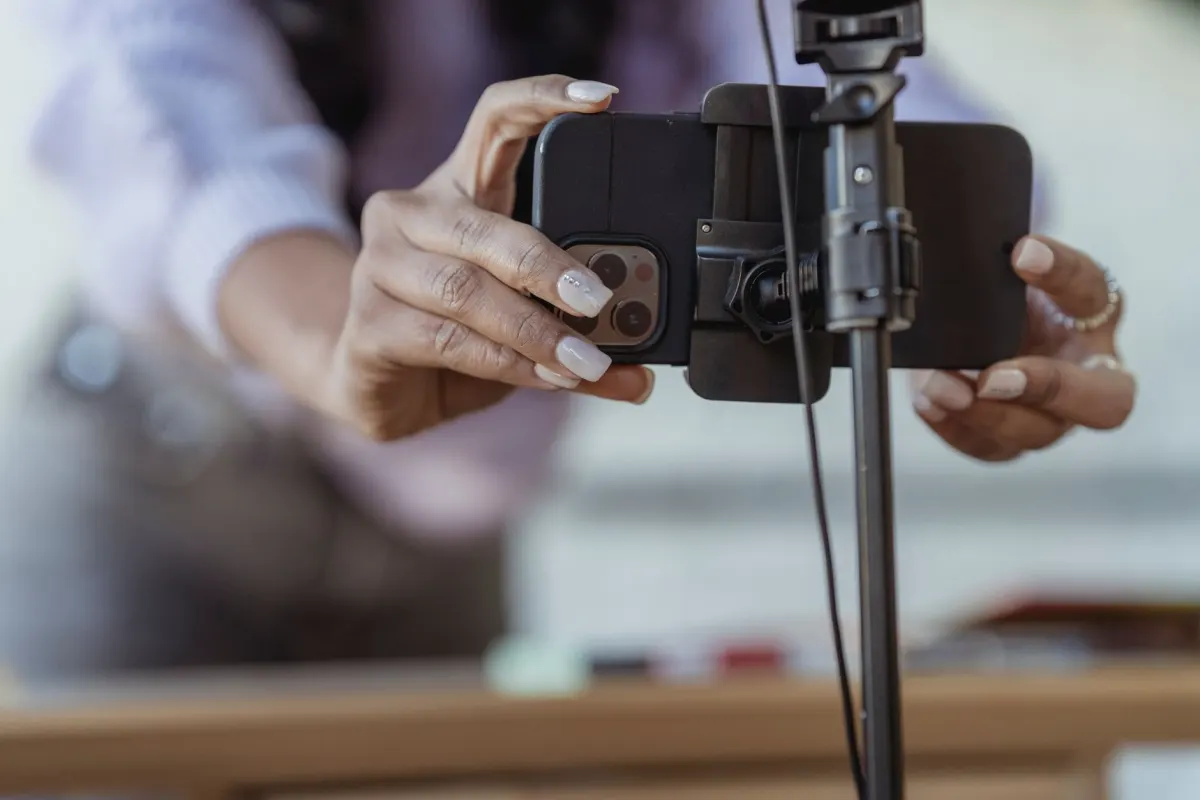
Set aside a single day to produce 7-14 posts, schedule them all at once, and keep the rest of the week free for other priorities. This approach is known as content batching, and it dramatically reduces day-to-day decision fatigue.
4. Handle Multiple Accounts Without Confusion
Schedule content for every account from one centralized dashboard, eliminating the risk of posting the wrong content to the wrong profile.
5. Publish Across Platforms Simultaneously
Post to Instagram while simultaneously queuing content for Facebook, TikTok, LinkedIn, X, and YouTube with minimal additional effort.
6. Protect Your Personal Time
No more interrupting your evening, your weekend, or your vacation to post on Instagram. Automation handles the publishing so you can be fully present elsewhere.
Advantages of Using an Instagram Planner
1. See Your Strategy at a Glance
Get a bird's-eye view of your entire month. Identify gaps in your schedule, maintain visual consistency, and confirm that you have a healthy mix of content types.
AdaptlyPost
Start Your 7-Day Free Trial
All-platform analytics
Social Inbox
AI-powered assistant
2. Orchestrate Campaigns Effectively
Build momentum with teaser posts, space out promotional content so it does not feel overwhelming, and align Instagram efforts with your other marketing channels.
3. Keep Content Diverse
Prevent back-to-back promotional posts or an entire week of only one content type. A planner makes it easy to intersperse educational, entertaining, and sales-oriented content.

4. Streamline Team Collaboration
Share your content roadmap with team members, collect client approvals, distribute creation tasks, and keep everyone aligned on who is responsible for what.
5. Maintain a Running Idea Bank
Capture content ideas whenever inspiration strikes, build out recurring themes and series, and plan seasonal content well ahead of time.
Making the Right Choice: Scheduler, Planner, or Both?
A scheduler alone works if: You already have a clear idea of what to post, your content is relatively straightforward, and your primary challenge is maintaining consistency.
A planner alone works if: You have the time to post manually, you are still refining your content approach, and your top priority is getting organized first.
You need both when: You are running a business account, managing multiple platforms, collaborating with others, building a serious personal brand, or posting four or more times per week.
Pitfalls to Steer Clear Of
Automating Everything and Losing Spontaneity
If every single post is pre-scheduled weeks out, you lose the ability to respond to trending topics and real-time moments. Keep roughly 70% of your content scheduled and leave 30% for spontaneous, timely posts.
Scheduling Blindly Without Data
Rely on Instagram Insights to understand when your followers are most active. Let data drive your scheduling decisions rather than gut feelings.
Planning Too Far Into the Future
Limit advance planning to 2-4 weeks for most content. Trends evolve, products change, and your brand direction shifts. Only truly evergreen content warrants longer-term scheduling.
Forgetting the Human Side
Scheduling automates the act of publishing. It does not automate relationships. Continue to reply to comments, engage with other accounts, and check your DMs on a daily basis.
FAQ: Instagram Scheduler vs Planner
What is the fundamental difference between the two?
A scheduler automates the timing of post publishing. A planner organizes what to post and maps out your content calendar visually. Most thriving accounts leverage both.
Can Instagram's native tools replace a dedicated scheduler?
Meta Business Suite does offer basic scheduling, but it falls short compared to specialized tools. It lacks bulk scheduling, has a clunky interface, and offers limited preview functionality.
Do these tools support Instagram Reels?
Many current schedulers handle Reels scheduling natively. AdaptlyPost schedules Reels in the same workflow as any other post type.
AdaptlyPost
Start Your 7-Day Free Trial
All-platform analytics
Social Inbox
AI-powered assistant
How far ahead should posts be scheduled?
For most content, 1-2 weeks is a practical window. Seasonal campaigns can be planned further out, but schedule the actual posts closer to their publish date to preserve flexibility.
Does scheduling reduce engagement?
Not at all. Instagram does not penalize scheduled posts. Engagement is determined by content quality, posting time, and consistency, all areas where schedulers actually help.
Can carousels and Stories be scheduled?
Yes. Many scheduling tools support Instagram carousel posts and Stories.
Is weekly or monthly planning more effective?
The approach that works best for most creators is weekly content creation paired with monthly strategic planning. Sketch out your themes for the month, then create and schedule content on a weekly basis.
What is content batching and why do creators use it?
Content batching means setting aside one day to create seven to fourteen posts and scheduling them all at once. It frees up the rest of the week for other priorities and cuts down on daily decision fatigue. Pairing it with a scheduler is what makes the approach work, since the posts still need to publish automatically once they are queued.
What is the 70/30 rule for scheduling posts?
The 70/30 rule balances automation with spontaneity, keeping roughly 70% of your content scheduled in advance and leaving 30% open for real-time posts. The open slots let you react to trending topics and timely moments that a fully pre-scheduled calendar would miss.
What is first comment automation?
First comment automation is a scheduler feature that queues a separate first comment to post right after your main caption goes live. It works well for hashtag strategies, since it keeps hashtags out of the caption itself while still attaching them to the post right away.
Who benefits most from using an Instagram scheduler?
Time-strapped entrepreneurs, social media managers running multiple client accounts, and small business owners without bandwidth for daily manual posting all gain the most. Multi-platform creators juggling multiple channels and brands posting across time zones benefit as well.
What features come standard in an Instagram planner?
A typical planner includes a calendar view for spotting gaps in your posting schedule and a grid preview for seeing how upcoming posts will look together on your profile. It also handles content organization by category, campaign mapping for launches and series, and team coordination for sharing plans with colleagues or clients.
What do people mean when they compare planners to a navigation system and schedulers to cruise control?
A planner maps out the route, deciding what to post, when, and how it fits your overall strategy, the same way a navigation system charts a course. A scheduler then does the driving, publishing content automatically at the times you set, similar to cruise control holding a steady pace once you engage it.
Which platforms can I publish to alongside Instagram with a scheduler?
Most schedulers let you post to Facebook, TikTok, LinkedIn, X, and YouTube from the same interface used for Instagram. That cross-platform publishing means you can queue content for every channel at once instead of logging into each one separately.
What should guide my scheduling decisions if not gut feeling?
Instagram Insights should drive when you schedule posts, since it shows the times your followers are actually active. Relying on that data instead of a guess is what makes a scheduler's peak-hour timing effective.
What tools does AdaptlyPost combine into one platform?
AdaptlyPost pairs a visual content calendar with automated publishing, plus drag-and-drop organization, batch scheduling, feed preview, and support for multiple platforms. Combining planner and scheduler features into one product means you are not paying for and managing two separate tools.
What happens if I plan my content calendar too far in advance?
Trends evolve, products change, and your brand direction can shift, so content planned too far out risks feeling outdated by the time it publishes. Most content is better limited to two to four weeks of advance planning, with only truly evergreen posts warranting a longer runway.
Put this into practice with AdaptlyPost
Was This Article Helpful?
Let us know what you think!
See us more often in Google
One click marks AdaptlyPost as a preferred source, so our articles sit higher in your Top Stories, AI Mode, and AI Overviews.
Before you go...
AdaptlyPost
Schedule your content across all platforms
Manage all your social media accounts in one place with AdaptlyPost.
All-platform analytics
Social Inbox
AI-powered assistant
Related Articles
9 Later Alternatives Without Post Limits or AI Caps
See pricing, feature gaps, and best-fit use cases for 9 Later alternatives side by side before you switch in 2026.
Explained Clearly - Best Instagram Scheduler
The best Instagram scheduler depends on volume, not feature counts. Twelve compared, from Publer on a shoestring to Sprout, and where free tiers run out.
Compare SocialBee Alternatives Without Per-User Fees
Compare pricing, workflows, analytics, and publishing support across the best SocialBee alternatives before you switch tools.