
TL;DR, Quick Answer
5 min readInstagram Insights is the platform's built-in analytics tool that provides data on content performance, audience demographics, and account activity, essential for making data-driven decisions about your Instagram strategy.
What Are Instagram Insights?
Native to business and creator accounts, Instagram analytics arrive through Insights, covering feed posts, Stories, Reels, live video, and the profile itself. It provides detailed data about how your content performs, who your audience is, and how users interact with your profile. Insights covers metrics for feed posts, Stories, Reels, live videos, and your overall account activity.
Accessing Insights requires a business or creator account, which is free to set up. Once activated, you can view analytics directly within the Instagram app by navigating to your profile and tapping the Insights button or the dashboard icon.
- Free to activate in Instagram settings
- Insights icon appears on the profile
- Covers feed posts, Stories, Reels, live video, and profile activity
- No Insights tab on the profile
- No reach, engagement, or content performance data
- No audience demographics or activity times
Key Metrics in Instagram Insights
Account-Level Metrics
- Accounts Reached: The number of unique accounts that saw any of your content.
- Accounts Engaged: The number of unique accounts that interacted with your content through likes, comments, saves, or shares.
- Total Followers: Your current follower count along with growth trends.
- Profile Visits: How many times your profile was viewed.
- Website Clicks: Clicks on the link in your bio.
- External Link Taps: Taps on links in Stories or other surfaces.
Content-Level Metrics
| Metric | Definition | Why It Matters |
|---|---|---|
| Reach | Unique accounts that saw the post | Measures content distribution |
| Impressions | Total number of times the post was seen | Shows frequency of exposure |
| Engagement | Likes, comments, saves, shares combined | Indicates content resonance |
| Saves | Number of times the post was bookmarked | Signals high-value content |
| Shares | Number of times sent to others or reshared | Measures viral potential |
| Plays | Video view count for Reels and videos | Tracks video content performance |
| Watch Time | Total and average time spent watching | Indicates content quality and retention |
Audience Demographics
- Age Range: Breakdown of followers by age group.
- Gender: Distribution of followers by gender.
- Top Locations: Cities and countries where your followers are based.
- Most Active Times: Days and hours when your followers are most active on Instagram.
How to Access Instagram Insights
On Mobile
- Go to your Instagram profile.
- Tap the "Professional dashboard" or the graph icon.
- Select "See all" under Account Insights for the full overview.
- Navigate between Overview, Content, and Audience tabs.
For Individual Posts
- Navigate to any post on your profile.
- Tap "View Insights" below the post.
- Review metrics specific to that piece of content.
Time Ranges
Insights reports data for preset time ranges including 7 days, 14 days, 30 days, 90 days, and custom date ranges. Those ranges cover both short-term campaign performance and longer-term trends.
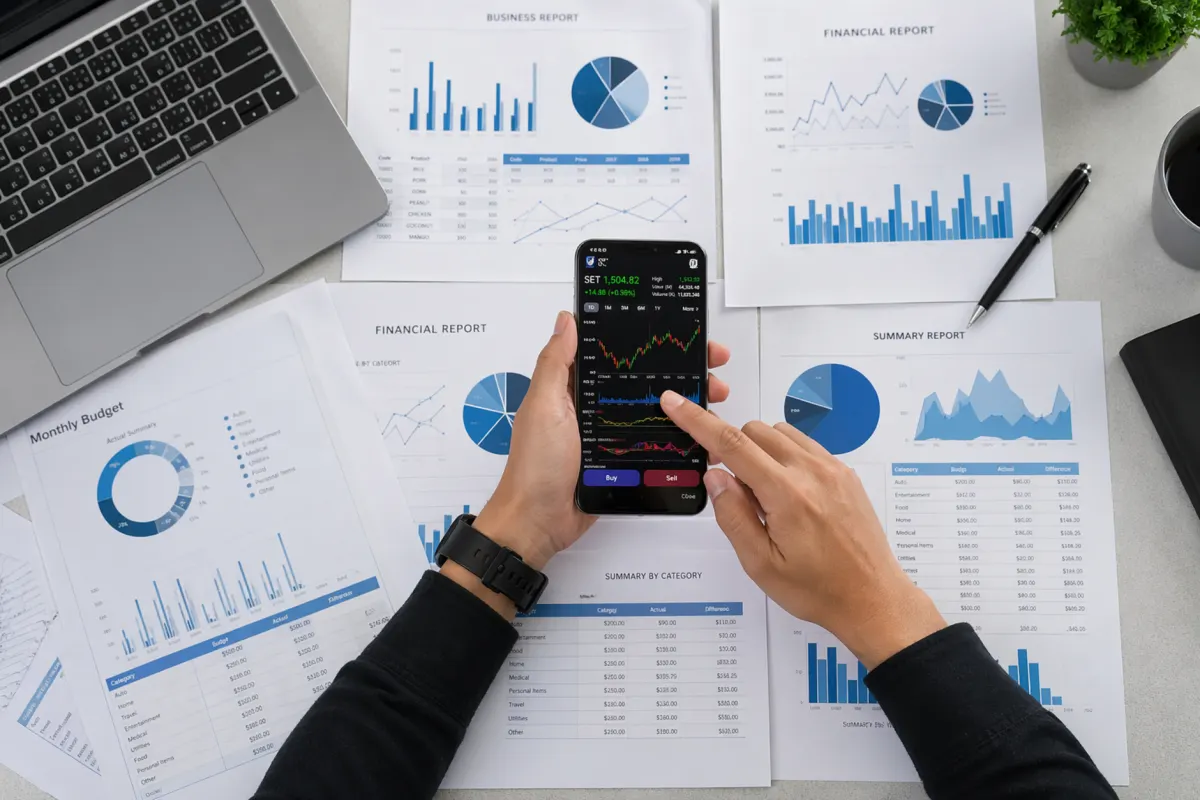
How to Use Insights to Improve Your Strategy
Identify Top-Performing Content
Sort your content by different metrics to understand what resonates:
- Sort by reach to find content that the algorithm distributed widely.
- Sort by engagement to find content that prompted action.
- Sort by saves to identify content your audience found valuable enough to revisit.
- Sort by shares to find content with viral potential.
Look for patterns in your top performers: What topics, formats, posting times, and caption styles do they share?
Optimize Posting Times
Use the "Most Active Times" data in your audience insights to schedule posts when your followers are online. While this is not the only factor in reach, posting during peak activity periods gives your content the best chance of early engagement, which signals the algorithm to distribute it further.
Understand Audience Growth
Track follower growth over time to identify what drives new followers. Cross-reference follower spikes with specific posts, campaigns, or external events. Similarly, monitor unfollows to identify content that pushes people away.
Measure Content Mix Effectiveness
Compare performance across content types (feed posts, carousels, Reels, Stories) to determine the optimal mix for your account. Many accounts find that Reels drive reach while carousels drive saves and engagement.
Track Campaign Performance
When running specific campaigns, note the start and end dates and use Insights to measure performance within that window. Compare campaign periods against baseline performance to assess impact.
Limitations of Instagram Insights
- Data retention is limited. Historical data beyond 90 days may not be available in detail.
- No competitor data. Insights only covers your own account.
- No export functionality. You cannot export raw data directly from the native tool.
- Limited cross-platform view. Insights only covers Instagram, not your other social channels.
- Delayed data. Some metrics may take 24-48 hours to fully populate.

Instagram Insights vs. Third-Party Analytics
| Feature | Instagram Insights | Third-Party Tools |
|---|---|---|
| Cost | Free | Varies (free to premium) |
| Data Depth | Moderate | Often more detailed |
| Historical Data | Limited (up to 90 days) | Extended history |
| Cross-Platform | Instagram only | Multi-platform |
| Export Options | None | CSV, PDF, custom reports |
| Competitor Analysis | Not available | Often included |
| Scheduling Integration | None | Usually included |
Frequently Asked Questions
Do I need a business account to see Instagram Insights?
Yes. Insights is only available for business and creator accounts. You can switch to either account type for free in your Instagram settings. Switching does not affect your existing followers or content.
How far back can I see data in Instagram Insights?
You can view overview data for up to 90 days. Individual post insights are available for the lifetime of the post. However, detailed daily breakdowns are typically limited to shorter time windows.
What is a good engagement rate on Instagram?
Average engagement rates vary by industry and account size, but generally 1-3 percent is considered average, 3-6 percent is above average, and anything above 6 percent is excellent. Smaller accounts post higher engagement rates than larger ones.
Why do my insights show different numbers than my post metrics?
There can be slight discrepancies between what you see on a post and what Insights reports. The gap comes from timing differences in data processing. Insights data takes up to 48 hours to fully synchronize.

AdaptlyPost
Start Your 7-Day Free Trial
All-platform analytics
Social Inbox
AI-powered assistant
Can I see who viewed my Instagram profile?
Instagram Insights shows you how many profile visits you received but does not reveal which specific accounts visited your profile.
What's the difference between reach and impressions in Instagram Insights?
Reach counts unique accounts that saw a post, while impressions count every time it was seen, including repeat views from the same account. A post with high impressions but low reach means the same people are seeing it multiple times rather than new accounts discovering it. Comparing the two tells you whether a piece of content is spreading or just resurfacing to the same audience.
What counts as engagement in Instagram Insights?
Engagement in Instagram Insights combines likes, comments, saves, and shares into one metric. Accounts Engaged, the account-level version of this metric, counts the unique accounts that took any of those actions on your content. High engagement signals that a post prompted people to act rather than just scroll past it.
Can I export data from Instagram Insights?
The native tool has no export functionality, so raw data can't be pulled directly from Insights. Third-party analytics tools fill that gap with CSV, PDF, and custom report exports. That's one of the main reasons creators pair Insights with an outside platform once they need to share performance data.
How do I check Insights for one specific post or Reel?
Navigate to the post on your profile and tap "View Insights" below it. This shows metrics specific to that piece of content rather than your account-wide totals. Individual post insights stay available for the lifetime of the post, so you can revisit them anytime.
Does Instagram Insights show me how my competitors are performing?
Insights only covers your own account, so there's no way to see competitor data through the native tool. Third-party analytics platforms often include competitor analysis as a feature. If benchmarking against other accounts matters to your strategy, that's a gap Insights alone won't fill.
Go Beyond Native Analytics
Instagram Insights provides a solid foundation for understanding your performance, but a comprehensive social media strategy requires a broader view. AdaptlyPost offers advanced analytics across all your social platforms, helping you compare performance, export reports, and make data-driven decisions from a single dashboard.
Put this into practice with AdaptlyPost
Was This Article Helpful?
Let us know what you think!
See us more often in Google
One click marks AdaptlyPost as a preferred source, so our articles sit higher in your Top Stories, AI Mode, and AI Overviews.
Before you go...
AdaptlyPost
Schedule your content across all platforms
Manage all your social media accounts in one place with AdaptlyPost.
All-platform analytics
Social Inbox
AI-powered assistant
Related Glossary Terms
Ephemeral Content: What It Means and How to Use It
Learn what ephemeral content means, why disappearing content works on social media, and how to use Stories, Fleets, and similar formats effectively.
Explained Clearly - Close Friends Posts Instagram
Close Friends outgrew Stories: feed posts, carousels, and Reels can now go to a chosen list only. How to set it up, and how brands use the green ring.
Useful Context - Instagram Reach
Counted once per account, Instagram reach is not impressions. What separates organic, paid, and viral reach, and the levers that reliably move the number.
Related Articles
See How Instagram Reels Length Is Expanding
Tests point to a longer Instagram Reels length, reaching ten minutes for some accounts. What shifts for pacing, retention, ad revenue, and your posting plan.
Make Media Performance Optimization a Repeatable Loop
Analyse, adjust, repeat. Which levers media performance optimization pulls first, from posting schedule to ad targeting, and how to prove the lift.
Why the Accounts Engaged Instagram Metric Is Not the Same as Interactions
The accounts engaged Instagram metric counts unique accounts, not actions, and the API field names no longer match the labels in the Instagram app.