
TL;DR, Quick Answer
5 min readInstagram Broadcast Channels are one-to-many messaging tools that let creators and businesses send direct messages to large groups of followers, enabling exclusive updates, behind-the-scenes content, and community building at scale.
What Are Instagram Broadcast Channels?
Here is a practical answer to the query: How do channels work on Instagram. Broadcast Channels show how Instagram channels work in one line: the creator posts and everyone else reacts. Followers opt in, membership is uncapped, and participation stays limited to reactions and polls.
Broadcast Channels appear in the Direct Messages section of Instagram and function like a direct line of communication between a creator and their most engaged followers. When someone joins a channel, they receive notifications for new messages, creating a powerful way to cut through the noise of the algorithmic feed.
Key Features
- One-to-Many Messaging: Only the channel creator posts; members react and respond to polls.
- Unlimited Members: No cap on how many followers can join.
- Rich Content: Share text, photos, videos, voice notes, and polls.
- Opt-In Model: Followers choose to join, ensuring high interest levels.
- DM Integration: Channels live within Instagram's messaging interface.
- Notifications: Members receive push notifications for new messages.
- Shareable Links: Creators can share join links across platforms.
- Reach depends on the algorithm
- Posts surface at algorithm-determined times
- Followers see it only if the feed shows it
- Every message reaches every member directly
- Messages arrive immediately, no algorithm delay
- Members already opted in, so engagement runs higher
Why Broadcast Channels Matter
Direct Access to Your Audience
Social media algorithms determine who sees your posts. Broadcast Channels bypass this entirely. Every message goes directly to every member, ensuring your most important updates actually reach your audience.

Higher Engagement
Because members have actively opted in, engagement rates in Broadcast Channels run significantly higher than feed posts. Members are your most interested followers, and the intimate DM format encourages interaction.
Community Building
Broadcast Channels create a sense of exclusivity and insider access. Members feel like they are part of an inner circle, which strengthens their connection to the creator or brand.
Real-Time Communication
Unlike feed posts that surface at algorithm-determined times, Broadcast Channel messages arrive immediately. This makes them ideal for time-sensitive announcements, live event updates, or flash promotions.
How to Create an Instagram Broadcast Channel
Step 1: Access the Feature
Open Instagram and navigate to your Direct Messages. Tap the compose icon and select "Create broadcast channel."
Step 2: Set Up Your Channel
- Name Your Channel: Choose a clear, descriptive name that tells potential members what to expect.
- Set the Audience: Choose whether the channel is open to all followers or limited to specific groups (like subscribers).
- Add a Channel Image: Upload a representative image or logo.
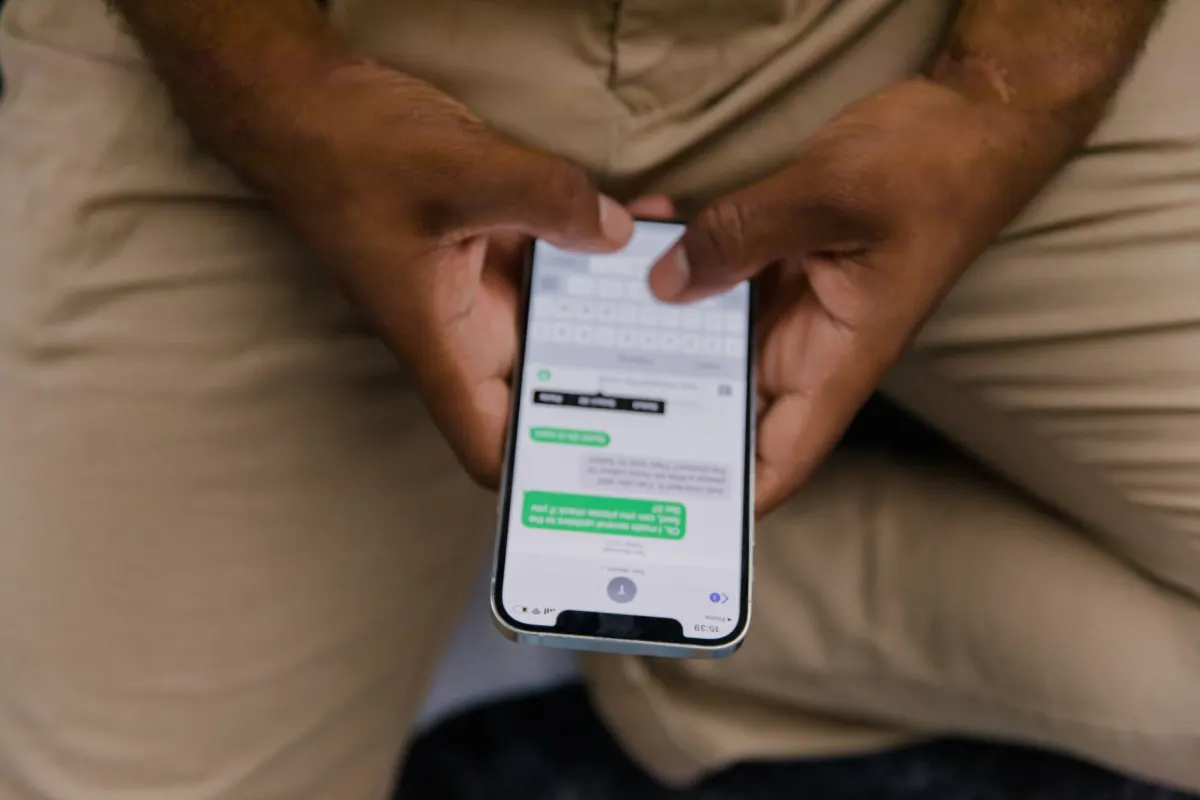
Step 3: Send Your First Message
Introduce your channel, explain what kind of content members can expect, and set expectations for how often you will post.
Step 4: Promote Your Channel
- Share the channel link in your Instagram Stories
- Mention it in your bio
- Promote it in feed posts and Reels
- Share the link on other platforms
Content Ideas for Broadcast Channels
| Content Type | Example |
|---|---|
| Behind-the-Scenes | Sneak peeks at upcoming products or content |
| Exclusive Announcements | New launches, sales, or events shared here first |
| Polls and Feedback | Ask members for input on decisions |
| Voice Notes | Personal, informal updates that feel intimate |
| Quick Tips | Bite-sized advice or recommendations |
| Event Updates | Real-time updates during live events |
| Q&A Teasers | Preview upcoming Q&A sessions or AMAs |
| Curated Recommendations | Share products, tools, or content you love |
Best Practices
- Post consistently but do not overwhelm members. Two to five messages per week is a good starting point.
- Keep messages concise. The DM format favors short, punchy communications over lengthy essays.
- Use polls regularly. They are the primary way members can interact, and they provide valuable audience insights.
- Mix content types. Alternate between text, photos, videos, and voice notes to keep the channel engaging.
- Create urgency. Use the channel for time-sensitive content like limited offers or early access to drive immediate action.
- Respond to the data. Monitor which messages get the most reactions and poll participation to refine your content strategy.
- Do not treat it like a feed. Broadcast Channels should feel more personal and exclusive than your regular posts.
Broadcast Channels vs. Other Instagram Features
| Feature | Broadcast Channels | Stories | Feed Posts | DMs |
|---|---|---|---|---|
| Reach | Direct to members | Algorithm-dependent | Algorithm-dependent | One-to-one |
| Permanence | Persistent | 24 hours | Permanent | Persistent |
| Interaction | Reactions, polls | Replies, polls, stickers | Likes, comments | Full conversation |
| Scale | Unlimited members | All followers (algorithm-filtered) | All followers (algorithm-filtered) | Individual |
| Best For | Exclusive updates, community | Daily casual content | Evergreen content | Personal conversation |
Frequently Asked Questions
Who can create Instagram Broadcast Channels?
Currently, Broadcast Channels are available to creator and business accounts. Personal accounts do not have access to the feature. Instagram has been gradually expanding availability since the feature's launch.
Can members send messages in a Broadcast Channel?
No. Only the channel creator can send messages. Members can react to messages with emojis and respond to polls, but they cannot post their own messages. This keeps the channel focused and prevents spam.
Is there a limit to how many members can join?
There is no member limit for Broadcast Channels. Channels with millions of members exist. The feature scales with your audience.
Can I have multiple Broadcast Channels?
Yes. Creators can create multiple channels for different topics or audience segments. For example, a business runs one channel for product updates and another for industry insights.
Do Broadcast Channel messages affect the Instagram algorithm?
Broadcast Channel engagement does not directly influence the feed algorithm. However, maintaining an active channel keeps your most engaged followers connected, which can indirectly boost engagement on your feed content when those followers interact with your posts.

AdaptlyPost
Start Your 7-Day Free Trial
All-platform analytics
Social Inbox
AI-powered assistant
How often should you post in a Broadcast Channel?
Two to five messages a week works well as a starting point. Posting more than that risks overwhelming members, while stretches of silence let the channel go quiet. Keep an eye on which messages get the most reactions and adjust your pace from there.
What kind of content can you share in a Broadcast Channel?
Broadcast Channels support text, photos, videos, voice notes, and polls. Mixing these formats keeps the channel feeling alive instead of repetitive. Voice notes in particular give messages a more personal, informal tone.
Where do Broadcast Channels show up on Instagram?
Broadcast Channels live inside the Direct Messages section of the app, functioning as a direct line between a creator and their most engaged followers. Because they sit in the DM interface, joining and reading a channel feels like checking messages rather than scrolling a feed.
How do you promote a Broadcast Channel?
Share the join link in Instagram Stories, mention the channel in your bio, and bring it up in feed posts and Reels. You can also post the link on other platforms to pull in followers from outside Instagram.
Do Broadcast Channel messages disappear like Instagram Stories?
Broadcast Channel content stays persistent, while Stories disappear after 24 hours. That difference is what makes channels useful for standing announcements members can scroll back to, not just fleeting updates.
Build Your Community with Purpose
Instagram Broadcast Channels offer a direct line to your most engaged followers. Pair this powerful communication tool with a consistent content strategy managed through AdaptlyPost to keep your audience engaged across every touchpoint.
Put this into practice with AdaptlyPost
Was This Article Helpful?
Let us know what you think!
See us more often in Google
One click marks AdaptlyPost as a preferred source, so our articles sit higher in your Top Stories, AI Mode, and AI Overviews.
Before you go...
AdaptlyPost
Schedule your content across all platforms
Manage all your social media accounts in one place with AdaptlyPost.
All-platform analytics
Social Inbox
AI-powered assistant
Related Glossary Terms
Engagement Community: What It Means and How to Build One
Learn what an engagement community means on social media, how engagement pods work, the pros and cons, and ethical alternatives for growing reach.
Explained Clearly - Close Friends Posts Instagram
Close Friends outgrew Stories: feed posts, carousels, and Reels can now go to a chosen list only. How to set it up, and how brands use the green ring.
Instagram Stories: Complete Guide to Features and Strategy
Photos or clips up to 60 seconds, gone within a day. How do Instagram stories work, which stickers drive replies, and what businesses get out of them.
Related Articles
A Practical Overview - Audiodisplayed Tag Instagram Meaning
Hashtags, mentions, locations, products, collabs: Instagram calls all five a tag, which is where the audiodisplayed tag Instagram meaning question begins.
Learn When to Archive Social Media Data Instead of Deleting
Archiving hides a post without erasing it. How to archive social media data on Instagram, Facebook, X, LinkedIn, and TikTok, and how to restore it later.
Explained Clearly - Boomerang Meaning
One second of motion looped both ways: the Boomerang meaning, how to shoot one inside Stories, the effects available, and ideas that still feel fresh.