
TL;DR, Quick Answer
5 min readThe best TikTok scheduling tools in 2026 are AdaptlyPost (best for creators with carousel support), TikTok Studio (free native), and Later (visual planners). All support true auto-publish through TikTok Content Posting API.
Tools that show how to schedule TikTok posts
This overview puts the topic Best tools scheduling posts on TikTok into useful context. One thing separates a real TikTok scheduler from a glorified alarm clock: auto-publishing, meaning the video goes live without you touching the phone. The algorithm rewards accounts that post consistently and vary their formats, and consistency is exactly what collapses when every upload needs you present at the right minute.
The leading TikTok scheduling tools in 2026 are AdaptlyPost (strongest for creators and teams with carousel support), TikTok Studio (free native option), Later (visual planners), Buffer (simple scheduling), and Hootsuite (enterprise) -- all offering genuine auto-publish through TikTok's Content Posting API.
Searching for TikTok scheduling tools returns dozens of options, each claiming auto-publishing, AI captions, and cross-platform support. The complication is that TikTok scheduling operates differently from Instagram or Facebook. Not every tool supports true auto-publishing through TikTok's Content Posting API. Some still rely on push notifications that prompt you to post manually. Others restrict your post volume, gate TikTok behind premium plans, or cannot handle TikTok photo carousels at all.
This guide evaluates ten TikTok scheduling tools for 2026 and covers:
- which tools auto-publish directly to TikTok (no manual intervention required)
- which support TikTok photo carousels alongside standard video posts
- which platforms offer a genuine free tier for TikTok scheduling
- what each tool actually costs once you factor in the accounts you need
For a broader comparison covering all platforms, see our guide to the best social media scheduling tools.
Quick Comparison: TikTok Schedulers for 2026
| Tool | Entry Price | Free Option | Auto-Publish | TikTok Carousels | Strongest For |
|---|---|---|---|---|---|
| AdaptlyPost | $19/mo | 7-day trial | Yes | Yes | Creators and teams |
| TikTok Studio | Free | Full access | Yes | No | Casual creators |
| Later | $18.75/mo | 14-day trial | Yes | Limited | Visual planners |
| Buffer | $5/channel | 3 channels free | Yes | No | Streamlined scheduling |
| Hootsuite | $99/user/mo | 30-day trial | Yes | No | Enterprise teams |
| SocialBee | $29/mo | 14-day trial | Yes | No | Evergreen content |
| Metricool | $20/mo | 50 posts/mo free | Yes | Limited | Analytics-driven marketers |
| SocialPilot | $20/mo | 14-day trial | Yes | No | Agencies at volume |
| Sprout Social | $249/mo | 30-day trial | Yes | No | Enterprise + listening |
| Planable | $39/wksp/mo | 50 posts free | Yes | No | Team approval workflows |
Pricing verified July 2026.
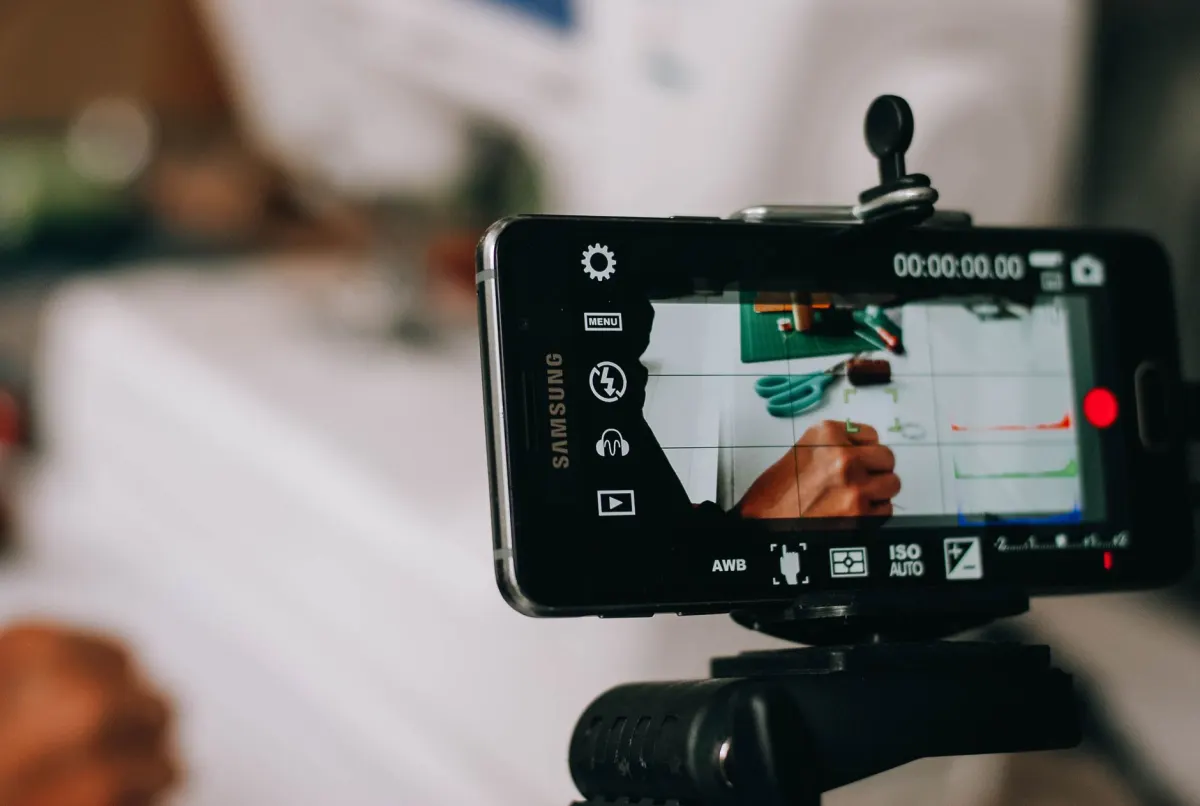
Auto-Publish vs Notification-Based: Understanding the Distinction
Before selecting a TikTok scheduler, it is essential to understand the difference between auto-publish and notification-based approaches. This distinction shapes your entire workflow.
Auto-publish tools connect to TikTok's Content Posting API and deliver your content directly to your account at the scheduled time. No manual step is involved. You schedule it, close your laptop, and the video goes live on its own.
Notification-based tools send a push notification at the scheduled time reminding you to open TikTok and post manually. Your content is prepared (caption, hashtags, cover image), but you still tap "Post" yourself.
In 2026, most major scheduling tools have transitioned to auto-publish through TikTok's API. All ten tools in this guide support auto-publishing. However, some tools still revert to notification-based posting for certain content types (like photo carousels or content with specific audio), so checking the specifics for each tool is worthwhile.
API constraints to be aware of:
- TikTok permits a maximum of 15 posts per account per 24-hour rolling window across all connected third-party applications
- Photo carousels submitted via API are limited to 12 images (compared to 35 when posting natively through TikTok)
- Content undergoes asynchronous processing, meaning posts may appear a few seconds to minutes after the scheduled time
Frequently Asked Questions
What makes a TikTok scheduler "real" auto-publish?
A scheduler earns that label only when it connects through TikTok's Content Posting API and pushes the video live at the scheduled time without you touching the app. Notification-based tools stop short of that. They prepare the caption, hashtags, and cover image, then send a push reminder that still requires you to tap Post yourself.
How many times a day can I post to TikTok through a scheduling tool?
TikTok caps the API at 15 posts per account within any 24-hour rolling window, and that limit applies across every third-party app connected to the account, not per tool. Plan your queue with that ceiling in mind if you run more than one scheduler.
Can I schedule TikTok photo carousels the same way as videos?
Not on every tool. AdaptlyPost supports carousels fully, Later and Metricool offer limited support, and the rest of the ten tools in this guide don't handle them at all. Even where carousels work, TikTok's API caps them at 12 images, well under the 35 allowed when you post natively.

AdaptlyPost
Start Your 7-Day Free Trial
All-platform analytics
Social Inbox
AI-powered assistant
Why does my scheduled TikTok post appear a few minutes late?
TikTok processes API submissions asynchronously, so a post can land anywhere from a few seconds to several minutes after the time you set. That delay comes from how the Content Posting API works, not from the scheduling tool failing.

Which TikTok scheduler is actually free?
TikTok Studio is TikTok's own native tool and gives full access at no cost. Among third-party options, Buffer offers 3 free channels, Metricool includes 50 free posts a month, and Planable also gives 50 free posts, though none match TikTok Studio's unrestricted access.
Is TikTok Studio better than a third-party scheduler like AdaptlyPost?
TikTok Studio is free and posts natively, which suits casual creators working from one account. It skips photo carousels, though, and AdaptlyPost handles those alongside features built for creators and teams running more than one account.
Do I need a paid plan to auto-publish on TikTok?
No paid plan is required just for auto-publish. All ten tools in this comparison, including the free TikTok Studio, support genuine auto-publishing through TikTok's Content Posting API. A paid plan usually buys carousel support, higher post volume, or room for more accounts instead.
How much does a TikTok scheduler cost for an agency managing multiple accounts?
Cost scales with accounts under most plans since pricing runs per channel or per user. Buffer charges $5 per channel and Hootsuite charges $99 per user a month, for instance. SocialPilot at $20/mo serves agencies at volume, while Sprout Social at $249/mo adds enterprise listening features.
What is the difference between a free trial and a free tier for TikTok scheduling?
A free trial gives full access for a limited stretch, like AdaptlyPost's 7 days, Later's 14 days, or Hootsuite's 30 days, then asks for payment to continue. A free tier keeps working indefinitely at reduced volume, the way Buffer's 3 free channels or Metricool's 50 free posts a month do.
Which TikTok scheduling tool works best for team approval workflows?
Planable is built around that use case, priced at $39 per workspace a month with 50 posts free before payment kicks in. It still auto-publishes through TikTok's API like the other nine tools in this guide, so approval steps don't cost you the hands-off posting.
Put this into practice with AdaptlyPost
Was This Article Helpful?
Let us know what you think!
See us more often in Google
One click marks AdaptlyPost as a preferred source, so our articles sit higher in your Top Stories, AI Mode, and AI Overviews.
Before you go...
AdaptlyPost
Schedule your content across all platforms
Manage all your social media accounts in one place with AdaptlyPost.
All-platform analytics
Social Inbox
AI-powered assistant
Related Articles
Useful Context - Facebook Scheduling Tools
Reels, carousels, and multi-Page publishing separate the good from the adequate. Thirteen Facebook scheduling tools compared, plus the Groups restriction.


Key Insights - Loomly Alternatives
A pricing reset sends most teams looking. Nine Loomly alternatives compared on cost, approvals, network coverage, and what each free tier actually allows.
Hootsuite vs AdaptlyPost: Which Social Media Scheduling Tool Is Right for You in 2026?
Hootsuite vs AdaptlyPost comparison for 2026. Compare pricing, features, ease of use, and real-world performance to find the right tool on adaptlypost.com.