
TL;DR, Quick Answer
7 min readBuffer is great for simplicity but per-channel pricing adds up fast. AdaptlyPost offers the best overall value with unlimited posts plus AI captions and AI image generation, while Publer is the top budget pick.
When per-channel pricing keeps stacking up as you grow, the best Buffer alternatives make a flat-rate switch easy.
However, simplicity reaches its limits. As your social presence scales, Buffer's per-channel billing starts to sting, the analytics remain shallow, and missing integrations -- Canva being the most notable -- create real workflow friction.
We assessed 13 Buffer alternatives on pricing, scheduling limits, platform coverage, AI functionality, and team collaboration. Whether you have outgrown Buffer or are evaluating options from scratch, here is what deserves your attention.
Buffer Alternatives: Quick Comparison Table
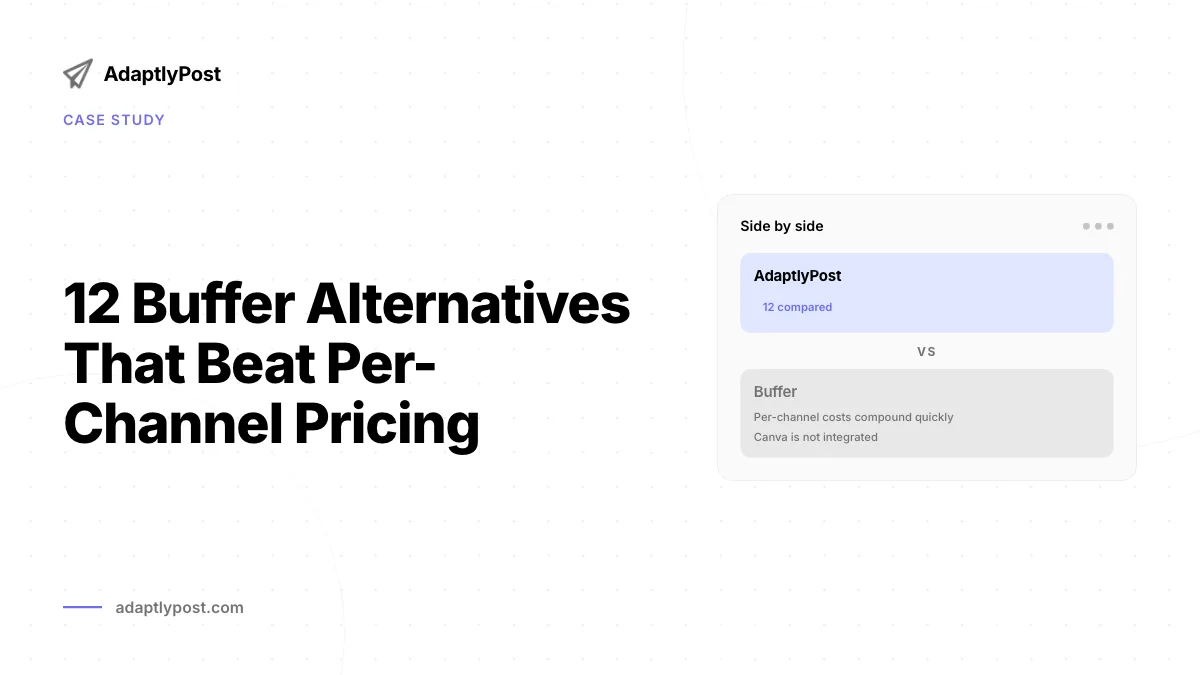
Per-channel costs compound quickly
Buffer's Essentials tier starts at $5 per channel per month. That looks reasonable in isolation -- until you connect 5 or 10 channels. Running 10 channels on the Team plan ($10/channel/mo) puts you at $100 monthly, which exceeds most flat-rate competitors that bundle dozens of accounts.

Canva is not integrated
Buffer lacks a built-in Canva connection in its post composer. Since the majority of creators design in Canva, this means downloading assets and re-uploading them to Buffer manually every time.
Reporting lacks depth
Buffer covers the basics in analytics but falls short of competitors when it comes to advanced reporting, competitor benchmarking, and customizable dashboards. Deeper features are either unavailable or gated behind premium tiers.
Evergreen content cannot be recycled
Every post in Buffer is a one-time publish. There is no mechanism for automatically resharing evergreen content -- a capability that platforms like SocialBee and Publer include natively.
Alternatives to Buffer: Quick Reference
| Tool | Ideal For | Entry Price | Free Option |
|---|---|---|---|
| AdaptlyPost | Top overall replacement | $19/mo | 7-day free trial |
| Mydrop | Agency client approvals | $19/mo | Yes |
| Hootsuite | Enterprise organizations | $99/user/mo | 14-day trial |
| Later | Visual feed planning | $25/mo | No |
| Publer | Budget-conscious users | $12/mo | Yes |
| SocialBee | Evergreen content rotation | $29/mo | 14-day trial |
| Metricool | Free-tier analytics | $20/mo | Yes |
| Sprout Social | Enterprise-grade reporting | $249/mo | 30-day trial |
| Planable | Team-based collaboration | $39/mo | Yes (50 posts) |
| Iconosquare | Instagram-focused metrics | $39/mo | Yes |
| CoSchedule | Blog + social coordination | $29/mo | 14-day trial |
| Tailwind | Pinterest-centric creators | $24.99/mo | Yes |
| Loomly | Content approval pipelines | $65/mo | No free plan |
Pricing verified July 2026.
1. AdaptlyPost -- Top Overall Buffer Replacement
AdaptlyPost tackles Buffer's main shortcomings head-on: per-channel billing and limited AI tooling. It delivers flat-rate pricing, unlimited scheduled posts, the AI Caption Copilot, and the AI Image Studio across every plan.
Where it surpasses Buffer:
- Flat pricing across three tiers ($19 / $39 / $89) with no per-channel scaling
- AI Caption Copilot inside the post composer
- AI Image Studio for in-composer image generation
- Bulk scheduling with per-post overrides for YouTube, TikTok, Pinterest, Instagram, and Facebook
- Live per-platform previews
- API access plus OpenClaw integration
- AI Agents & MCP for natural-language scheduling
- 10 platforms including Threads, Bluesky and Mastodon
Cost: Creator at $19/mo (30 accounts). Pro at $39/mo (60 accounts, 5 team members). Enterprise at $89/mo (100 accounts, 20 team members).
Ideal for: Creators and teams who need uncapped posting and built-in AI tooling without per-channel surcharges.
2. Mydrop -- Top Pick for Agencies With Client Approvals
Mydrop puts the calendar, AI content creation, approvals and the inbox in one workspace built for agencies and freelancers who run several brands. Clients review and approve each post in a portal branded with the agency's logo, without creating an account or swapping screenshots over email.
Where it surpasses Buffer:

AdaptlyPost
Start Your 7-Day Free Trial
All-platform analytics
Social Inbox
AI-powered assistant
- Flat pricing from $19/mo, with no per-channel or per-seat charges
- Free forever plan with 10 profiles and 3 brands, no credit card required
- Client approval portal branded for the agency
- AI Content Studio that rewrites the caption for each network in the brand's voice
- Unified inbox for comments, DMs and mentions
- Agency-branded PDF reports sent automatically every month
- Native Canva, Figma, Google Drive and Dropbox integrations
- 25 integrations, including Instagram, TikTok, YouTube, LinkedIn, Threads, Bluesky, Pinterest, Google Business Profile and WhatsApp
Cost: Free at $0 (20 posts/mo, 10 profiles). Starter at $19/mo (100 posts/mo, 25 profiles, 10 brands). Pro at $59/mo (500 posts/mo, 100 profiles, 5 team members). Enterprise at $249/mo (unlimited posts, brands and team members).
Ideal for: Agencies and freelancers who manage several brands and need clients to approve posts before they go live.
3. Hootsuite -- Top Pick for Enterprises
Hootsuite provides enterprise-caliber tools including social listening, CRM connections, and sophisticated team approval workflows.
Cost: Standard tier at $99/user/mo billed annually. Professional tier at $199/user/mo. Advanced runs up to $399/user/mo.
Ideal for: Marketing departments of 5+ people with layered approval processes and compliance needs.
4. Later -- Top Pick for Visual Planners
Later's Instagram grid preview and visual content calendar are its standout differentiators. If curating feed aesthetics is a priority, Later fills a gap Buffer cannot.
Cost: Starter at $25/mo. Growth at $50/mo. Scale at $110/mo.
Ideal for: Instagram-focused creators who put visual feed coherence first.
5. Publer -- Top Budget-Friendly Pick
Publer covers 13 platforms, includes AI image generation, and integrates with Canva -- all for a fraction of what Buffer costs when you connect multiple channels.
Cost: Free plan available. Professional at $12/mo. Business at $21/mo.
Ideal for: Cost-conscious creators who need wide platform coverage.
6. SocialBee -- Top Pick for Content Recycling
SocialBee's category-based framework automatically rotates and republishes evergreen content -- something Buffer simply cannot do.
Cost: Bootstrap at $29/mo. Accelerate at $49/mo.
Ideal for: Creators with libraries of evergreen content who want automated resharing.
7. Metricool -- Top Pick for Free Analytics
Metricool delivers competitor analysis and analytics depth at no cost that Buffer charges premium rates to access.
AdaptlyPost
Start Your 7-Day Free Trial
All-platform analytics
Social Inbox
AI-powered assistant
Cost: Free plan available. Starter from $20/mo.
Ideal for: Data-driven marketers who want robust free analytics alongside scheduling.
8. Sprout Social -- Top Pick for Enterprise Analytics
Sprout Social combines CRM capabilities, social listening, and the most granular analytics suite in the category.
Cost: Standard tier at $249/mo.
Ideal for: Large organizations and agencies that require enterprise-level reporting infrastructure.

9. Planable -- Top Pick for Team Collaboration
Planable supports unlimited users across all plans, with real-time commenting and configurable multi-level approval workflows.
Cost: Basic at $39/workspace/mo.
Ideal for: Teams with structured content review and sign-off processes.
10. Iconosquare -- Top Pick for Instagram Metrics
Iconosquare monitors over 100 metrics with industry benchmarks and competitive analysis tailored specifically for Instagram.
Cost: Launch tier at $39/mo.
Ideal for: Instagram-heavy accounts that require deep performance analytics.
11. CoSchedule -- Top Pick for Content Marketing
CoSchedule ties blog publishing and social scheduling together through a unified editorial calendar with ReQueue content recycling.
Cost: Social Calendar at $29/mo.
Ideal for: Bloggers and content marketers managing both written and social content.
AdaptlyPost
Start Your 7-Day Free Trial
All-platform analytics
Social Inbox
AI-powered assistant
12. Tailwind -- Top Pick for Pinterest Users
Tailwind leads the category for Pinterest scheduling with SmartSchedule, SmartLoop, and an integrated design tool.
Cost: Pro plan at $24.99/mo.
Ideal for: Pinterest-heavy creators and e-commerce businesses.
13. Loomly -- Top Pick for Content Approvals
Loomly packages content approval workflows, post mockups, and team collaboration at a competitive price point.
Cost: Starter at $65/mo for 3 users and 12 accounts, or $49/mo on annual billing.
Ideal for: Small teams that need approval workflows without enterprise-level pricing.
FAQ
Does Buffer still make sense in 2026?
Buffer remains a solid option for solo creators managing 1-3 channels who value simplicity above all. The free plan is genuinely useful, and paid tiers work well for uncomplicated scheduling. It becomes less competitive once you need 5+ channels, deeper analytics, or AI tools.
What is the most affordable Buffer alternative?
Publer's Professional plan at $12/month for 3 accounts is the lowest-cost paid alternative with comparable features. Metricool's free tier provides scheduling plus analytics at zero cost.
Which Buffer alternative has the strongest AI?
AdaptlyPost provides the AI Caption Copilot for platform-appropriate captions plus the AI Image Studio for in-composer image generation. Both are included on every plan, with monthly AI credits scaling by tier (150 / 400 / 1000). SocialBee's AI Copilot is also capable but comes at a higher total price.
How many platforms does AdaptlyPost support?
AdaptlyPost connects 11 platforms, including Threads, Bluesky, Mastodon and Telegram alongside YouTube, TikTok, Pinterest, Instagram, and Facebook. Bulk scheduling supports per-post overrides for each of those channels, plus live per-platform previews before you publish. All of that runs on flat-rate pricing across the $19, $39, and $89 tiers, with no per-channel surcharge.
How many platforms does Publer cover?
Publer covers 13 platforms, more than most flat-rate competitors on this list. It also includes AI image generation and a native Canva integration, all starting at $12/month on the Professional plan. A free plan is available for creators who want to test it first.
Does Hootsuite offer a free trial?
Hootsuite gives new users a 14-day trial before the Standard tier kicks in at $99/user/month, billed annually. Professional runs $199/user/month and Advanced goes up to $399/user/month for social listening, CRM connections, and layered approval workflows. Those tiers target marketing departments of 5 or more people, not solo creators.
Which alternative works best for Pinterest scheduling?
Tailwind leads the category for Pinterest scheduling with SmartSchedule and SmartLoop, plus an integrated design tool. The Pro plan runs $24.99/month and comes with a free tier to start. It suits Pinterest-heavy creators and e-commerce businesses more than a general-purpose scheduler does.
Does Planable have a free plan?
Planable's free plan covers 50 posts, enough to test its real-time commenting and multi-level approval workflows before paying. Paid plans start at $39/workspace/month on the Basic tier, with unlimited users included at every level. That unlimited-user structure is built for teams with structured review and sign-off processes.
How much do Sprout Social's plans cost?
Sprout Social's Standard tier starts at $249/month, the highest entry price on this list. That covers CRM capabilities, social listening, and what the post calls the most granular analytics suite in the category. A 30-day trial lets larger organizations test that reporting depth before committing to the price.
AdaptlyPost
Start Your 7-Day Free Trial
All-platform analytics
Social Inbox
AI-powered assistant
What makes CoSchedule different from a typical scheduler?
CoSchedule ties blog publishing to social scheduling through one editorial calendar, which sets it apart from tools that only handle social posts. It also includes ReQueue for recycling content automatically. The Social Calendar plan starts at $29/month with a 14-day trial.
Put this into practice with AdaptlyPost
Was This Article Helpful?
Let us know what you think!
See us more often in Google
One click marks AdaptlyPost as a preferred source, so our articles sit higher in your Top Stories, AI Mode, and AI Overviews.
Before you go...
AdaptlyPost
Schedule your content across all platforms
Manage all your social media accounts in one place with AdaptlyPost.
All-platform analytics
Social Inbox
AI-powered assistant
Related Articles
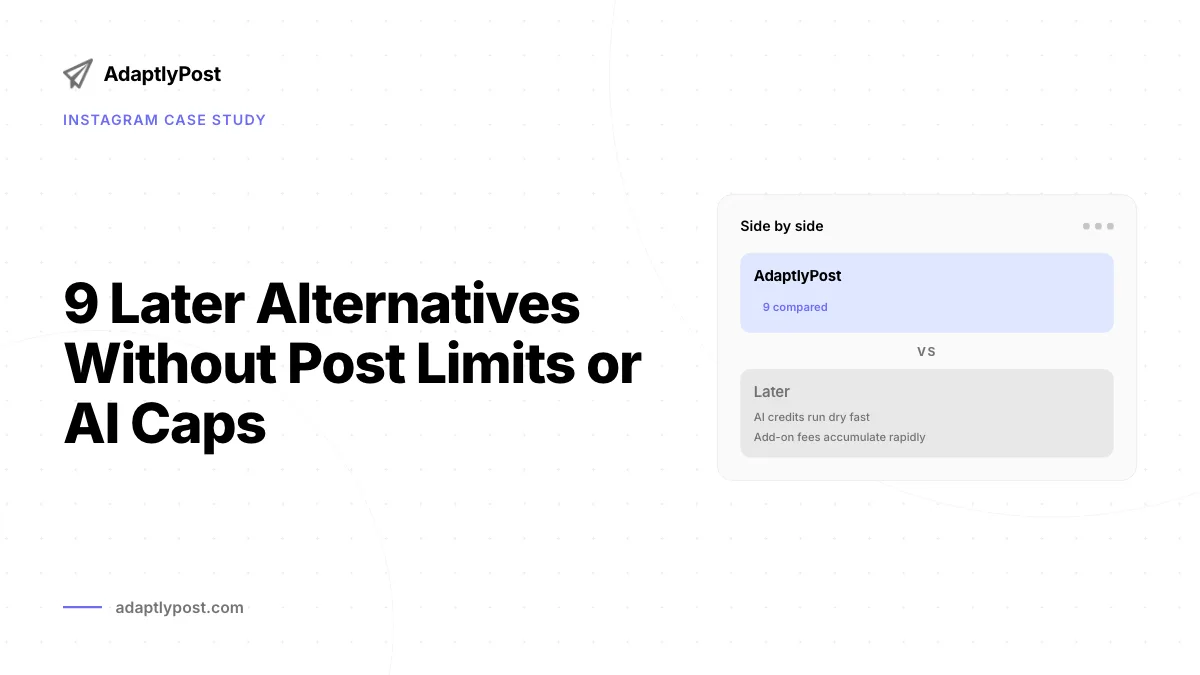
9 Later Alternatives Without Post Limits or AI Caps
See pricing, feature gaps, and best-fit use cases for 9 Later alternatives side by side before you switch in 2026.
Compare SocialBee Alternatives Without Per-User Fees
Compare pricing, workflows, analytics, and publishing support across the best SocialBee alternatives before you switch tools.
Seat-Based Pricing Biting? Nine Agorapulse Alternatives Compared
Per-seat billing is the usual trigger. Nine Agorapulse alternatives compared on pricing, feature gaps, and the team size each one actually suits.