
TL;DR, Quick Answer
4 min readInstagram polls are only available in Stories, not regular posts. Create them using the poll sticker, ask engaging questions, and use results to inform your content strategy.
This guide answers the question: How to make a poll on Instagram. Hunting for a poll option under a feed post is the first dead end, because how to make a poll on Instagram begins and ends in Stories, where the sticker actually lives and where the results disappear after 24 hours.
Before You Begin:
The poll sticker is a Stories-exclusive feature -- it does not exist for standard feed posts. Polls cost nothing to use and stay visible for 24 hours by default. If you want them to last longer, save the Story to a Highlight on your profile.
- No poll sticker option
- Only a caption question
- Poll sticker in the editor
- Tap-to-vote widget
- Free to use

Setting Up a Poll in Instagram Stories: A Walkthrough
The interactive polling sticker can only be accessed through the Stories editor. Once posted, your poll will remain live for a full day. You can certainly pose a question in a caption on a regular post, but the tap-to-vote poll widget is reserved for Stories.
Wrapping Up
Polls on Instagram Stories offer a straightforward yet highly effective way to deepen audience engagement, gather meaningful opinions, and drive up interaction rates across your content. With the steps and creative approaches outlined in this guide, you can forge tighter bonds with your community while uncovering actionable insights for your brand or personal page.
Make polling a regular habit, craft questions that genuinely interest your audience, and take action on the feedback you receive. The more frequently you invite participation through polls, the more invested your followers will become in your future content -- and the more likely they are to stick around for the long haul.
Frequently Asked Questions
Can you add a poll to an Instagram feed post?
No, the poll sticker only exists inside the Stories editor, so it never shows up as an option under a regular feed post. You can still type a question into a caption, but that leaves out the tap-to-vote widget entirely. For actual voting, the poll has to run in Stories.
Where do you find the poll sticker on Instagram?
Open the Stories editor and look for the sticker tray, where the poll option sits alongside the other interactive stickers. It only appears when you're creating a Story, not when you're composing a feed post. Tap it to drop the poll onto your Story before you post.
How long does an Instagram poll stay up?
An Instagram poll stays live for 24 hours by default, matching the lifespan of the Story it's attached to. Once that window closes, the poll and its results disappear along with the Story. Saving the Story to a Highlight is the only way to keep it around longer.
Does an Instagram poll cost anything to run?
Polls cost nothing to create or run. The sticker is a free feature built into the Stories editor, available to any account posting a Story. There's no paid tier or unlock required to use it.
How do you keep an Instagram poll visible after 24 hours?
Save the Story carrying the poll to a Highlight on your profile before the 24 hour window closes. Once it's in a Highlight, the poll stays visible to visitors past its original expiration. Skipping that step means the poll disappears for good when the Story does.

What happens to Instagram poll results after the Story expires?
The results disappear along with the Story once the 24 hour window ends, unless you saved it to a Highlight first. There's no separate results page that keeps the data after that. Whatever you plan to do with the answers, check them before the Story expires.
Can you ask a poll question in an Instagram caption instead of Stories?
You can write a question in a feed post caption, and followers can respond in the comments. That's not the same as a poll, since the tap-to-vote widget is reserved for Stories and never attaches to a regular post. Anyone wanting the actual poll sticker has to use Stories.
Why use Instagram polls instead of just asking in a caption?
A caption question relies on people typing out a comment, which takes more effort than a single tap. The Stories poll sticker turns that into a tap-to-vote interaction, which pulls in more responses and gives a cleaner read on where your audience stands. It also feeds directly into the kind of actionable insight a caption thread rarely produces.

AdaptlyPost
Start Your 7-Day Free Trial
All-platform analytics
Social Inbox
AI-powered assistant
How often should you post polls on Instagram Stories?
Making polling a regular habit is what builds the payoff, since a one-off poll won't tell you much about your audience over time. Ask questions your followers actually care about and follow through on what the answers tell you. The more often you invite that participation, the more invested followers become in what you post next.
Do Instagram polls help with audience engagement?
Instagram Stories polls give a direct way to deepen engagement, collect real opinions, and lift interaction rates on your content. They also surface actionable insight for your brand or personal page that you can act on directly. Combined with saving strong ones to a Highlight, they keep working past the original 24 hours.
Put this into practice with AdaptlyPost
Was This Article Helpful?
Let us know what you think!
See us more often in Google
One click marks AdaptlyPost as a preferred source, so our articles sit higher in your Top Stories, AI Mode, and AI Overviews.
Before you go...
AdaptlyPost
Schedule your content across all platforms
Manage all your social media accounts in one place with AdaptlyPost.
All-platform analytics
Social Inbox
AI-powered assistant
Related Articles
Understand What Happens When You Restrict Someone on Instagram
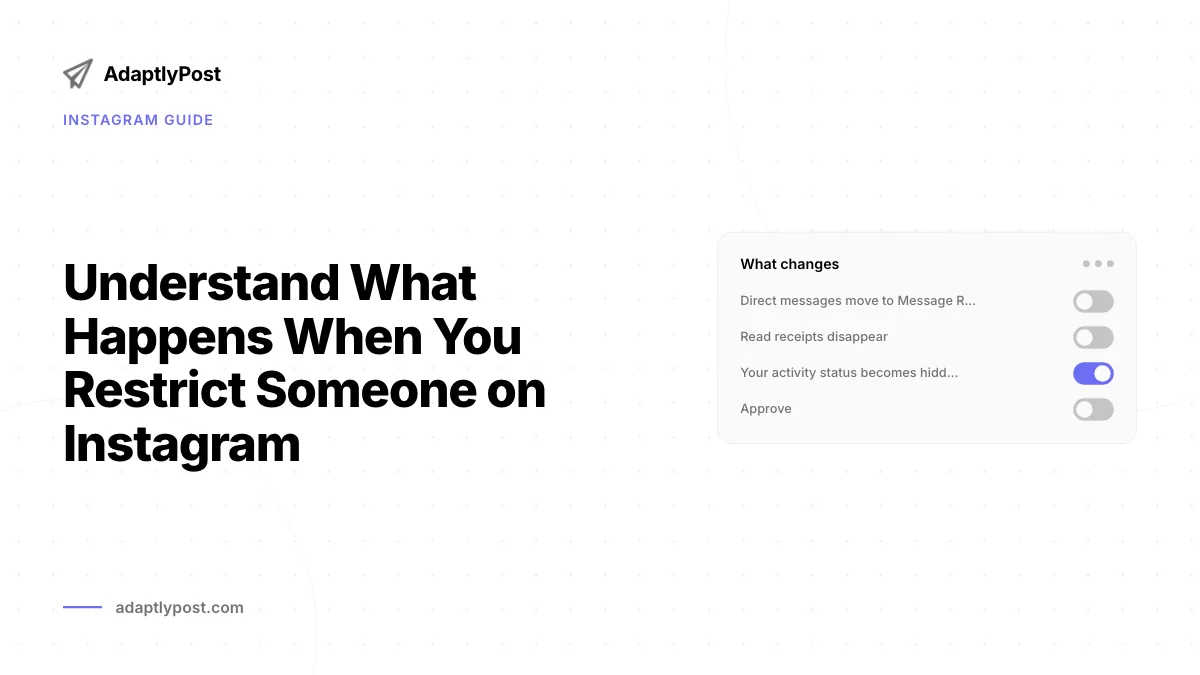
Curious what happens when you restrict someone on Instagram? Their comments hide, DMs move to requests, no alert fires. Plus when blocking is the better call.
Clever Captions for Instagram: 8 Formulas That Boost Engagement
Eight caption formulas that make an ordinary photo sound intentional, from behind-the-scenes honesty to expectation-versus-reality contrasts.

Useful Context - Instagram Story Post Planner
Meta Business Suite queues Stories free, but only with a Page attached. What an Instagram story post planner has to handle, and the third-party options.