
TL;DR, Quick Answer
5 min readCheck Instagram username availability by searching in the app, using the signup flow, or using a free checker tool. Design your username for Twitter first (15-char limit) for cross-platform consistency.
Chasing Instagram usernames becoming available soon 2026 starts with working out whether the handle you want is genuinely taken or merely dormant. On a platform past two billion monthly accounts, that handle shows up in search, comments, tags, Reels, Stories, and every single mention.
A sharp, on-brand Instagram handle communicates professionalism and trustworthiness. On the other hand, one that is awkward or hard to remember introduces friction, sparks skepticism, and quietly loses you potential followers.
Below, you will find three no-cost approaches to verify whether an Instagram username is up for grabs, the complete set of naming rules enforced by the platform, practical workarounds for when your preferred handle is already claimed, creative naming alternatives that hold up well, and steps to safeguard your handle after you secure it.
Free Instagram Username Tools at a Glance
| Tool | Purpose | Link |
|---|---|---|
| Instagram Handle Checker | Instantly validates your handle against formatting rules and provides a direct verification link | Check Username Availability |
| Instagram Username Generator | Produces 10 creative, rule-compliant username suggestions tailored to your niche | Generate Username Ideas |
Both tools are completely free, require no account creation, and deliver results instantly.
Instagram Username Rules and Requirements (2026)
| Rule | Details |
|---|---|
| Length | Between 1 and 30 characters |
| Permitted characters | Letters (a-z), digits (0-9), periods (.), underscores (_) |
| Case sensitivity | Usernames are not case-sensitive |
| Spaces | Prohibited |
| Special characters | Hyphens, ampersands, and exclamation marks are not permitted |
| Period rules | Cannot appear at the beginning or end; consecutive periods are banned |
| Underscore rules | Permitted in any position |
| Change limit | Two changes allowed within any 14-day window |
| Uniqueness | Each username must be one of a kind |
Cross-Platform Username Comparison
| Platform | Character Limit | Periods OK? | Underscores OK? | Hyphens OK? |
|---|---|---|---|---|
| 30 chars | Yes | Yes | No | |
| TikTok | 24 chars | Yes | Yes | No |
| Twitter/X | 15 chars | No | Yes | No |
| YouTube | 30 chars | Yes | Yes | Yes |
Important takeaway: With its 15-character cap and prohibition on periods, Twitter/X imposes the tightest restrictions of any major platform. To ensure your handle works everywhere, start by designing it for Twitter's constraints first.
Commonly Overlooked Rules
- Your username doubles as a permanent URL: Switching your handle later means your profile link changes too, which breaks any previously shared links or printed QR codes
- Display names operate independently: Unlike usernames, display names support spaces and special characters
- Instagram releases old usernames right away: When you change your handle, unlike TikTok, Instagram makes your previous username immediately available to anyone
- Released immediately for anyone to claim
- Old profile links and QR codes stop working
- Becomes your new permanent profile URL
- Display name still carries spaces and symbols

Method 1: Manual Check Within the Instagram App
Option A: Search for the Username
Launch Instagram, tap the search icon, and enter the username you are interested in. If a matching profile appears, the name is claimed. If you see no exact match, it could be available -- though this method is not fully reliable for dormant or private accounts.
Option B: Start the Signup Process
Open the Instagram app and begin the account creation flow (you do not need to complete it). Enter your desired handle, and Instagram will display a green checkmark if the name is free or show an error message if it is taken.
Option C: Edit Your Existing Username
Navigate to your profile, select Edit Profile, and type the prospective username into the username field. Instagram provides real-time feedback on availability, making this the most dependable in-app approach.
Method 2: Use a Free Handle Checker Tool
The Instagram Handle Checker from AdaptlyPost instantly validates formatting requirements and generates a direct link so you can verify availability on Instagram itself.
Method 3: Browser-Based Check
Go to instagram.com/desiredusername in any web browser. A visible profile means the handle is taken. A "Sorry, this page isn't available" message suggests the username might be open for registration.
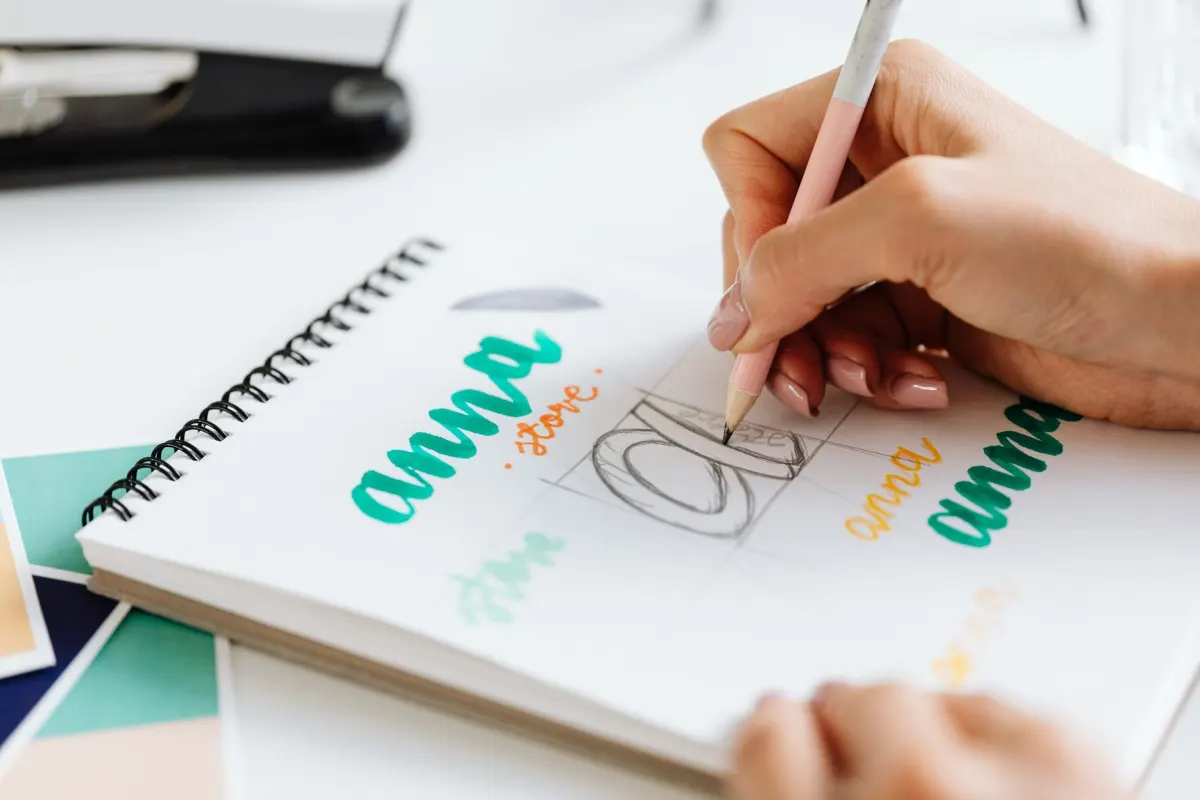
Strategies When Your Preferred Username Is Taken
- Append a location indicator: @shopnamenyc, @brandnameuk
- Incorporate your niche: @janefitness, @mikecooks
- Prefix with "get," "the," or suffix with "hq": @getbrandname, @thebrandname, @brandnamehq
- Add a descriptor like "studio," "co," or "app": @brandstudio, @brandco
Stay away from: arbitrary number strings, chains of underscores, and misspellings of well-known brand names.
Frequently Asked Questions
Is it possible to check Instagram username availability without having an account?
Yes. Simply visit instagram.com/username in any browser. If you land on a "Sorry, this page isn't available" notice, the handle might be open. For a definitive answer, go through the signup flow.
Can I request an inactive Instagram username?
Instagram does not offer a formal procedure for reclaiming inactive handles. You can file a report if an account infringes on your trademark through Instagram's IP reporting form, but a transfer is never guaranteed.

AdaptlyPost
Start Your 7-Day Free Trial
All-platform analytics
Social Inbox
AI-powered assistant
How frequently am I allowed to change my Instagram username?
Instagram permits up to two username changes within a rolling 14-day period. Once you have used both changes, you will need to wait for the window to reset before making another update.
What characters can I use in an Instagram username?
Instagram accepts letters, digits, periods, and underscores. Hyphens, ampersands, and exclamation marks are not permitted, and spaces are prohibited entirely. The platform treats uppercase and lowercase letters as the same, so case does not affect availability.
Can an Instagram username start or end with a period?
No, Instagram blocks a period at the very start or end of a username. Consecutive periods are banned too, so "jane..doe" would get rejected. Underscores face no such restriction and can sit anywhere in the handle.
What is the difference between a username and a display name on Instagram?
Your username is the fixed handle in your profile URL and must follow Instagram's formatting rules. Your display name sits above it, updates freely, and can include spaces and special characters the username itself cannot. Changing one has no effect on the other.
Why might the Instagram app search bar miss a username that is actually taken?
The in-app search reflects active, discoverable accounts, so it can fail to surface dormant or private profiles that still hold the name. A blank search result only means the handle might be free, not that it is confirmed free. Running the name through the signup flow or the Edit Profile field gives a more dependable answer.
Which in-app method gives the most reliable availability check?
Editing your existing username through Edit Profile is the most dependable in-app method, since Instagram checks the field in real time as you type. Starting the signup flow without finishing it works nearly as well, showing a green checkmark or an error message. Searching alone is the weakest option because it misses dormant and private accounts.
How many characters can an Instagram username have?
An Instagram username can run anywhere from 1 to 30 characters. That is double Twitter/X's 15-character cap, so a handle built for Instagram alone may not transfer cleanly to other platforms. Designing around the tighter limit first keeps the same name usable everywhere.
Can I use hyphens in my Instagram handle?
Hyphens are not permitted in Instagram usernames, along with ampersands and exclamation marks. Periods and underscores are the only punctuation allowed, and periods cannot open or close the handle. YouTube is the one major platform among the four compared here that does allow hyphens.
Put this into practice with AdaptlyPost
Was This Article Helpful?
Let us know what you think!
See us more often in Google
One click marks AdaptlyPost as a preferred source, so our articles sit higher in your Top Stories, AI Mode, and AI Overviews.
Before you go...
AdaptlyPost
Schedule your content across all platforms
Manage all your social media accounts in one place with AdaptlyPost.
All-platform analytics
Social Inbox
AI-powered assistant
Related Articles
Understand What Happens When You Restrict Someone on Instagram
Curious what happens when you restrict someone on Instagram? Their comments hide, DMs move to requests, no alert fires. Plus when blocking is the better call.
A Practical Overview - Instagram Hide Like Count Setting Steps
Two separate toggles exist. The Instagram hide like count setting steps for your own posts and your feed, and what changes in your engagement reporting.
The Secret to Resetting Your Instagram Explore Feed (Works Every Time)
Search history, interests, and explicit not-interested taps all pull. How to reset Instagram explore feed six ways, ranked by how fast each one works.